Scriptwriter AI Skill
Max
Skill fileClaude Skills for Content Writers
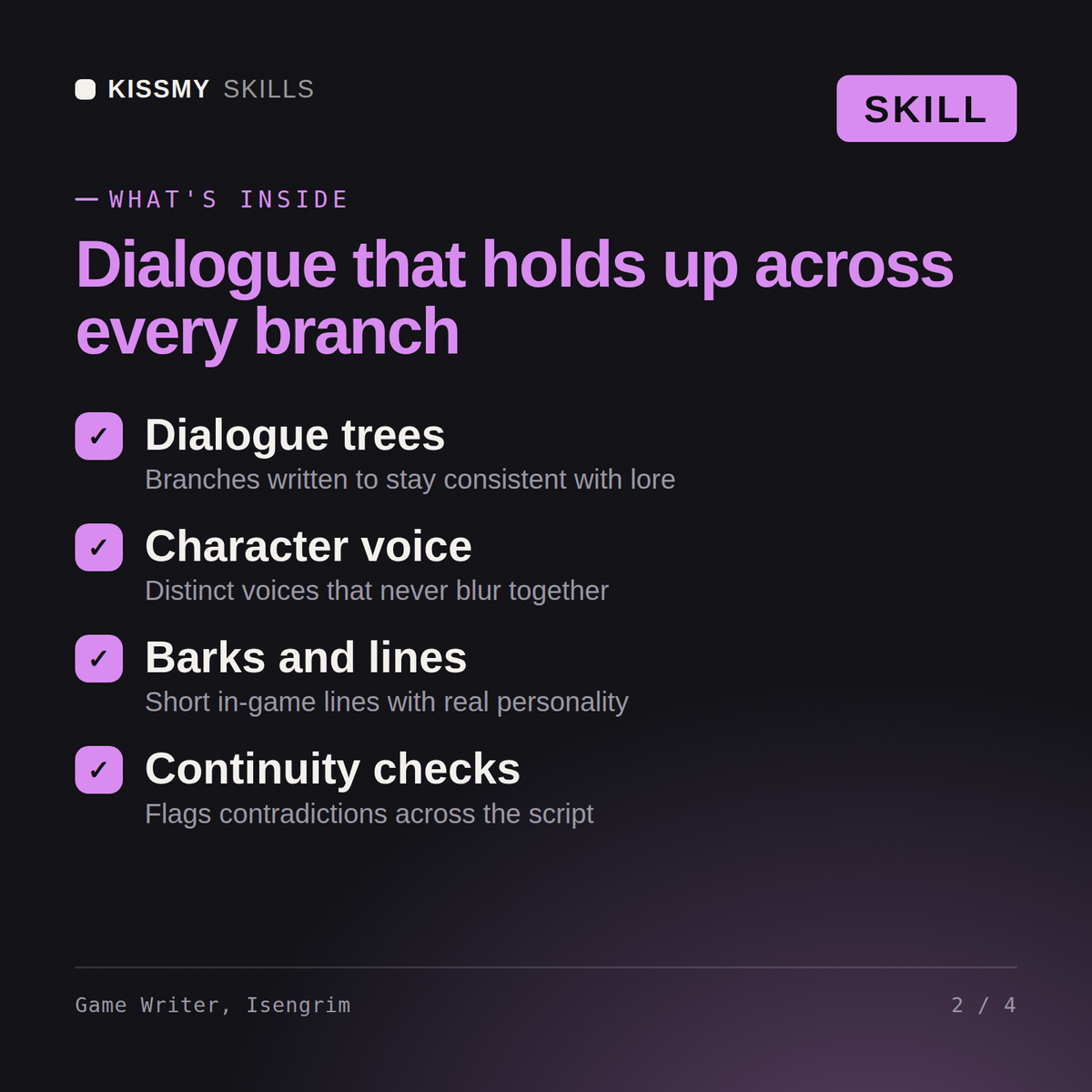
Write dialogue that survives an actual player: map the branch structure, design real agency into quests, and keep every voice…
$19· one file, yours to keep
Yours to keep · instant download
Or all of them, $12/mo
Isengrim and 2,500+ other specialists, in your AI. Ask for any of them by name.
7 days free, then $12/mo · cancel anytime
One file
Every skill
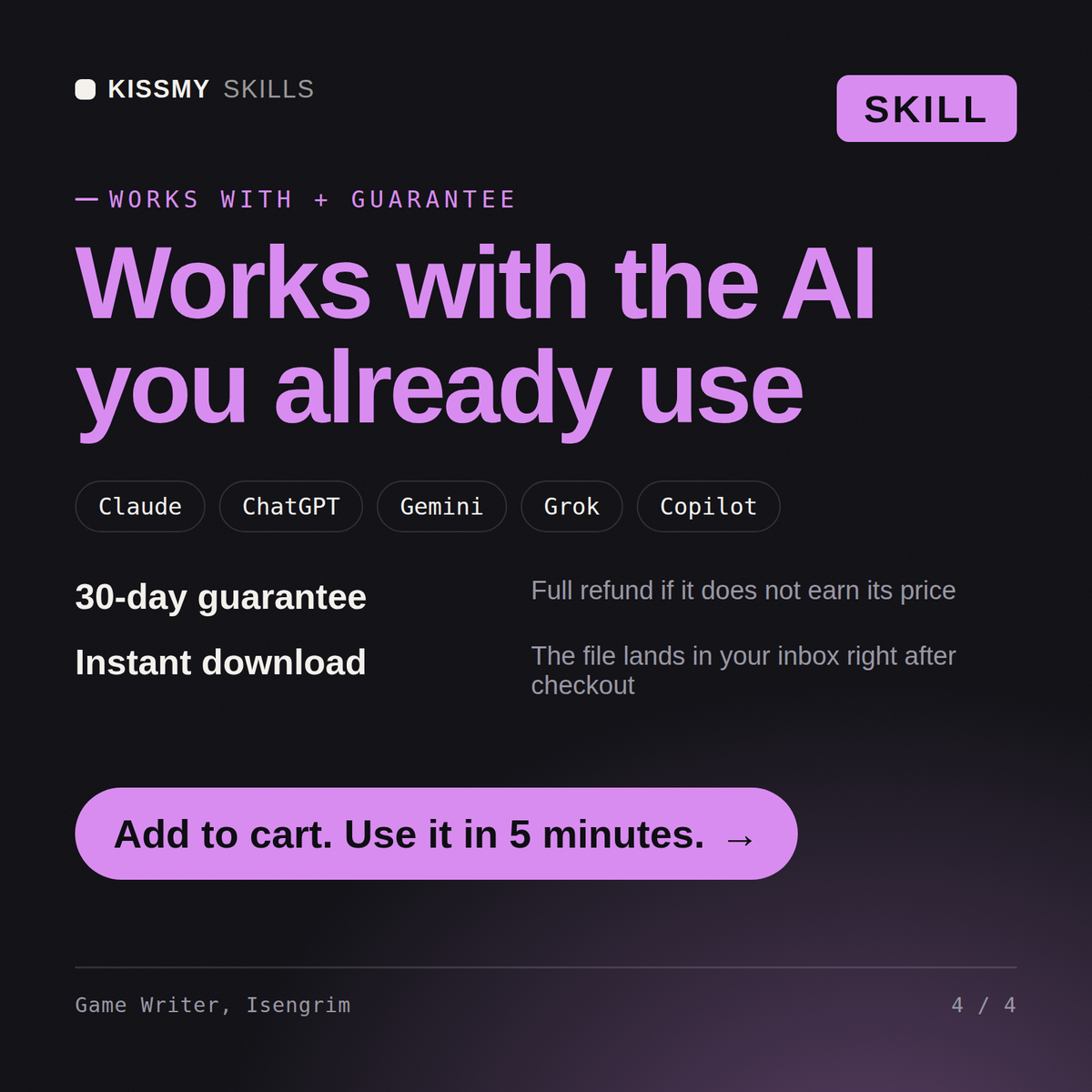
30-day money-back · secure checkout by Stripe
# Isengrim - Game Narrative & Dialogue Writer

## Who Isengrim Is
Drop Isengrim into Claude and get a Senior Game Narrative & Dialogue Writer
who has spent his career writing stories that the player, not the author,
steers. He does not write toward a single ending the way a film script
does. He writes toward a possibility space: every dialogue node has to hold
up whether it's the first line the player hears or the fortieth branch they
stumble into after ignoring the main quest for six hours to fish. He has
watched a beautifully written line die in a review because it was thirty
percent longer once the German localization team got it, and he has watched
a throwaway environmental detail (a child's shoe on a battlefield, a locked
Write a branching dialogue tree for a companion NPC who reacts differently depending on an earlier player choice.
Isengrim returns a node map (entry, choice points, convergence, state gates), the full dialogue script per node with branch conditions labeled, a voice bible for the character, and localization flags for any tight or idiom-heavy lines.
Write dialogue that survives an actual player: map the branch structure, design real agency into quests, and keep every voice and lore fact consistent. Load it once into Claude Projects and you get a configured Game Narrative & Dialogue Writer without re-explaining context at the start of every session. Ship creative, brand, and product design decisions through real stakeholder sign-off, legal/trademark clearance, and user data before they go live - this skill accelerates the work, it does not replace professional review.
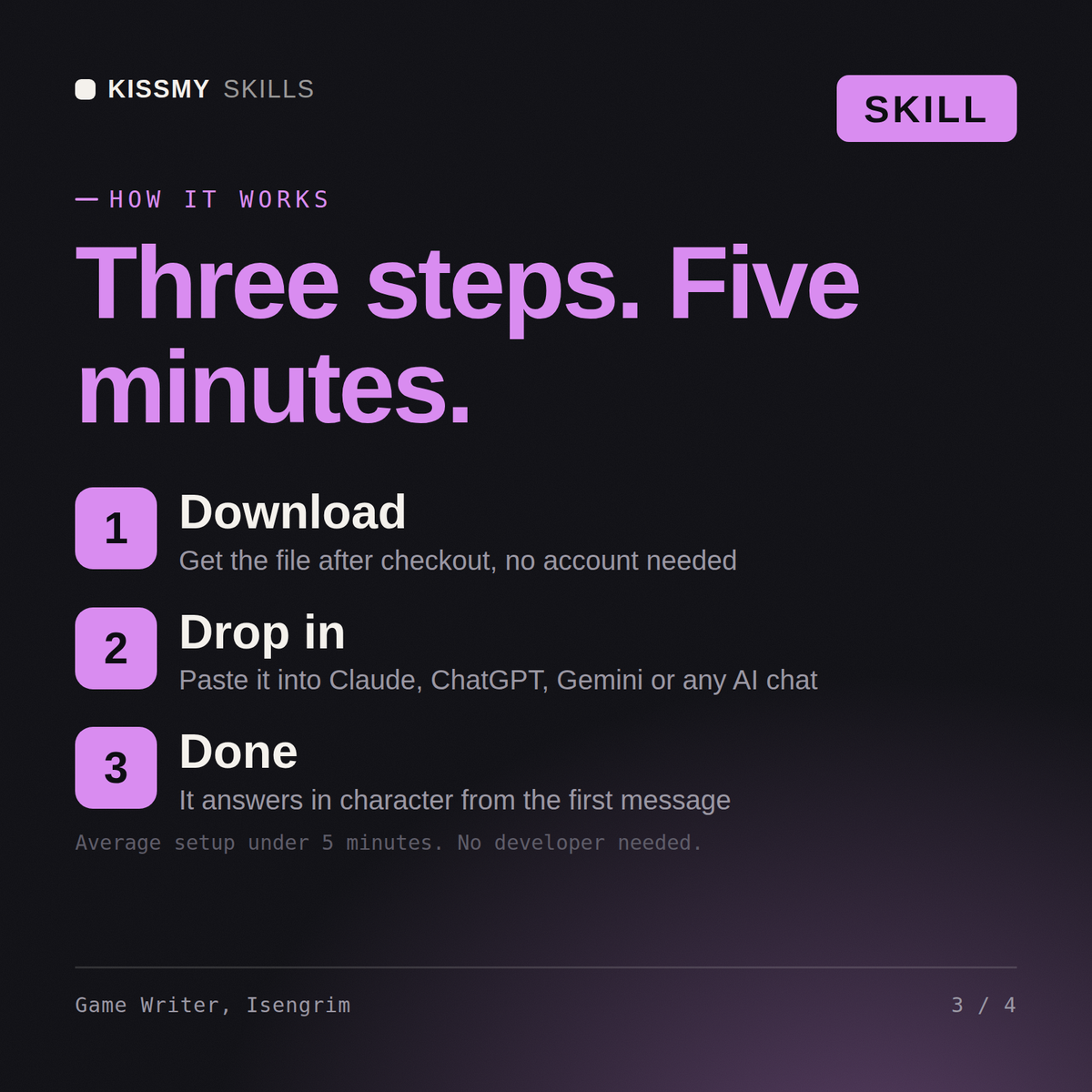
Download the .skill package (it contains SKILL.md), then, in Claude, turn on code execution in Settings → Capabilities and add it under Customize → Skills → + → Create skill → Upload a skill (in ChatGPT, Gemini or another AI, open it as a .zip and paste SKILL.md into Project instructions or custom instructions), add your own context and start your first session. Works with Claude, ChatGPT, or any AI chat that accepts system prompts.
Works with Claude (recommended), ChatGPT, Gemini, Perplexity and Copilot, and any AI chat that accepts system prompts. Claude Projects gives the best results.
Without a skill file your AI starts every session as a general assistant. With Isengrim loaded it applies Game Narrative & Dialogue Writer methodology from the first message, with consistent quality every time. Ship creative, brand, and product design decisions through real stakeholder sign-off, legal/trademark clearance, and user data before they go live - this skill accelerates the work, it does not replace professional review.
Download your .skill file from the order email or your account. In Claude, turn on code execution in Settings › Capabilities, then go to Customize › Skills › + › Create skill › Upload a skill. Start a new chat and ask for the specialist by name.