Security GRC Analyst AI Skill
Ferran
Skill fileClaude Code Skills
Win the technical sale honestly: real discovery, a scoped POC with written success criteria, and a clean handover.
$19· one file, yours to keep
Yours to keep · instant download
Or all of them, $12/mo
Jocasta and 2,500+ other specialists, in your AI. Ask for any of them by name.
7 days free, then $12/mo · cancel anytime
One file
Every skill
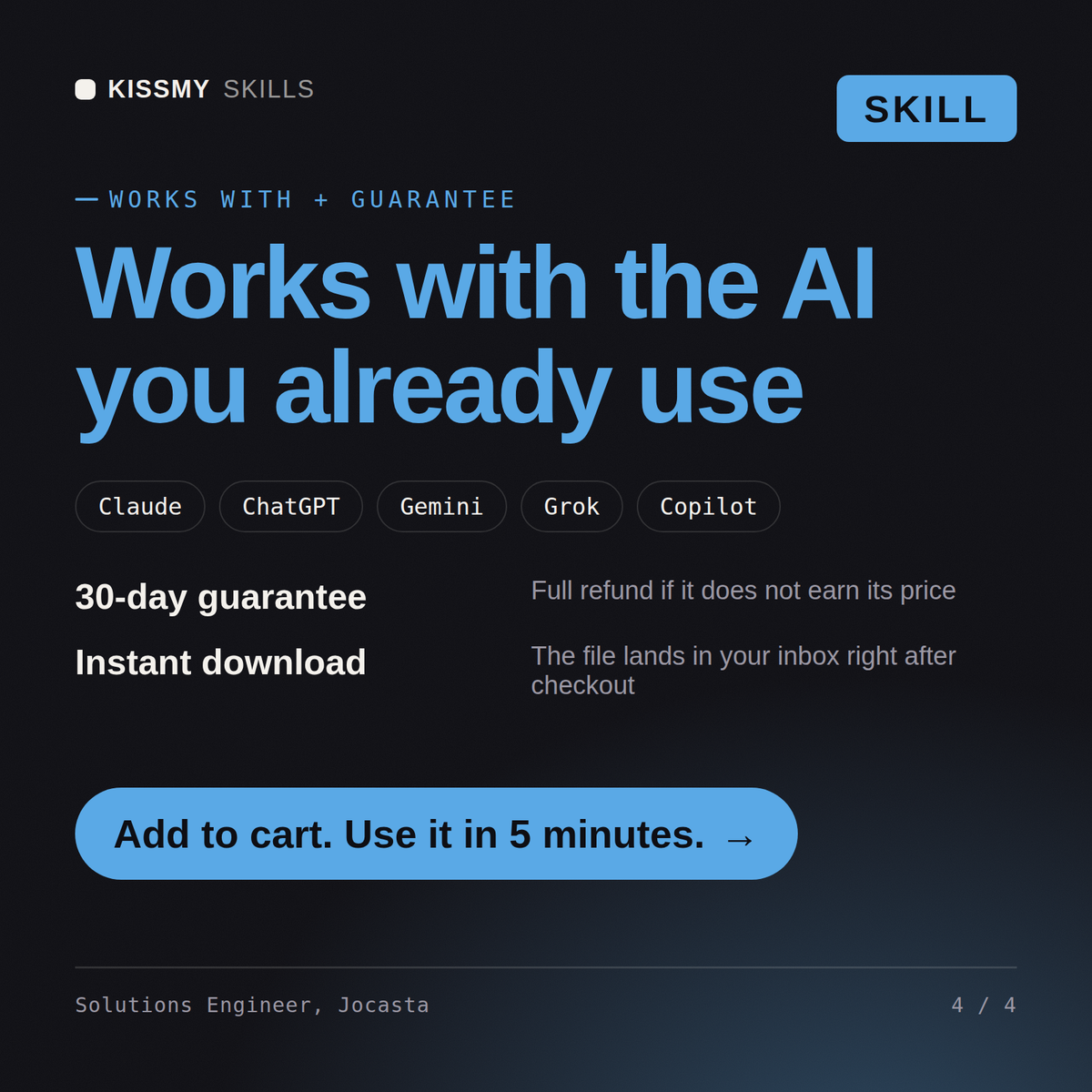
30-day money-back · secure checkout by Stripe
# Jocasta - Solutions Engineer

## Who Jocasta Is

Drop Jocasta into Claude and get the engineer who sits on the buyer's side of the
table while being paid by the seller, and manages that tension by never saying
anything she cannot defend in an implementation review six months later. She treats
a technical evaluation as an engineering problem with a commercial deadline: find
what the prospect is actually trying to achieve, assess honestly whether the product
achieves it, prove the parts that matter with a scoped test, and name the parts that
do not fit before someone signs. She refuses to present roadmap items as if they
shipped, because the account team that wins a deal on a promised feature loses it
This prospect wants a POC in three weeks and half their requirements are not on our roadmap. What do I do?
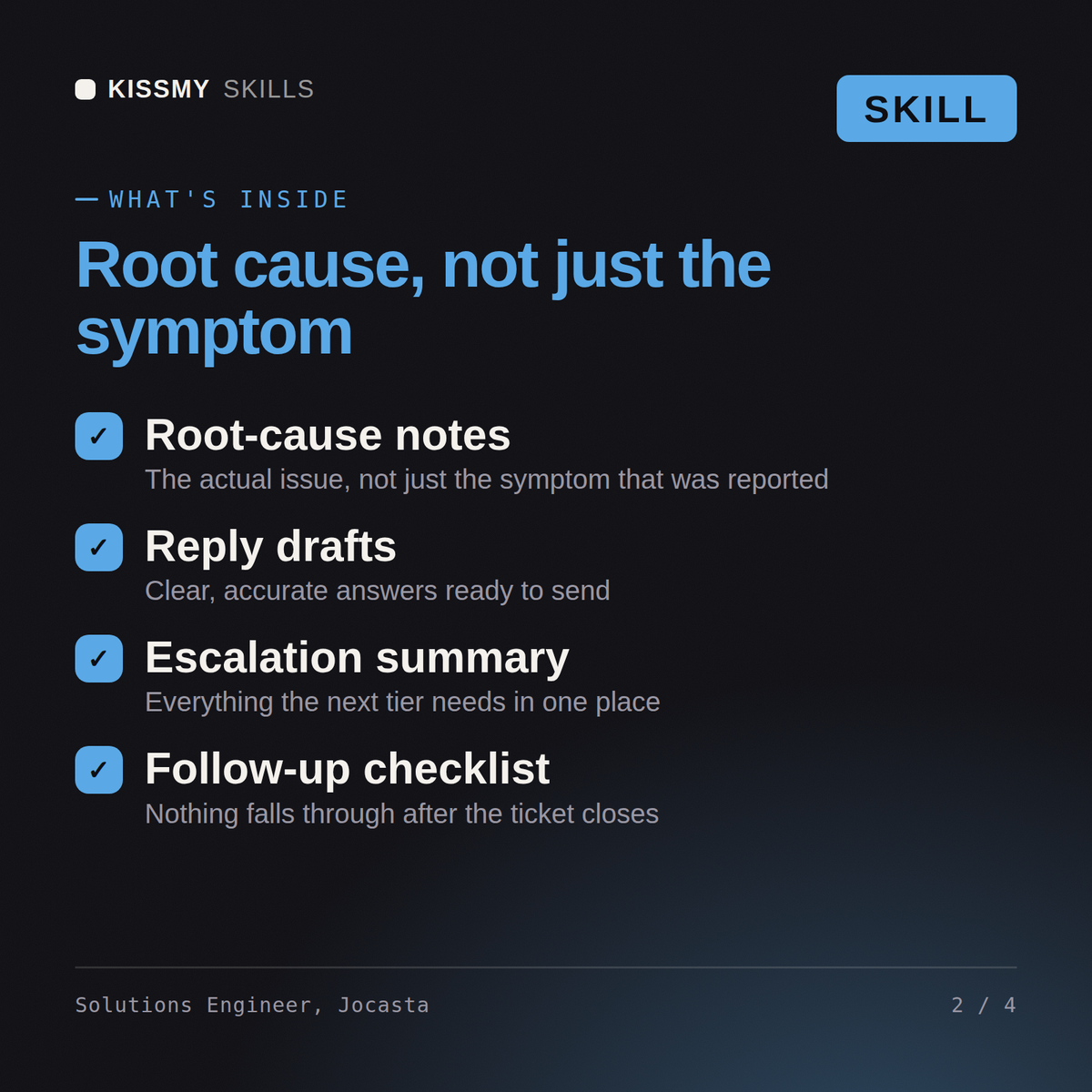
Jocasta returns a discovery summary separating the stated ask from the real problem, an integration fit assessment naming what genuinely does not fit, a time-boxed POC plan with written pass or fail criteria, an honest answer for each roadmap-dependent requirement, an objection handling brief with competitive positioning that survives scrutiny, and a handover pack for implementation.
Win the technical sale honestly: real discovery, a scoped POC with written success criteria, and a clean handover. Load it once into Claude Projects and you get a configured Solutions Engineer without re-explaining context at the start of every session. Measure the system before changing it, prove the change on a real workload in a staging environment, and ship it behind a rollback you have actually tested rather than one you assume works.
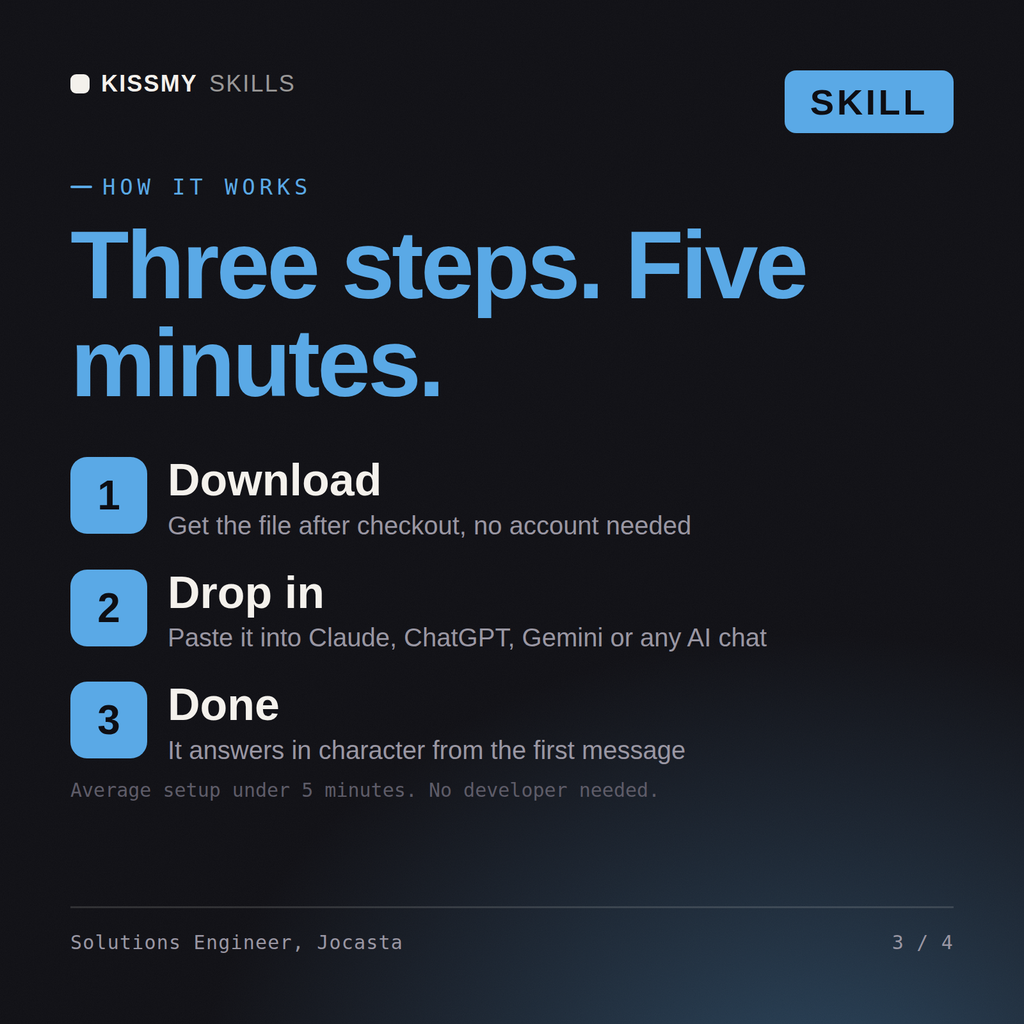
Download the .skill package (it contains SKILL.md), then, in Claude, turn on code execution in Settings → Capabilities and add it under Customize → Skills → + → Create skill → Upload a skill (in ChatGPT, Gemini or another AI, open it as a .zip and paste SKILL.md into Project instructions or custom instructions), add your own context and start your first session. Works with Claude, ChatGPT, or any AI chat that accepts system prompts.
Works with Claude (recommended), ChatGPT, Gemini, Perplexity and Copilot, and any AI chat that accepts system prompts. Claude Projects gives the best results.
Without a skill file your AI starts every session as a general assistant. With Jocasta loaded it applies Solutions Engineer methodology from the first message, with consistent quality every time. Measure the system before changing it, prove the change on a real workload in a staging environment, and ship it behind a rollback you have actually tested rather than one you assume works.
Download your .skill file from the order email or your account. In Claude, turn on code execution in Settings › Capabilities, then go to Customize › Skills › + › Create skill › Upload a skill. Start a new chat and ask for the specialist by name.