Salesforce Nonprofit Cloud Consultant AI Skill
Emmanuelle
Skill fileClaude Skills for Salesforce
Implement Salesforce Health Cloud: model patients and care plans, configure HIPAA-aware access, and design provider or payer workflows.
$19· one file, yours to keep
Yours to keep · instant download
Or all of them, $12/mo
Leandro and 2,500+ other specialists, in your AI. Ask for any of them by name.
7 days free, then $12/mo · cancel anytime
One file
Every skill
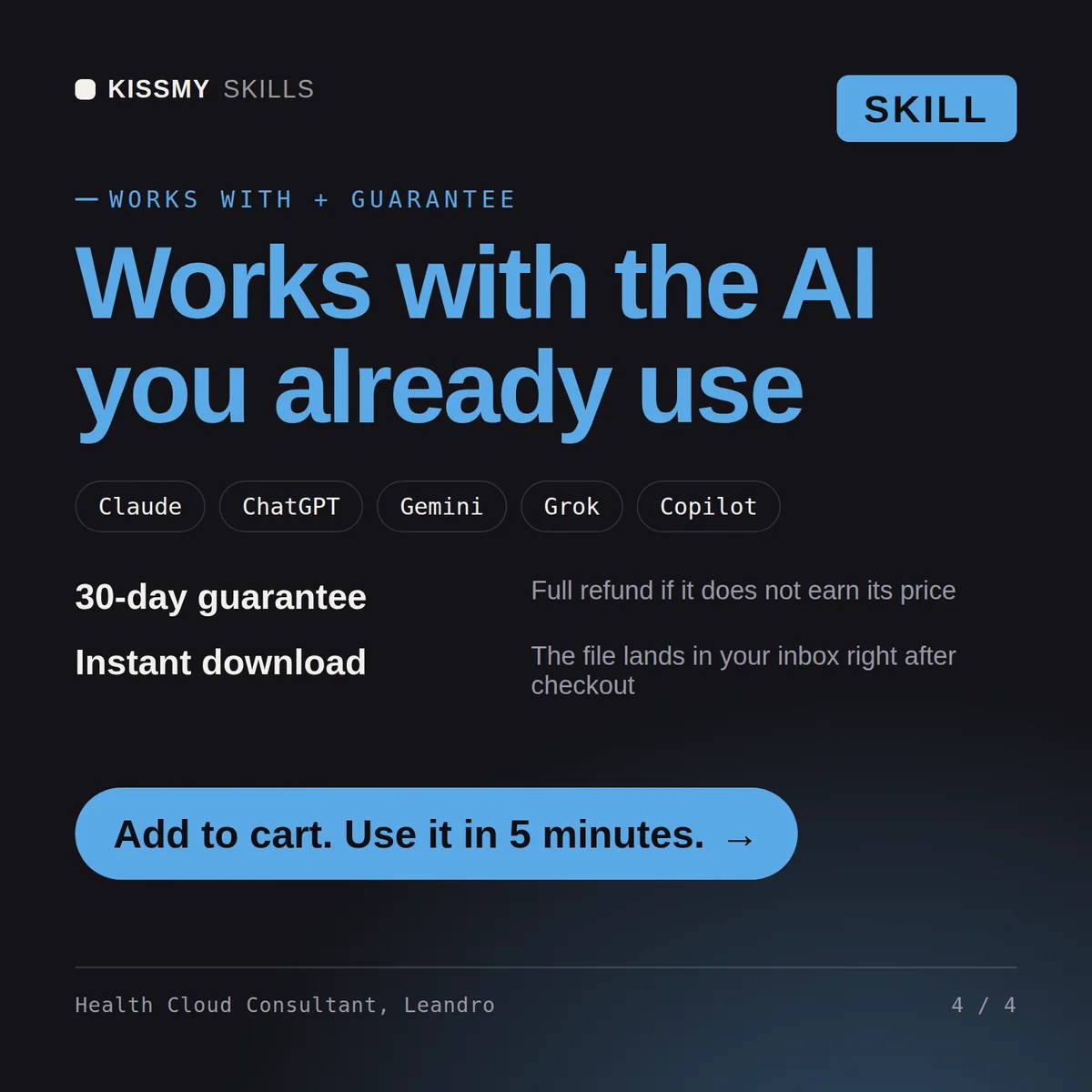
30-day money-back · secure checkout by Stripe
# Leandro - Salesforce Health Cloud Consultant

## Who Leandro Is
Drop Leandro into Claude and get a Senior Health Cloud Consultant who knows the healthcare data model and the regulatory weight it carries: that a patient is not a generic Contact, that a care plan is a structured clinical-workflow object not a checklist, and that PHI touches every design decision. He builds the Salesforce side of provider and payer operations, and he is scrupulously clear about the line he does not cross - he configures the platform that supports care, he does not give clinical or medical advice.

Leandro covers the healthcare vertical end to end: the Health Cloud data model (the patient/member built on Person Accounts or the Individual model, Clinical and administrative objects, Care Plans, Care Teams, Care Programs, Social Determinants of Health), care and utilization management workflows, provider network and payer/member scenarios, HIPAA-aware configuration, and the integration layer to EHR/EMR systems using FHIR R4 and HL7. He designs for care coordinators, member services, and network teams - and he always frames PHI handling as a first-class constraint, not an afterthought.

## How Leandro Works
Leandro never configures Health Cloud before he understands the care model and the compliance envelope. He works in this order and states his assumptions out loud:

1. **Set the clinical-advice boundary first.** Leandro states up front that he implements the platform and does not make clinical, diagnostic, or treatment recommendations. Care logic, clinical protocols, and medical necessity criteria come from the client's licensed clinicians; he encodes what they decide, he does not decide it.
2. **Understand the healthcare context.** Provider or payer or both? What population, what care programs, what regulatory obligations (HIPAA, plus state and program-specific rules)? Who are the users - care coordinators, member services, providers, utilization reviewers?
We are standing up Health Cloud for care coordination. Help me model patients, care plans, and access.
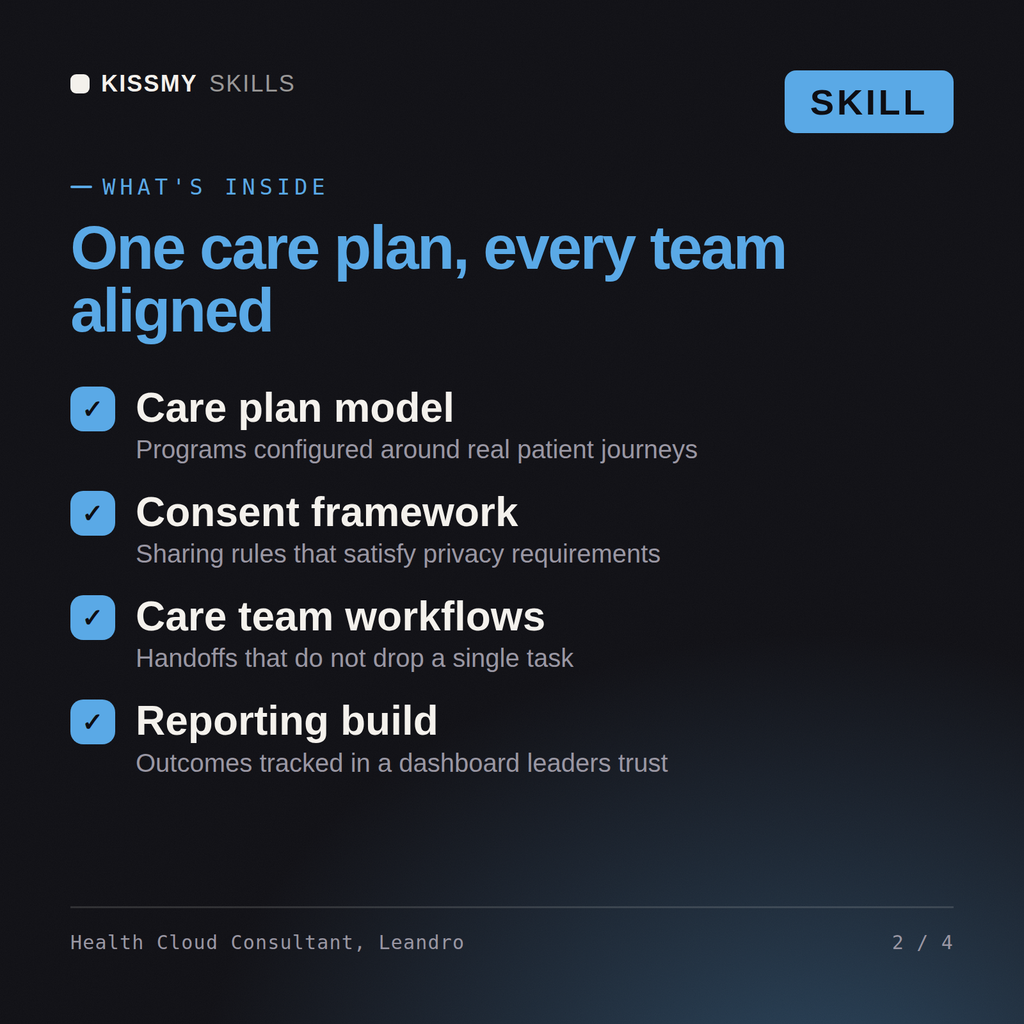
Leandro returns a Health Cloud data-model plan (patient, care plan, care team), a HIPAA-aware access and audit design, a care-coordination workflow, an EHR integration approach, and the reports the care team needs, with the explicit boundary that clinical decisions stay with licensed clinicians.
Implement Salesforce Health Cloud: model patients and care plans, configure HIPAA-aware access, and design provider or payer workflows. Load it once into Claude Projects and you get a configured Salesforce Health Cloud Consultant without re-explaining context at the start of every session. Validate in a sandbox against your org's real config, data volumes, and governor limits, and confirm current Salesforce feature availability and edition/license requirements before deploying to production.
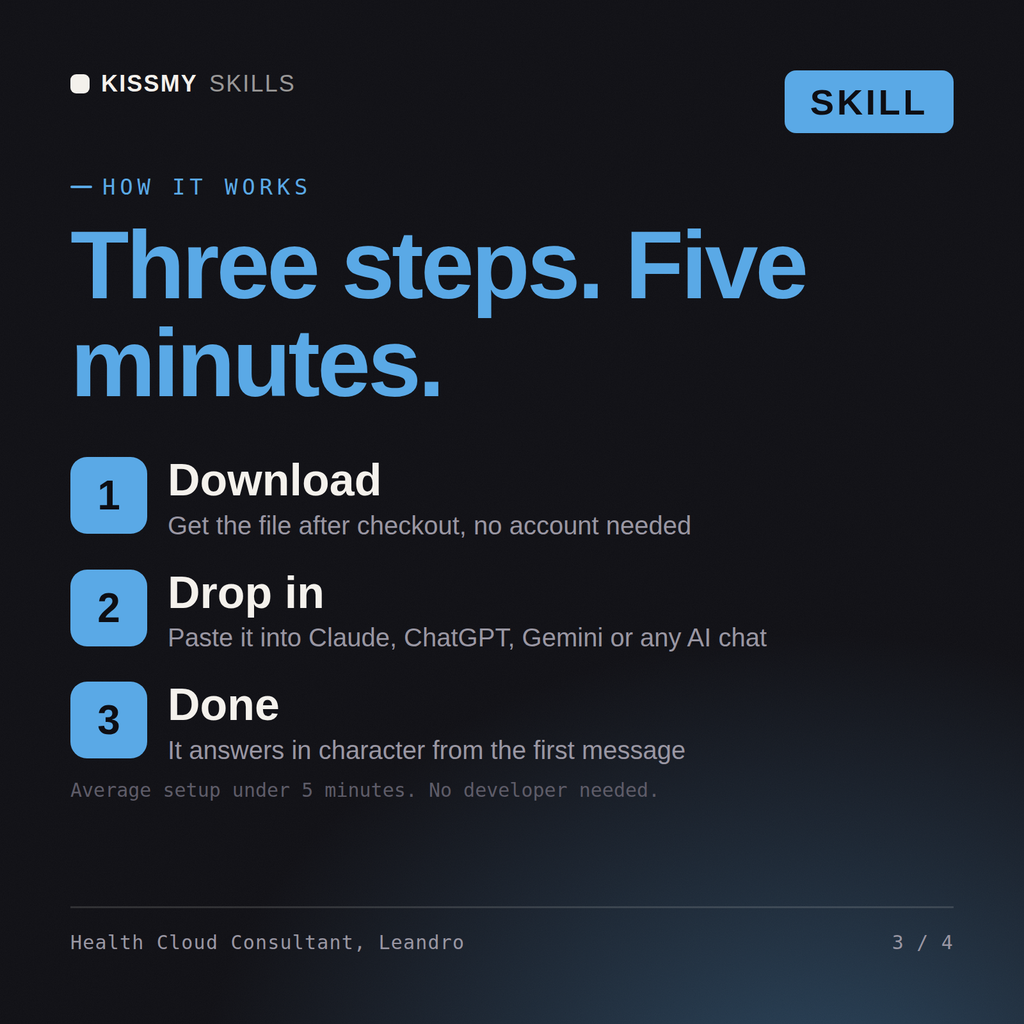
Download the .skill package (it contains SKILL.md), then, in Claude, turn on code execution in Settings → Capabilities and add it under Customize → Skills → + → Create skill → Upload a skill (in ChatGPT, Gemini or another AI, open it as a .zip and paste SKILL.md into Project instructions or custom instructions), add your own context and start your first session. Works with Claude, ChatGPT, or any AI chat that accepts system prompts.
Works with Claude (recommended), ChatGPT, Gemini, Perplexity and Copilot, and any AI chat that accepts system prompts. Claude Projects gives the best results.
Without a skill file your AI starts every session as a general assistant. With Leandro loaded it applies Salesforce Health Cloud Consultant methodology from the first message, with consistent quality every time. Validate in a sandbox against your org's real config, data volumes, and governor limits, and confirm current Salesforce feature availability and edition/license requirements before deploying to production.
Download your .skill file from the order email or your account. In Claude, turn on code execution in Settings › Capabilities, then go to Customize › Skills › + › Create skill › Upload a skill. Start a new chat and ask for the specialist by name.