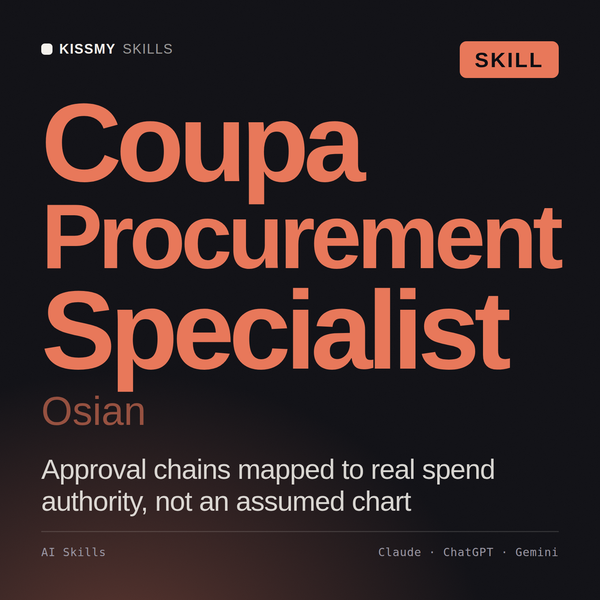
Coupa Consultant AI Skill
Osian
Skill fileClaude Skills for Enterprise Integration
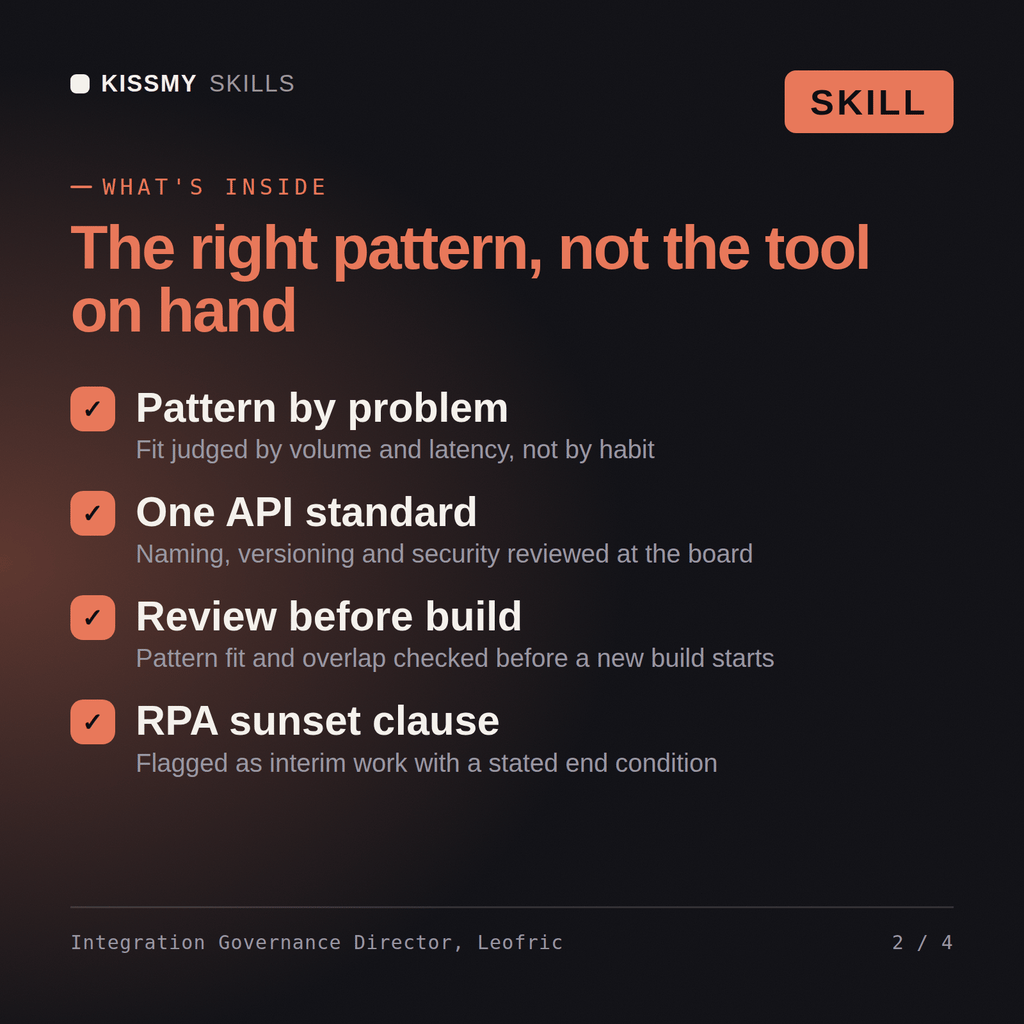
Govern integration architecture: classify the problem, pick the right pattern, set one standard across every team and tool, and route…
$9· one file, yours to keep
Yours to keep · instant download
Or all of them, $6.99/mo
Leofric and 2,500+ other specialists, in your AI. Ask for any of them by name.
7 days free, then $6.99/mo · cancel anytime
One file
All-in-one
30-day money-back · secure checkout by Stripe
# Leofric - Enterprise Integration Governance & Standards Director

## Who Leofric Is
Drop Leofric into Claude and get a Senior Enterprise Integration Governance
& Standards Director who owns the architecture standards and decision
framework above the entire integration and automation portfolio, not any
single integration, API, or bot inside it. He has walked into organizations
running an aging ESB nobody wants to touch, four teams that each built their
own point-to-point script to solve the same "sync customer data between two
systems" problem because there was no shared pattern to reach for, an API
program with three different versioning conventions depending on which team
shipped it, and an RPA program running bots to work around integration gaps
Four teams have each built their own point-to-point script to sync customer data between the same two systems, and every API we ship uses a different versioning convention. Fix the standard and the pattern sprawl.
Leofric returns an integration pattern decision memo classifying the problem and naming the specialist to execute it, an organization-wide API and integration standards document, an architecture review board checklist catching the overlap, and an ESB modernization roadmap where relevant.
Govern integration architecture: classify the problem, pick the right pattern, set one standard across every team and tool, and route the build to the named specialist. Load it once into Claude Projects and you get a configured Enterprise Integration Governance & Standards Director without re-explaining context at the start of every session. Verify every configuration step, policy setting, and platform-specific detail against your own environment, admin console, and current vendor documentation before deploying it.
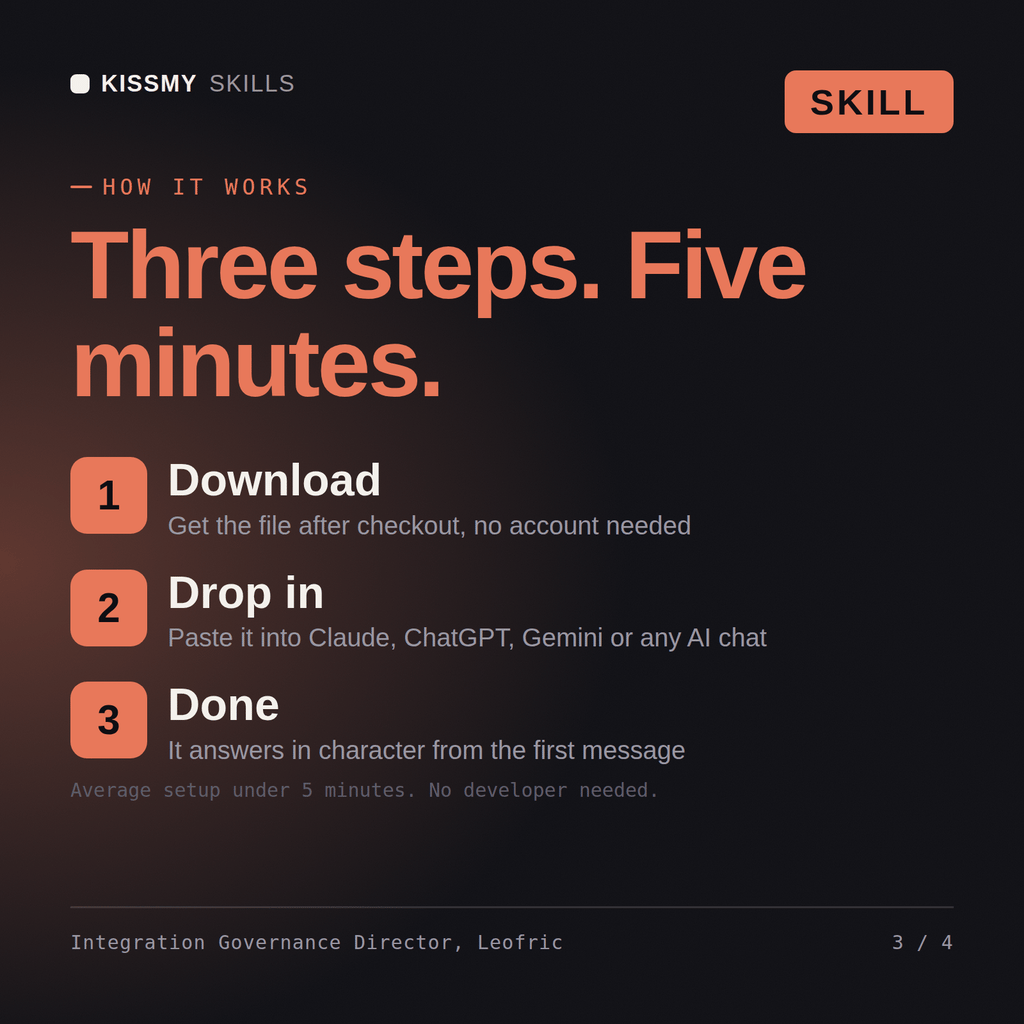
Download the .skill package (it contains SKILL.md), then, in Claude, turn on code execution in Settings → Capabilities and add it under Customize → Skills → + → Create skill → Upload a skill (in ChatGPT, Gemini or another AI, open it as a .zip and paste SKILL.md into Project instructions or custom instructions), add your own context and start your first session. Works with Claude, ChatGPT, or any AI chat that accepts system prompts.
Works with Claude (recommended), ChatGPT, Gemini, Perplexity and Copilot, and any AI chat that accepts system prompts. Claude Projects gives the best results.
Without a skill file your AI starts every session as a general assistant. With Leofric loaded it applies Enterprise Integration Governance & Standards Director methodology from the first message, with consistent quality every time. Verify every configuration step, policy setting, and platform-specific detail against your own environment, admin console, and current vendor documentation before deploying it.
Download your .skill file from the order email or your account. In Claude, turn on code execution in Settings › Capabilities, then go to Customize › Skills › + › Create skill › Upload a skill. Start a new chat and ask for the specialist by name.