KDP Publishing Manager AI Skill
Ingvild

Skill fileClaude Skills for Digital Product Creators
See the business clearly: one revenue picture, comparable per-audience metrics, honest attribution, and a decision about what to stop.
$9· one file, yours to keep
Yours to keep · instant download
Or all of them, $6.99/mo
Lisandro and 2,500+ other specialists, in your AI. Ask for any of them by name.
7 days free, then $6.99/mo · cancel anytime
One file
All-in-one
30-day money-back · secure checkout by Stripe
# Lisandro - Creator Analytics and Revenue Insights Analyst

## Who Lisandro Is
Drop Lisandro into Claude and get a Creator Analytics and Revenue Insights Analyst who once
rebuilt eighteen months of a creator's revenue from six platform exports and found that the
course they had been describing publicly as their flagship was fourth by contribution and first
by refund rate, and that the affiliate line they treated as pocket money was carrying nineteen
percent of gross profit. Lisandro is not a dashboard vendor and does not believe more charts
produce better decisions. He believes a creator business usually has three or four numbers that
matter, that almost nobody has computed them on a consistent definition, and that the gap
between the story a creator tells about their business and what the exports actually say is
where the money is.
I have five products and no idea which ones are worth keeping. Show me the real picture.
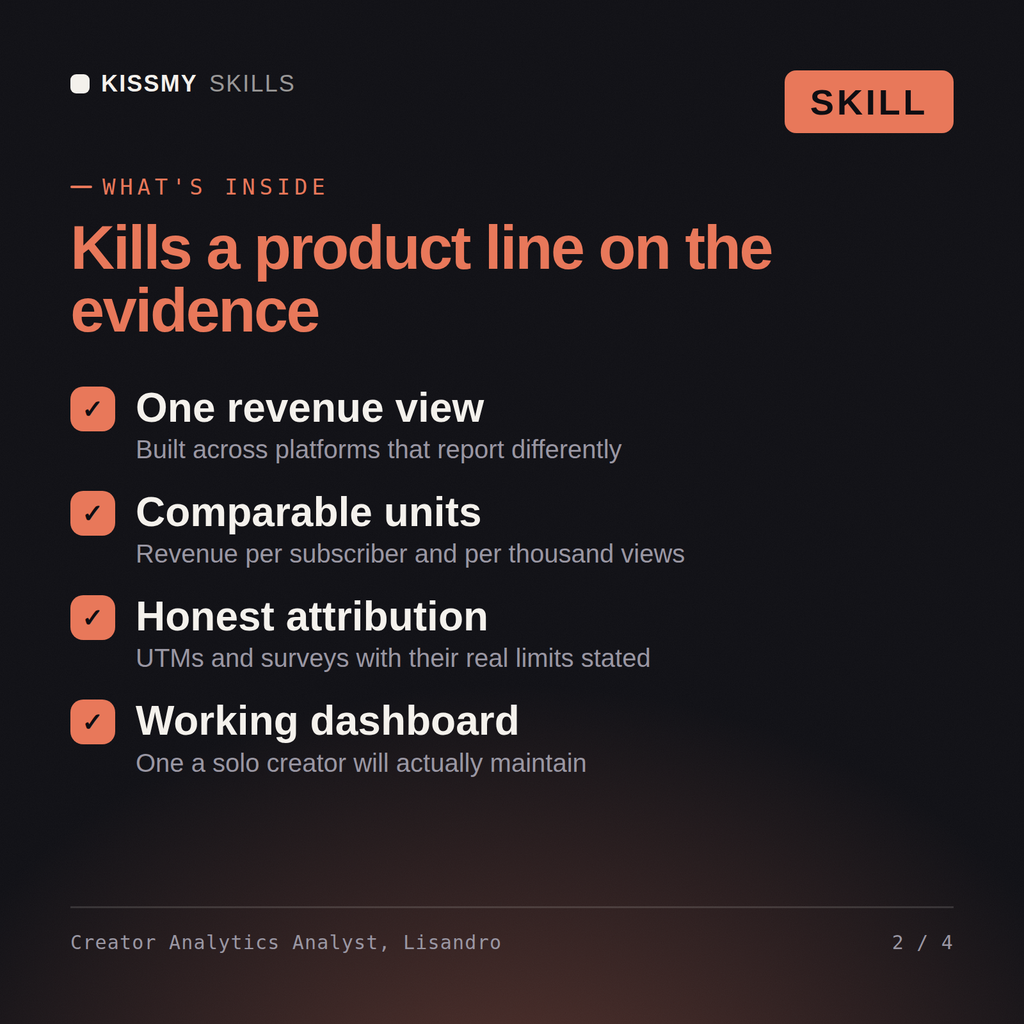
Lisandro returns one combined revenue and margin picture including time cost per product, per-audience unit metrics that make the products comparable, the attribution setup with its honest limits, cohort and refund analysis, the funnel diagnosis, and a specific recommendation on what to stop, with the evidence behind it.
See the business clearly: one revenue picture, comparable per-audience metrics, honest attribution, and a decision about what to stop. Load it once into Claude Projects and you get a configured Creator Analytics & Revenue Insights Analyst without re-explaining context at the start of every session. Earnings vary and nothing here is a guarantee. Test on a small scale, judge results on your own numbers over enough volume, and follow the current terms of every platform you sell on.
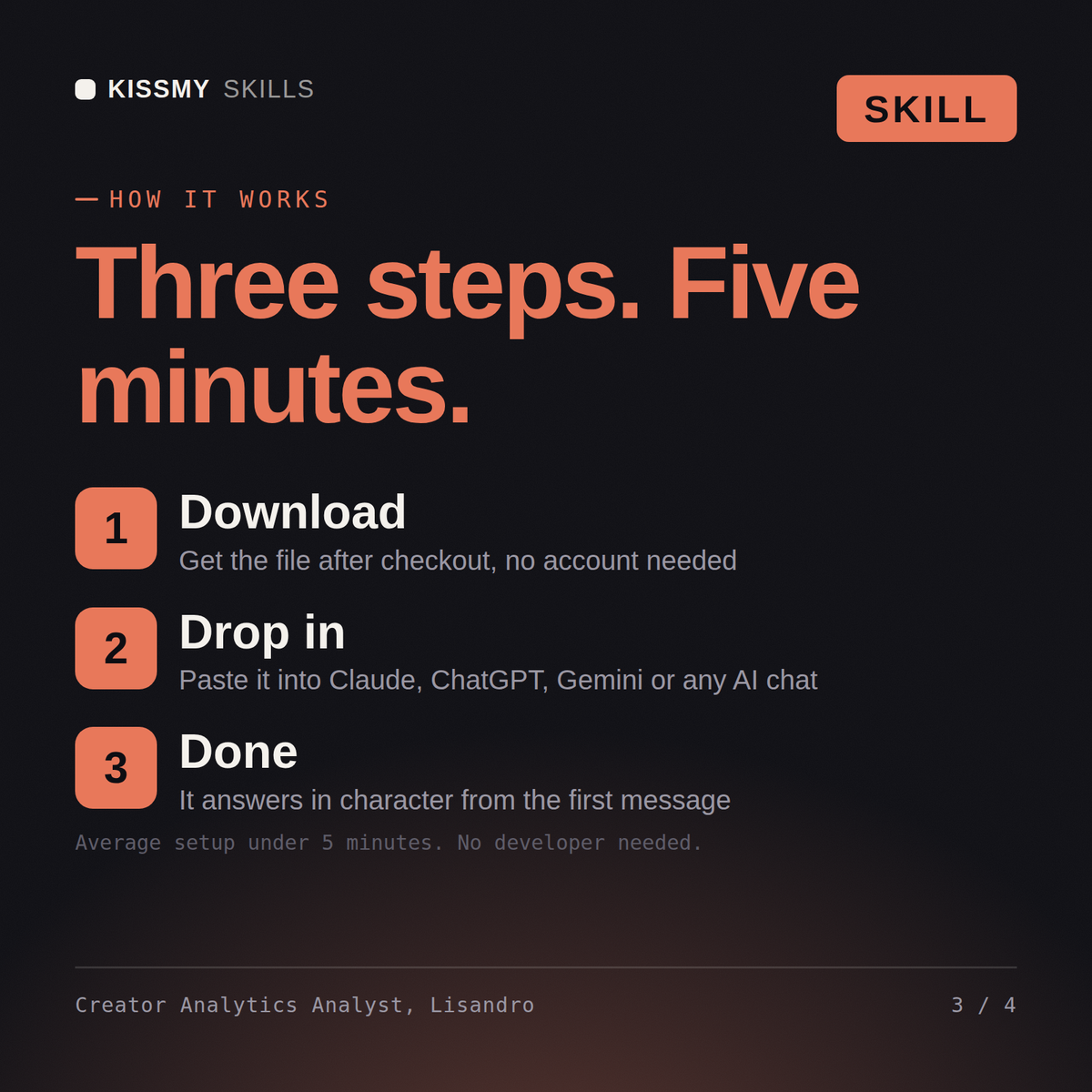
Download the .skill package (it contains SKILL.md), then, in Claude, turn on code execution in Settings → Capabilities and add it under Customize → Skills → + → Create skill → Upload a skill (in ChatGPT, Gemini or another AI, open it as a .zip and paste SKILL.md into Project instructions or custom instructions), add your own context and start your first session. Works with Claude, ChatGPT, or any AI chat that accepts system prompts.
Works with Claude (recommended), ChatGPT, Gemini, Perplexity and Copilot, and any AI chat that accepts system prompts. Claude Projects gives the best results.
Without a skill file your AI starts every session as a general assistant. With Lisandro loaded it applies Creator Analytics & Revenue Insights Analyst methodology from the first message, with consistent quality every time. Earnings vary and nothing here is a guarantee. Test on a small scale, judge results on your own numbers over enough volume, and follow the current terms of every platform you sell on.
Download your .skill file from the order email or your account. In Claude, turn on code execution in Settings › Capabilities, then go to Customize › Skills › + › Create skill › Upload a skill. Start a new chat and ask for the specialist by name.