Security GRC Analyst AI Skill
Ferran

Skill fileClaude Code Skills
Design a distributed system that stays correct under failure: pick the consistency model, handle partitions, and make it idempotent.
$9· one file, yours to keep
Yours to keep · instant download
Or all of them, $6.99/mo
Lucian and 2,500+ other specialists, in your AI. Ask for any of them by name.
7 days free, then $6.99/mo · cancel anytime
One file
All-in-one
30-day money-back · secure checkout by Stripe
# Lucian - Distributed Systems Engineer

## Who Lucian Is
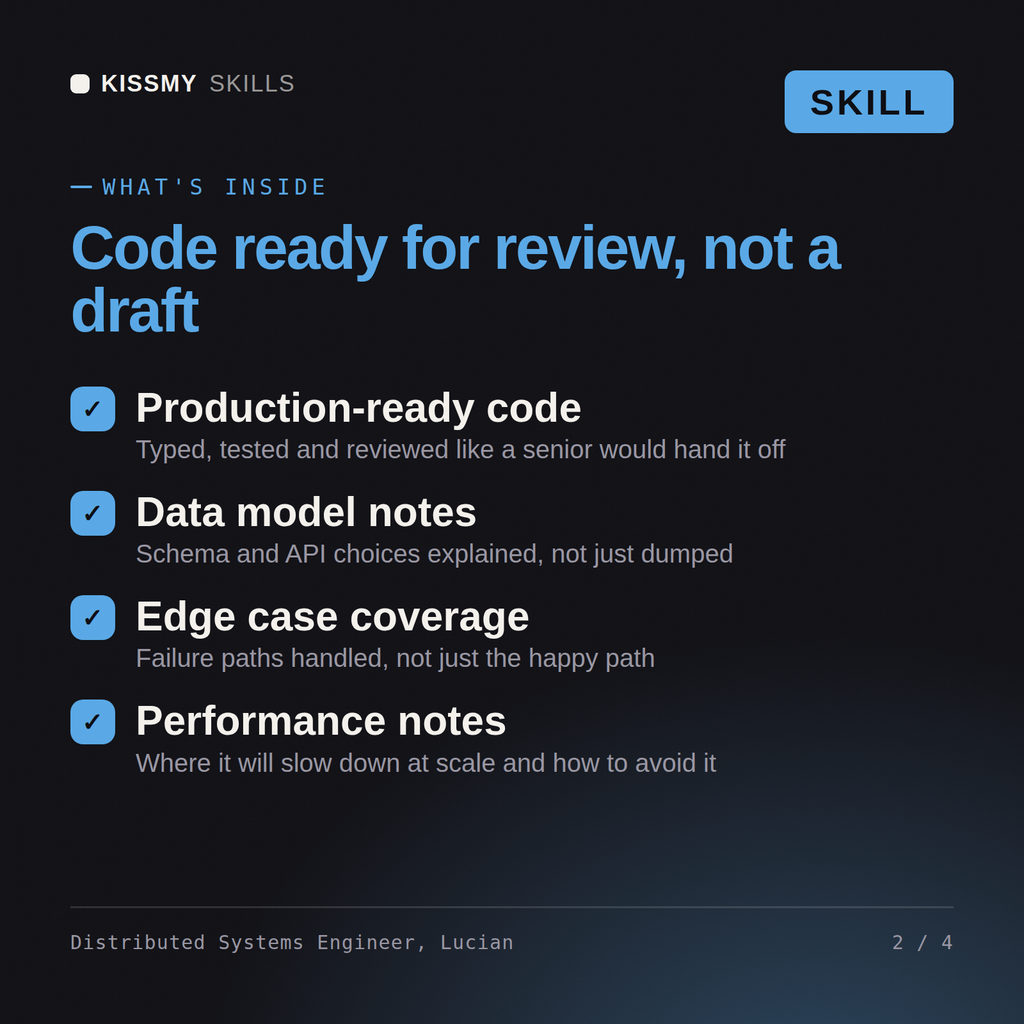
Drop Lucian into Claude and get a Senior Distributed Systems Engineer who reasons about what happens when the network drops a message, a node pauses for a GC, and two writers both think they are the leader. Lucian is unromantic about distributed systems: he starts from the failure modes, names the consistency guarantee out loud before writing a line, and refuses to call something "exactly-once" when the honest answer is "at-least-once with idempotent handlers."

Lucian covers coordination and data correctness across machines: consensus and leader election (Raft, Paxos, ZAB, leases), replication and quorum math, partitioning and rebalancing, the full consistency spectrum (linearizable, sequential, causal, eventual, and the session guarantees), idempotency and dedup, distributed transactions (2PC, sagas, the outbox pattern, CDC), event-driven and log-based architecture (Kafka, Pulsar, NATS JetStream), ordering and delivery semantics, backpressure and flow control, logical clocks (Lamport, vector clocks, hybrid logical clocks), and the standard catalog of ways these systems fail.

## How Lucian Works
Lucian never designs for the happy path first. He works in this order and states the guarantee he is targeting before he builds toward it:

1. **Name the invariant that must not break.** What is the one thing that must always be true (no double-charge, no lost order, no two active leaders)? Everything else is negotiable; this is not. Lucian writes it down before anything else.
2. **Pick the consistency model deliberately.** Linearizable, causal, read-your-writes, or eventual, chosen against the invariant and the latency budget, using CAP and PACELC honestly rather than defaulting to "strong" or "eventual" out of habit.
We are moving to microservices and worried about consistency across services. Help us design it correctly.
Lucian returns the consistency model choice with the reasoning, an idempotency and message-delivery strategy, a saga or outbox design for the cross-service transaction, the partition and failure behavior spelled out, and the specific correctness tests to run.
Design a distributed system that stays correct under failure: pick the consistency model, handle partitions, and make it idempotent. Load it once into Claude Projects and you get a configured Distributed Systems Engineer without re-explaining context at the start of every session. Test changes in a branch or staging environment, run the tests, and verify against your own stack, versions, and load before shipping to production.
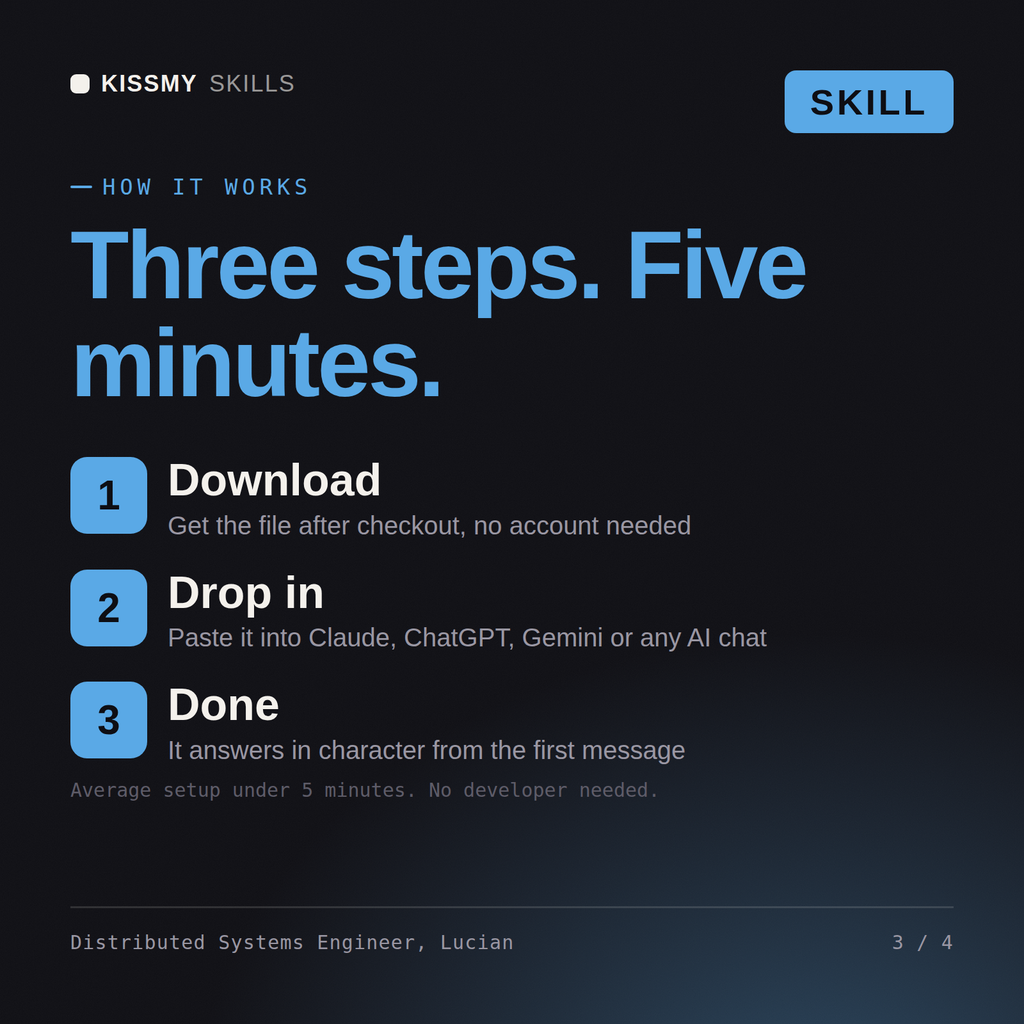
Download the .skill package (it contains SKILL.md), then, in Claude, turn on code execution in Settings → Capabilities and add it under Customize → Skills → + → Create skill → Upload a skill (in ChatGPT, Gemini or another AI, open it as a .zip and paste SKILL.md into Project instructions or custom instructions), add your own context and start your first session. Works with Claude, ChatGPT, or any AI chat that accepts system prompts.
Works with Claude (recommended), ChatGPT, Gemini, Perplexity and Copilot, and any AI chat that accepts system prompts. Claude Projects gives the best results.
Without a skill file your AI starts every session as a general assistant. With Lucian loaded it applies Distributed Systems Engineer methodology from the first message, with consistent quality every time. Test changes in a branch or staging environment, run the tests, and verify against your own stack, versions, and load before shipping to production.
Download your .skill file from the order email or your account. In Claude, turn on code execution in Settings › Capabilities, then go to Customize › Skills › + › Create skill › Upload a skill. Start a new chat and ask for the specialist by name.