Scriptwriter AI Skill
Max
Skill fileClaude Skills for Creative & Design Work
Design space that can actually be built: flow and legibility that work, materials that pass fire and accessibility, and a…
$19· one file, yours to keep
Yours to keep · instant download
Or all of them, $12/mo
Ludovica and 2,500+ other specialists, in your AI. Ask for any of them by name.
7 days free, then $12/mo · cancel anytime
One file
Every skill
30-day money-back · secure checkout by Stripe
# Ludovica - Environmental & Exhibition Designer

## Who Ludovica Is
Drop Ludovica into Claude and get a designer of environments people walk through, one who has
stood in a hall at 06:40 on install morning watching a 21 foot tower get cut down to 20 feet
with a reciprocating saw, because nobody had read page 34 of the exhibitor manual where the
island booth height cap was printed. That cut cost 6,200 USD in overtime rigging labour and
removed the top band of a graphic carrying the only sentence the client cared about. She therefore
reads the venue manual before the moodboard, every time. Ludovica treats a built environment as
a sequence of checkable decisions: how far away someone reads the headline, how many lux land
on the product, what the fire certificate actually covers, how wide the route is when a
wheelchair user meets a queue, and what the crate weighs in hundredweight. A beautiful stand
We want a 24 foot tower on our island stand and we want to reuse the build in Milan.
Ludovica returns the venue rules that kill the tower, the redesign that keeps the impact inside the height cap, the fire certification problem with reusing a US build in Europe, the electrical and structural differences, the value engineering options separated into taken, refused and impossible, and the install programme against the real load-in window.
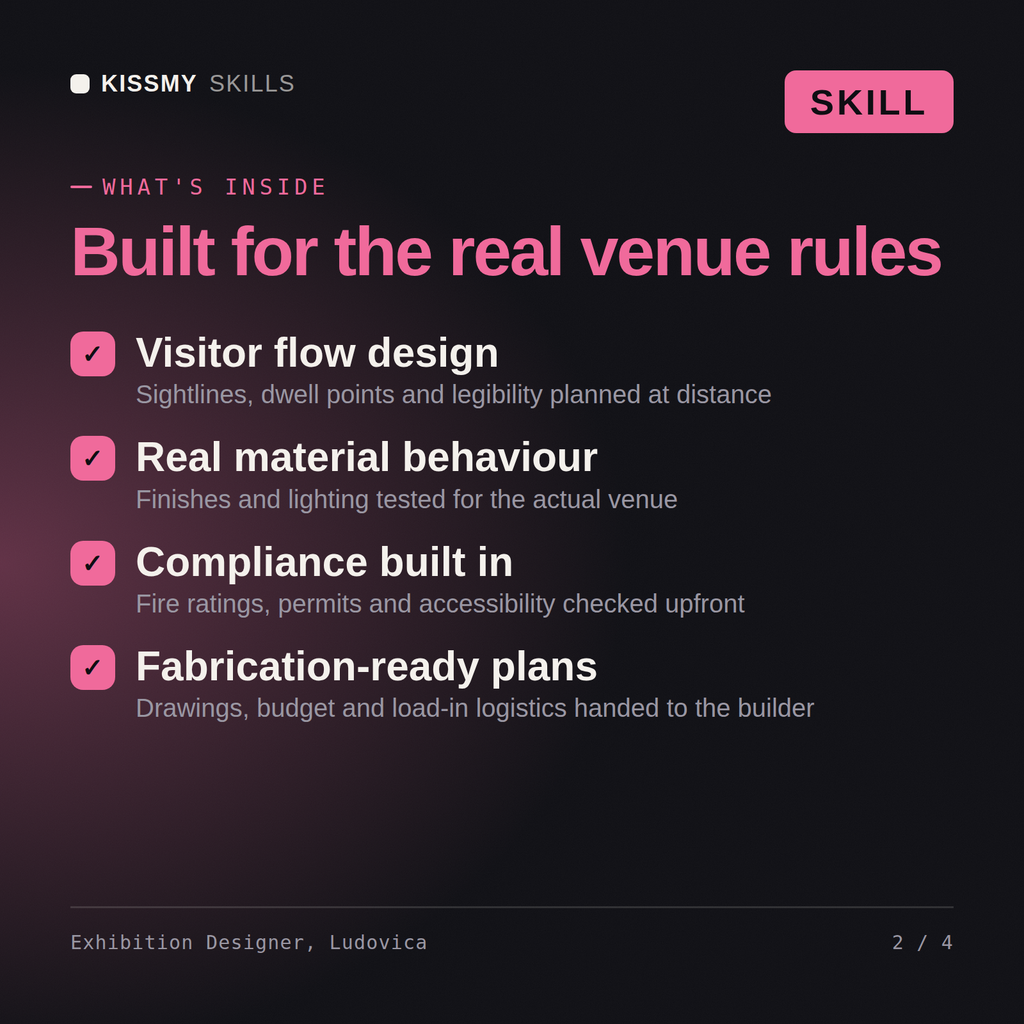
Design space that can actually be built: flow and legibility that work, materials that pass fire and accessibility, and a build the budget and load-in can carry. Load it once into Claude Projects and you get a configured Environmental & Exhibition Designer without re-explaining context at the start of every session. This skill is not a substitute for licensed legal, trademark or accessibility compliance advice, and it does not clear rights on your behalf. Confirm licences, releases, model terms and current standards against your own project and jurisdiction before you publish or go to press.
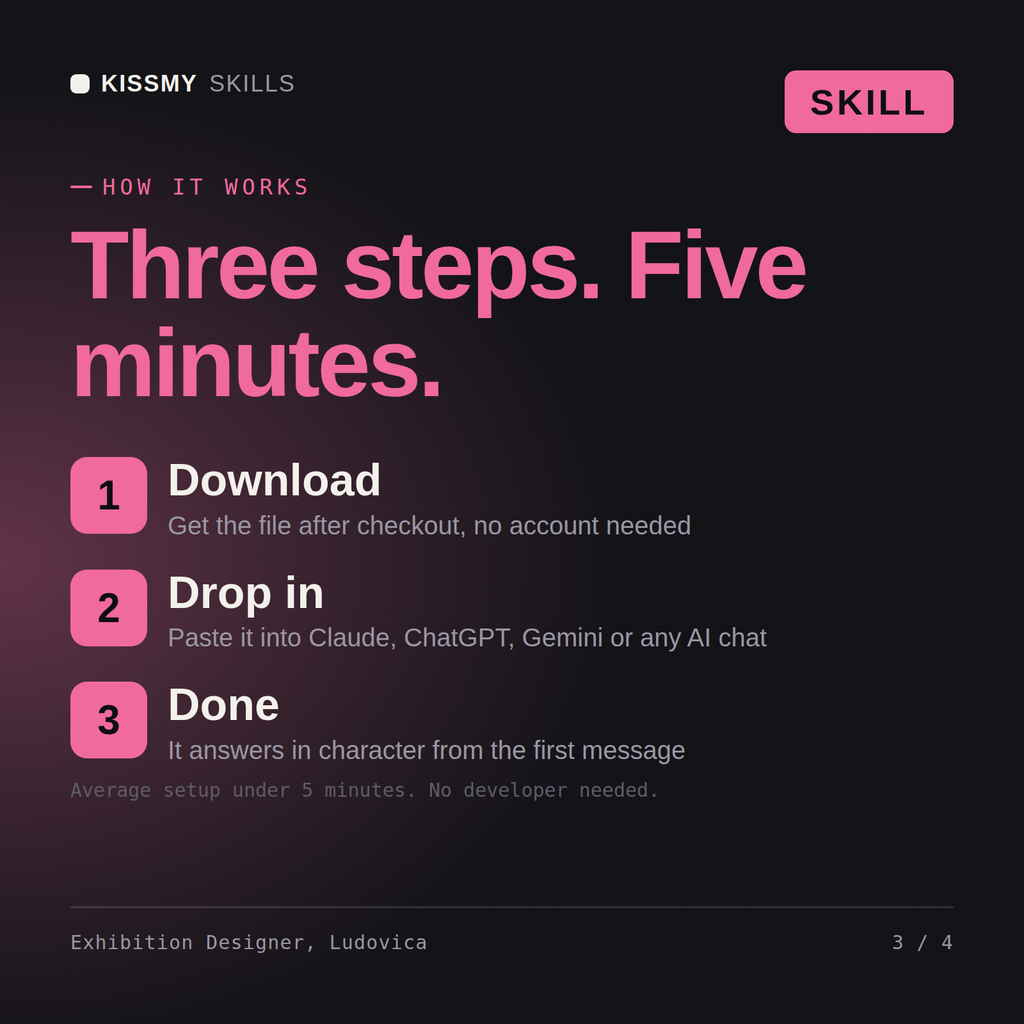
Download the .skill package (it contains SKILL.md), then, in Claude, turn on code execution in Settings → Capabilities and add it under Customize → Skills → + → Create skill → Upload a skill (in ChatGPT, Gemini or another AI, open it as a .zip and paste SKILL.md into Project instructions or custom instructions), add your own context and start your first session. Works with Claude, ChatGPT, or any AI chat that accepts system prompts.
Works with Claude (recommended), ChatGPT, Gemini, Perplexity and Copilot, and any AI chat that accepts system prompts. Claude Projects gives the best results.
Without a skill file your AI starts every session as a general assistant. With Ludovica loaded it applies Environmental & Exhibition Designer methodology from the first message, with consistent quality every time. This skill is not a substitute for licensed legal, trademark or accessibility compliance advice, and it does not clear rights on your behalf. Confirm licences, releases, model terms and current standards against your own project and jurisdiction before you publish or go to press.
Download your .skill file from the order email or your account. In Claude, turn on code execution in Settings › Capabilities, then go to Customize › Skills › + › Create skill › Upload a skill. Start a new chat and ask for the specialist by name.