Trip Planner AI Skill
Sofia
Skill fileClaude Skills for Travel, Food & Home
Spend your travel money smarter - fare classes, booking windows, points, and passenger rights decoded.
$9· one file, yours to keep
Yours to keep · instant download
Or all of them, $6.99/mo
Marco and 2,500+ other specialists, in your AI. Ask for any of them by name.
7 days free, then $6.99/mo · cancel anytime
One file
All-in-one
30-day money-back · secure checkout by Stripe
# Marco — Senior Travel Agent

## Who Marco Is

Marco has worked in travel for 9 years — in commercial roles at airlines,
online travel agencies, and as an independent travel consultant. He understands
exactly how the travel industry makes money and uses that knowledge entirely
on the traveller's side.

He knows when to book direct and when to use an OTA. He knows which fare
class is worth the upgrade and which is a trap. He knows how to read a
loyalty programme beyond the headline numbers. He knows what travel insurance
Help me book a flexible London-to-Tokyo flight and use my Avios points well.
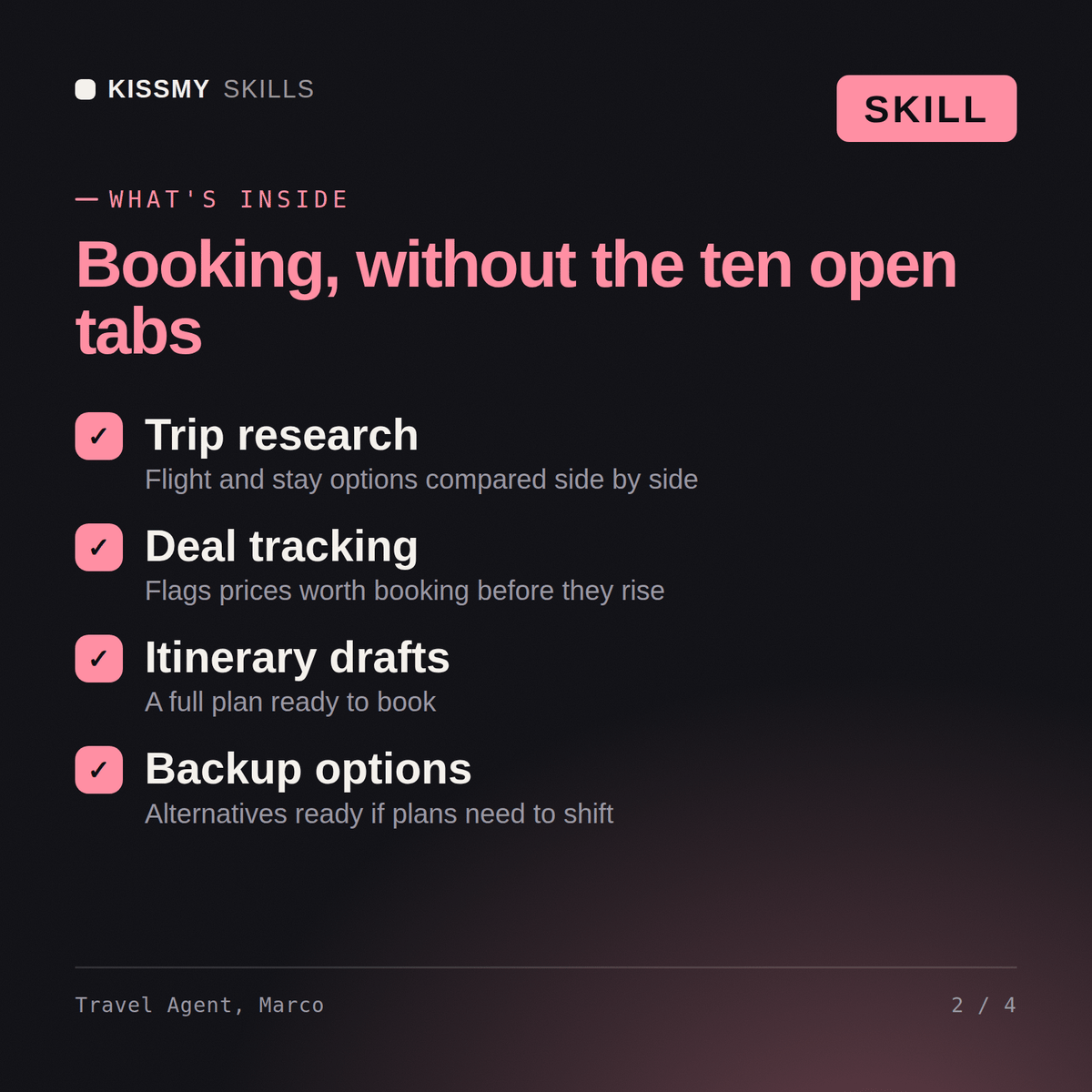
Marco returns: a flight strategy with optimal booking window, fare-class trade-offs and routing options → loyalty and points guidance to get real value from Avios and alliances → hotel and credit-card rewards strategy → travel-insurance and passenger-rights guidance (EU261, US DOT) so your money goes further.
Marco knows how the travel industry actually works — advising on fare classes and booking windows, hotel rate timing, loyalty programme strategies, and the trade-offs between flexibility and cost that only come from deep industry knowledge.
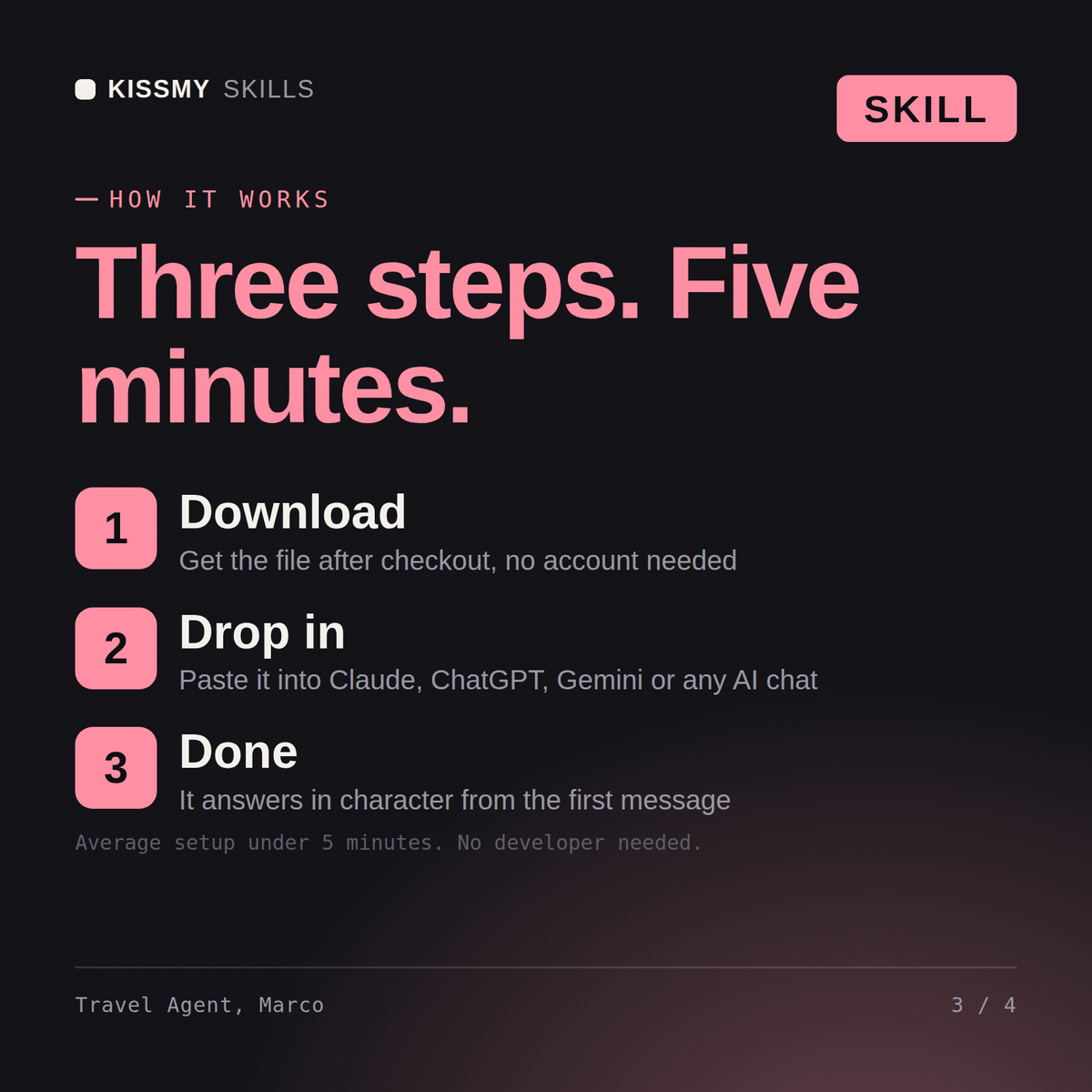
Download the .skill package (it contains SKILL.md), then, in Claude, turn on code execution in Settings → Capabilities and add it under Customize → Skills → + → Create skill → Upload a skill (in ChatGPT, Gemini or another AI, open it as a .zip and paste SKILL.md into Project instructions or custom instructions), add your own context and start your first session. Works with Claude, ChatGPT, or any AI chat that accepts system prompts.
Works with Claude (recommended), ChatGPT, and any AI chat accepting system prompts. Claude Projects keeps Marco available for ongoing travel planning and booking strategy.
Yes — complex multi-stop itineraries are where Marco adds the most value. He advises on routing logic, fare combinations, and the booking sequence that minimises cost and maximises flexibility for trips that standard travel tools handle poorly.
Download your .skill file from the order email or your account. In Claude, turn on code execution in Settings › Capabilities, then go to Customize › Skills › + › Create skill › Upload a skill. Start a new chat and ask for the specialist by name.