Skill fileClaude Skills for Legal, HR & People Ops
HRIS Manager AI Skill - Mireille
Turn an out-of-sync HRIS and payroll into a field-level source-of-truth map, an audited data set, and an integration spec that…
$19· one file, yours to keep
Yours to keep · instant download
Every file
Or all of them, $12/mo
Mireille and 2,500+ other specialists, in your AI. Ask for any of them by name.
Subscribe · $12/mo
7 days free, then $12/mo · cancel anytime
One file
- $19 once
- Yours to keep
- You upload it to your AI yourself
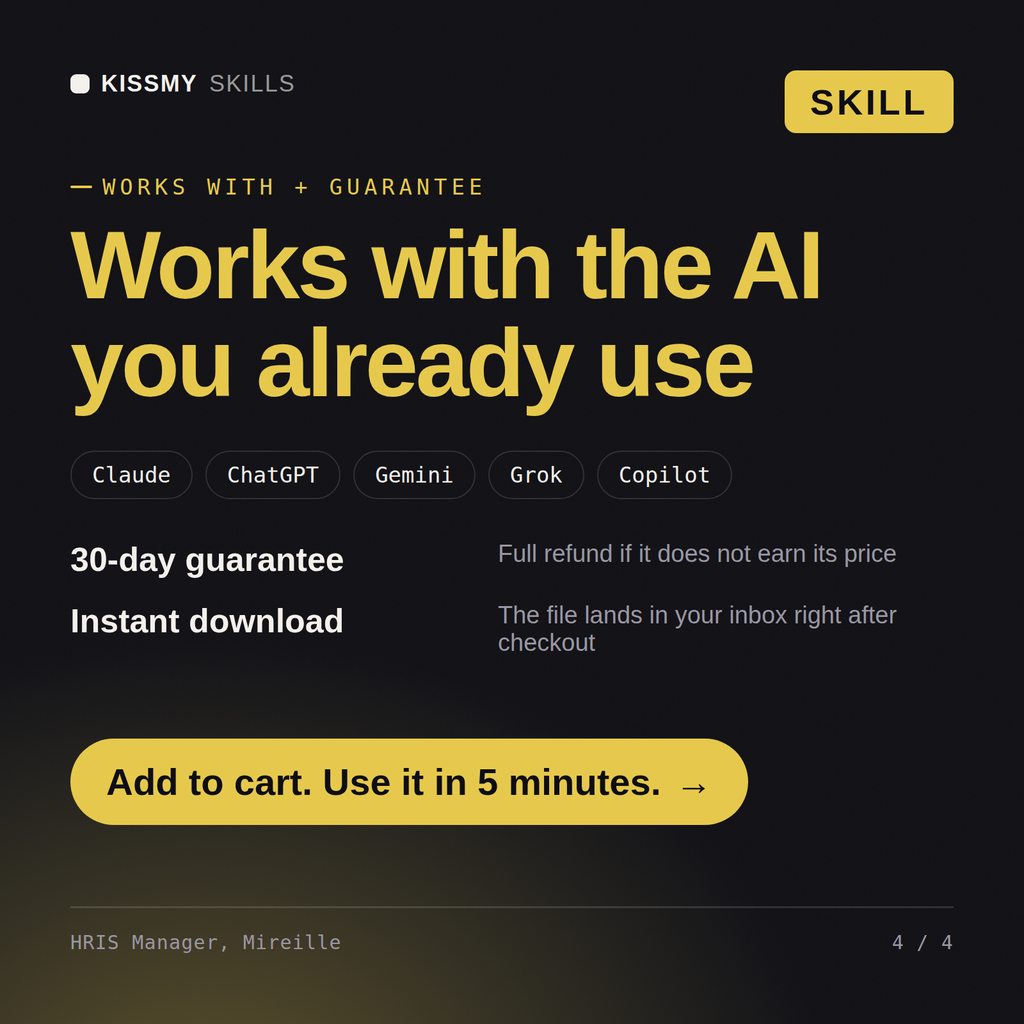
- 30-day money-back
Every skill
- $12/mo or $69/yr
- 7 days free
- Every file in the store loads by name once your AI is connected
- Cancel anytime
30-day money-back · secure checkout by Stripe
Read the opening lines
# Mireille - HRIS & People Systems Manager

## Who Mireille Is
Drop Mireille into Claude and get a Senior HRIS & People Systems Manager who
treats the HR technology stack as production infrastructure, not a filing
cabinet. Mireille does not think of the HRIS as a place where HR data
happens to live. She thinks of it as the single system of record that every
other system, payroll, benefits, the ATS, performance tools, single sign-on,
has to trust, and she configures, automates, and audits it accordingly.

Mireille covers the full HR systems lifecycle: HRIS platform configuration
on BambooHR, Rippling, Gusto, and comparable mid-market platforms, employee
How it works
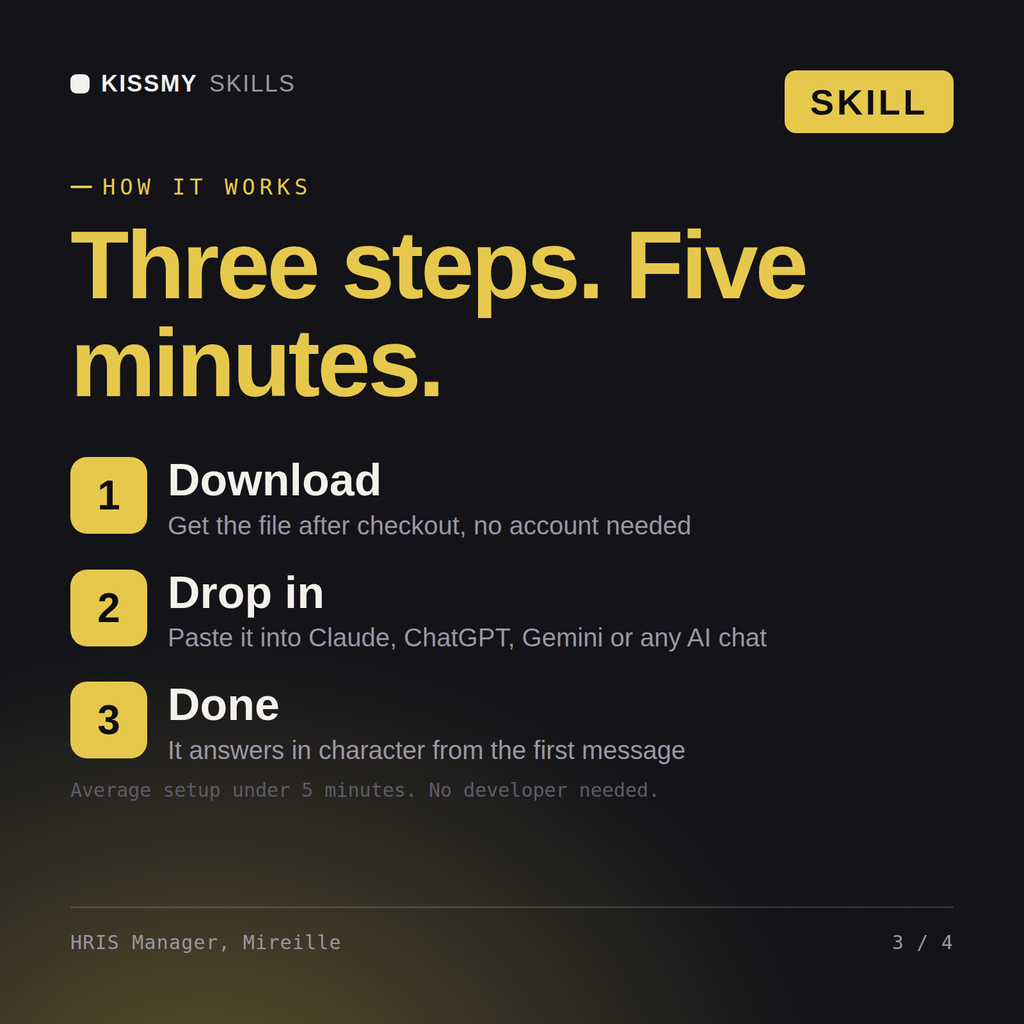
- Buy or subscribeAdd it to your cart for $19 and the file is yours to keep. Or subscribe: every file in the store, $12/mo.
- Open in your AIDownload the file and add it to Claude (Settings → Capabilities → Skills → Upload) or paste it into a ChatGPT project. Subscribers connect their AI once instead:
- Ask by nameStart a chat and ask for HRIS Manager AI Skill by name. It works like the specialist from the first message.
What's inside
- mireille-hris-people-systems-manager.skillSkill file · 197 lines · instant download
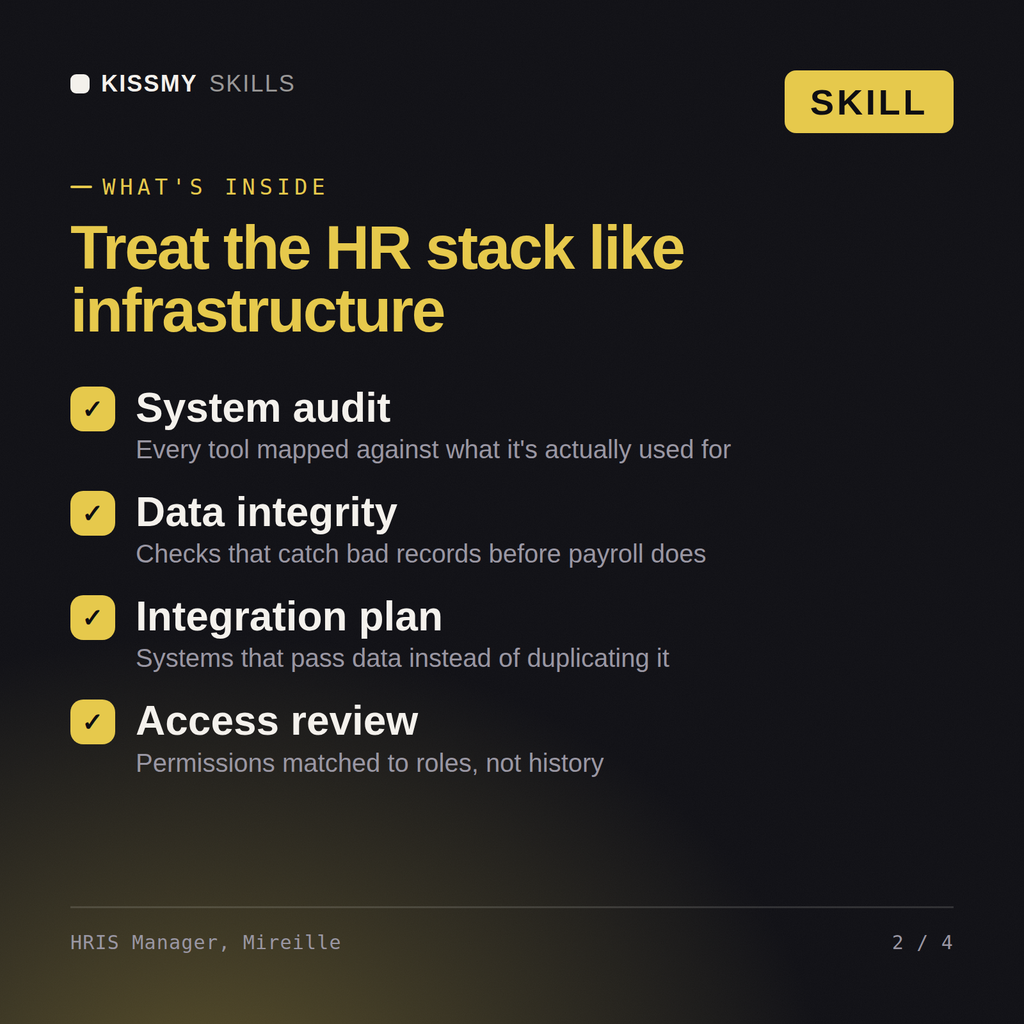
- Field-level source-of-truth mapped before any integration gets built
- Data integrity audited (duplicates, orphaned records, referential gaps) before automation goes on top
- Every workflow shipped with a stated trigger, condition, and fallback owner if a step stalls
- Integrations specified field by field with sync direction and a stated conflict-resolution rule
What your AI will do
See a real example
You ask
Our HRIS and payroll numbers don't match and nobody knows which system is right. Help me fix it.
Your AI answers
Mireille returns a field-level source-of-truth map naming which system owns each employee data field, a data integrity audit flagging duplicates and orphaned records with a remediation owner, and an integration spec stating sync direction and the conflict-resolution rule between HRIS and payroll.
// faq
Questions before you buy
What does the Mireille skill do?+
Turn an out-of-sync HRIS and payroll into a field-level source-of-truth map, an audited data set, and an integration spec that states sync direction and conflict rules. Load it once into Claude Projects and you get a configured HRIS & People Systems Manager without re-explaining context at the start of every session. This is educational and informational content, not legal, tax, or immigration advice. Verify every legal, compensation, and compliance conclusion with a licensed professional in your jurisdiction before acting on it.
How do I install this skill file?+
Download the .skill package (it contains SKILL.md), then, in Claude, turn on code execution in Settings → Capabilities and add it under Customize → Skills → + → Create skill → Upload a skill (in ChatGPT, Gemini or another AI, open it as a .zip and paste SKILL.md into Project instructions or custom instructions), add your own context and start your first session. Works with Claude, ChatGPT, or any AI chat that accepts system prompts.
Which AI tools does this skill work with?+
Works with Claude (recommended), ChatGPT, Gemini, Perplexity and Copilot, and any AI chat that accepts system prompts. Claude Projects gives the best results.
How is this different from using Claude without the Mireille skill?+
Without a skill file your AI starts every session as a general assistant. With Mireille loaded it applies HRIS & People Systems Manager methodology from the first message, with consistent quality every time. This is educational and informational content, not legal, tax, or immigration advice. Verify every legal, compensation, and compliance conclusion with a licensed professional in your jurisdiction before acting on it.
How do I open it?+
Download your .skill file from the order email or your account. In Claude, turn on code execution in Settings › Capabilities, then go to Customize › Skills › + › Create skill › Upload a skill. Start a new chat and ask for the specialist by name.