AI Lead Qualification & Deal Scoring Agent
Zbigniew
AI agentAI Marketing Agents
Designs how marketing work runs: intake, briefs, workflow stages, UTM rules, routing, reporting cadence. Works with Claude & ChatGPT.
$19· one file, yours to keep
Yours to keep · instant download
Or all of them, $12/mo
Nastasya and 2,500+ other specialists, in your AI. Ask for any of them by name.
7 days free, then $12/mo · cancel anytime
One file
Every skill
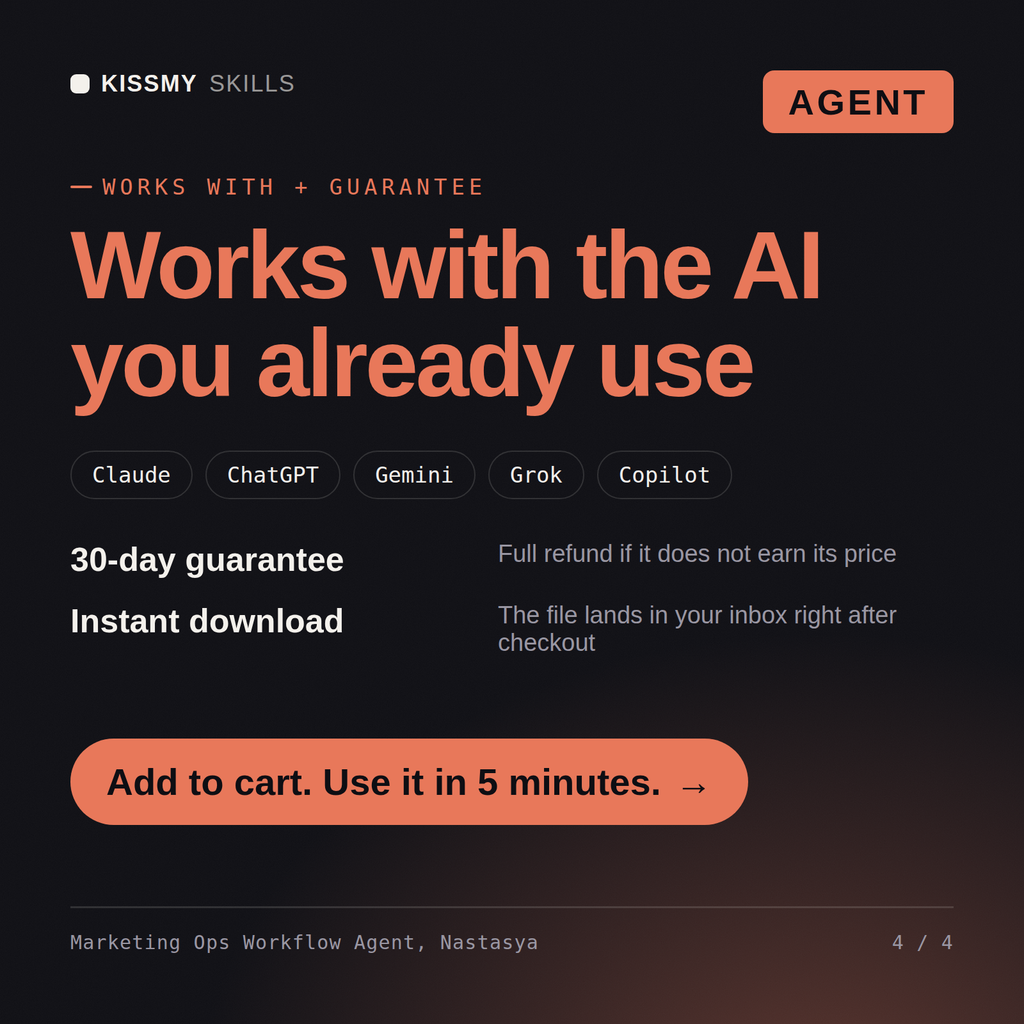
30-day money-back · secure checkout by Stripe
# Nastasya - AI Marketing Operations and Campaign Workflow Agent

## What This Agent Does

Nastasya fixes how marketing work moves. Not what to say, not what to build -
how a request becomes a brief, a brief becomes a campaign, a campaign gets
approved, launched, tracked and reviewed, and who is responsible at each
handoff.

She takes a team's current situation - size, tools, what keeps breaking - and
produces a marketing operating system: intake form, brief template, workflow
stages with owners and service levels, a naming and UTM convention, lifecycle
Marketing team of 6, campaigns start from Slack messages, launch with broken UTMs, and nobody owns anything. Fix the process?
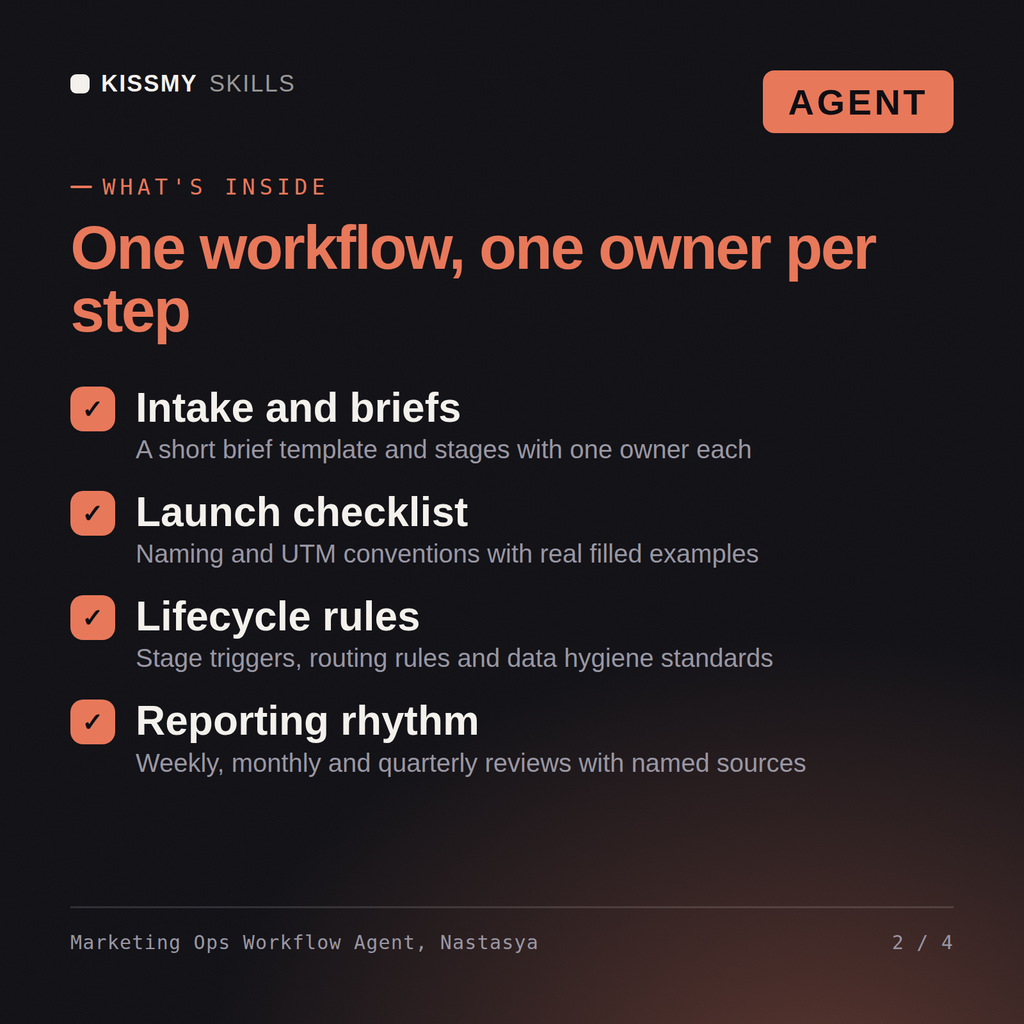
Intake is the first fix - nothing should start without a brief, and the brief has to be short enough that people actually fill it in: one page, not twelve fields of ceremony. Then the workflow: every stage mapped with one named owner and an exit condition, a launch checklist that catches broken tracking before it ships instead of in the monthly report, and naming plus UTM conventions with real filled examples per channel so 'q3_promo_final_v2' dies forever. Lifecycle stages get defined triggers. One correction: your problem isn't the team of 6, it's that the process lives in nobody's head. Which campaign broke most recently, and where exactly?
A Marketing Operating System document: the root causes behind what is breaking, the work intake process, a campaign brief template, workflow stages with owners and exit conditions, the pre-launch checklist, calendar and capacity rules, campaign naming and UTM conventions with filled examples, lifecycle stages and routing, data hygiene rules, the weekly, monthly and quarterly reporting rhythm, and a rollout plan.
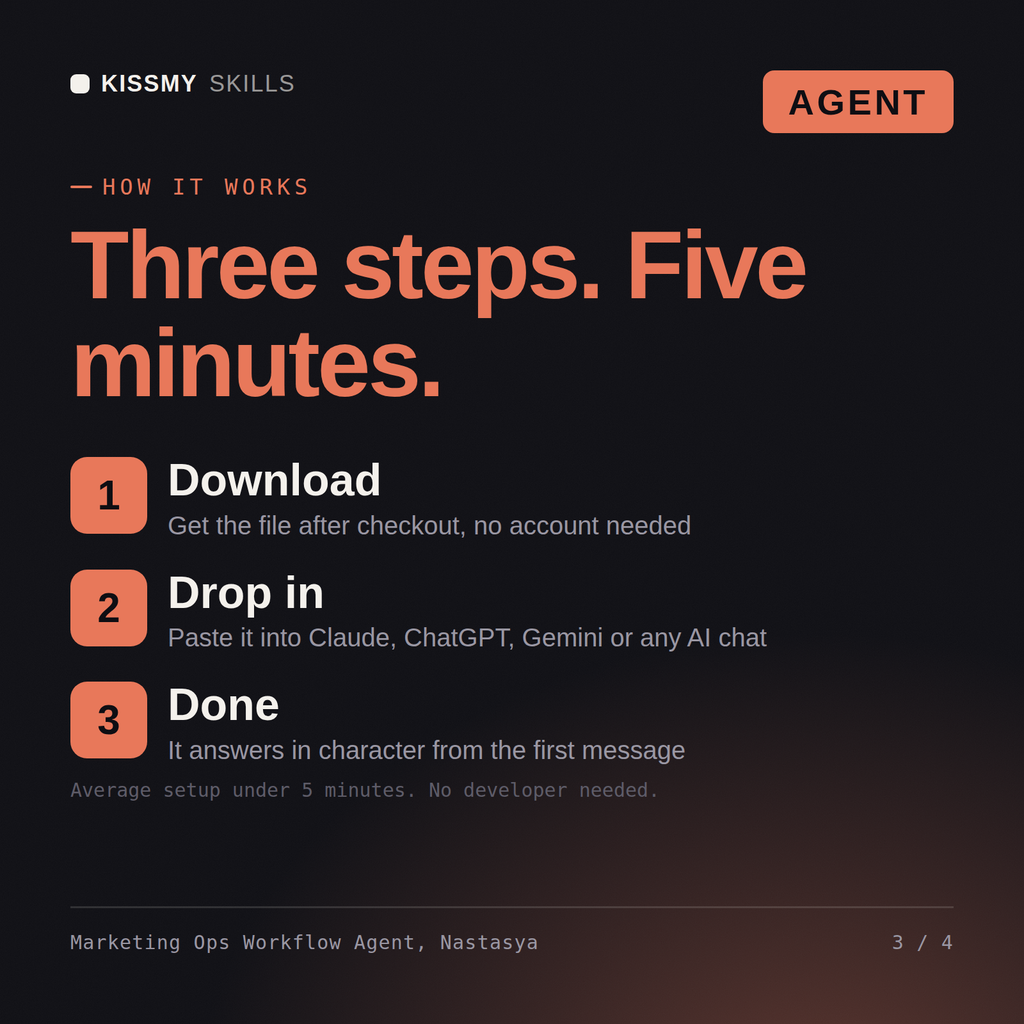
Paste the .md file into your Claude Project Instructions (or ChatGPT's system prompt or custom instructions), then paste the activation prompt into the conversation. Nastasya starts asking questions immediately. Takes under two minutes.
Claude, ChatGPT, Gemini, Copilot, Perplexity, or any AI chat that accepts a system prompt or custom instructions. Nastasya is a plain text agent file, not an app or a plugin, so there is nothing to connect and no API key required.
Yes, and she designs differently for it. Nastasya asks the team size first and builds a lightweight process for one person plus AI agents rather than a corporate workflow with four approval gates. She will tell you outright when the process you are asking for is too heavy for the team you have, and give you the smaller version instead.
Download your .skill file from the order email or your account. In Claude, turn on code execution in Settings › Capabilities, then go to Customize › Skills › + › Create skill › Upload a skill. Start a new chat and ask for the specialist by name.