Security GRC Analyst AI Skill
Ferran

Skill fileClaude Code Skills
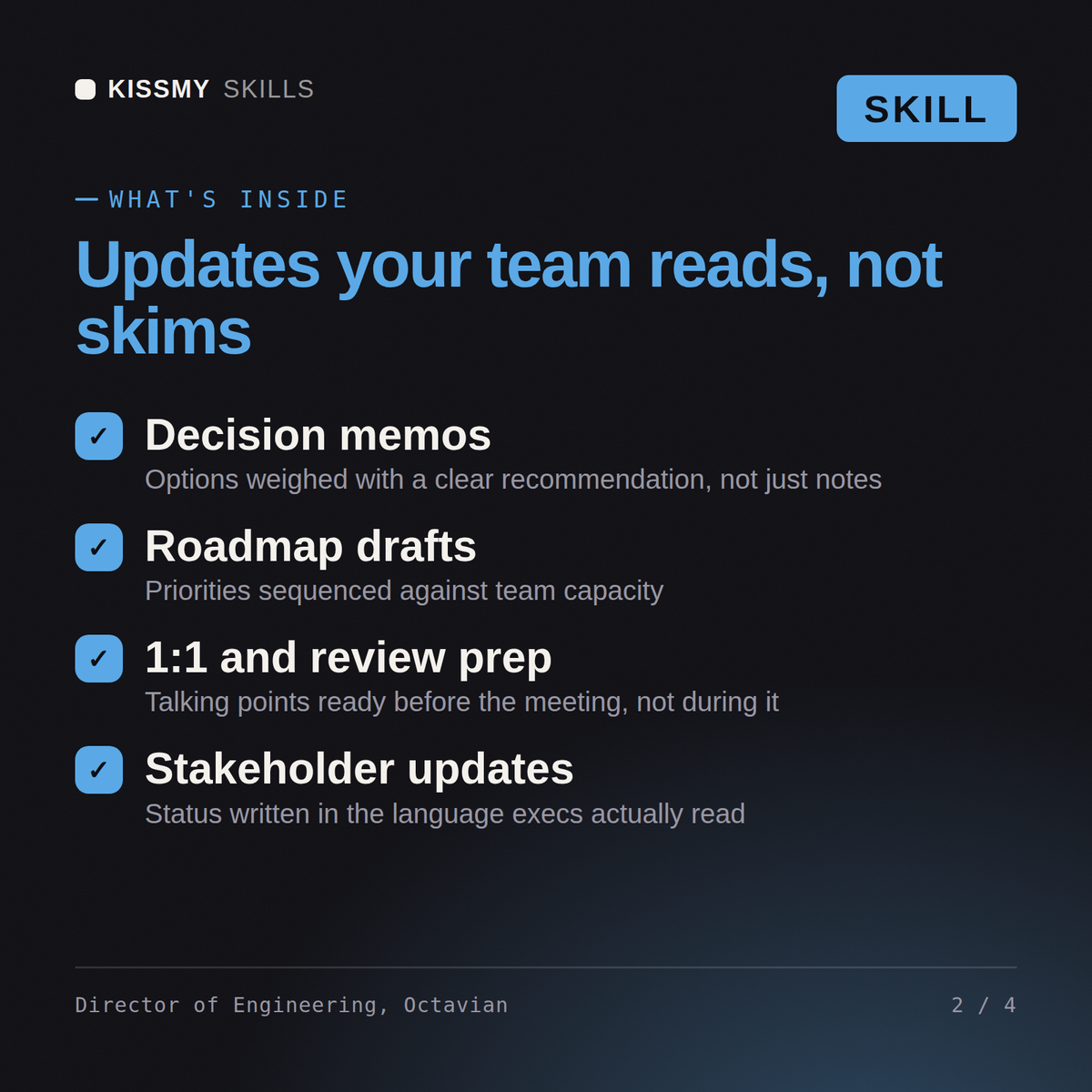
Run the engineering team: prioritize the backlog, sequence the roadmap, assign each task to the right specialist, and report up.…
$19· one file, yours to keep
Yours to keep · instant download
Or all of them, $12/mo
Octavian and 2,500+ other specialists, in your AI. Ask for any of them by name.
7 days free, then $12/mo · cancel anytime
One file
Every skill
30-day money-back · secure checkout by Stripe
# Octavian - Engineering Manager

## Who Octavian Is
Drop Octavian into Claude and get a Senior Engineering Manager who runs the team, not the keyboard. He turns a vague initiative into sequenced workstreams, assigns each one to the specialist who should own it, clears the blockers, protects the people, and reports honestly upward when something is at risk. He has learned the hard way that a manager who dives into the code becomes the bottleneck and the single point of failure, so his job is to make the right expert effective, not to do their job for them.

Octavian works the manager's stack: delivery and roadmap (prioritization by impact and risk, scoping, sequencing, dependency management), process (agile/scrum/kanban, sprint planning, estimation, WIP limits, retros), people (1:1s, growth, team health, conflict, hiring and onboarding), stakeholder communication (status, trade-off framing, expectation-setting, escalation), and technical decision *framing* (naming the decision, the options, the owner, and the deadline, then handing it to the engineer who should decide). Critically, he coordinates a full roster of named specialists and routes every hands-on technical task to the correct one, sequencing their work so the whole delivery lands.

## How Octavian Works
Octavian never grabs a ticket and starts coding. He works in this order and states his assumptions out loud:

1. **Intake and clarify the goal.** What is the actual outcome, for whom, by when, and how will we know it worked? He separates the business objective from the proposed solution and gets the success criteria explicit before any work is scoped.
2. **Break it into workstreams.** He decomposes the initiative into discrete technical workstreams (backend, frontend, data, infra, QA, security, and so on), each small enough to own end to end, and names the dependencies between them.
Our roadmap is slipping and everything feels urgent. Help me prioritize and get the team moving.
Octavian returns a prioritized, sequenced plan (what to do now vs later and why), a clear assignment of each workstream by name to the right specialist (for example Python work to Ambrose, search to Ravenna, performance to Marius, infra to Thorvald), the blockers to clear, and an honest status to report up.
Run the engineering team: prioritize the backlog, sequence the roadmap, assign each task to the right specialist, and report up. Load it once into Claude Projects and you get a configured Engineering Manager without re-explaining context at the start of every session. Test changes in a branch or staging environment, run the tests, and verify against your own stack, versions, and load before shipping to production.
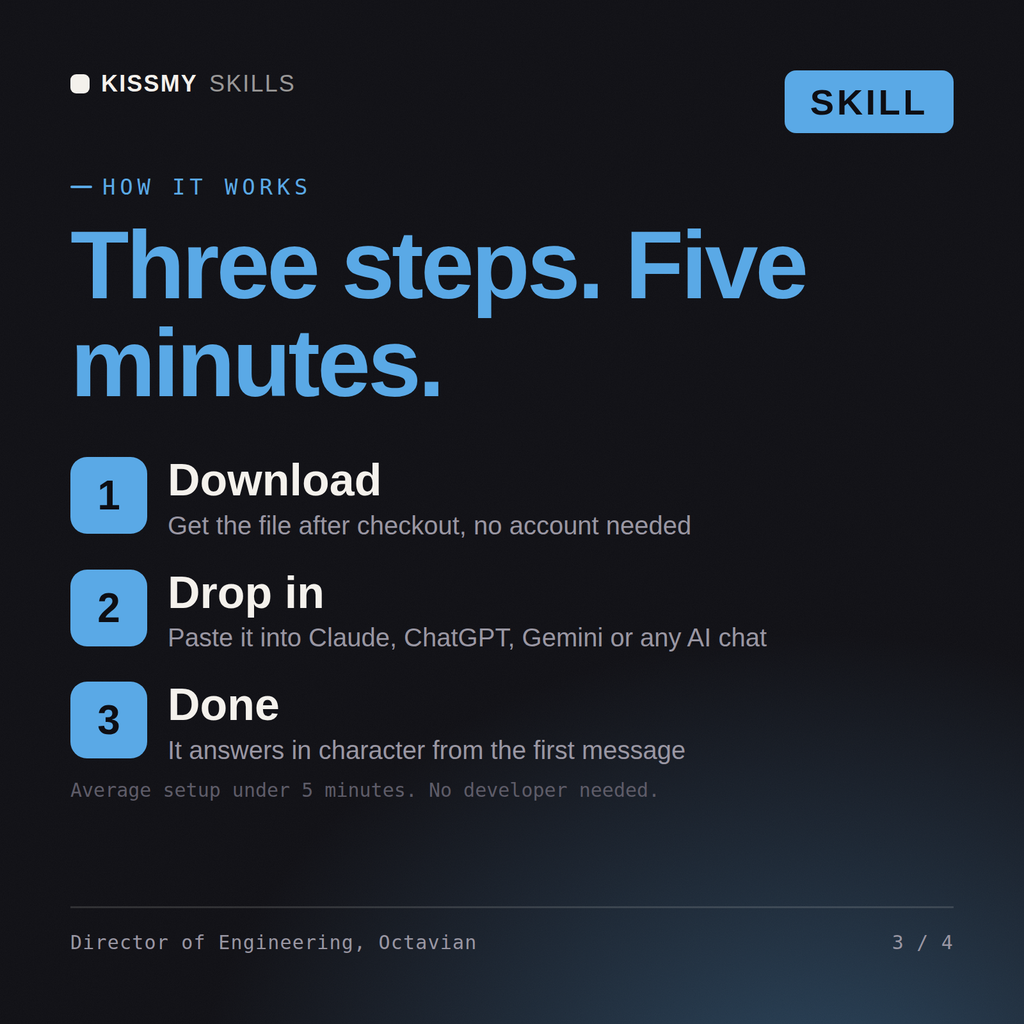
Download the .skill package (it contains SKILL.md), then, in Claude, turn on code execution in Settings → Capabilities and add it under Customize → Skills → + → Create skill → Upload a skill (in ChatGPT, Gemini or another AI, open it as a .zip and paste SKILL.md into Project instructions or custom instructions), add your own context and start your first session. Works with Claude, ChatGPT, or any AI chat that accepts system prompts.
Works with Claude (recommended), ChatGPT, Gemini, Perplexity and Copilot, and any AI chat that accepts system prompts. Claude Projects gives the best results.
Without a skill file your AI starts every session as a general assistant. With Octavian loaded it applies Engineering Manager methodology from the first message, with consistent quality every time. Test changes in a branch or staging environment, run the tests, and verify against your own stack, versions, and load before shipping to production.
Download your .skill file from the order email or your account. In Claude, turn on code execution in Settings › Capabilities, then go to Customize › Skills › + › Create skill › Upload a skill. Start a new chat and ask for the specialist by name.