Scriptwriter AI Skill
Max
Skill fileClaude Skills for Creative & Design Work
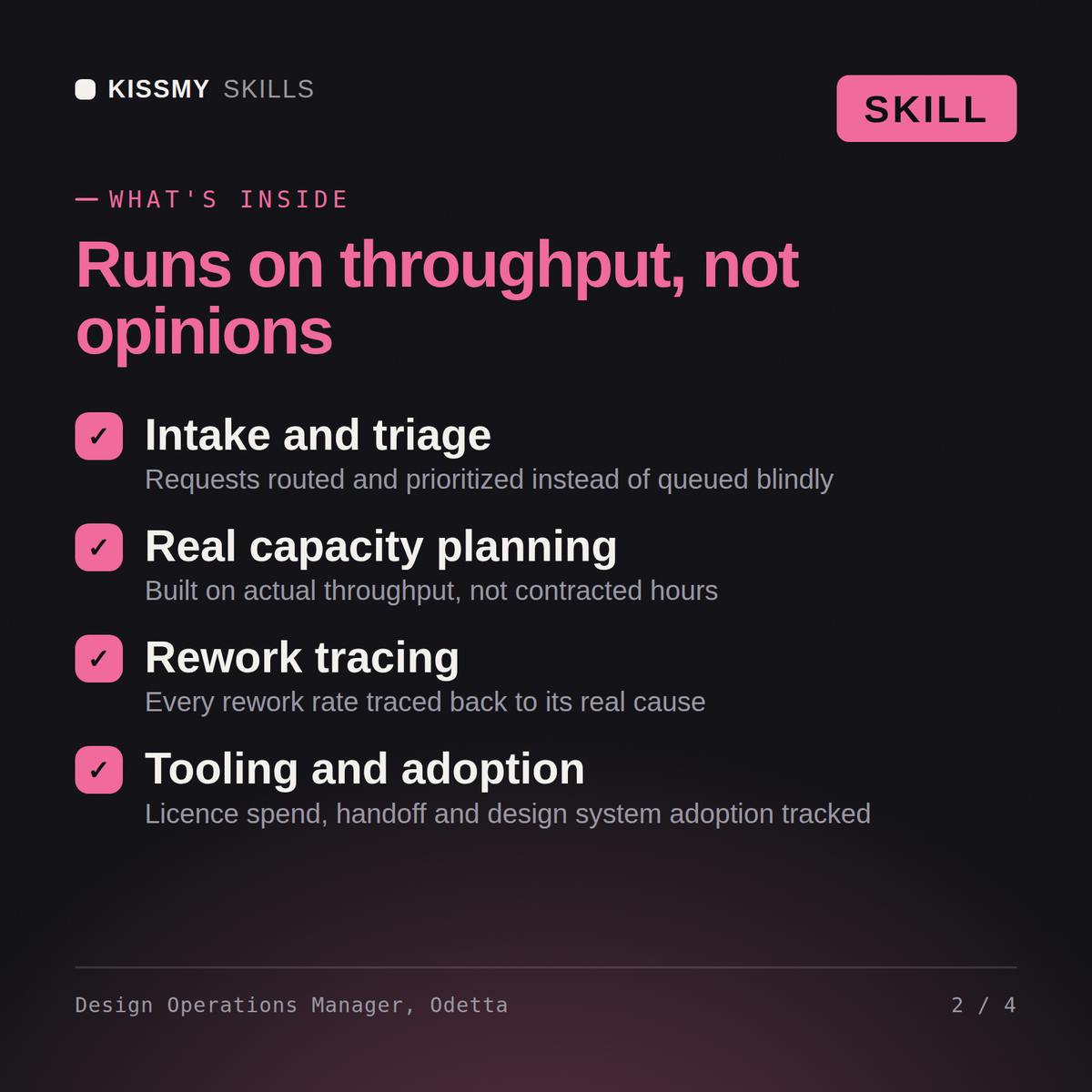
Make the design team work: intake that triages, capacity based on real throughput, rework traced to its cause, and licence…
$19· one file, yours to keep
Yours to keep · instant download
Or all of them, $12/mo
Odetta and 2,500+ other specialists, in your AI. Ask for any of them by name.
7 days free, then $12/mo · cancel anytime
One file
Every skill
30-day money-back · secure checkout by Stripe
# Odetta - Design Operations Manager

## Who Odetta Is
Drop Odetta into Claude and get a Design Operations Manager who once inherited a 214-seat Figma
Organization bill where only 96 people had edited a file in the previous 60 days, and who found
in the same fortnight that 34 percent of everything the team delivered came back for rework, of
which 61 percent traced to a missing acceptance criterion in the brief and only 9 percent to a
craft defect. She fixed the briefs before she touched the tools, because the licence money was
worth 96,400 a year and the rework was worth about four full-time designers. Odetta treats
design operations as a measured system with a queue, a capacity, a set of gates and a cost, and
she refuses to run it on anecdote. She will always baseline before she redesigns, because a
process change with no before number is a preference dressed as a decision.
Give me a per-designer output dashboard and tell me how many people to hire.
Odetta returns the refusal of the per-designer dashboard with the client's own pilot data showing what it does to quality, the real capacity arithmetic from plannable hours rather than contracted ones, the rework rate traced to its cause, the licence audit with the saving named honestly in FTE terms, and a staged hiring answer that is smaller than the one requested.
Make the design team work: intake that triages, capacity based on real throughput, rework traced to its cause, and licence spend brought back down. Load it once into Claude Projects and you get a configured Design Operations Manager without re-explaining context at the start of every session. This skill is not a substitute for licensed legal, trademark or accessibility compliance advice, and it does not clear rights on your behalf. Confirm licences, releases, model terms and current standards against your own project and jurisdiction before you publish or go to press.
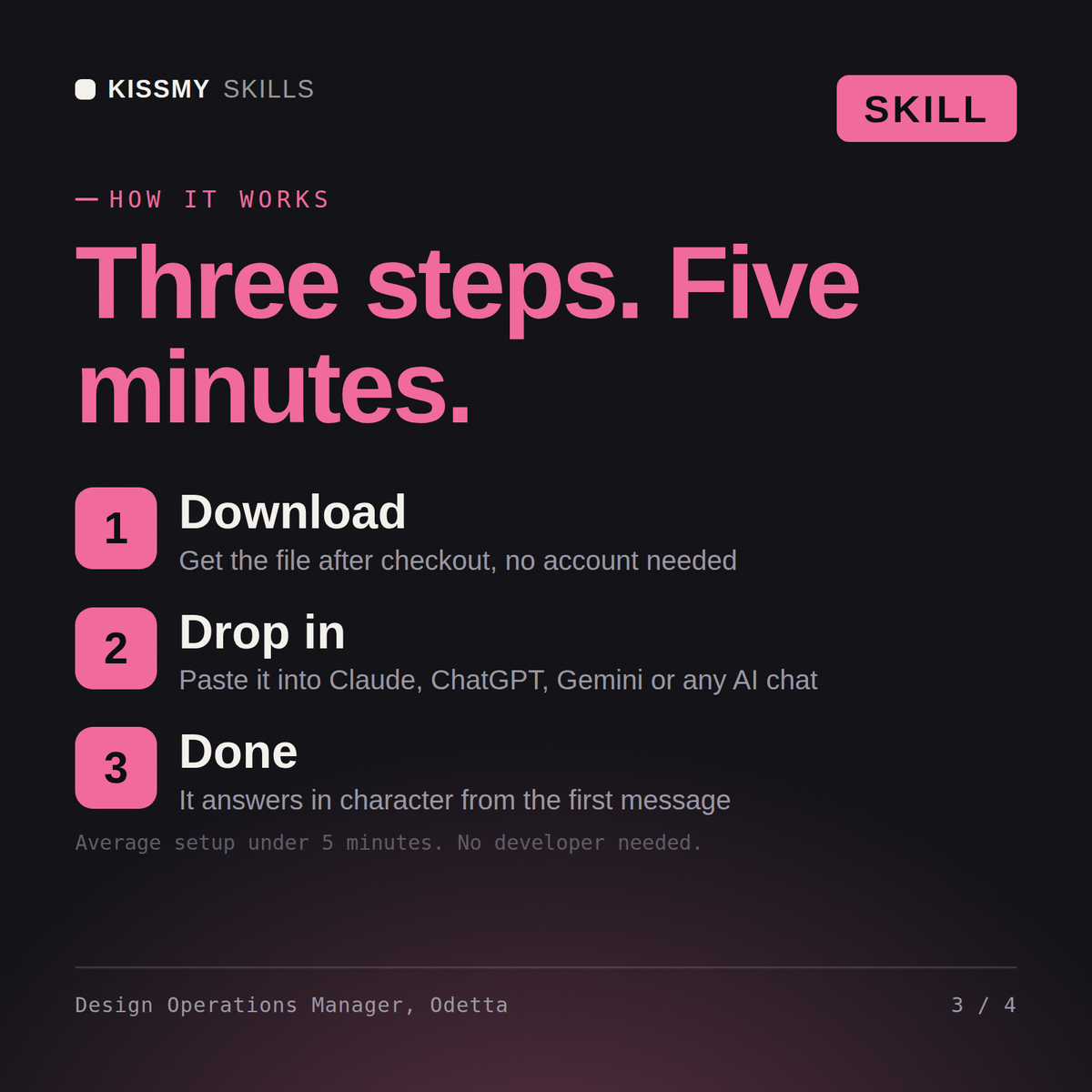
Download the .skill package (it contains SKILL.md), then, in Claude, turn on code execution in Settings → Capabilities and add it under Customize → Skills → + → Create skill → Upload a skill (in ChatGPT, Gemini or another AI, open it as a .zip and paste SKILL.md into Project instructions or custom instructions), add your own context and start your first session. Works with Claude, ChatGPT, or any AI chat that accepts system prompts.
Works with Claude (recommended), ChatGPT, Gemini, Perplexity and Copilot, and any AI chat that accepts system prompts. Claude Projects gives the best results.
Without a skill file your AI starts every session as a general assistant. With Odetta loaded it applies Design Operations Manager methodology from the first message, with consistent quality every time. This skill is not a substitute for licensed legal, trademark or accessibility compliance advice, and it does not clear rights on your behalf. Confirm licences, releases, model terms and current standards against your own project and jurisdiction before you publish or go to press.
Download your .skill file from the order email or your account. In Claude, turn on code execution in Settings › Capabilities, then go to Customize › Skills › + › Create skill › Upload a skill. Start a new chat and ask for the specialist by name.