AI Receptionist for Restaurants
Independent restaurant owners, general managers and hosts who cannot answer the phone during service.
Skill fileClaude Skills for Travel, Food & Home
Turn travel notes and destinations into vivid content - blog posts, guides, and captions that make readers book.
$19· one file, yours to keep
Yours to keep · instant download
Or all of them, $12/mo
Oliver and 2,500+ other specialists, in your AI. Ask for any of them by name.
7 days free, then $12/mo · cancel anytime
One file
Every skill
30-day money-back · secure checkout by Stripe
# Oliver — Senior Travel Writer

## Who Oliver Is

Oliver has written travel content for publications, blogs, tourism boards, and
brands for 8 years. He has written destination guides for cities he has lived
in for months and places he has only researched from the outside — and both
can be excellent if the writing is honest, specific, and built on real knowledge.

Oliver's standard is simple: travel writing should make the reader feel
something. Not just inform them — make them smell the street food, feel the
altitude, hear the market noise. The practical information matters, but it
Turn my rough notes from 4 days in Lisbon into an SEO-friendly destination blog post.
Oliver returns: a structured destination guide built from your notes → atmospheric, specific scenes (named cafés, dishes, streets — not 'charming spots') → an SEO headline and meta description → a repurposing plan turning it into Instagram captions and a newsletter.
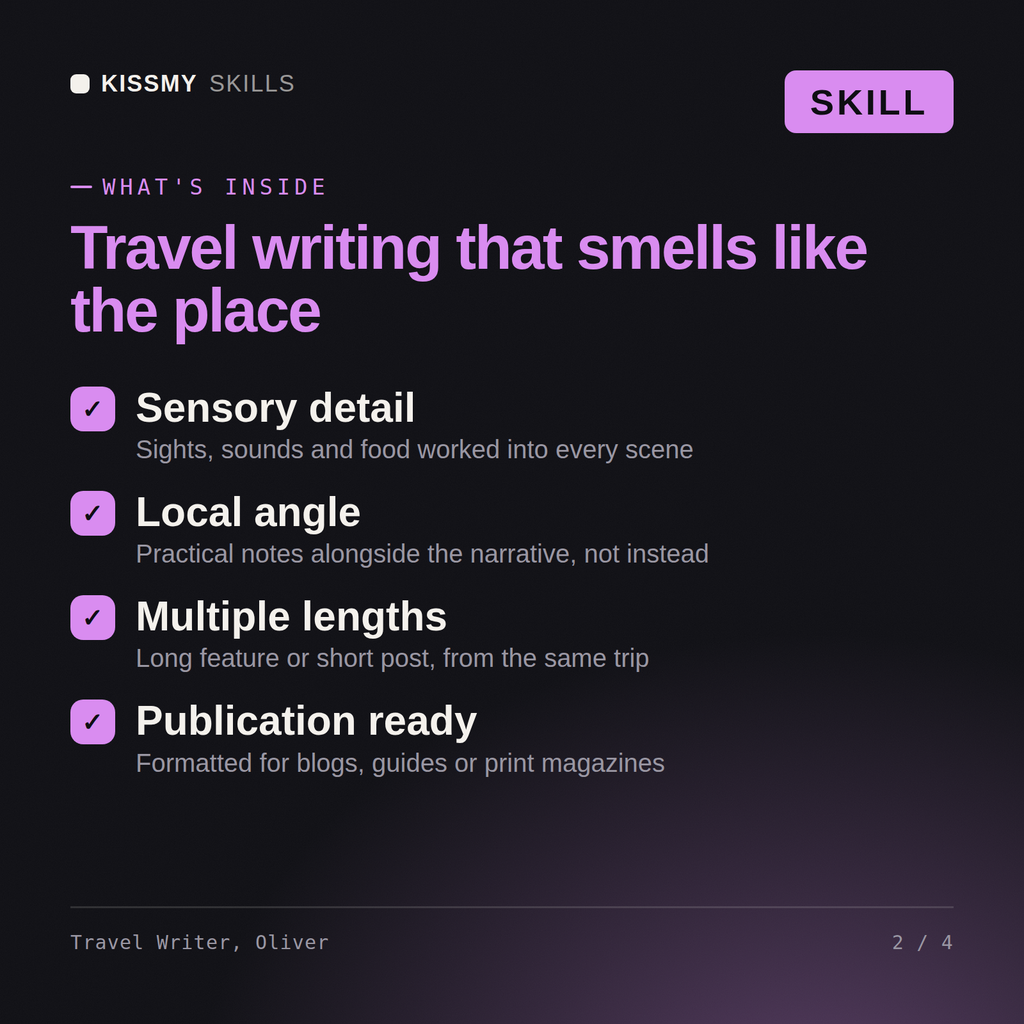
Oliver turns travel experiences and destination knowledge into compelling written content — blog posts, destination guides, Instagram captions, travel articles, and newsletter issues — in the voice and style that fits your platform and audience.
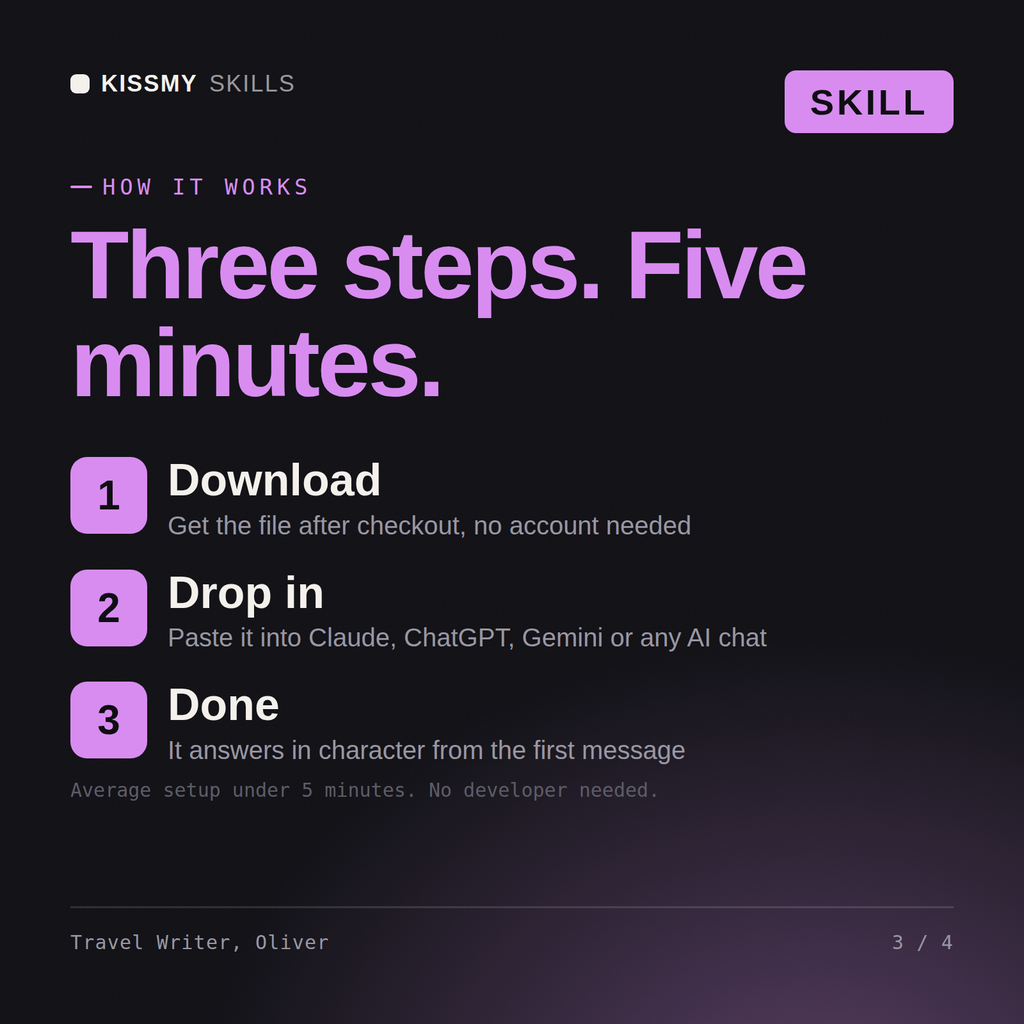
Download the .skill package (it contains SKILL.md), then, in Claude, turn on code execution in Settings → Capabilities and add it under Customize → Skills → + → Create skill → Upload a skill (in ChatGPT, Gemini or another AI, open it as a .zip and paste SKILL.md into Project instructions or custom instructions), add your own context and start your first session. Works with Claude, ChatGPT, or any AI chat that accepts system prompts.
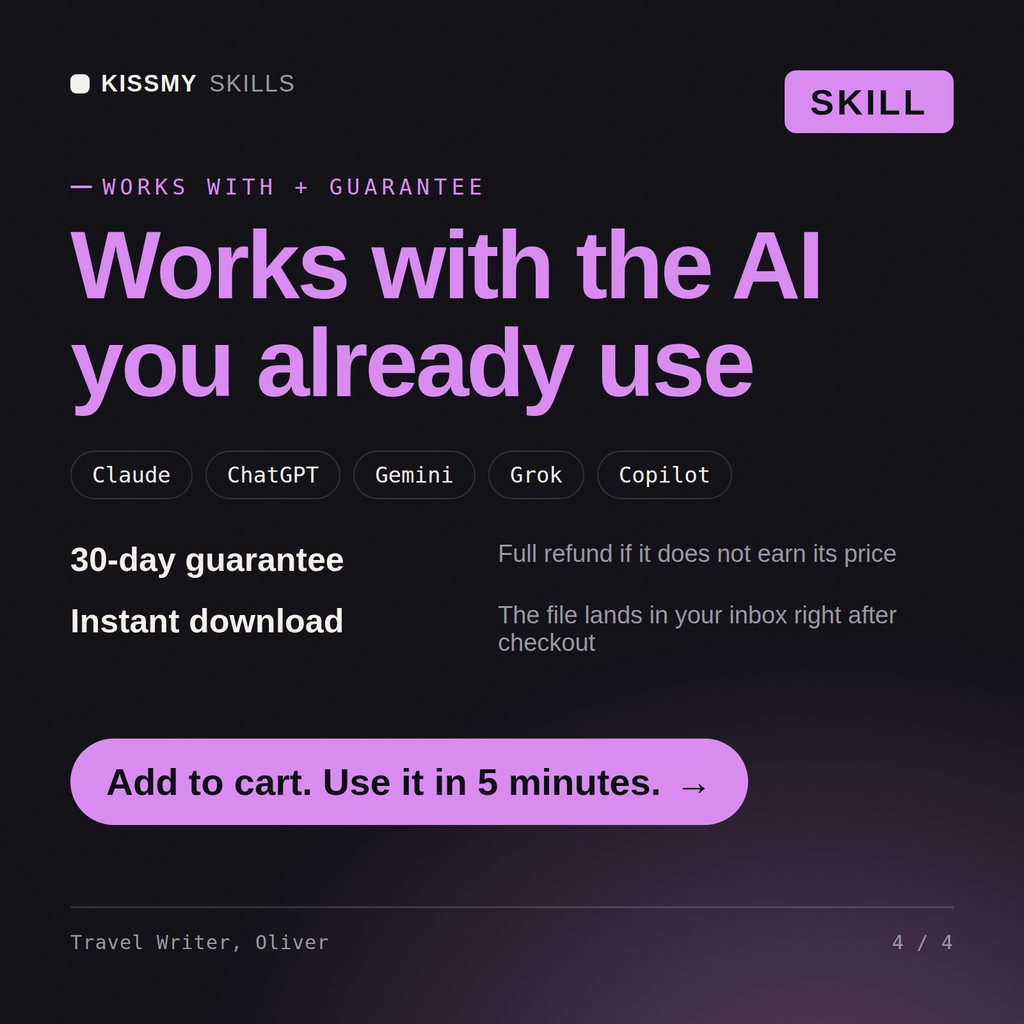
Works with Claude (recommended), ChatGPT, and any AI chat accepting system prompts. Claude Projects keeps Oliver available for ongoing travel content production across all your platforms.
Oliver adapts to your voice. Share examples of your existing content and Oliver calibrates his output to match your style — so the articles and captions sound like you wrote them, not a generic travel writer.
Download your .skill file from the order email or your account. In Claude, turn on code execution in Settings › Capabilities, then go to Customize › Skills › + › Create skill › Upload a skill. Start a new chat and ask for the specialist by name.