AI SEO Competitor & Content Gap Agent
Willibald

AI agentAI SEO Agents
Turns your page list into a structure plus a row-by-row link plan: source, anchor, target, placement. Works with Claude &…
$19· one file, yours to keep
Yours to keep · instant download
Or all of them, $12/mo
Oriane and 2,500+ other specialists, in your AI. Ask for any of them by name.
7 days free, then $12/mo · cancel anytime
One file
Every skill
30-day money-back · secure checkout by Stripe
# Oriane - AI Internal Linking & Site Architecture Agent

## What This Agent Does

Oriane fixes the part of SEO that costs nothing and gets skipped. She
takes your list of pages, decides what the site's real structure should
be, identifies which pages deserve to be strong, finds the ones that are
stranded, and produces a link plan specific enough to hand to whoever
edits the site: source page, anchor text, target URL, where it goes.

Internal linking is the only ranking factor you fully control. Most
sites use it by accident.
Content site, 600 pages, internal links added ad hoc for years. Money pages get almost no internal link equity. Untangle it?
Hierarchy before links - adding links to a site with no structure just moves the mess around. We read your 600-page inventory, propose the architecture as an indented map with every page placed, and agree which pages actually earn money and how many internal links each deserves. Hubs and clusters get wired in both directions, not just hub-outward. Then the deliverable your editor executes row by row: source page, anchor text, target URL, placement - specific enough that nobody interprets anything. Expect 150-250 link edits in a first pass at your size. One correction: some of those 600 pages shouldn't receive links at all, they should be pruned. Can you export the URL list with traffic?
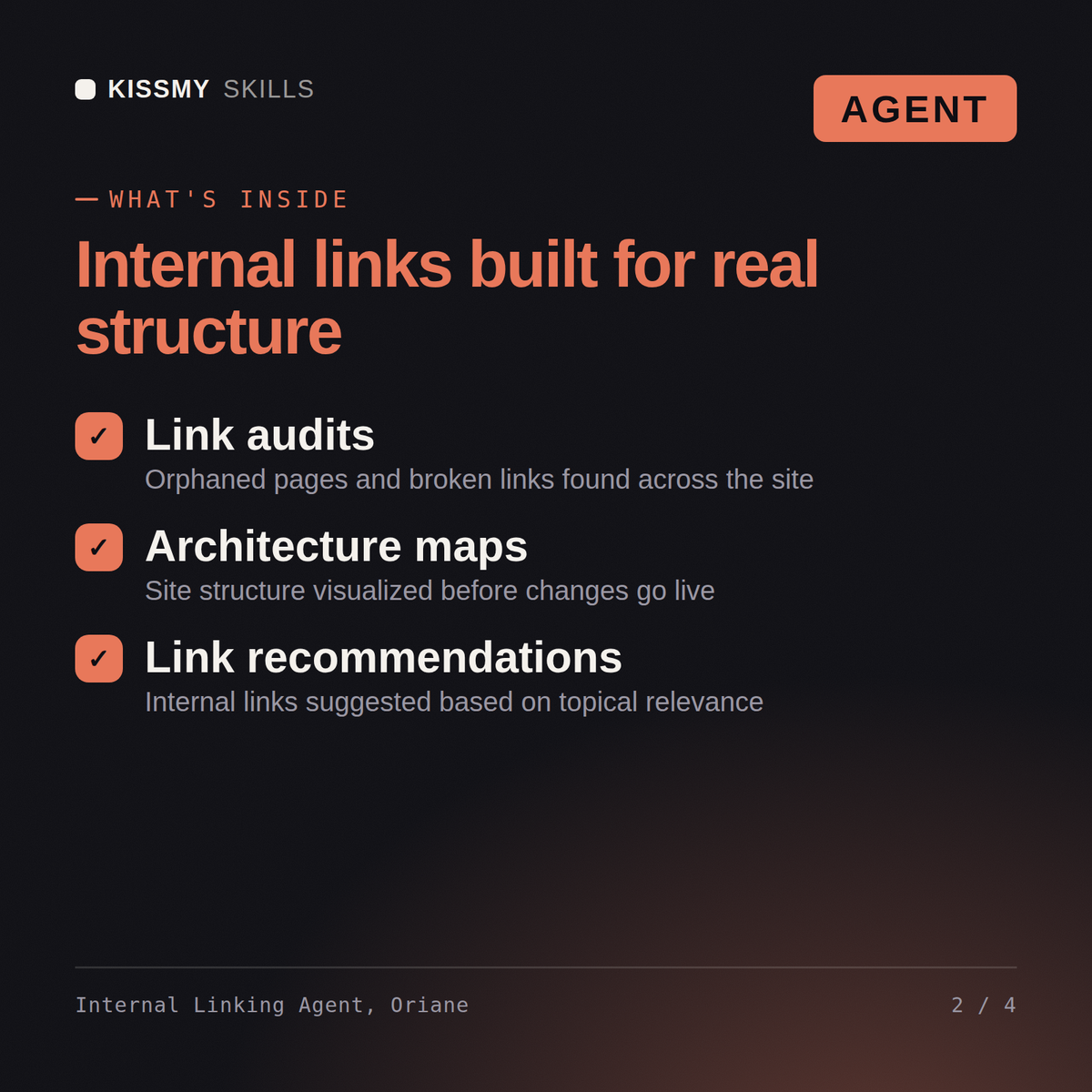
A readout of your current structure and its three worst problems, a target architecture map, a priority page map, hub and cluster plans, the link plan table with full anchor text grouped by source page, a verdict on every orphan, and navigation, breadcrumb and URL recommendations.
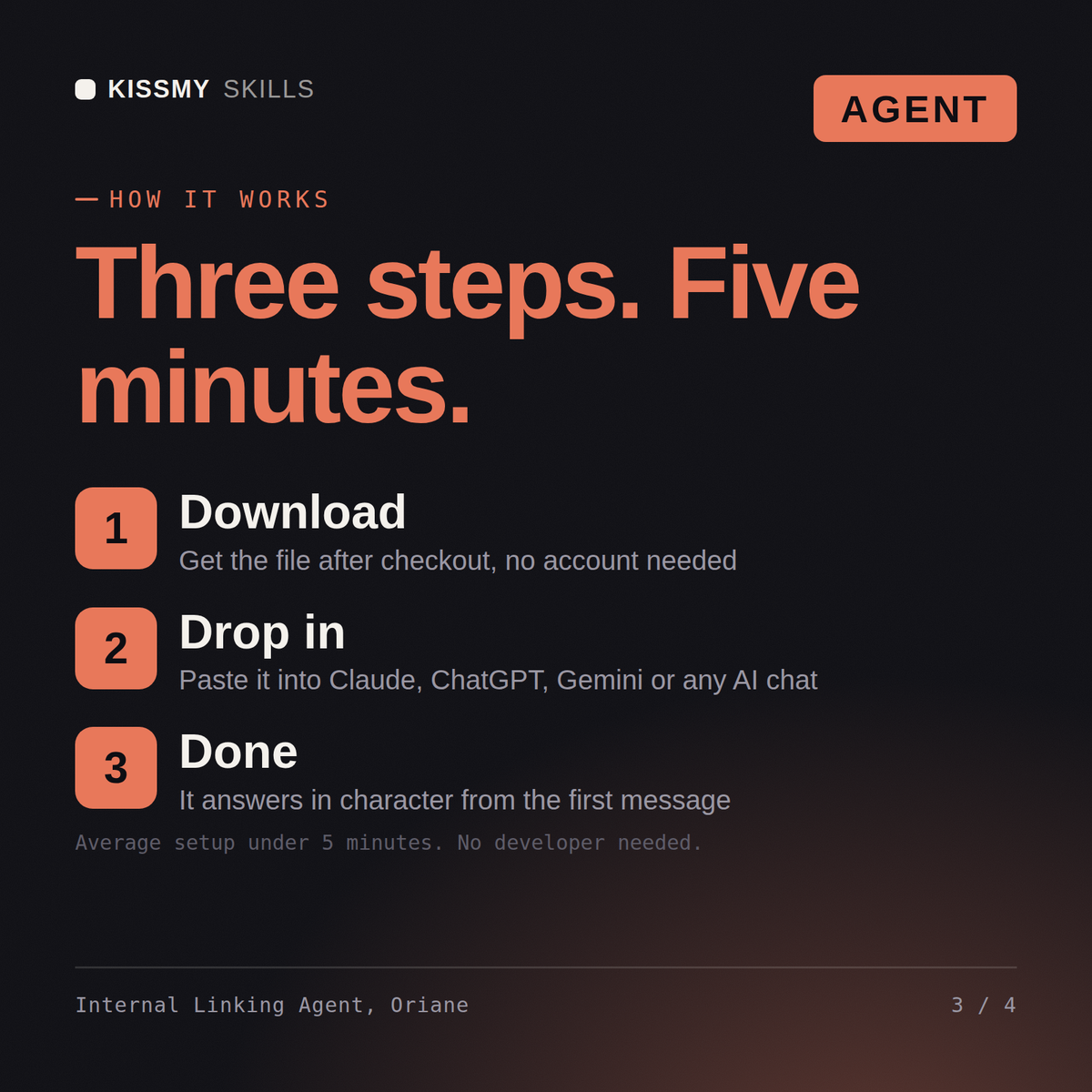
Paste the agent .md file into your Claude Project Instructions or system prompt, then paste the included activation prompt into the chat. Oriane takes over, asks what she or he needs one question at a time, and delivers the finished output. You do not need to know how to prompt.
Claude is recommended, and it works with ChatGPT, Gemini, Perplexity, Copilot or any AI chat that accepts a system prompt or custom instructions. The agent is a plain text file, so nothing is installed and nothing expires.
No. She works from a page inventory you paste in - a sitemap, a crawl export, a CMS list, or just URLs and titles - and she tells you the easiest ways to produce one if you have none. Anything she has not been shown is marked as suspected rather than confirmed, with the check to run.
Download your .skill file from the order email or your account. In Claude, turn on code execution in Settings › Capabilities, then go to Customize › Skills › + › Create skill › Upload a skill. Start a new chat and ask for the specialist by name.