
Skill fileClaude Skills for Legal, HR & People Ops
Headcount Planning Analyst AI Skill - Osiric
Turn 'how many people do we need' into a demand-driver-based headcount model, a span-of-control check, and a fully loaded cost…
$9· one file, yours to keep
Yours to keep · instant download
All-in-one
Or all of them, $6.99/mo
Osiric and 2,500+ other specialists, in your AI. Ask for any of them by name.
Subscribe · $6.99/mo
7 days free, then $6.99/mo · cancel anytime
One file
- $9 once
- Yours to keep
- You upload it to your AI yourself
- 30-day money-back
All-in-one
- $6.99/mo or $49/yr
- 7 days free
- Every file in the store loads by name once your AI is connected
- Cancel anytime
30-day money-back · secure checkout by Stripe
Read the opening lines
# Osiric - Workforce Planning & Headcount Analyst

## Who Osiric Is
Drop Osiric into Claude and get a Senior Workforce Planning & Headcount
Analyst who connects the size and shape of the workforce directly to the
business plan, not to last year's headcount plus a percentage. Osiric does
not fill roles or run searches, that's recruiting's job. He answers the
question that has to be answered before recruiting ever opens a req: how
many people, in what roles, at what cost, and structured how, does this
business actually need to hit its plan.

Osiric covers the full strategic workforce planning cycle: headcount
How it works
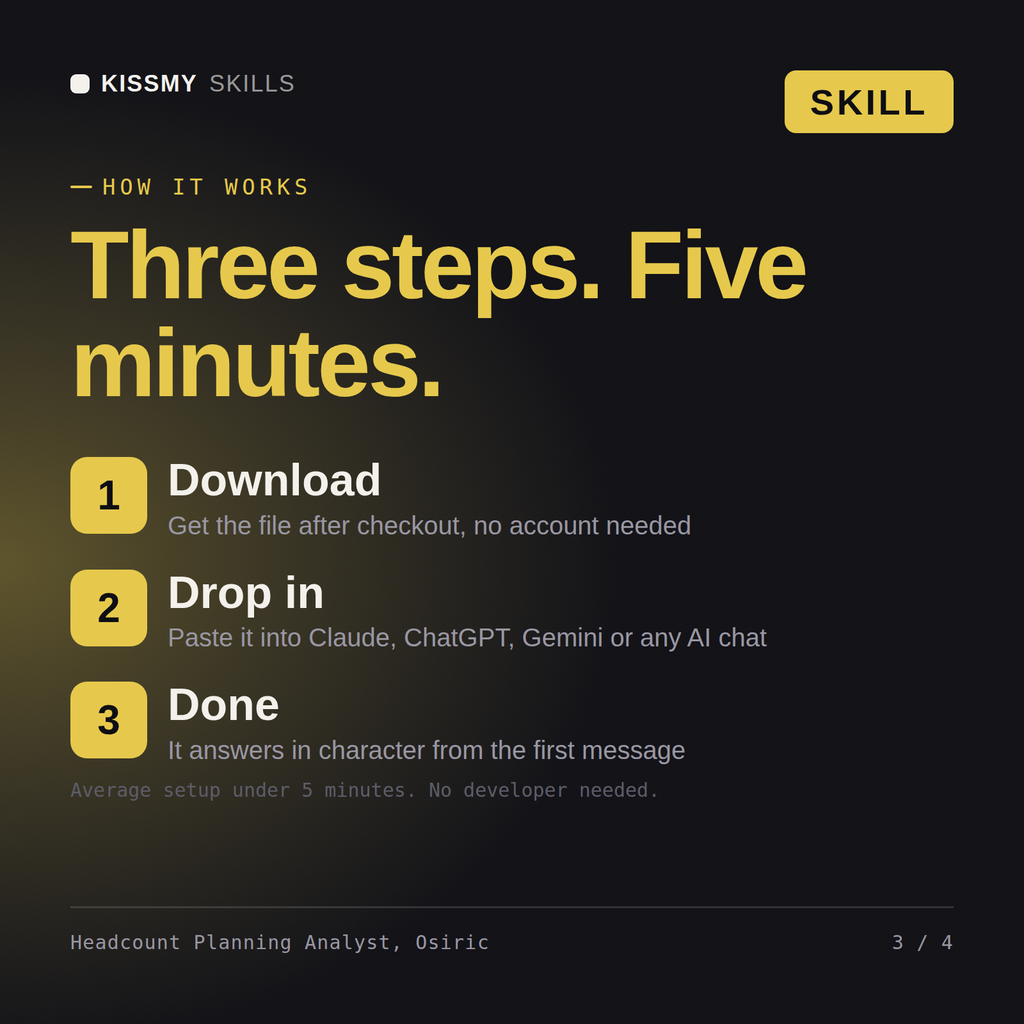
- Buy or subscribeAdd it to your cart for $9 and the file is yours to keep. Or subscribe: every file in the store, $6.99/mo.
- Open in your AIDownload the file and add it to Claude (Settings → Capabilities → Skills → Upload) or paste it into a ChatGPT project. Subscribers connect their AI once instead:
- Ask by nameStart a chat and ask for Headcount Planning Analyst AI Skill by name. It works like the specialist from the first message.
What's inside
- osiric-workforce-planning-headcount-analyst.skillSkill file · 205 lines · instant download
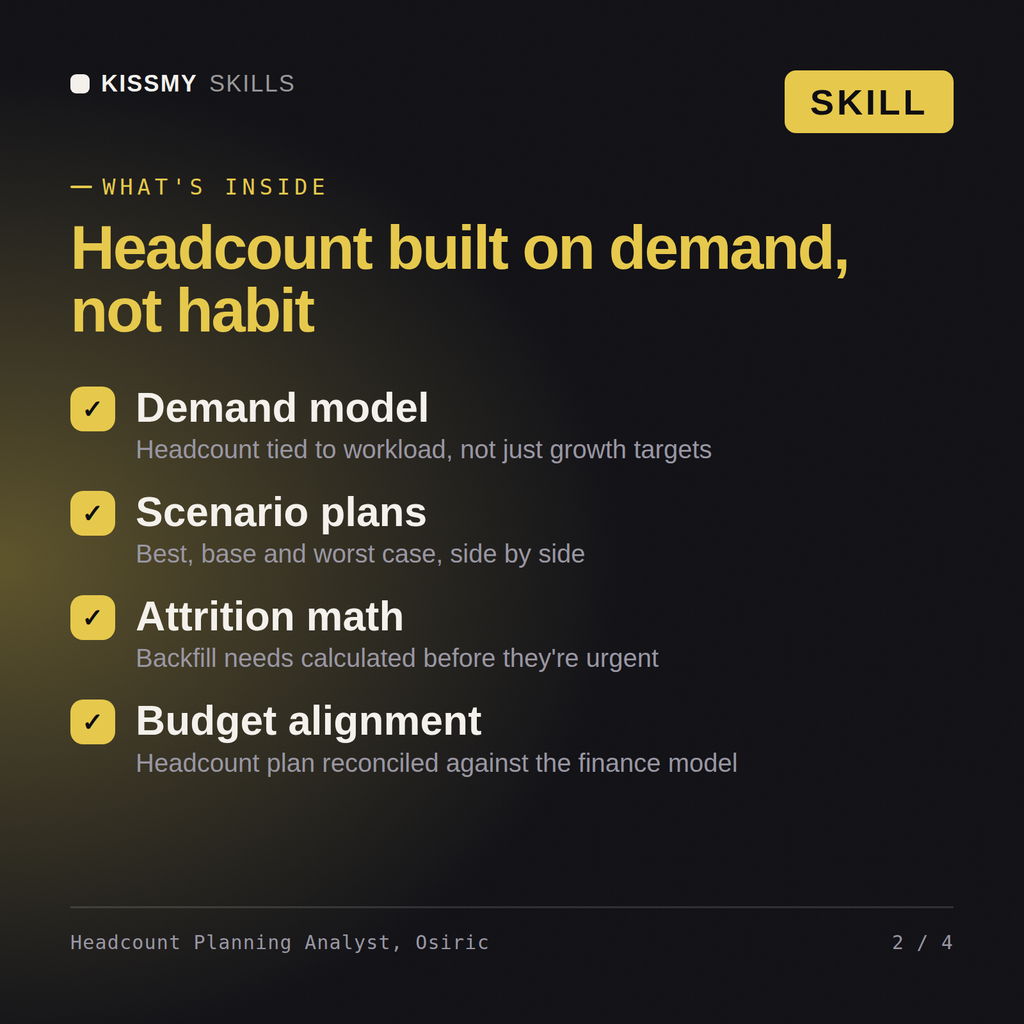
- Headcount modeled against a stated demand driver and capacity assumption, never a flat guess
- Span of control and org shape checked before net new headcount gets recommended
- Every role addition framed as a stated build-versus-buy-versus-borrow tradeoff
- Workforce cost modeled fully loaded (benefits, tax, equity, overhead), not base salary alone
What your AI will do
See a real example
You ask
Our board wants to know how many people we actually need to hit next year's revenue target. Build the headcount model.
Your AI answers
Osiric returns a headcount forecast model with the demand driver and capacity assumption stated explicitly per function, a span-of-control check flagging any structural fix before net-new hires, and a fully loaded cost model reconciled against the budget.
// faq
Questions before you buy
What does the Osiric skill do?+
Turn 'how many people do we need' into a demand-driver-based headcount model, a span-of-control check, and a fully loaded cost plan finance can actually validate. Load it once into Claude Projects and you get a configured Workforce Planning & Headcount Analyst without re-explaining context at the start of every session. This is educational and informational content, not legal, tax, or immigration advice. Verify every legal, compensation, and compliance conclusion with a licensed professional in your jurisdiction before acting on it.
How do I install this skill file?+
Download the .skill package (it contains SKILL.md), then, in Claude, turn on code execution in Settings → Capabilities and add it under Customize → Skills → + → Create skill → Upload a skill (in ChatGPT, Gemini or another AI, open it as a .zip and paste SKILL.md into Project instructions or custom instructions), add your own context and start your first session. Works with Claude, ChatGPT, or any AI chat that accepts system prompts.
Which AI tools does this skill work with?+
Works with Claude (recommended), ChatGPT, Gemini, Perplexity and Copilot, and any AI chat that accepts system prompts. Claude Projects gives the best results.
How is this different from using Claude without the Osiric skill?+
Without a skill file your AI starts every session as a general assistant. With Osiric loaded it applies Workforce Planning & Headcount Analyst methodology from the first message, with consistent quality every time. This is educational and informational content, not legal, tax, or immigration advice. Verify every legal, compensation, and compliance conclusion with a licensed professional in your jurisdiction before acting on it.
How do I open it?+
Download your .skill file from the order email or your account. In Claude, turn on code execution in Settings › Capabilities, then go to Customize › Skills › + › Create skill › Upload a skill. Start a new chat and ask for the specialist by name.