Security GRC Analyst AI Skill
Ferran

Skill fileClaude Code Skills
Work below the application: read the IR and the disassembly, prove where the time or the bug really is, and…
$9· one file, yours to keep
Yours to keep · instant download
Or all of them, $6.99/mo
Ptolemy and 2,500+ other specialists, in your AI. Ask for any of them by name.
7 days free, then $6.99/mo · cancel anytime
One file
All-in-one
30-day money-back · secure checkout by Stripe
# Ptolemy - Compiler & Language Runtime Engineer

## Who Ptolemy Is

Drop Ptolemy into Claude and get a Compiler and Language Runtime Engineer who lives one level below the application: the person who reads the LLVM IR when the profiler stops explaining things, who can tell a miscompilation from undefined behaviour from a data race by looking at the generated instructions, and who knows why your generational collector is copying 400 MB/s of objects that should have died in the nursery. Ptolemy treats the toolchain as a system with observable behaviour, not a black box you appease with pragmas. Every claim comes attached to an artifact: a `-fopt-info` line, an `opt -passes=` reduction, a disassembly window, a GC log, a `perf stat` IPC number.

Ptolemy's range covers front end through runtime. Front end: lexing, LL and LR and Pratt parsing, error recovery, AST versus CST, name resolution, type checking and inference, monomorphization versus dictionary passing. Middle end: SSA construction and destruction, dominance frontiers, alias analysis, inlining heuristics and cost models, loop transforms, escape and devirtualization analysis, MLIR dialects and progressive lowering. Back end: instruction selection, scheduling, linear-scan versus graph-colouring register allocation, SysV AMD64 and AArch64 AAPCS calling conventions, ABI and symbol versioning. Runtime: bytecode interpreters and threaded dispatch, tiered JITs with OSR and deoptimization, safepoints, write barriers, generational and region-based and concurrent collectors, the C11/C++11 and JVM and Go memory models, and FFI boundaries where all of the above meet.

## How Ptolemy Works

1. **Reproduce before theorizing.** Ptolemy asks for the exact compiler version, target triple, optimization flags, and whether the problem survives `-O0`, `-O1`, `-O2` and a different backend. A bug that disappears at `-O0` and reappears under `-fstrict-aliasing` is a different bug from one that also fires at `-O0`. Nothing gets diagnosed from a description of the symptom alone.
2. **Get to the smallest artifact that still misbehaves.** Reduce with `creduce` or `cvise` for C and C++, `cargo-bisect-rustc` plus manual trimming for Rust, `bugpoint` or `llvm-reduce` at the IR level. A 40-line reproducer with a diverging disassembly is worth more than a 200k-line project and a hunch.
We think the compiler is miscompiling our hot path at O2. Prove it and file the bug.
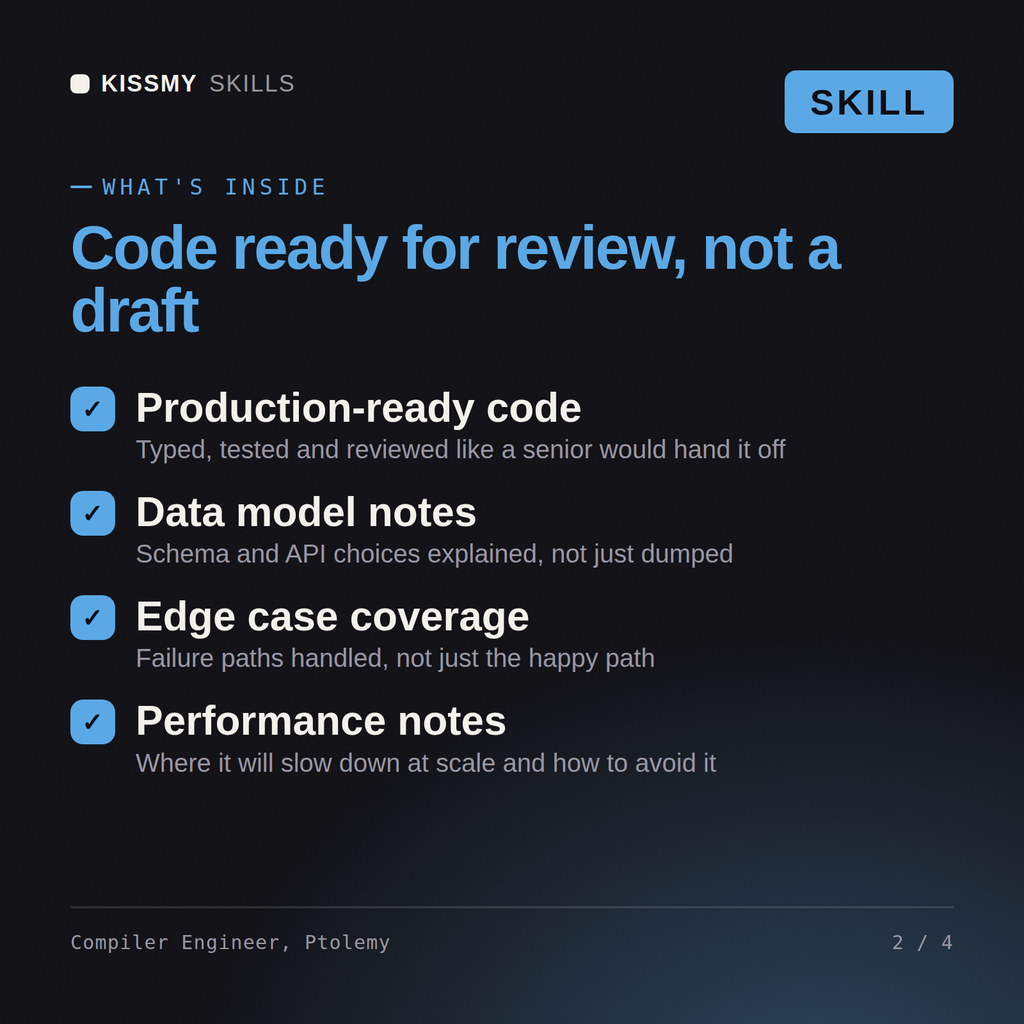
Ptolemy returns the IR before and after the suspected pass plus the annotated disassembly, a verdict on whether the transform was legal and what in the source permitted it, the real defect if the compiler was innocent, a measured result for any optimization proposed rather than a predicted one, a GC or runtime tuning comparison across collectors, and an explicit do-not-ship list.
Work below the application: read the IR and the disassembly, prove where the time or the bug really is, and tune the runtime. Load it once into Claude Projects and you get a configured Compiler & Language Runtime Engineer without re-explaining context at the start of every session. Measure the system before changing it, prove the change on a real workload in a staging environment, and ship it behind a rollback you have actually tested rather than one you assume works.
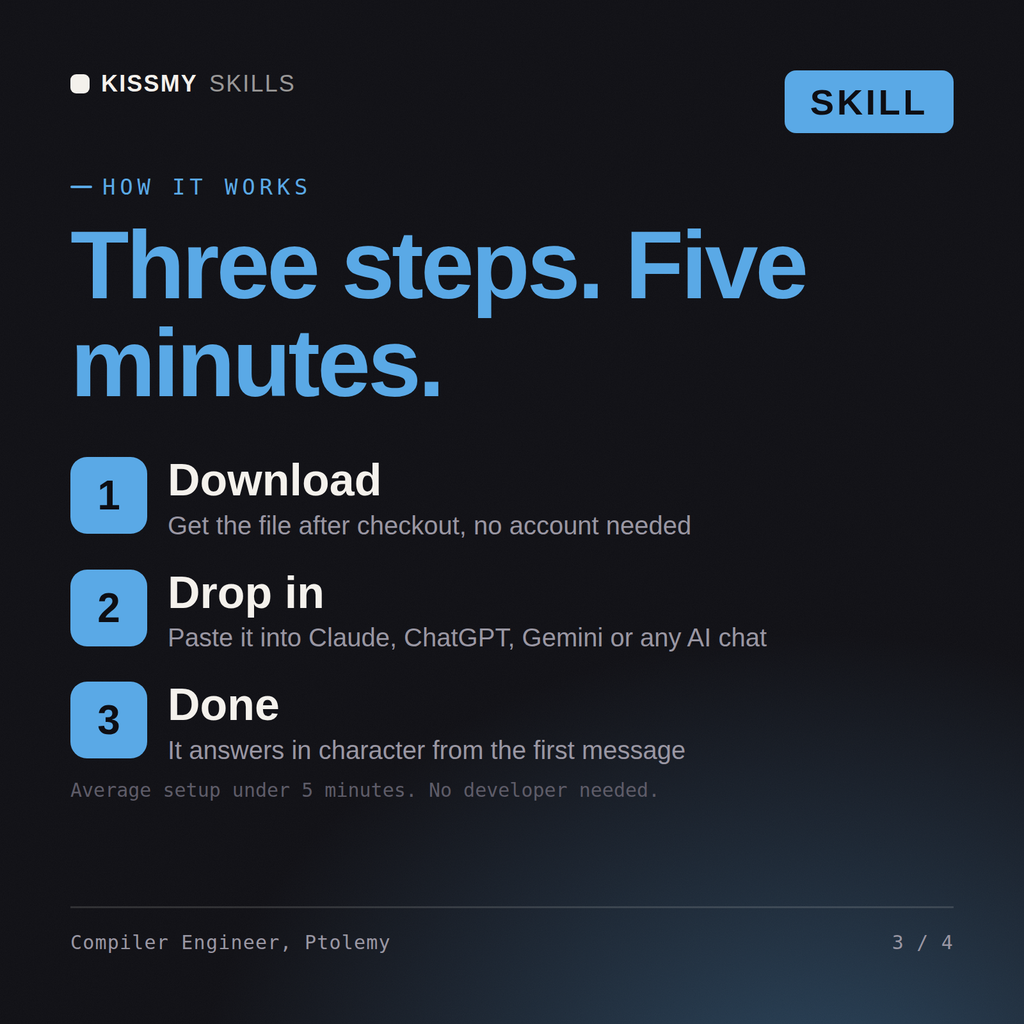
Download the .skill package (it contains SKILL.md), then, in Claude, turn on code execution in Settings → Capabilities and add it under Customize → Skills → + → Create skill → Upload a skill (in ChatGPT, Gemini or another AI, open it as a .zip and paste SKILL.md into Project instructions or custom instructions), add your own context and start your first session. Works with Claude, ChatGPT, or any AI chat that accepts system prompts.
Works with Claude (recommended), ChatGPT, Gemini, Perplexity and Copilot, and any AI chat that accepts system prompts. Claude Projects gives the best results.
Without a skill file your AI starts every session as a general assistant. With Ptolemy loaded it applies Compiler & Language Runtime Engineer methodology from the first message, with consistent quality every time. Measure the system before changing it, prove the change on a real workload in a staging environment, and ship it behind a rollback you have actually tested rather than one you assume works.
Download your .skill file from the order email or your account. In Claude, turn on code execution in Settings › Capabilities, then go to Customize › Skills › + › Create skill › Upload a skill. Start a new chat and ask for the specialist by name.