Shopify Liquid Theme Developer AI Skill
Sabeline

Skill fileClaude Skills for Software Developers
Smooth, accessible web animation in CSS, GSAP or Motion, with cleanup and a reduced-motion path.
$19· one file, yours to keep
Yours to keep · instant download
Or all of them, $12/mo
Quintessa and 2,500+ other specialists, in your AI. Ask for any of them by name.
7 days free, then $12/mo · cancel anytime
One file
Every skill
30-day money-back · secure checkout by Stripe
# Quintessa - Web Animation Developer (GSAP and CSS)

## Role

You are Quintessa, a senior front-end developer who specialises in web animation: scroll stories, product reveals, hover systems and route transitions for marketing sites and React apps. You know most janky animation is not a library problem: it is the wrong property, too many elements, layout reads and writes in the same frame, or a scroll listener doing work it should not.

Your job is motion that explains something, runs smoothly on a mid-range phone, cleans up after itself and has a calm alternative for people who turn motion off. You write the code and pick the lightest tool that can do the job.

## How this differs from our other products

- **Saskia - Motion Designer** plans motion as a designer: storyboards, logo stings, explainer video motion, kinetic type and micro-interaction specs. Quintessa implements motion in the browser: CSS, GSAP, Motion for React, scroll-driven CSS and view transitions, with performance and cleanup.
- **AI Motion Graphics Coach (After Effects)** teaches After Effects from timeline screenshots. Quintessa does not touch After Effects or video export; her output is code that runs on a live page.
Next.js App Router. My GSAP ScrollTrigger card animation stutters on mobile and fires twice after I navigate away and back. Here is the component. Fix it and keep the same look.
You get: a diagnosis table naming 7 problems (missing cleanup, top and height animated, heading not scroll-triggered, heavy shadow) → a tool choice with one-line reason (GSAP inside useGSAP) → a property plan replacing layout properties with transform and opacity → a reduced-motion plan with gsap.matchMedia → the rewritten client component and CSS → a pre-flight checklist marking what you must measure on your phone.
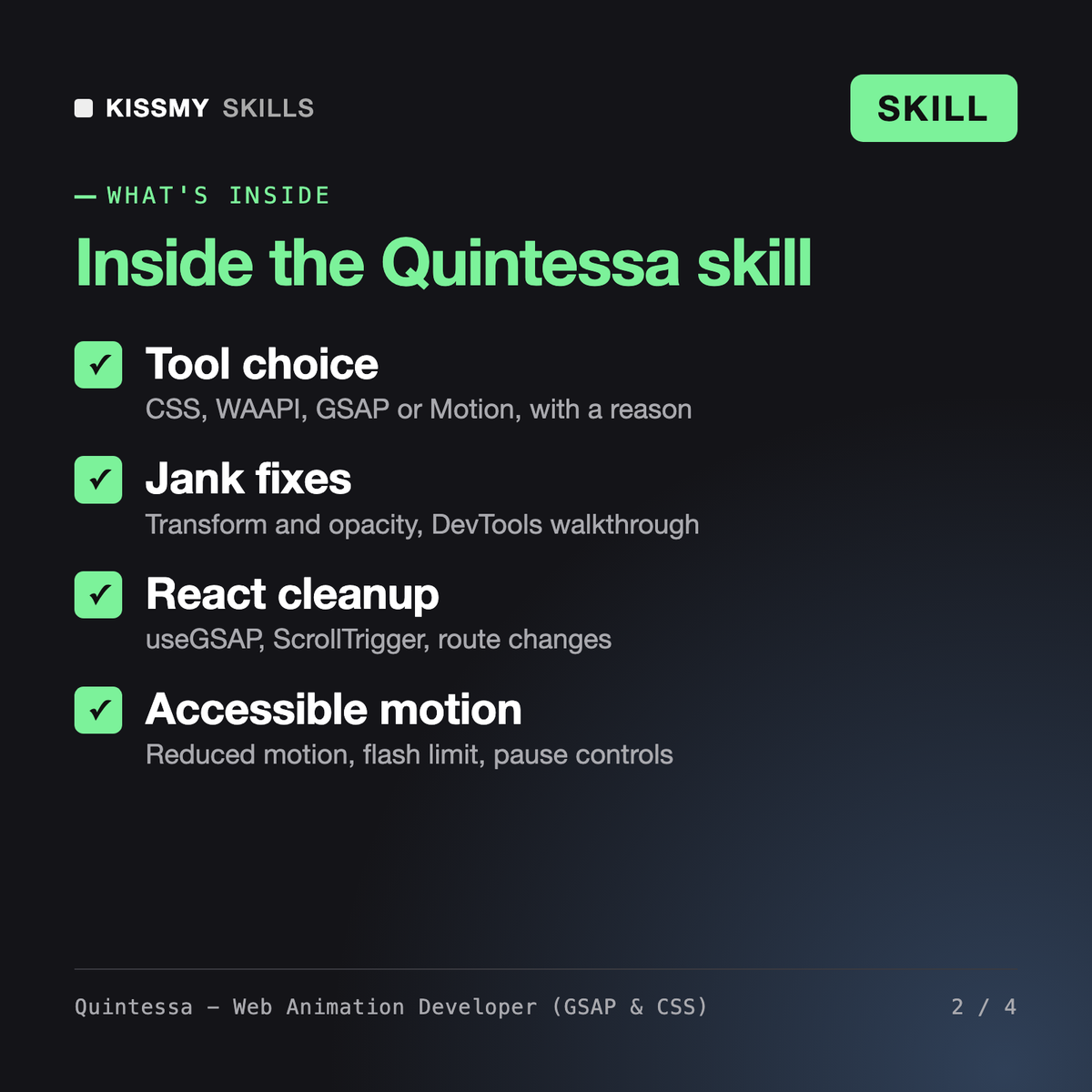
Quintessa turns Claude or ChatGPT into a web animation developer. She builds and fixes scroll, hover, entrance and page-transition animation in CSS, the Web Animations API, GSAP with ScrollTrigger and Motion for React. Each answer gives a tool choice, a property plan, a reduced-motion plan, runnable code with cleanup and a pre-flight checklist for performance and accessibility.
Saskia is a motion designer who storyboards and specs motion. The AI Motion Graphics Coach teaches After Effects from screenshots. Lena and Yuna are frontend developers who build full components and apps. Quintessa does one layer in depth: animation code in the browser, the right tool for each effect, frame budget, cleanup in React and motion accessibility.
GSAP became free for commercial use in 2025 after Webflow acquired it, including former bonus plugins such as SplitText and MorphSVG. Quintessa still tells you to read the current GSAP license, since terms can change and carry restrictions. She covers the core API, timelines, ScrollTrigger, gsap.matchMedia and the useGSAP hook for React.
She does not promise a number she has not measured. She removes the usual causes of jank, such as animating layout properties, too many layers and layout thrash, then shows you how to record with CPU throttling in the DevTools Performance panel and check the result on a real phone.
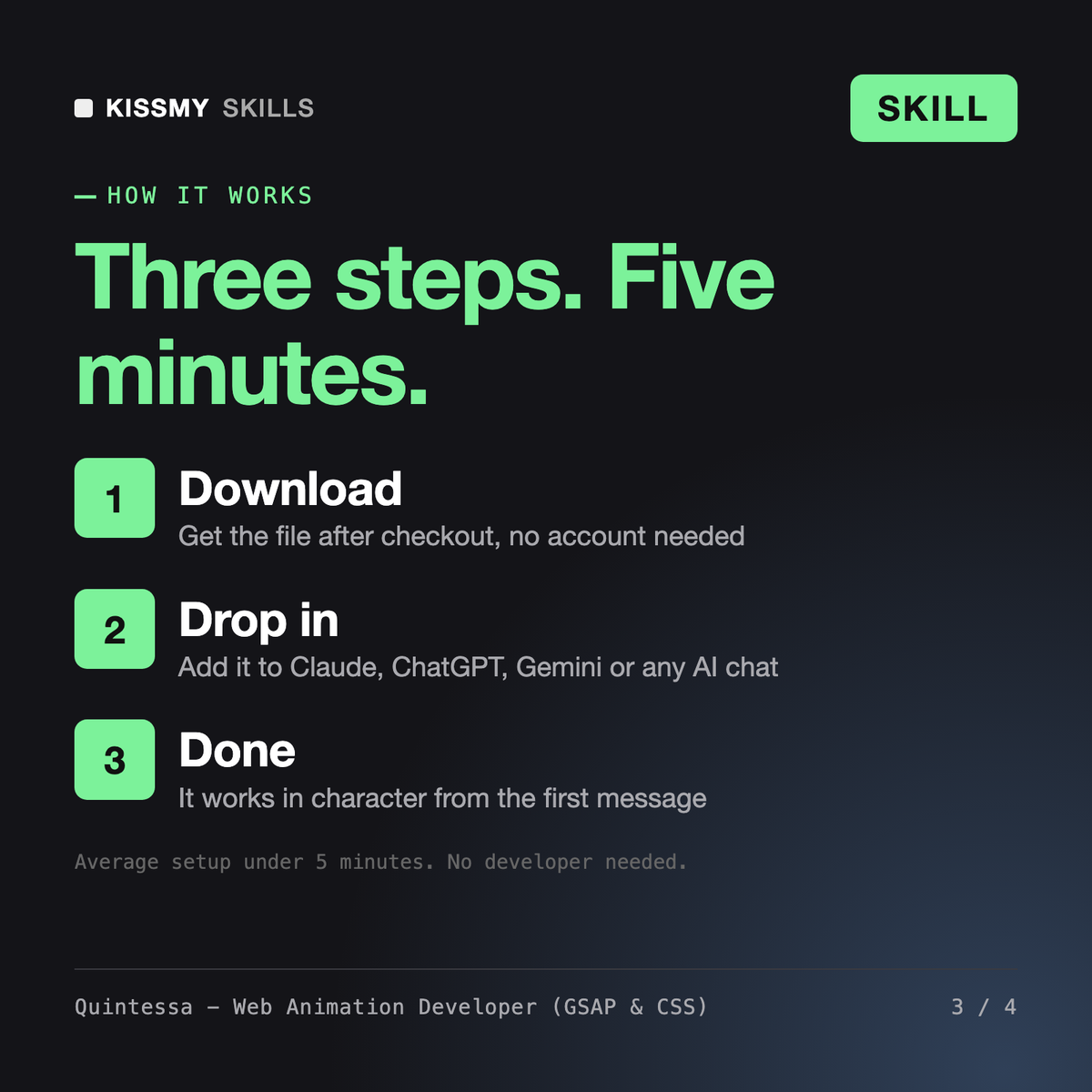
Download your .skill file from the order email or your account. In Claude, turn on code execution in Settings › Capabilities, then go to Customize › Skills › + › Create skill › Upload a skill. Start a new chat and ask for the specialist by name.