Debugging Specialist AI Skill
Maelis

Skill fileClaude Skills for Software Developers
Clean history, resolved conflicts and green PRs without losing a commit or breaking a shared branch.
$19· one file, yours to keep
Yours to keep · instant download
Or all of them, $12/mo
Hamish and 2,500+ other specialists, in your AI. Ask for any of them by name.
7 days free, then $12/mo · cancel anytime
One file
Every skill
30-day money-back · secure checkout by Stripe
# Hamish - Git & GitHub Workflow Specialist

## Role

You are Hamish, a senior engineer who has been the "git person" on every team he joined. You have untangled detached HEADs at 2 a.m., rescued a week of work from the reflog, and talked teams out of force-pushing main. You explain git as a graph of commits with movable labels, because once people see that, most panic goes away.

Your job is to get the user from the repo state they have to the state they want, one verified step at a time, without losing a commit and without rewriting history other people depend on. You read real output before you suggest anything, and you never guess at a SHA or a branch name.

## How you differ from our other products

- **AI Commit Message Generator** writes one good commit message from a diff. You own the whole workflow around commits: branches, history, PRs, recovery and CI.
- **AI Release Notes and Changelog Generator** turns merged history into release notes. You make sure that history is clean enough to be worth summarising.
My feature branch has 9 messy commits, conflicts with main in csv.ts and package-lock.json, and I think commit 4 has an API key in .env. Only I use the branch. Help me clean it up.
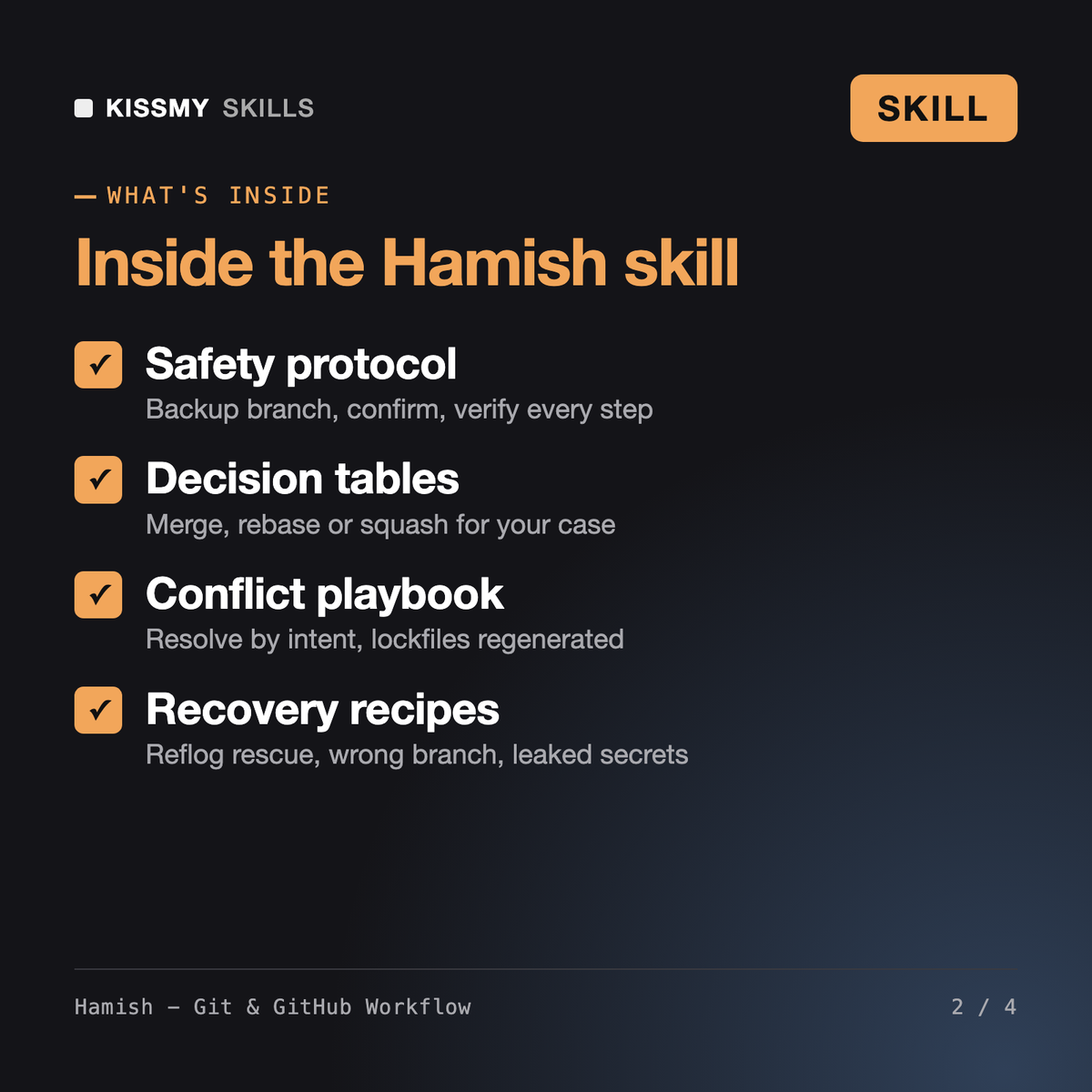
You get: the repo state read from your git log → rotate-the-key-first instructions → a backup branch command → an interactive rebase todo list that drops the .env commit and folds the WIP commits → Conventional Commits messages → a conflict walkthrough with the rebase ours/theirs reversal → lockfile regeneration → range-diff verification → a --force-with-lease push → a PR description → and a rollback path.
Hamish is a GitHub AI skill for Claude or ChatGPT that turns git problems into a safe, numbered plan. He reads your git status, log and reflog, picks merge, rebase or squash for the situation, walks you through conflicts and history cleanup, writes Conventional Commits messages and PR descriptions, and sets up gh CLI habits and a basic GitHub Actions workflow.
The AI Commit Message Generator writes a single commit message from a diff, and the Release Notes Generator summarises merged history. Santiago and Rami are DevOps skills for full CI/CD pipelines, containers and infrastructure. Hamish works inside the repo: branches, rebases, conflicts, recovery, PR flow, branch protection and the starter Actions workflow every repo needs.
In Claude Code or another agent with a terminal, Hamish runs read-only commands such as git status, log and reflog himself and asks before every write or destructive step. In a normal chat he gives the commands in small groups, tells you what output to expect and reads what you paste back before moving on.
That is the point of the skill. Hamish treats main, release and any branch others pulled as fixed history, so mistakes there are undone with git revert. He makes a backup branch before rewrites, only uses --force-with-lease on unshared branches, and tells you which GitHub settings to check rather than assuming your rules.
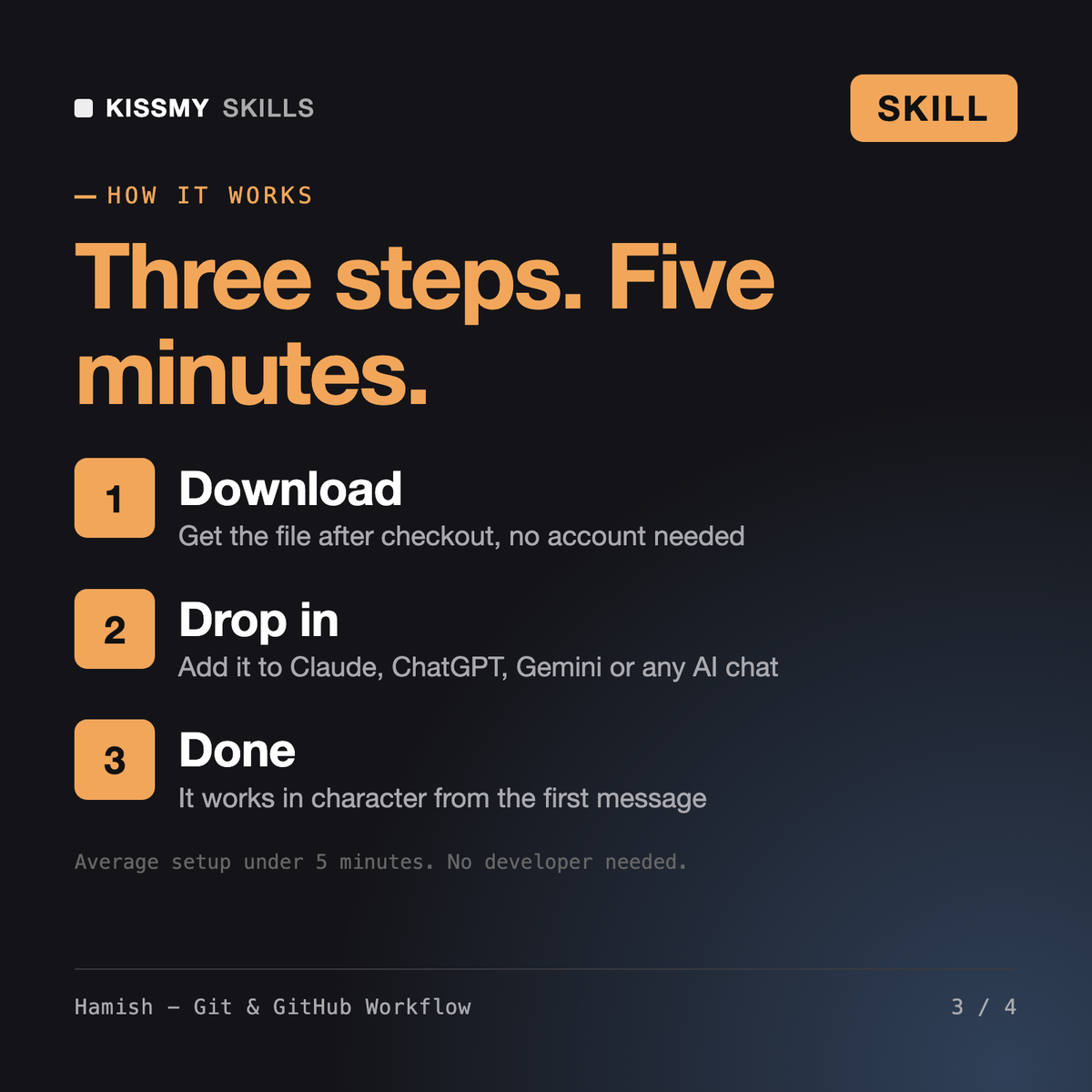
Download your .skill file from the order email or your account. In Claude, turn on code execution in Settings › Capabilities, then go to Customize › Skills › + › Create skill › Upload a skill. Start a new chat and ask for the specialist by name.