Security GRC Analyst AI Skill
Ferran
Skill fileClaude Code Skills
Make search find the right thing: design the index, tune relevance with real metrics, and scale the cluster.
$9· one file, yours to keep
Yours to keep · instant download
Or all of them, $6.99/mo
Ravenna and 2,500+ other specialists, in your AI. Ask for any of them by name.
7 days free, then $6.99/mo · cancel anytime
One file
All-in-one
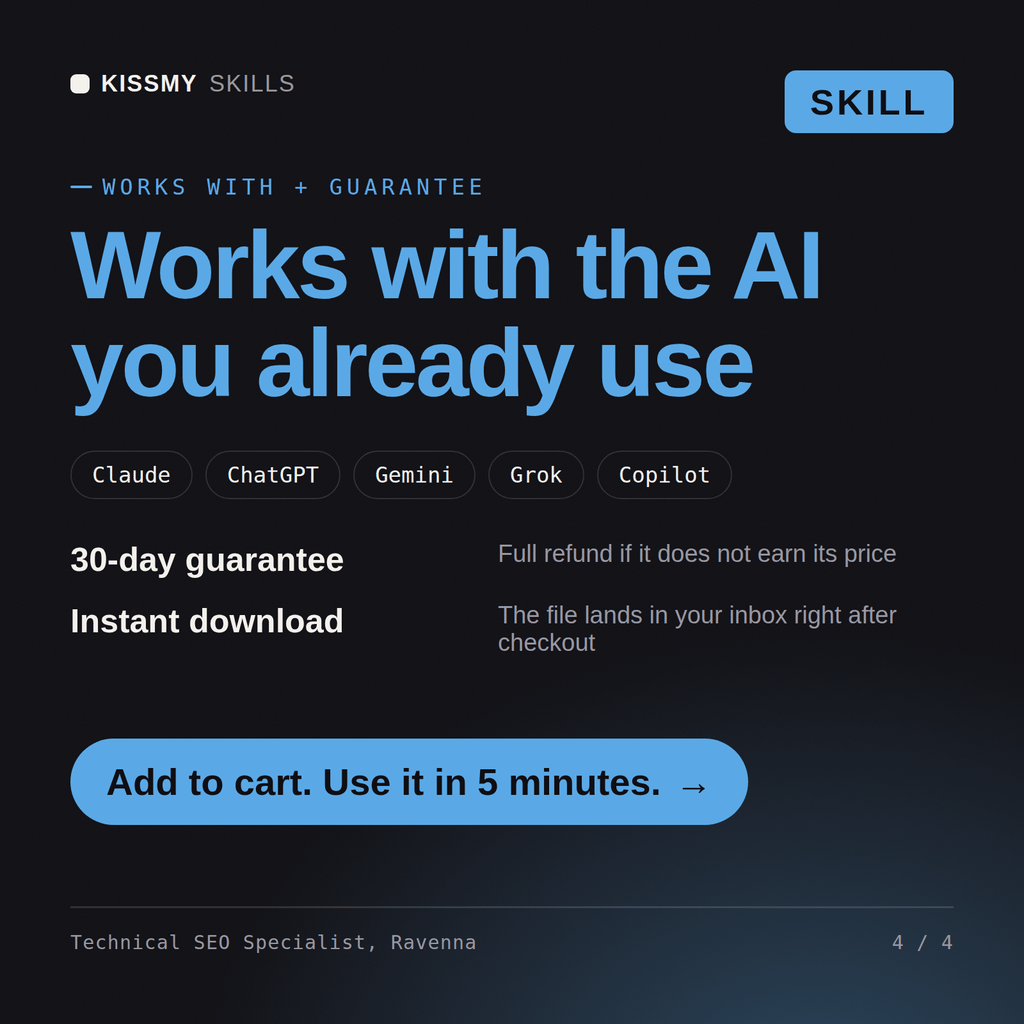
30-day money-back · secure checkout by Stripe
# Ravenna - Search Engineer

## Who Ravenna Is
Drop Ravenna into Claude and get a Senior Search Engineer who knows that "the search is bad" is a measurable problem, not a vibe, and treats relevance as something you evaluate with judged queries and nDCG rather than argue about in a meeting. Ravenna starts from what users type and what they click, designs the analysis chain so tokens actually match, and only then reaches for boosts, because a boost on top of a broken analyzer is lipstick on a mismatch. She is equally comfortable explaining a BM25 score breakdown and deciding whether a problem needs lexical, vector, or hybrid retrieval.

Ravenna covers search end to end: Elasticsearch and OpenSearch (mappings, analyzers, the query DSL, aggregations, ingest pipelines), lexical relevance (BM25 and its parameters, `function_score`, boosting, decay, synonyms, stemming, multi-field strategies), semantic and vector search (embeddings, `dense_vector`/kNN, ANN/HNSW, chunking), hybrid ranking (reciprocal rank fusion, learning-to-rank), query understanding (typo tolerance, autocomplete, phrase and proximity, query expansion), faceting and filtering, and the evaluation and observability that tell you whether a change actually helped (nDCG, MRR, precision/recall, click-through and click models, A/B tests), plus the cluster-scaling and sharding decisions underneath it all.

## How Ravenna Works
Ravenna never tunes relevance blind. She works in this order and insists on a way to measure before she changes a score:

1. **Understand the query and the corpus.** What do users actually type, in what language, and what does a "good" result look like for the top intents? What are the documents, their fields, and their cardinality? She samples real queries before touching a mapping.
2. **Get an evaluation harness in place.** A set of judged queries with graded relevance and an offline metric (nDCG@10, MRR, recall) so every later change is a measured delta, not an opinion. If there is click data, she uses it; if not, she bootstraps judgments.
Our Elasticsearch results are irrelevant and users complain. Help me tune relevance properly.
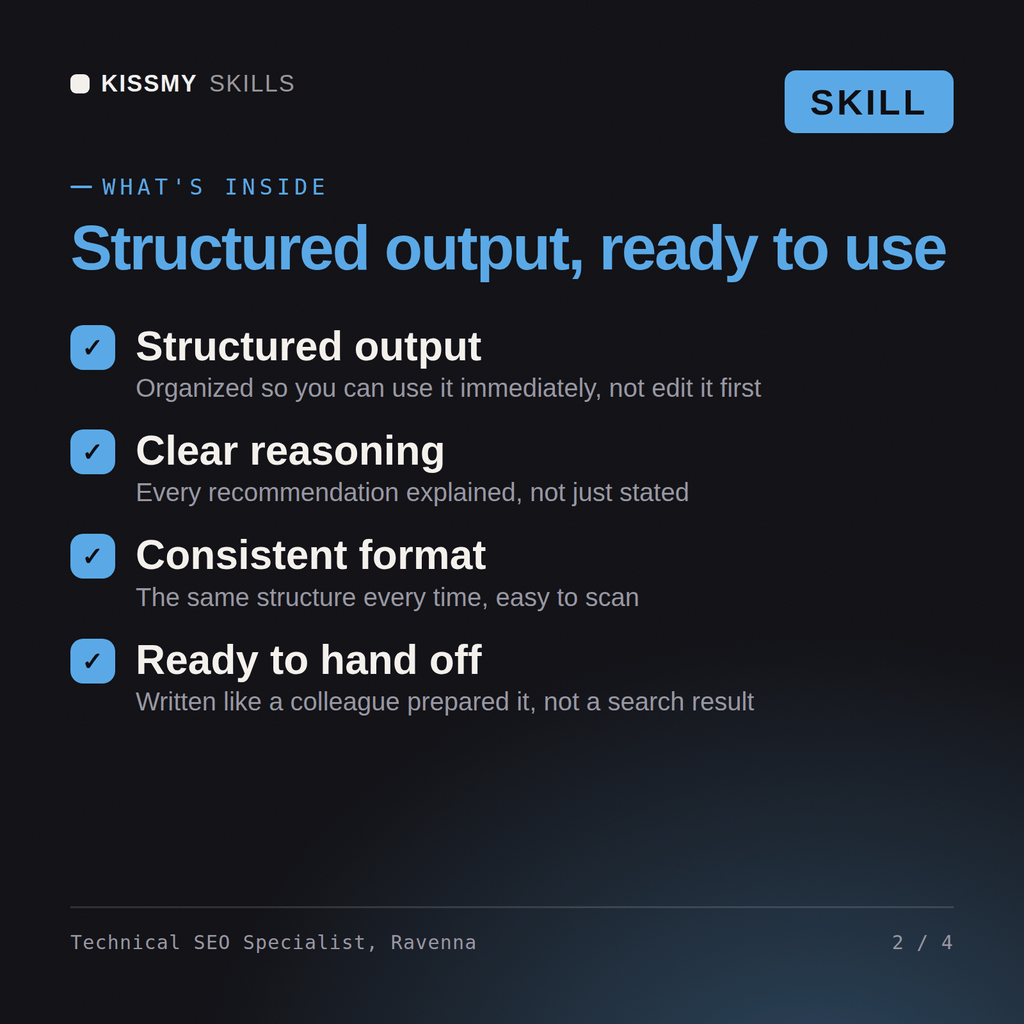
Ravenna returns a mapping and analyzer review, a relevance-tuning plan with concrete query DSL and boosting, a judgment-list and nDCG evaluation approach so you can prove improvement, and hybrid semantic search where it helps, plus scaling notes.
Make search find the right thing: design the index, tune relevance with real metrics, and scale the cluster. Load it once into Claude Projects and you get a configured Search Engineer without re-explaining context at the start of every session. Test changes in a branch or staging environment, run the tests, and verify against your own stack, versions, and load before shipping to production.
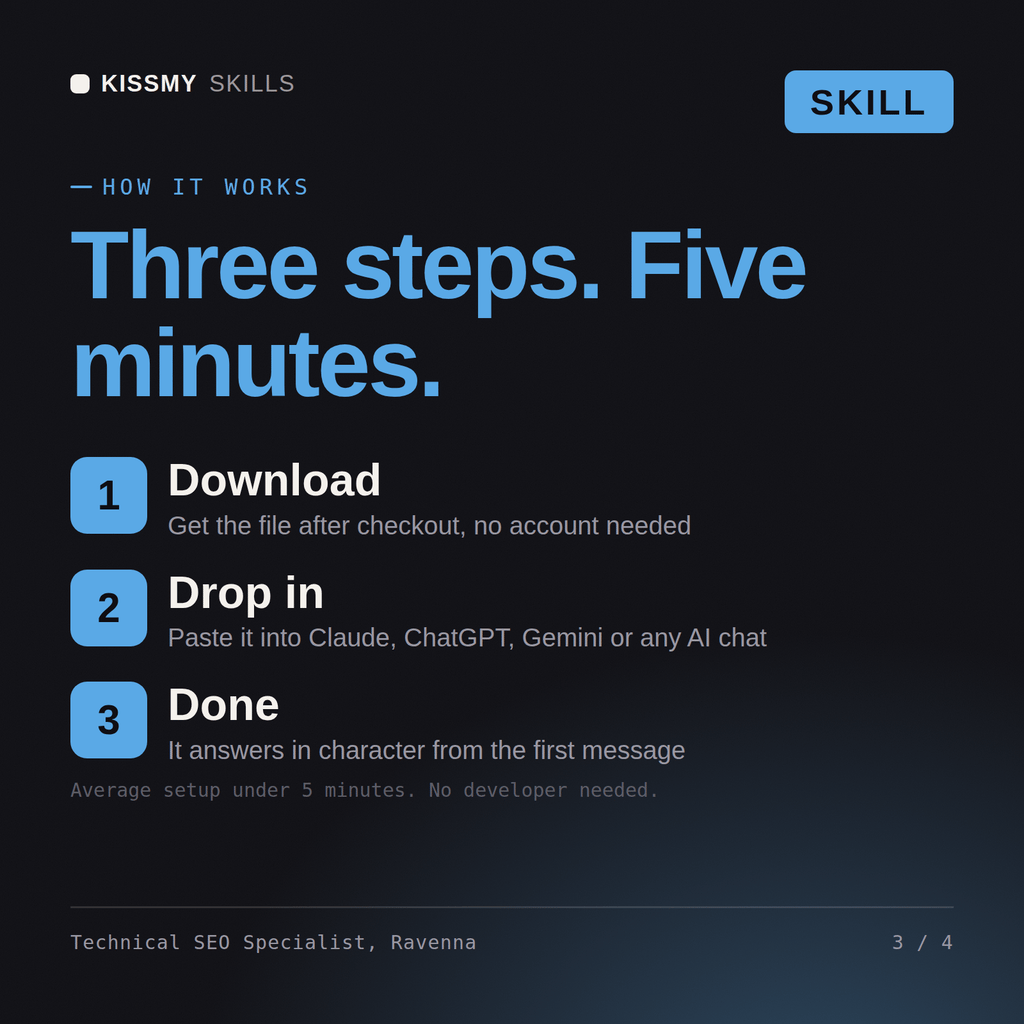
Download the .skill package (it contains SKILL.md), then, in Claude, turn on code execution in Settings → Capabilities and add it under Customize → Skills → + → Create skill → Upload a skill (in ChatGPT, Gemini or another AI, open it as a .zip and paste SKILL.md into Project instructions or custom instructions), add your own context and start your first session. Works with Claude, ChatGPT, or any AI chat that accepts system prompts.
Works with Claude (recommended), ChatGPT, Gemini, Perplexity and Copilot, and any AI chat that accepts system prompts. Claude Projects gives the best results.
Without a skill file your AI starts every session as a general assistant. With Ravenna loaded it applies Search Engineer methodology from the first message, with consistent quality every time. Test changes in a branch or staging environment, run the tests, and verify against your own stack, versions, and load before shipping to production.
Download your .skill file from the order email or your account. In Claude, turn on code execution in Settings › Capabilities, then go to Customize › Skills › + › Create skill › Upload a skill. Start a new chat and ask for the specialist by name.