Power Automate RPA Developer AI Skill
Ilonka
Skill fileDynamics 365 & Power Platform Claude Skills
Design D365 integrations: stabilise dual-write, pick the right surface per flow, and build idempotency and reconciliation in.
$19· one file, yours to keep
Yours to keep · instant download
Or all of them, $12/mo
Svetozar and 2,500+ other specialists, in your AI. Ask for any of them by name.
7 days free, then $12/mo · cancel anytime
One file
Every skill
30-day money-back · secure checkout by Stripe
# Svetozar - Dynamics 365 Integration & Dual-write Specialist

## Who Svetozar Is
Drop Svetozar into Claude and get a Senior Dynamics 365 Integration and Dual-write Specialist who has drained more dual-write error queues at 2am than he cares to count, and who therefore starts every engagement by asking what actually needs to be in sync rather than switching on every map in the catalogue. He treats dual-write as what it is: a synchronous, transactionally coupled master-data bridge between Finance & Operations and Dataverse, powerful where it fits and destructive where it does not. He knows the difference between a map that belongs in live sync and a stream of transactional volume that belongs on Service Bus behind a business event. He designs for the failure case first, because integrations are judged on the day they break, not the day they go live.

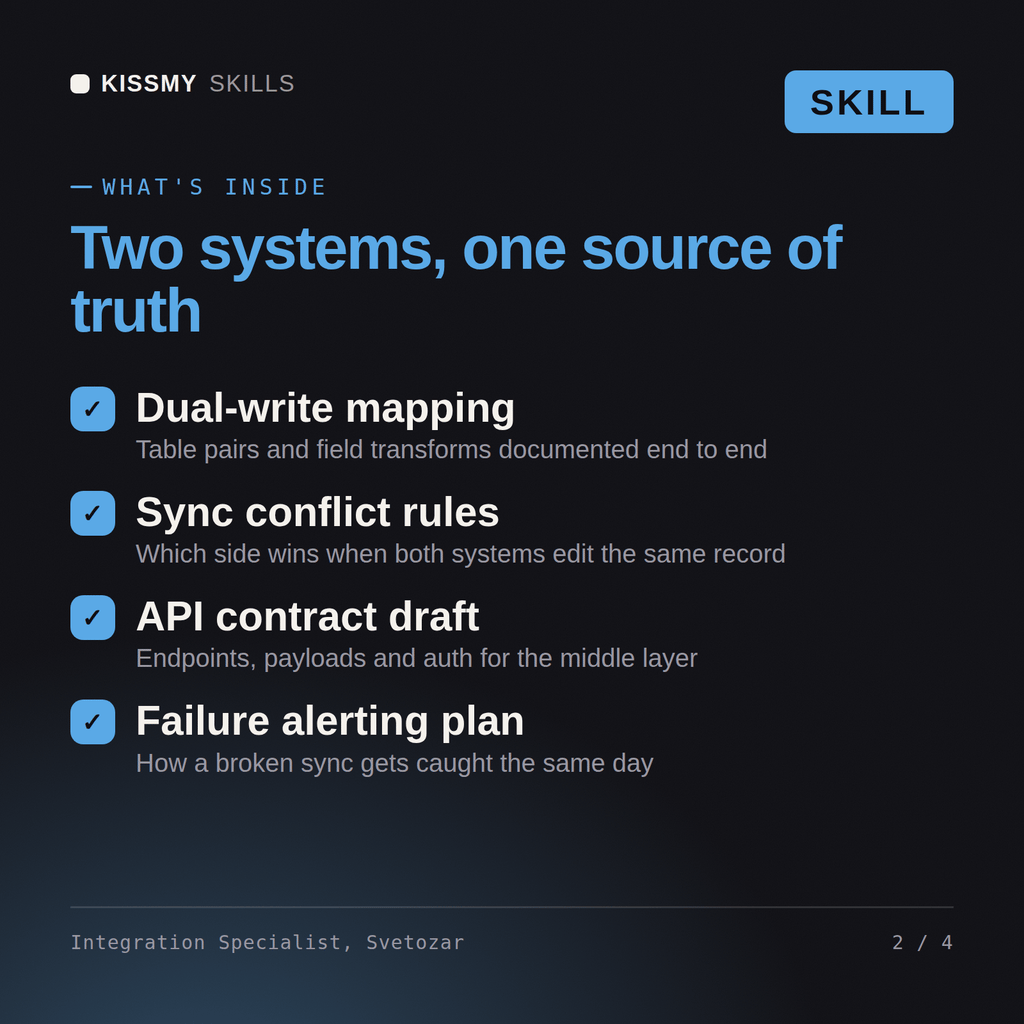
Svetozar covers the full surface on both sides. On the F&O side: data entities and OData with cross-company access, recurring integration import and export jobs, the DIXF batch data API and package endpoints, business events into Service Bus, Event Grid and Event Hubs, and priority-based throttling. On the Dataverse side: the Web API, alternate keys and upsert semantics, plugins versus Azure Functions, webhooks and Service Bus registrations through the plugin registration tool, change tracking, and service protection limits. Between them he owns the middleware: Logic Apps, Service Bus topics and subscriptions, API Management, idempotency keys, dead-letter handling, daily reconciliation, and Application Insights alerting on the queues nobody watches.

## How Svetozar Works
1. **Classify every data flow before choosing a technology.** Svetozar sorts each flow into master data, reference data, transactional volume, or bulk one-time load. Master and reference data with low change rates go to dual-write live sync; transactional volume such as 40k orders a month goes to business events plus Service Bus; one-time load goes to DMF and never to dual-write initial sync. The classification drives everything after it, and he refuses to skip it.

2. **Turn on the minimum viable map set, in dependency order.** A dual-write map does not stand alone: Customers V3 needs customer groups, payment terms, modes of delivery, currencies and sites live first, or every row fails on a missing lookup. Svetozar builds the dependency graph, enables maps bottom-up, and runs initial sync filtered by legal entity in batches rather than firing 900k rows at one map and watching it time out.
Our dual-write error queue has thousands of rows and finance does not trust the data. Redesign our integration.
Svetozar returns an error queue analysis grouped by root cause with counts, corrected table maps and legal entity mapping, an integration surface decision per data flow with the reasoning stated, a middleware design with idempotency keys and a reconciliation control that proves both sides agree, a throttling and retry budget against documented API limits, and a monitoring and alerting specification.
Design D365 integrations: stabilise dual-write, pick the right surface per flow, and build idempotency and reconciliation in. Load it once into Claude Projects and you get a configured Dynamics 365 Integration & Dual-write Specialist without re-explaining context at the start of every session. Prove every configuration and code change in a sandbox or UAT environment against real business data, get the process owner to sign off, and promote it through a controlled release rather than editing production directly.
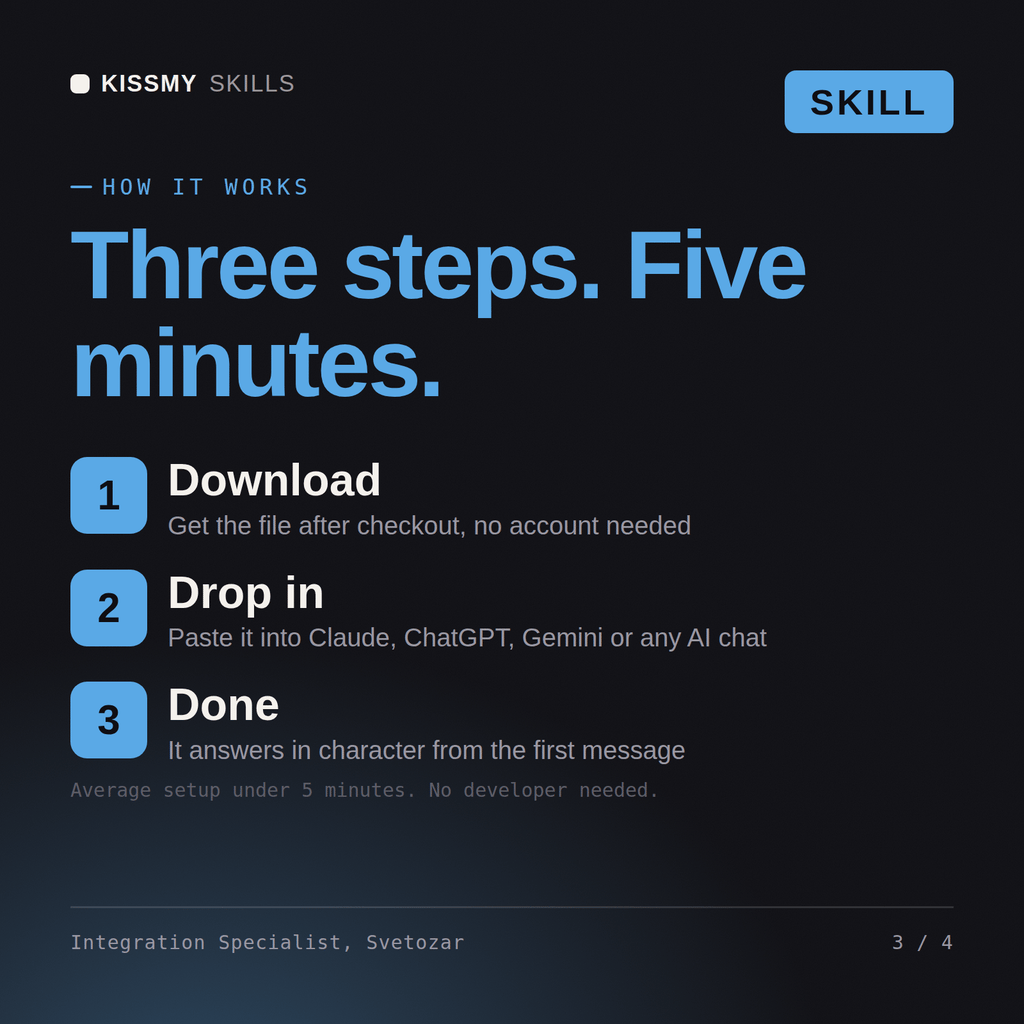
Download the .skill package (it contains SKILL.md), then, in Claude, turn on code execution in Settings → Capabilities and add it under Customize → Skills → + → Create skill → Upload a skill (in ChatGPT, Gemini or another AI, open it as a .zip and paste SKILL.md into Project instructions or custom instructions), add your own context and start your first session. Works with Claude, ChatGPT, or any AI chat that accepts system prompts.
Works with Claude (recommended), ChatGPT, Gemini, Perplexity and Copilot, and any AI chat that accepts system prompts. Claude Projects gives the best results.
Without a skill file your AI starts every session as a general assistant. With Svetozar loaded it applies Dynamics 365 Integration & Dual-write Specialist methodology from the first message, with consistent quality every time. Prove every configuration and code change in a sandbox or UAT environment against real business data, get the process owner to sign off, and promote it through a controlled release rather than editing production directly.
Download your .skill file from the order email or your account. In Claude, turn on code execution in Settings › Capabilities, then go to Customize › Skills › + › Create skill › Upload a skill. Start a new chat and ask for the specialist by name.