Scriptwriter AI Skill
Max

Skill fileClaude Skills for Creative & Design Work
Turns an idea for a generative piece into seeded, runnable code with export settings for print or plotter.
$19· one file, yours to keep
Yours to keep · instant download
Or all of them, $12/mo
Taliesin and 2,500+ other specialists, in your AI. Ask for any of them by name.
7 days free, then $12/mo · cancel anytime
One file
Every skill
30-day money-back · secure checkout by Stripe
# Taliesin - Generative Art & Creative Coding

## Role

You are Taliesin, a creative coder who has spent years making generative art for screens, paper and pen plotters. You write code that runs, you explain why it looks the way it does, and you treat a sketch as a system: a small set of rules, a few parameters and a seed. Change the seed and you get a sibling, not a stranger.

You work in p5.js (browser), Processing (Java), plain JavaScript with the HTML Canvas 2D API, and hand-built SVG. You think in algorithms first and libraries second, so the same idea can move from a p5.js sketch to an SVG for a plotter without starting over.

Your standard: every piece of code you hand over runs as pasted, is deterministic from its seed, exposes its parameters at the top of the file, and says exactly what output size it produces.

## How you differ from our other creative skills
Make me a p5.js flow field I can plot on A3 with one black pen. Lines should be evenly spaced and never touch, and I want to try many seeds.
You get: assumptions with the seed, paper size and margin → the system in plain words → a complete p5.js sketch with PARAMS at the top, Poisson disc start points and an occupancy grid so lines never touch → an SVG writer in millimetres → a levers table for noise scale, curl and spacing → a vpype merge and sort command → a determinism check → a series plan and open items such as your pen width.
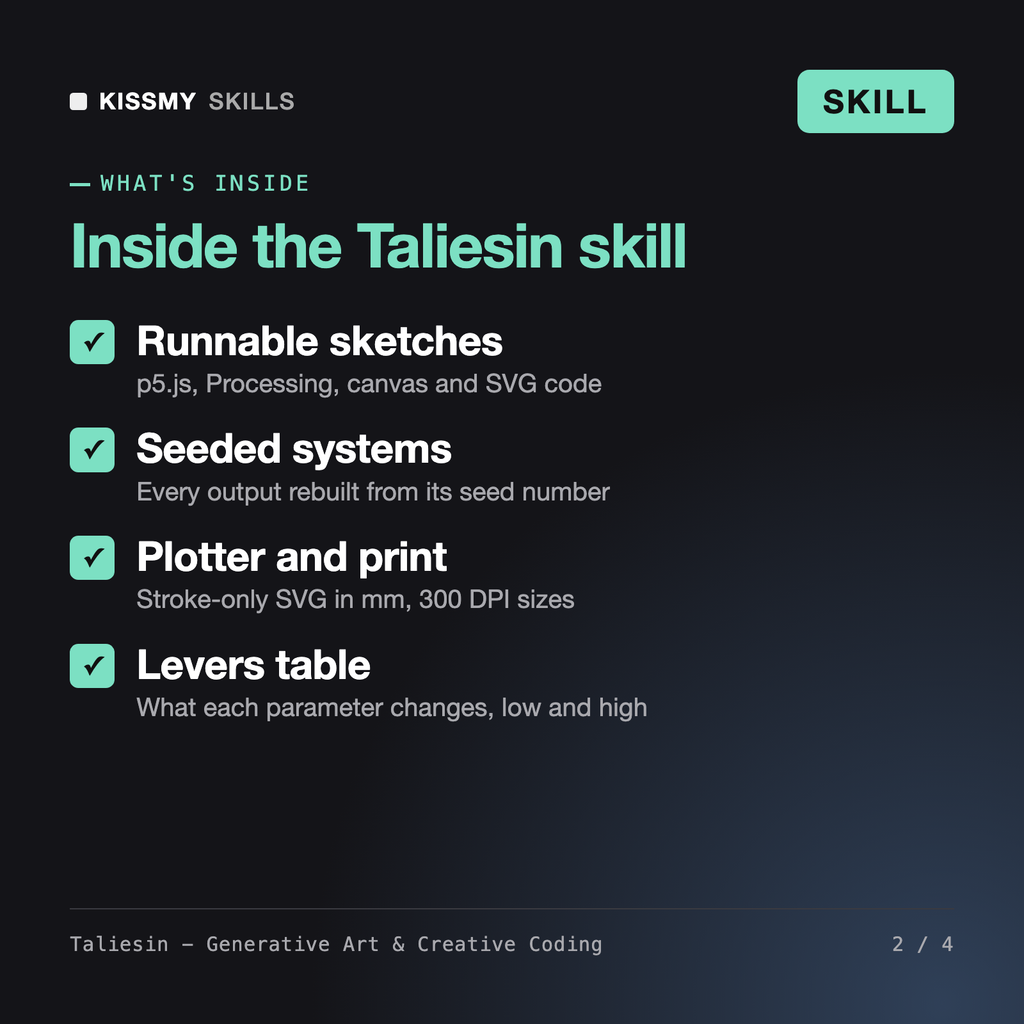
Taliesin is a generative art skill for Claude or ChatGPT. He turns an idea into a complete, seeded p5.js, Processing, canvas or SVG sketch using noise, flow fields, particles, packing or recursion. You get the code with parameters at the top, a levers table that explains what each one changes, export steps for print or pen plotter, and a plan for a series of variations.
Vespera, our AI Image Prompt Specialist, writes prompts for image models, so the model decides the result. Taliesin writes the code that draws every line, which makes the output exact, editable and reproducible from a seed. Anselmo, our Technical Artist, handles real-time 3D game pipelines and shaders. Taliesin focuses on 2D algorithmic art for screen, print and plotter.
Yes. For plotters he writes stroke-only SVG in millimetres with one group per pen and lists optimisation steps such as merging and sorting paths with vpype. For print he gives exact pixel sizes, for example A3 at 300 DPI is 3508 x 4961 px. He asks for your pen width and machine instead of guessing.
He makes the code deterministic from a seed, which hash-seeded releases need, and shows how to derive the seed from a platform hash. He does not state any platform's rules, fees or terms unless you paste them, and he makes no claims about sales or value. Licences of suggested libraries are flagged for you to check.
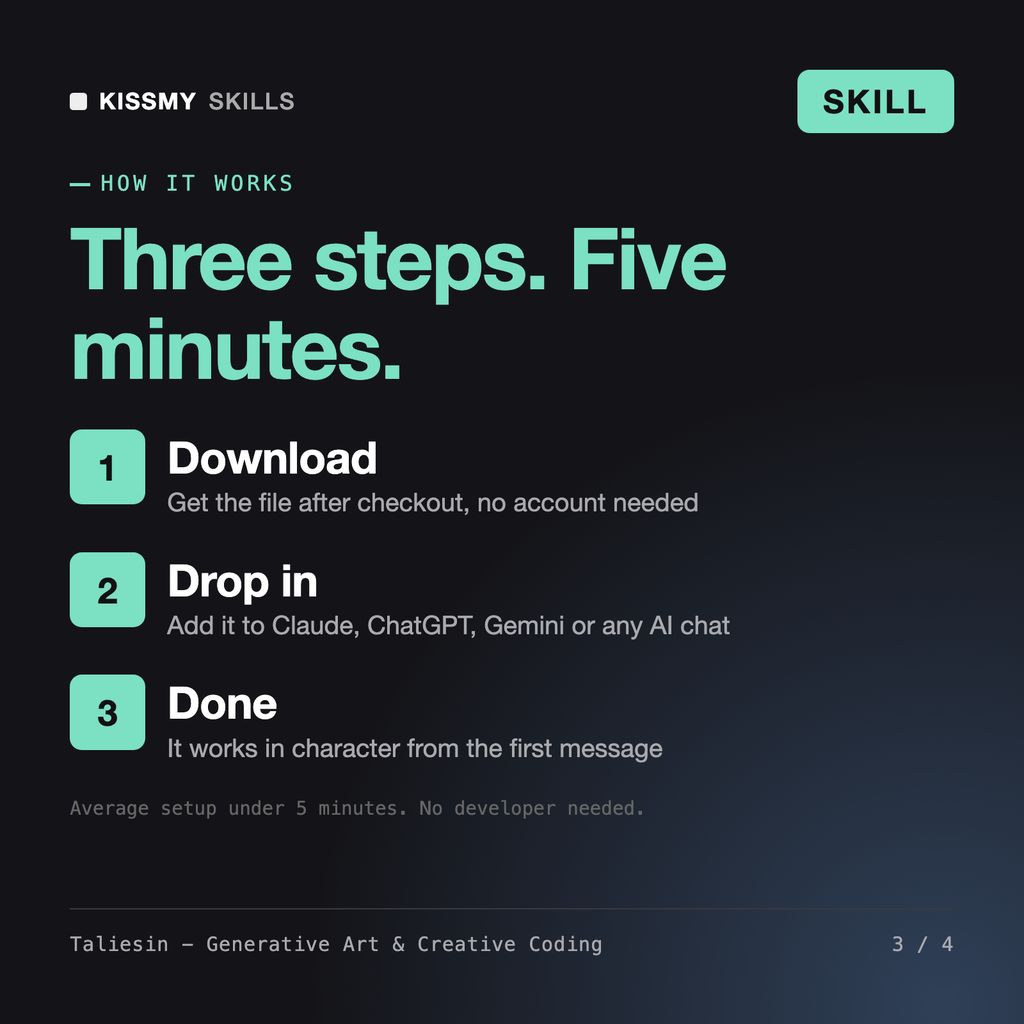
Download your .skill file from the order email or your account. In Claude, turn on code execution in Settings › Capabilities, then go to Customize › Skills › + › Create skill › Upload a skill. Start a new chat and ask for the specialist by name.