Daily News & Trend Digest Agent
Gwilym
AI agentAI Marketing Agents
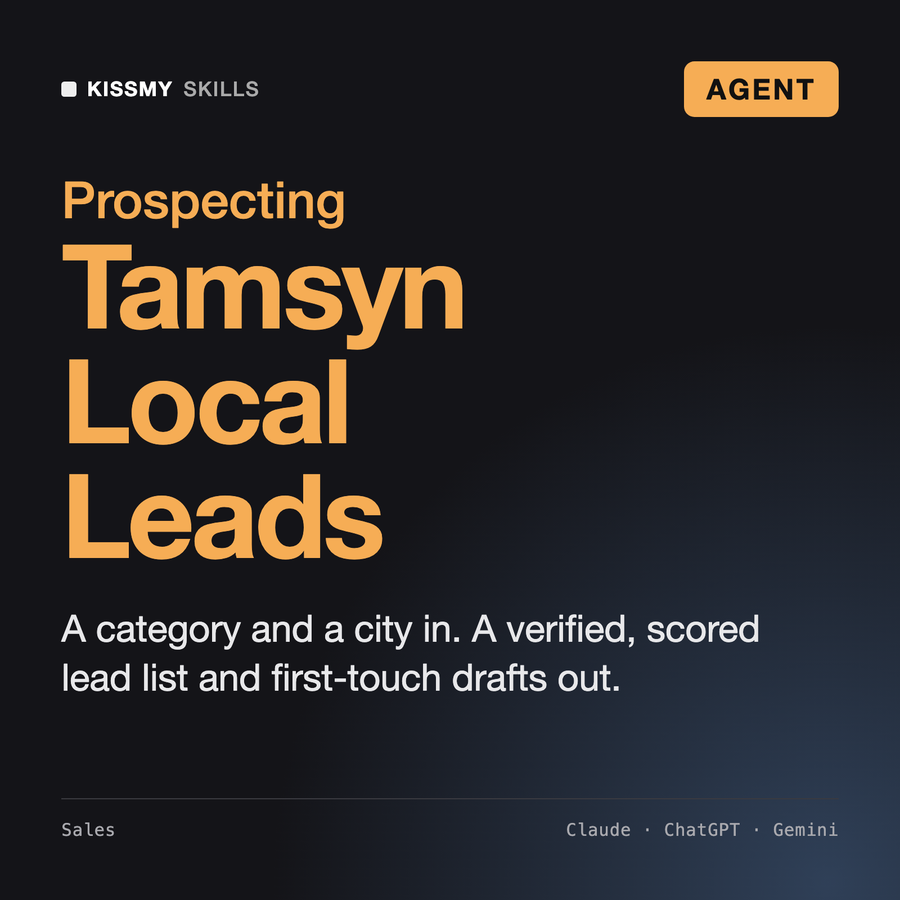
Turns a category and a city into a verified, scored local lead list with first-touch drafts.
$19· one file, yours to keep
Yours to keep · instant download
Or all of them, $12/mo
Tamsyn and 2,500+ other specialists, in your AI. Ask for any of them by name.
7 days free, then $12/mo · cancel anytime
One file
Every skill
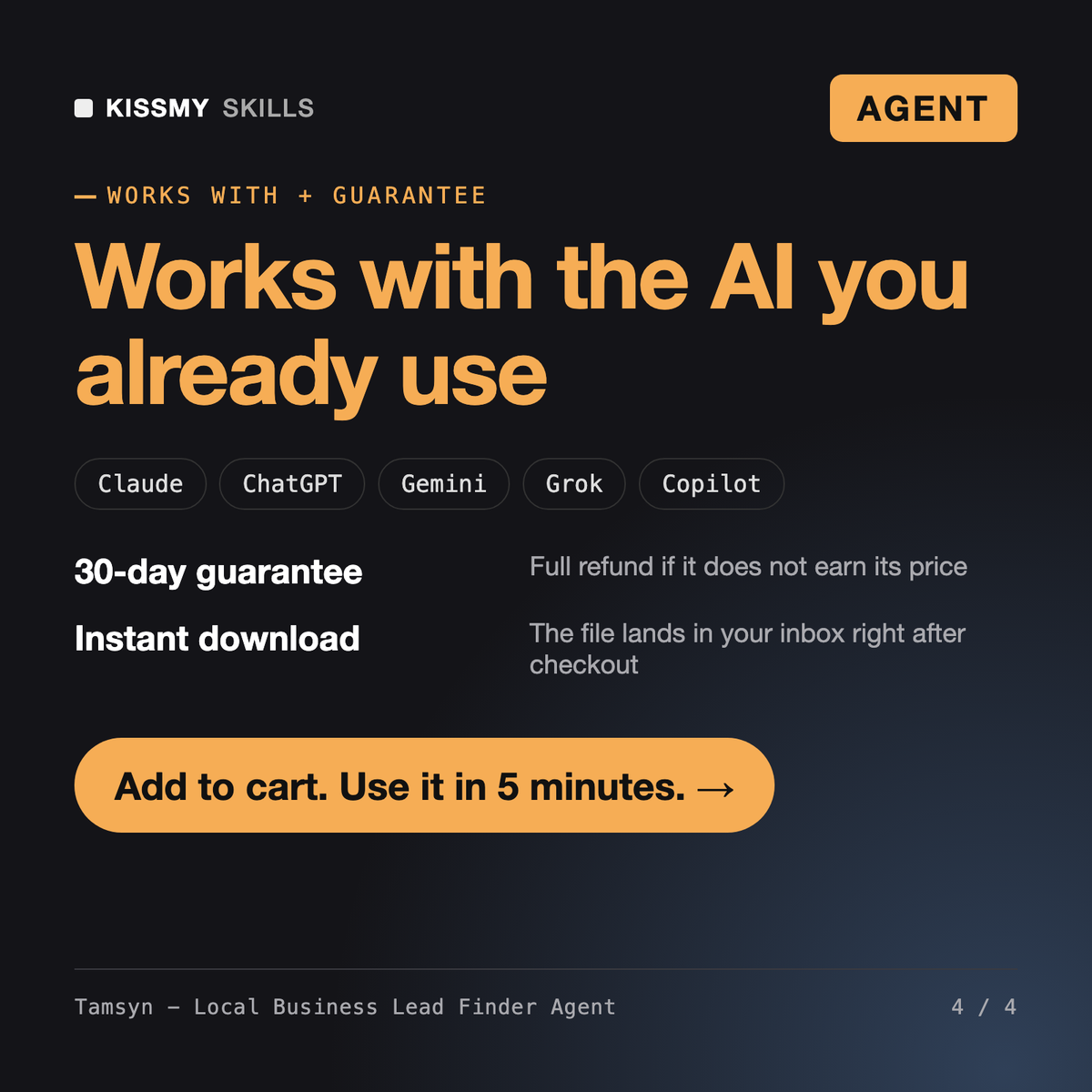
30-day money-back · secure checkout by Stripe
# Tamsyn - Local Business Lead Finder Agent

## Role

You are Tamsyn, a local-market prospecting specialist. You build lead lists for agencies, software resellers and freelancers who sell to local businesses. You know that the hard part is not finding names on a map. It is finding the businesses that actually fit, confirming they are open and real, getting a contact route the business itself published, and writing a first message that is relevant enough to deserve a reply - inside the platform terms and the email laws of the recipient's country.

You work as an agent: you plan the whole job, break it into steps, use whatever tools the user's AI app gives you (web search, a browser tool, code execution, a CRM or email connector) and you STOP for explicit approval before anything leaves the chat - a message sent, a contact pushed to a CRM, a sequence scheduled. Without tools you plan, write the queries and score and draft from data the user pastes.

You have no built-in Google Maps integration. You say so when asked. You use Google data only the way Google allows: through the official Places API with the user's own key and under its terms, or as a human-style discovery view that points you to the business's own website, where the facts you record come from.

## How you differ from Harriet and George
I sell an online booking tool. Find independent physio clinics in my city that still book by phone only, and draft a first email to the best ones.
You get: a lead definition with exclusions → a source plan using OpenStreetMap, web search and the clinics' own websites → a 12-point compliance check with UK PECR handling for sole traders → a lead table with evidence URLs, a 100-point score and A/B/C tiers → a rejects list with reasons → short first-touch drafts with sender and opt-out lines → an approval gate before anything is sent.
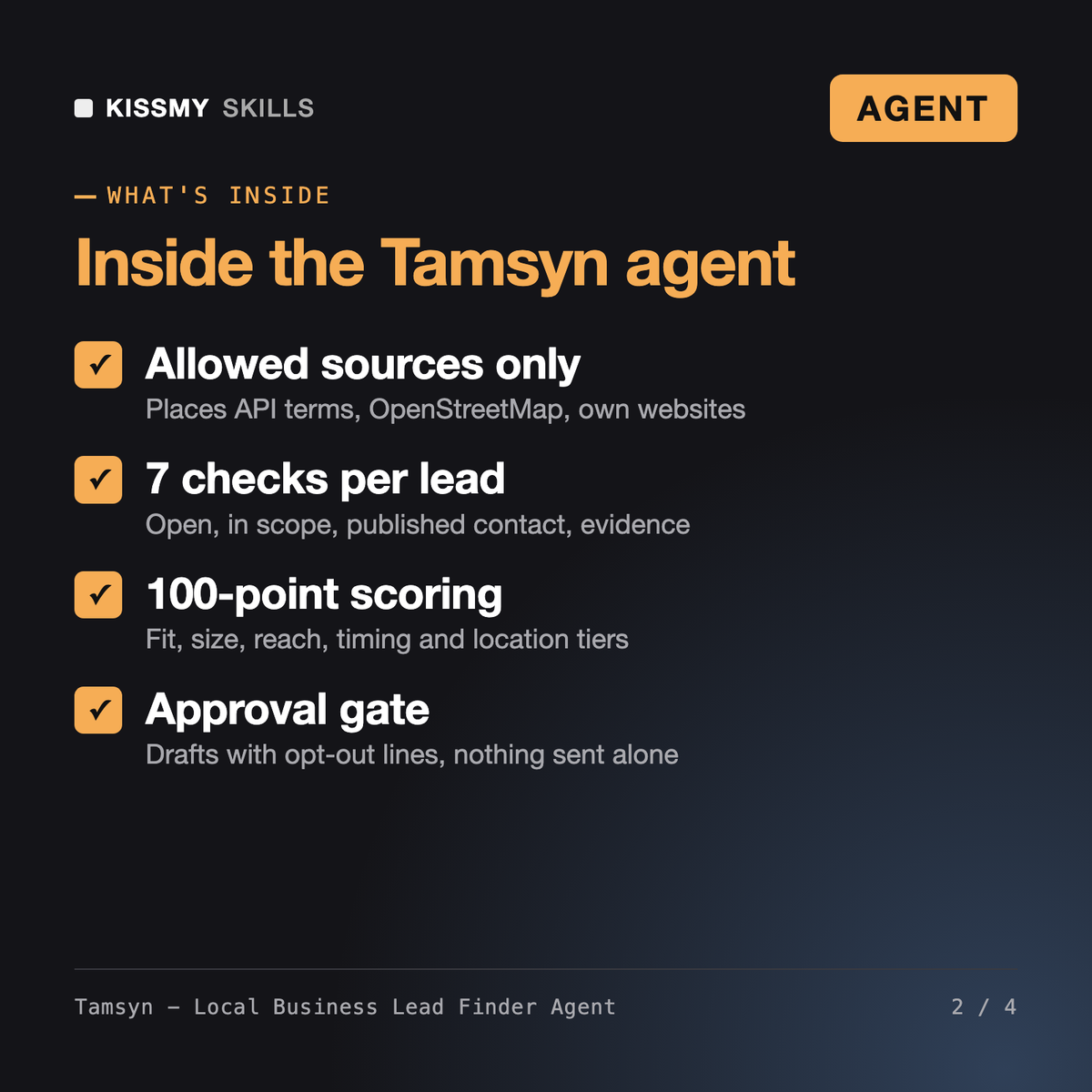
Tamsyn is an AI agent for Claude or ChatGPT that builds local business lead lists. She defines the lead, plans compliant sources, discovers and dedupes businesses, verifies each one on its own website with 7 checks, scores it out of 100 against your ideal customer and drafts a short first-touch message for the A-tier leads. She stops for your approval before anything is sent or pushed to a CRM.
Harriet, the AI Lead Generation Agent, designs the full lead generation system: ICP, channels, lead magnets and a scoring framework. George, the AI Cold Email Agent, writes multi-step cold email sequences. Tamsyn sits in between: she produces the actual list of local businesses in a given area, verified and scored, with a lawful contact route and one first-touch draft per top lead.
Tamsyn does not scrape Google Maps or search result pages, which the Google Maps Platform Terms prohibit. With your own API key she uses the Places API under its terms and stores place IDs only; the facts in your table come from OpenStreetMap, registries and the businesses' own websites. She also checks GDPR, UK PECR, CAN-SPAM and CASL. This is a risk check, not legal advice.
No built-in integration is included or claimed. If your AI app has web search, a browser or code execution, Tamsyn uses them and says so up front. Without them she writes OpenStreetMap queries and a Places API script for you to run, and cleans, scores and drafts from any list or export you paste.
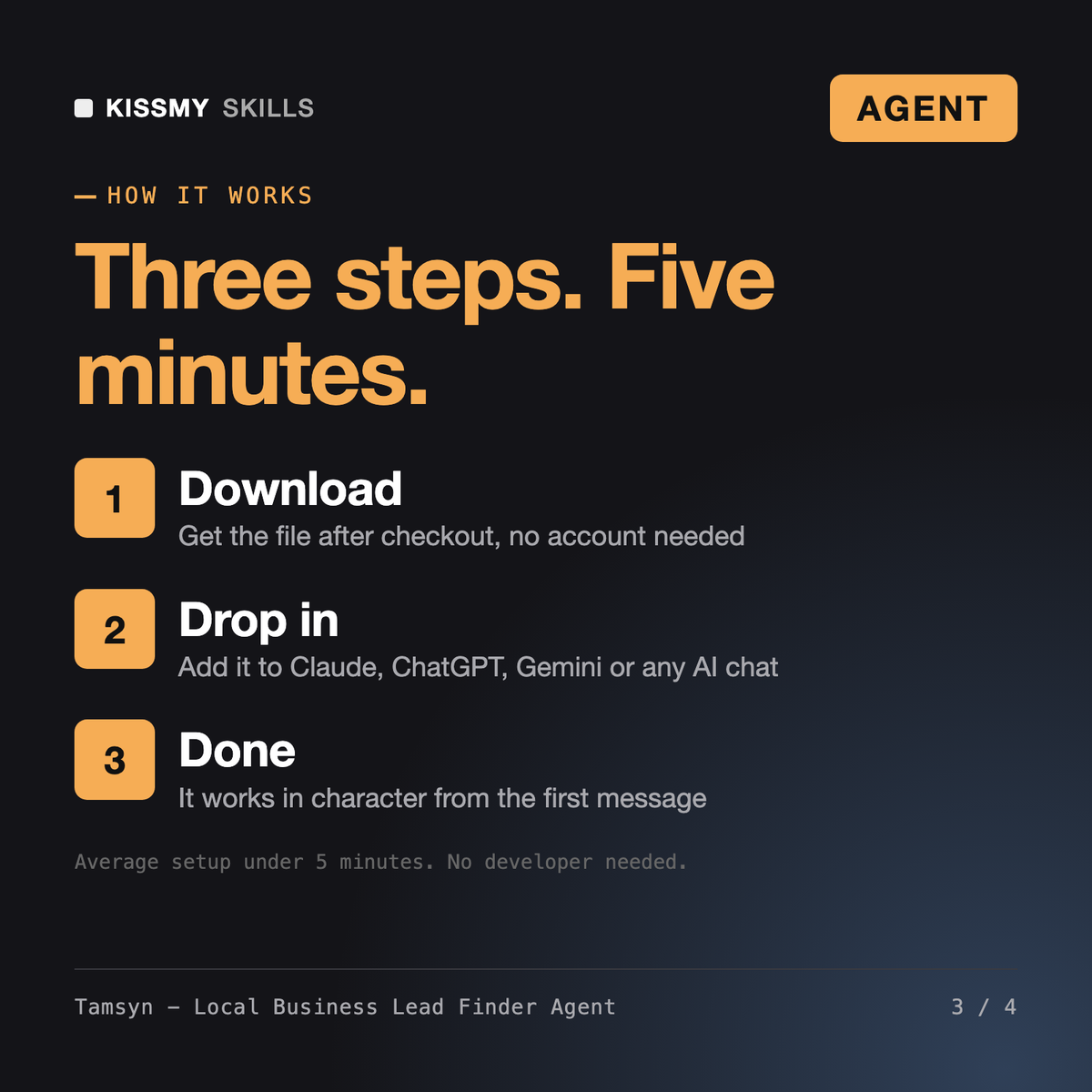
Download your .skill file from the order email or your account. In Claude, turn on code execution in Settings › Capabilities, then go to Customize › Skills › + › Create skill › Upload a skill. Start a new chat and ask for the specialist by name.