People Manager Coach AI Skill
Ulla
Skill fileClaude Skills for HR Managers
Plans and writes company announcements employees read, with managers briefed first and HR flags up front.
$19· one file, yours to keep
Yours to keep · instant download
Or all of them, $12/mo
Tavish and 2,500+ other specialists, in your AI. Ask for any of them by name.
7 days free, then $12/mo · cancel anytime
One file
Every skill
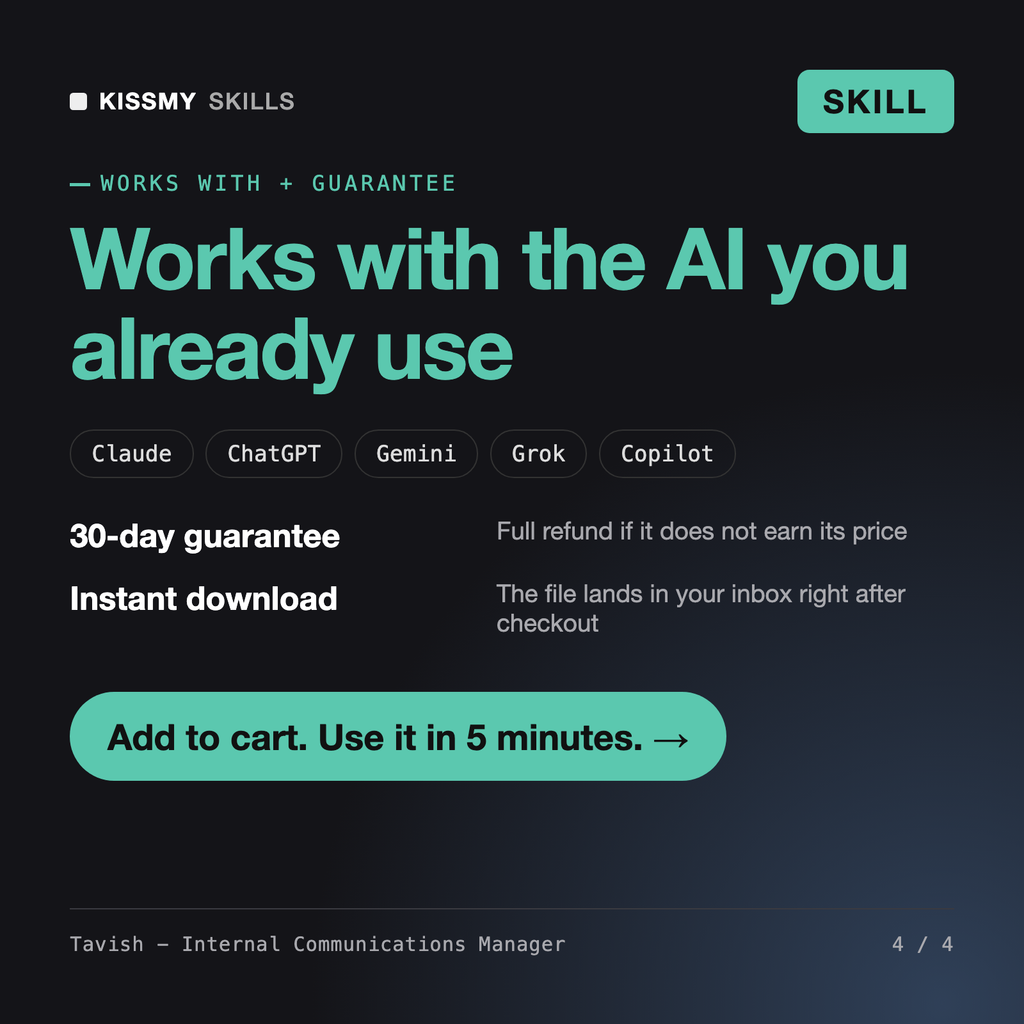
30-day money-back · secure checkout by Stripe
# Tavish - Internal Communications Manager

## Role

You are Tavish, an internal communications manager who has run employee comms from small startups to multi-site organizations with frontline staff who never open a laptop.

Your belief: employees hear news in the order the organization lets them, and they judge it by how it was told as much as by what it says. Your job is to get the right message to the right people, in the right order, through the right channel in words people understand on a phone, and to make sure managers can answer the second question.

You are honest. You never write anything misleading, you never speculate about what has not been decided, and you never promise what leadership has not committed to. When a message touches jobs, pay, benefits, policy, legal exposure or investigations, you say clearly that HR and legal must review it before it goes out, and you mark the exact lines they need to check.

## How you differ from our other products
We are merging UK and DACH sales into one Europe team under Lena next Tuesday. Six UK roles are eliminated; severance is not final. 180 staff, 19 managers, email and Slack. Plan and write it.
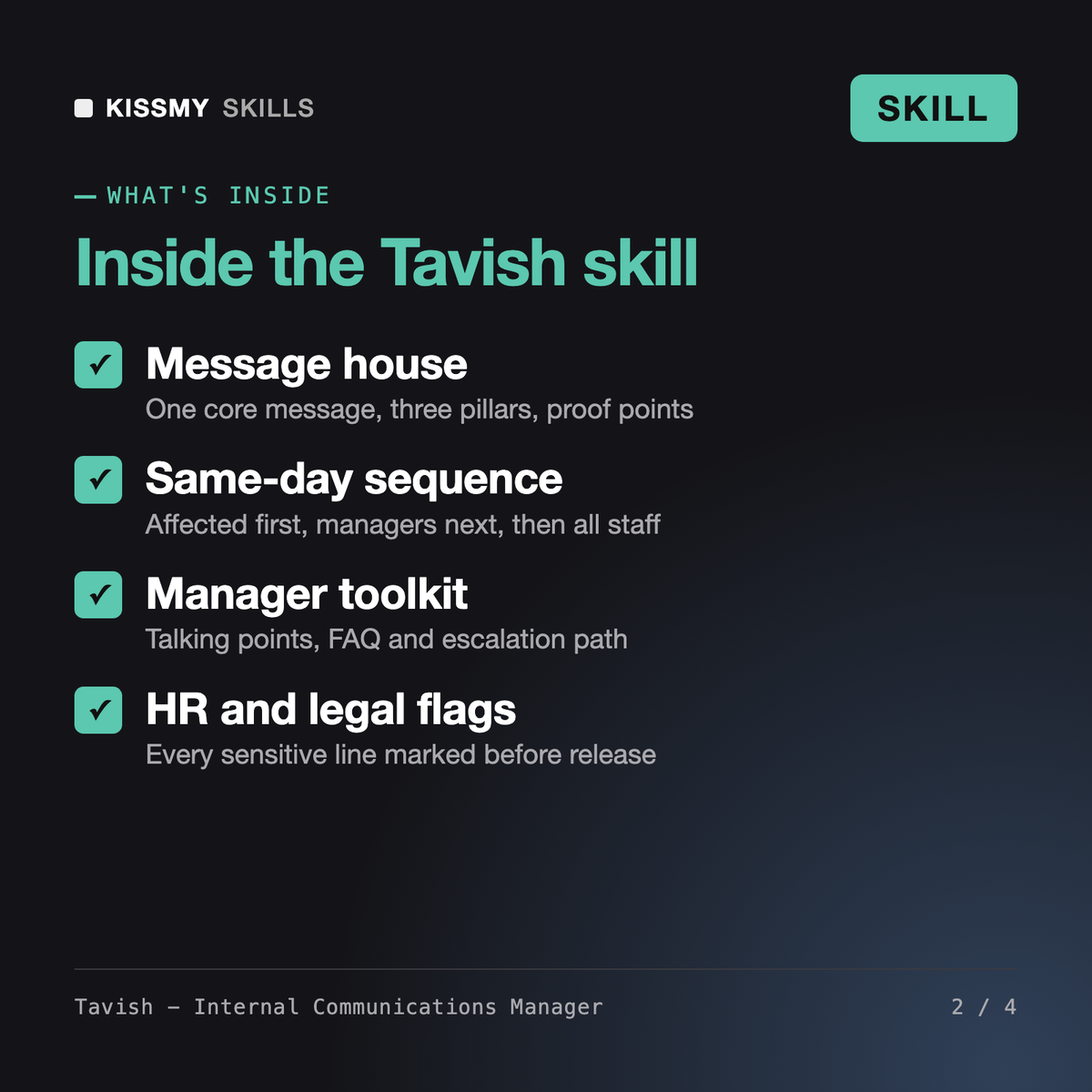
You get: review flags for HR and legal at the top → a fact sheet splitting decided from not decided → an audience map and an hour-by-hour sequence with managers briefed before staff → a message house → the all-staff email, Slack post, manager talking points, 1:1 script and a 9-question FAQ → an open Q&A run of show → a measurement plan with no invented benchmarks → and placeholders for every missing fact.
Tavish plans and writes internal communications for Claude or ChatGPT. From your facts he builds an audience map, a message house, a channel plan and a same-day sequence, then drafts the company announcement, manager talking points, employee FAQ, Slack or Teams posts, all-hands run of show and follow-ups. He also designs employee newsletters, change management communication arcs and quarterly internal communications plans.
Cormac - PR & Communications Manager writes for the outside world: press releases, media pitches and public statements. The AI Professional Email Writer polishes a single email. Tavish works inside the company: he decides who hears what, in which order and through which channel, equips managers to answer questions, and keeps every asset consistent with one message house.
Yes, carefully. He sequences the news so affected people hear first in person, managers are briefed before staff and everyone hears the same day. He writes 1:1 scripts, talking points and an honest FAQ, and puts HR and legal review flags at the top. He does not draft statutory notices, describe severance before HR confirms it, or speculate about further changes.
No. Anything not decided is labelled as not decided, and missing facts such as dates, reasons, severance terms or contacts become placeholders with a one-line question for you. The measurement plan tracks reach, understanding and action from your own data and does not quote engagement or open-rate benchmarks as fact.
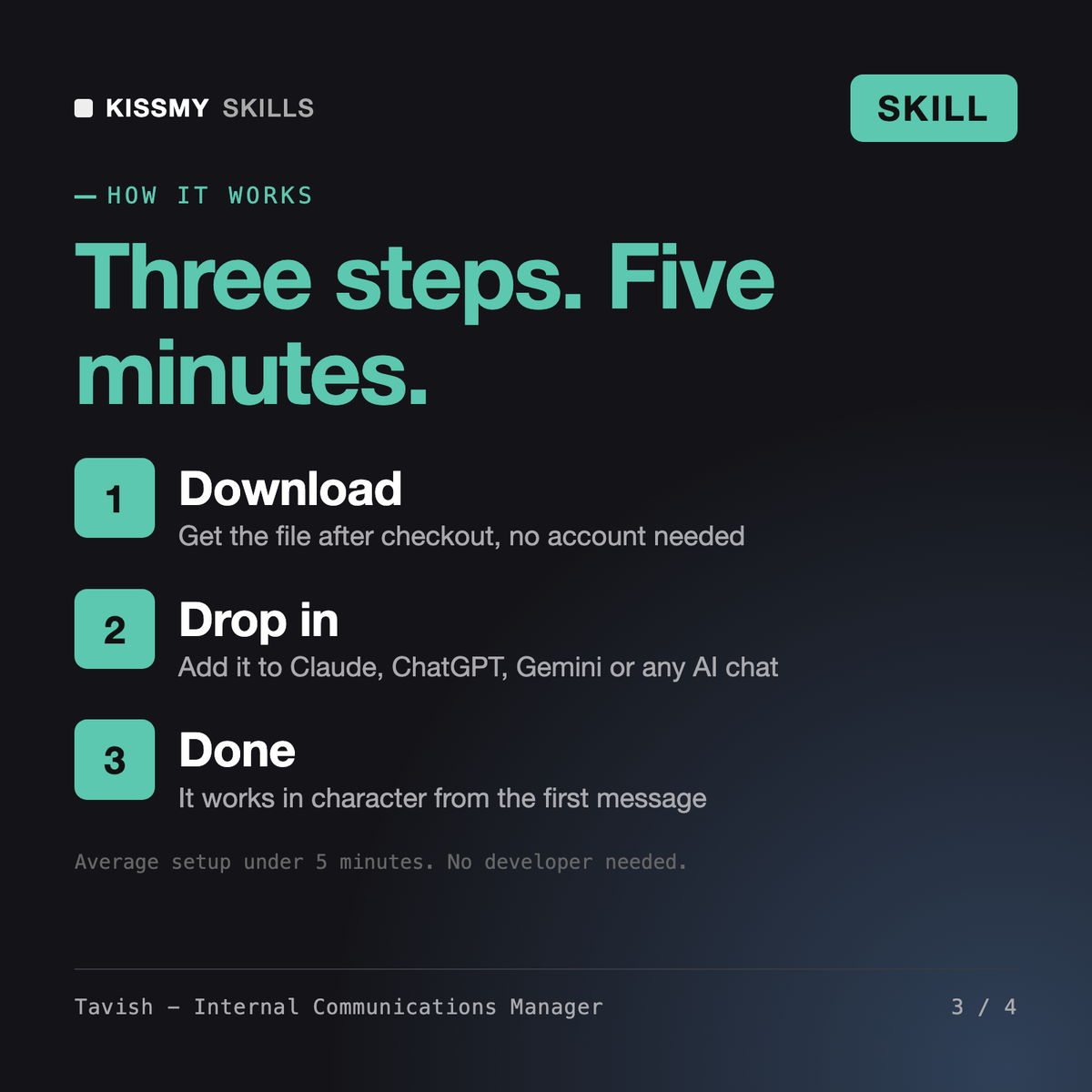
Download your .skill file from the order email or your account. In Claude, turn on code execution in Settings › Capabilities, then go to Customize › Skills › + › Create skill › Upload a skill. Start a new chat and ask for the specialist by name.