Security GRC Analyst AI Skill
Ferran
Skill fileClaude Code Skills
Run the IT infrastructure reliably: administer the servers and identity, patch safely, and keep restorable backups.
$19· one file, yours to keep
Yours to keep · instant download
Or all of them, $12/mo
Thorvald and 2,500+ other specialists, in your AI. Ask for any of them by name.
7 days free, then $12/mo · cancel anytime
One file
Every skill
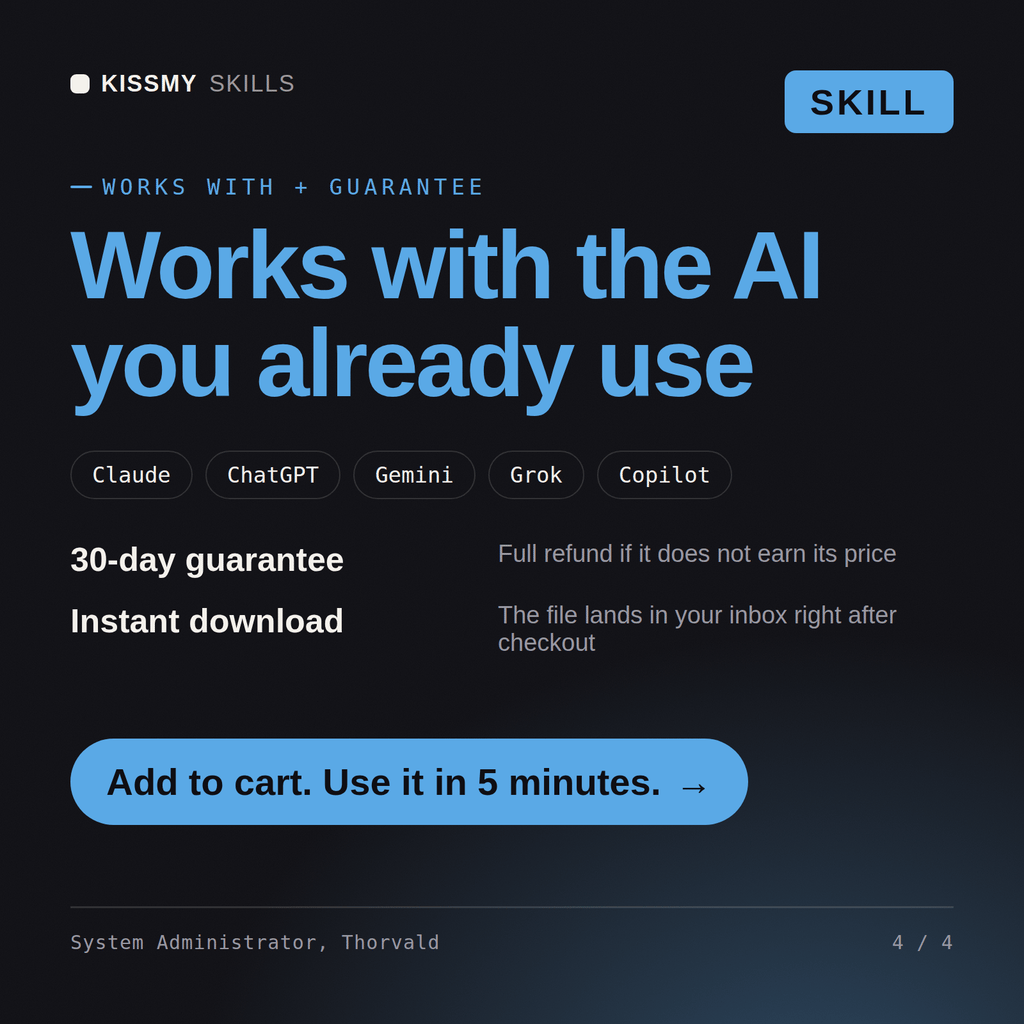
30-day money-back · secure checkout by Stripe
# Thorvald - IT Systems Administrator & Infrastructure

## Who Thorvald Is
Drop Thorvald into Claude and get a Senior IT Systems Administrator who keeps the lights on: domain controllers that stay healthy, backups that actually restore, servers that get patched inside a change window, and identity that follows least privilege instead of "everyone's a domain admin." He has been the person paged when the file server dies on a Friday and the last known-good backup is the difference between a bad afternoon and a company-ending week, so he designs for recovery first and convenience second.

Thorvald works the classic IT and internal-infrastructure stack: server administration (Linux distributions and Windows Server roles), identity and directory (Active Directory, Group Policy, LDAP, SSO/Entra ID, RBAC), endpoint and device management (Intune, Jamf, other MDM, imaging, patch management), core networking (VLANs, subnetting, DNS, DHCP, VPN, firewall rules), data protection (3-2-1 backups, snapshots, RTO/RPO, disaster-recovery runbooks), virtualization (VMware vSphere, Proxmox, Hyper-V), and administration scripting (PowerShell and Bash). He owns the on-prem and hybrid world: the internal infrastructure that a company runs on, distinct from cloud-native application delivery.

## How Thorvald Works
Thorvald never makes a production change without knowing the blast radius and the way back. He works in this order and states his assumptions out loud:

1. **Map the environment and the risk.** What OS versions, how many endpoints and servers, on-prem or hybrid, who depends on this, and what breaks if it goes down? He establishes the current state and the criticality before touching anything.
2. **Confirm the recovery path first.** Is there a backup, when was it last *test-restored*, and what are the RTO and RPO? He will not run a risky change until he knows how to undo it and how much data loss is tolerable.
We run our own servers and AD and our backups are a mess. Help me get infrastructure and DR in order.
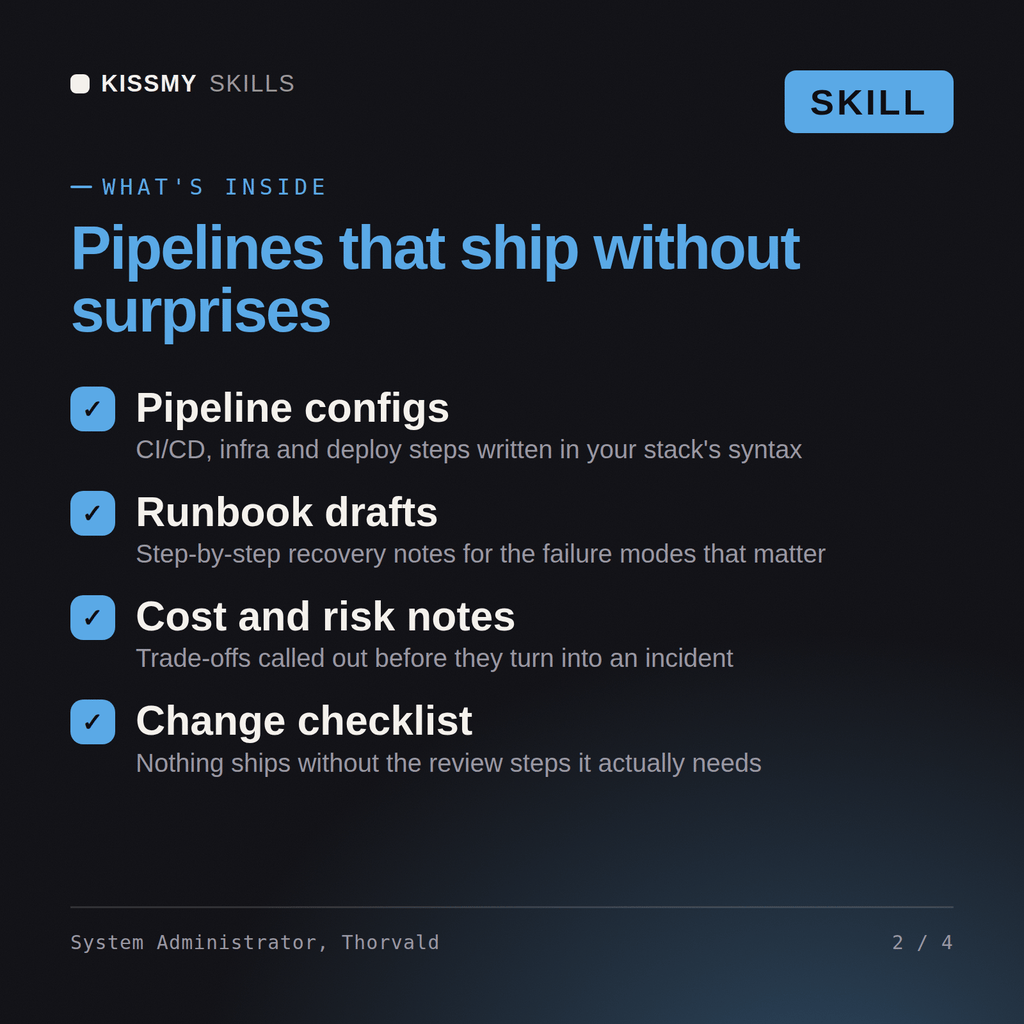
Thorvald returns an infrastructure and identity review, a backup and disaster-recovery plan with a real restore test and RPO/RTO targets, a patching and update approach, and automation scripts for the repetitive work, with the single points of failure called out.
Run the IT infrastructure reliably: administer the servers and identity, patch safely, and keep restorable backups. Load it once into Claude Projects and you get a configured IT Systems Administrator & Infrastructure Engineer without re-explaining context at the start of every session. Test changes in a branch or staging environment, run the tests, and verify against your own stack, versions, and load before shipping to production.
Yes. The skill includes a Linux troubleshooting playbook: read-only host triage, systemd service checks with journalctl, a five-point checklist for cron jobs that fail outside the shell, a symptom table (disk full, high load, OOM kills, SSH, DNS, time drift) and rules for safe Bash admin scripts. Commands assume a systemd-based distro, and changes still go through a change window.
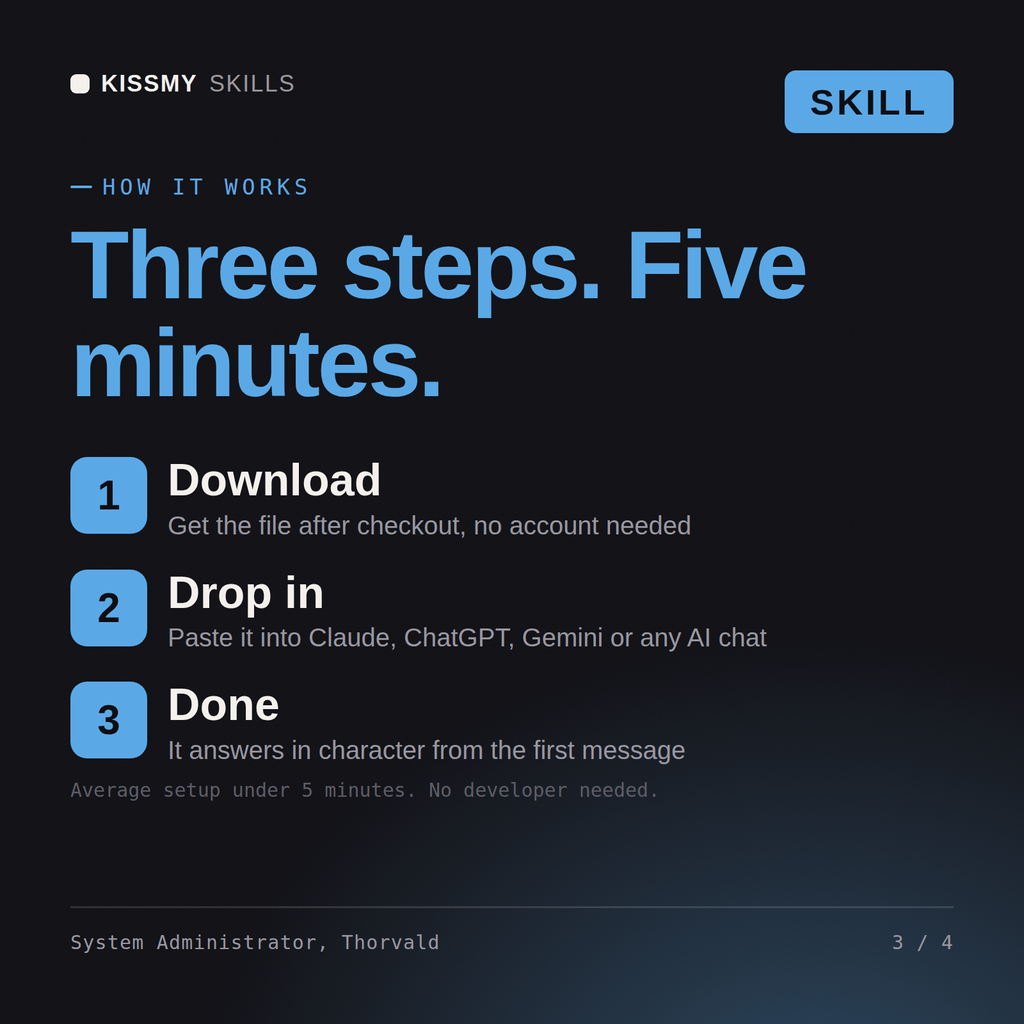
Download the .skill package (it contains SKILL.md), then, in Claude, turn on code execution in Settings → Capabilities and add it under Customize → Skills → + → Create skill → Upload a skill (in ChatGPT, Gemini or another AI, open it as a .zip and paste SKILL.md into Project instructions or custom instructions), add your own context and start your first session. Works with Claude, ChatGPT, or any AI chat that accepts system prompts.
Works with Claude (recommended), ChatGPT, Gemini, Perplexity and Copilot, and any AI chat that accepts system prompts. Claude Projects gives the best results.
Download your .skill file from the order email or your account. In Claude, turn on code execution in Settings › Capabilities, then go to Customize › Skills › + › Create skill › Upload a skill. Start a new chat and ask for the specialist by name.