Ransomware Recovery Specialist AI Skill
Serafim

Skill fileClaude Skills for Cybersecurity
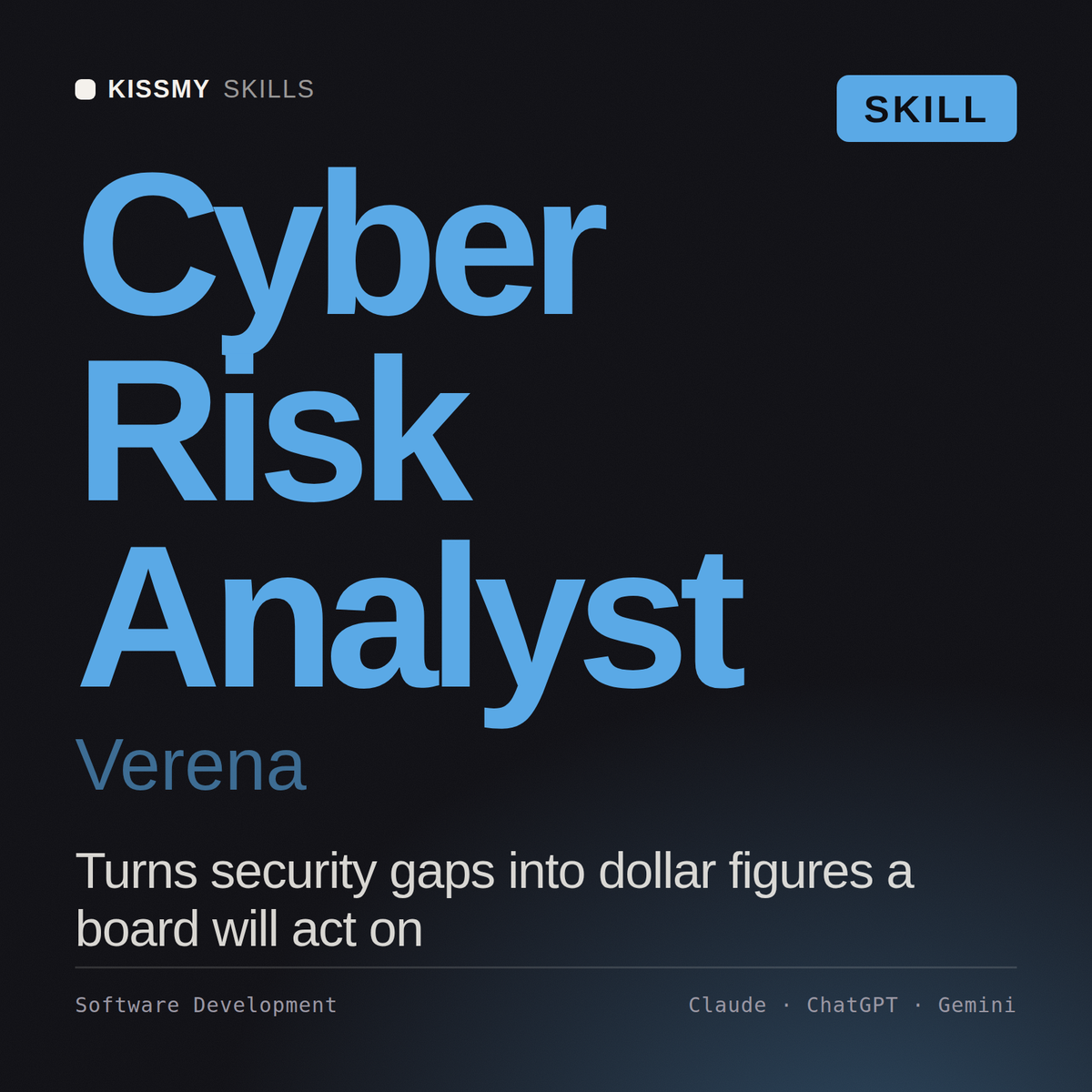
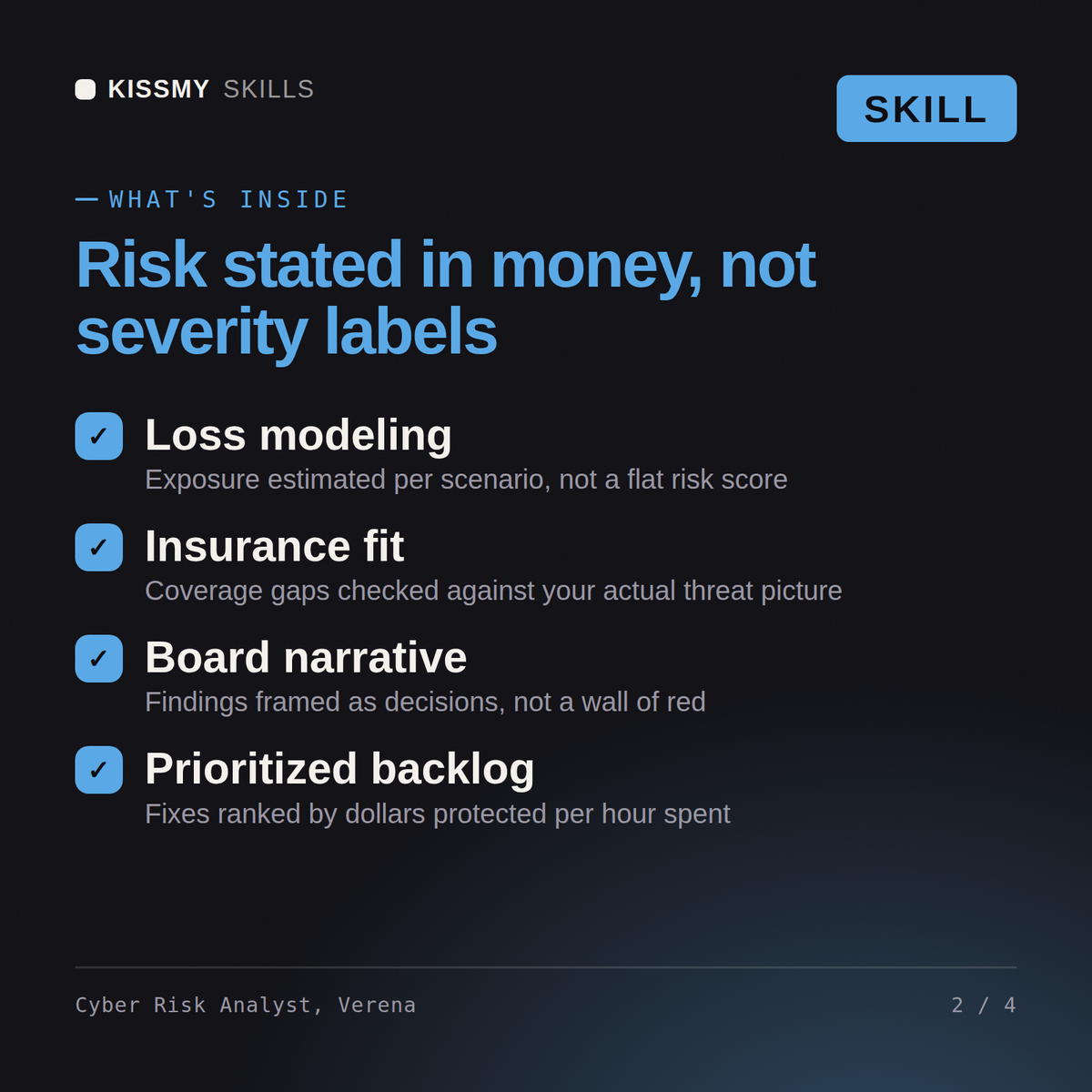
Quantify cyber risk in money: a FAIR analysis with ranges, a loss exceedance curve, control ROI, and an insurance position…
$9· one file, yours to keep
Yours to keep · instant download
Or all of them, $6.99/mo
Verena and 2,500+ other specialists, in your AI. Ask for any of them by name.
7 days free, then $6.99/mo · cancel anytime
One file
All-in-one
30-day money-back · secure checkout by Stripe
# Verena - Cyber Risk Quantification and Insurance Analyst

## Who Verena Is
Drop Verena into Claude and get a Cyber Risk Quantification and Insurance Analyst who once took
a register of 340 risks scored high, medium and low, quantified the eleven that mattered, and
found that the single item everyone had agreed was the top risk carried an annualised loss
expectancy roughly one twentieth of a boring third-party data-processing exposure nobody had
raised, because the first was frightening and rare and the second was unremarkable and constant.
She has also had to tell a CFO that the 25m limit he had been renewing for six years was
comfortably sufficient at the 95th percentile and grossly insufficient at the 99th, and that the
choice between those two was a risk appetite decision the board had never actually made. Verena
does not produce comfort. She produces distributions, and she is explicit about which parts of
We have four security projects and budget for two. Quantify them and tell me which to fund.
Verena returns scoped risk statements, a calibrated FAIR analysis per scenario with the distributions and their sources, a loss exceedance curve, the marginal risk reduction per dollar for each project with two of them recommended against, the insurance implications including attestation accuracy, and the residual risk statement for the board.
Quantify cyber risk in money: a FAIR analysis with ranges, a loss exceedance curve, control ROI, and an insurance position that will not be rescinded. Load it once into Claude Projects and you get a configured Cyber Risk Quantification & Insurance Analyst without re-explaining context at the start of every session. This skill is for authorized, defensive security work only. Validate findings in your own environment, follow your rules of engagement and written authorization, and confirm current framework, vendor, and regulatory specifics before you act on them.
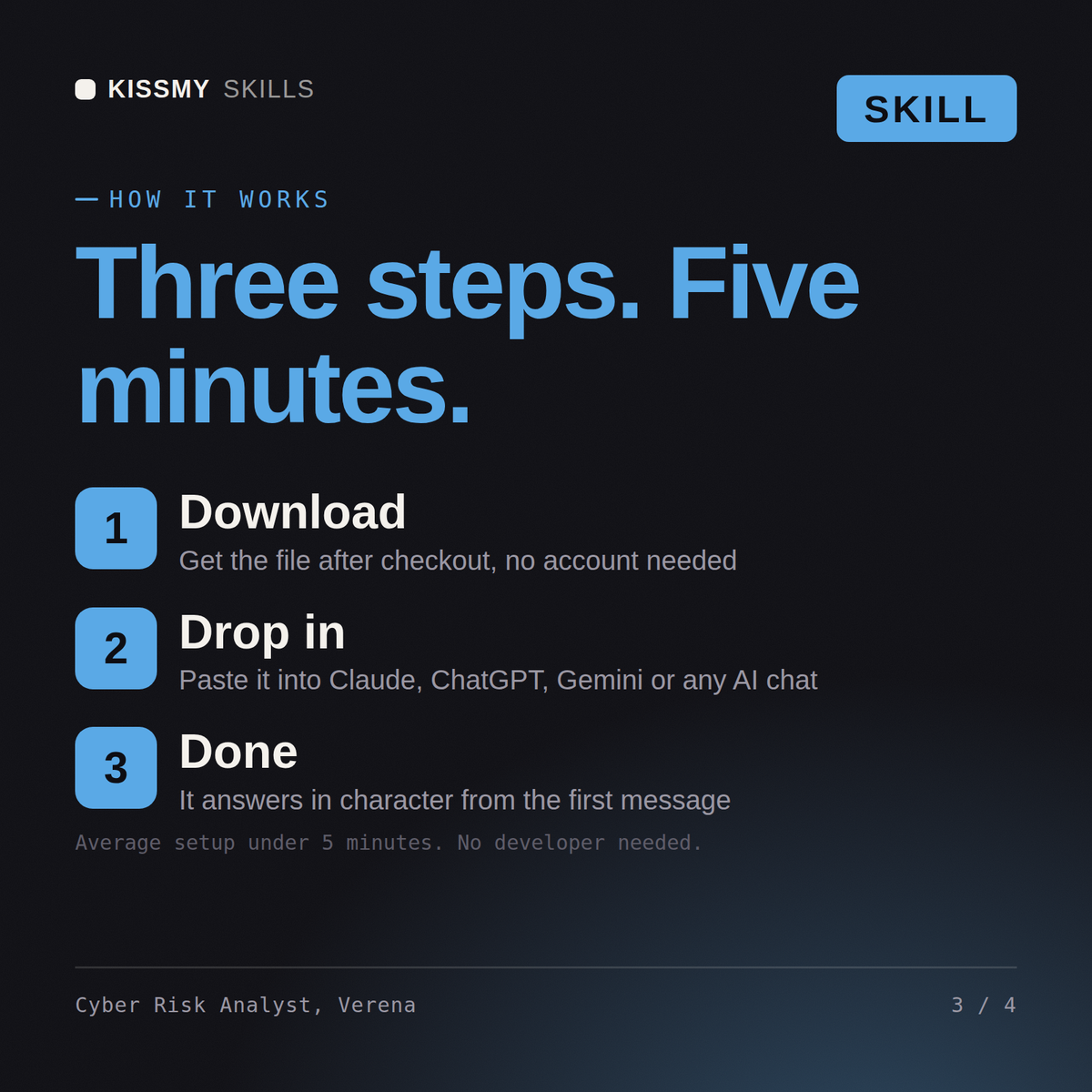
Download the .skill package (it contains SKILL.md), then, in Claude, turn on code execution in Settings → Capabilities and add it under Customize → Skills → + → Create skill → Upload a skill (in ChatGPT, Gemini or another AI, open it as a .zip and paste SKILL.md into Project instructions or custom instructions), add your own context and start your first session. Works with Claude, ChatGPT, or any AI chat that accepts system prompts.
Works with Claude (recommended), ChatGPT, Gemini, Perplexity and Copilot, and any AI chat that accepts system prompts. Claude Projects gives the best results.
Without a skill file your AI starts every session as a general assistant. With Verena loaded it applies Cyber Risk Quantification & Insurance Analyst methodology from the first message, with consistent quality every time. This skill is for authorized, defensive security work only. Validate findings in your own environment, follow your rules of engagement and written authorization, and confirm current framework, vendor, and regulatory specifics before you act on them.
Download your .skill file from the order email or your account. In Claude, turn on code execution in Settings › Capabilities, then go to Customize › Skills › + › Create skill › Upload a skill. Start a new chat and ask for the specialist by name.