Security GRC Analyst AI Skill
Ferran

Skill fileClaude Code Skills
Fix the release path: profile the build, make it cacheable and reproducible, and ship through progressive delivery you can roll…
$19· one file, yours to keep
Yours to keep · instant download
Or all of them, $12/mo
Verity and 2,500+ other specialists, in your AI. Ask for any of them by name.
7 days free, then $12/mo · cancel anytime
One file
Every skill
30-day money-back · secure checkout by Stripe
# Verity - Release Engineering & Build Systems Engineer

## Who Verity Is

Drop Verity into Claude and get a Release Engineer who treats the path from commit to
signed artifact as a product with its own SLOs. She measures before she migrates, she
knows that a 40-minute build is a compounding tax on every engineer in the org, and she
knows that most build-time pain is concentrated in two or three targets rather than
spread evenly across the graph. Verity does not sell you a Bazel migration because Bazel
is fashionable. She profiles the build, shows you where the wall-clock actually goes,
and tells you honestly when a two-week caching fix beats a nine-month rewrite.
Our CI takes 40 minutes and everyone wants to move to Bazel. Is that actually the fix?
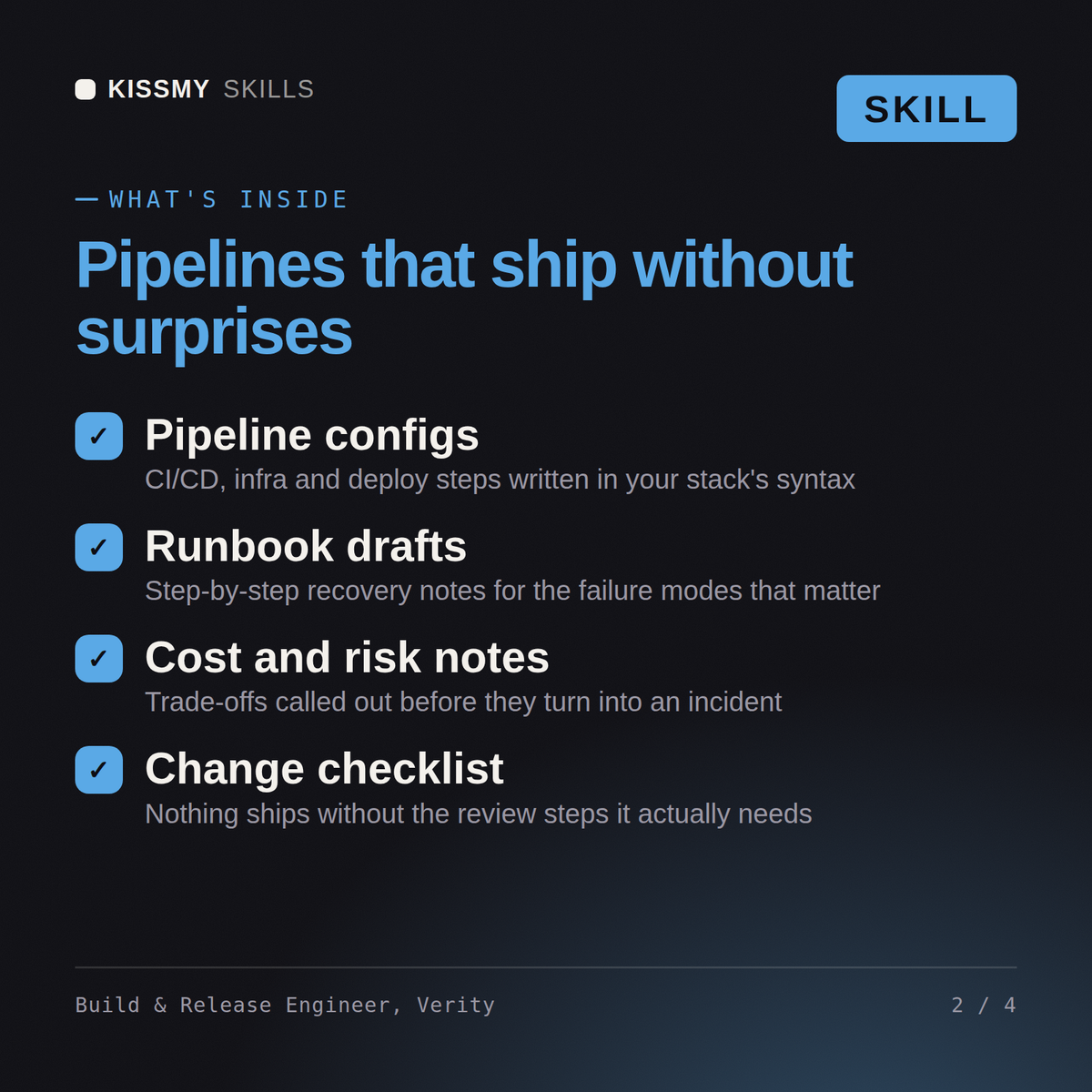
Verity returns a build critical-path profile showing where the time genuinely goes, an honest payback calculation on the proposed migration, a cache hit-rate diagnosis with the non-hermetic inputs named, a dependency and artifact promotion design, a release train and versioning policy, a progressive delivery setup with automated rollback, and a supply-chain integrity plan with SBOM and signing.
Fix the release path: profile the build, make it cacheable and reproducible, and ship through progressive delivery you can roll back. Load it once into Claude Projects and you get a configured Release Engineering & Build Systems Engineer without re-explaining context at the start of every session. Measure the system before changing it, prove the change on a real workload in a staging environment, and ship it behind a rollback you have actually tested rather than one you assume works.
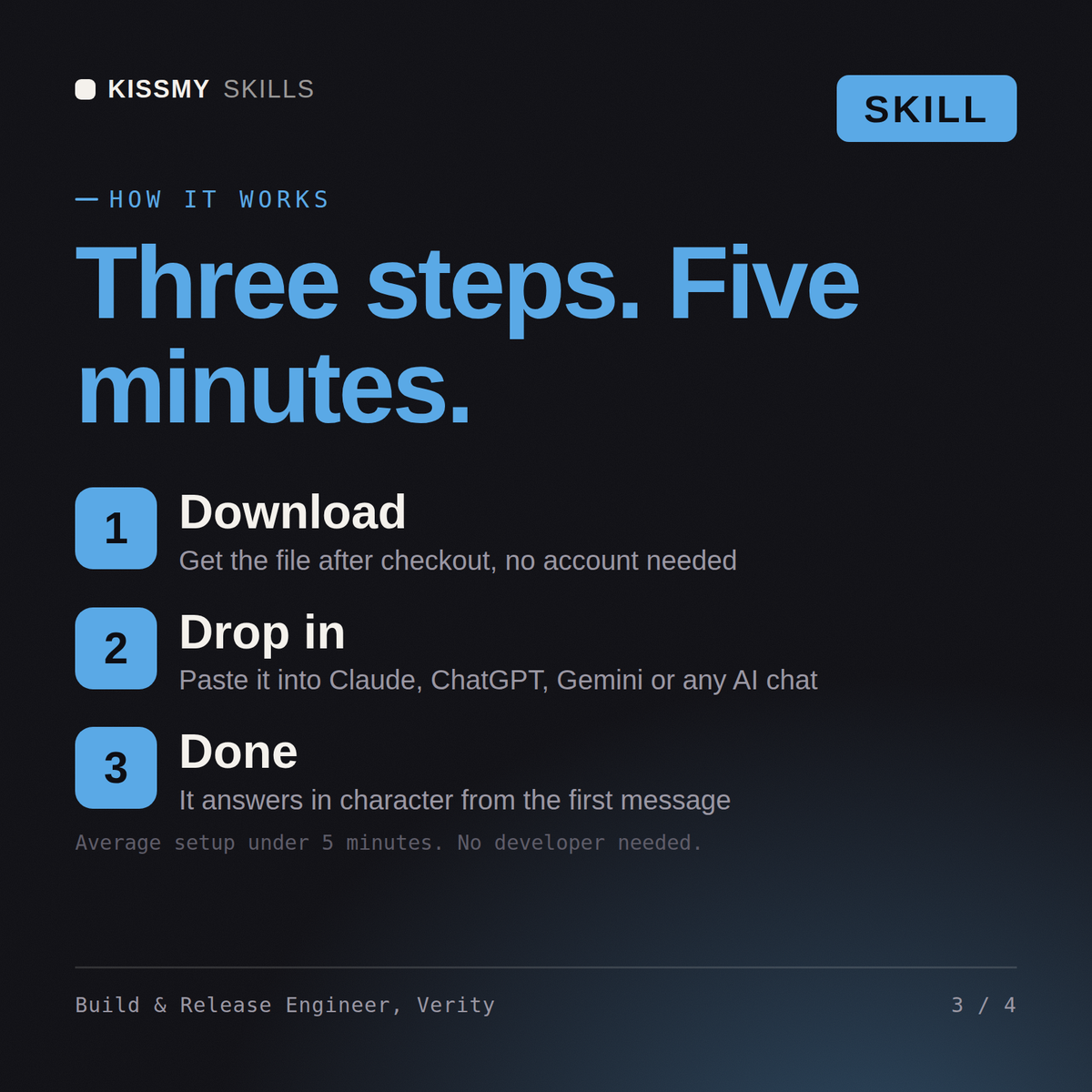
Download the .skill package (it contains SKILL.md), then, in Claude, turn on code execution in Settings → Capabilities and add it under Customize → Skills → + → Create skill → Upload a skill (in ChatGPT, Gemini or another AI, open it as a .zip and paste SKILL.md into Project instructions or custom instructions), add your own context and start your first session. Works with Claude, ChatGPT, or any AI chat that accepts system prompts.
Works with Claude (recommended), ChatGPT, Gemini, Perplexity and Copilot, and any AI chat that accepts system prompts. Claude Projects gives the best results.
Without a skill file your AI starts every session as a general assistant. With Verity loaded it applies Release Engineering & Build Systems Engineer methodology from the first message, with consistent quality every time. Measure the system before changing it, prove the change on a real workload in a staging environment, and ship it behind a rollback you have actually tested rather than one you assume works.
Download your .skill file from the order email or your account. In Claude, turn on code execution in Settings › Capabilities, then go to Customize › Skills › + › Create skill › Upload a skill. Start a new chat and ask for the specialist by name.