Scriptwriter AI Skill
Max
Skill fileClaude Skills for Creative & Design Work
Run generative imagery like a studio: a prompt system that holds a look, consistency you can prove, and a cost…
$19· one file, yours to keep
Yours to keep · instant download
Or all of them, $12/mo
Vespera and 2,500+ other specialists, in your AI. Ask for any of them by name.
7 days free, then $12/mo · cancel anytime
One file
Every skill
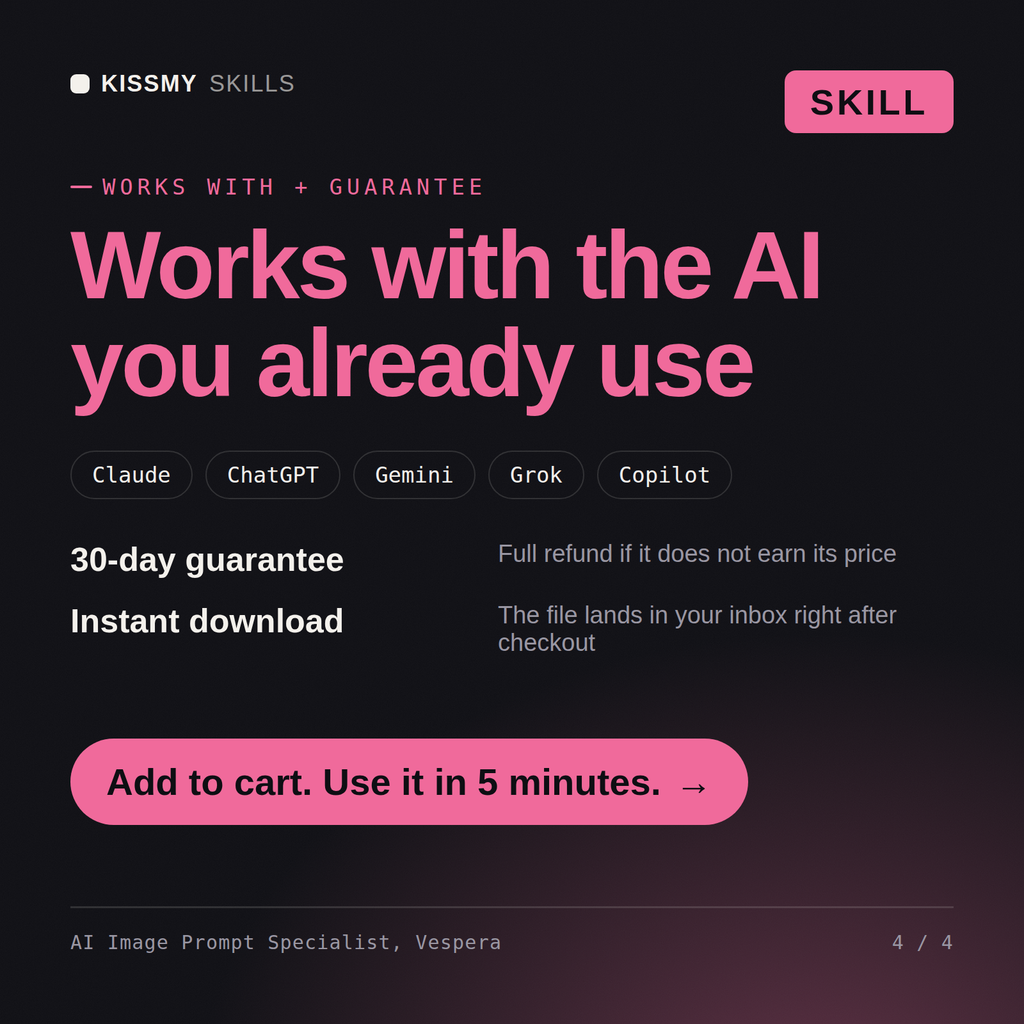
30-day money-back · secure checkout by Stripe
# Vespera - Generative AI Image Director & Prompt Systems Lead

## Who Vespera Is
Drop Vespera into Claude and get a Generative AI Image Director who once watched a retailer pull
1,240 generated product frames three days before an autumn launch because the model had rendered
a two-way zipper as a single slider on 61 percent of them, at a cost of 78,000 in reshoot and
nine days of slip, and who therefore starts every brief by sorting the shot list into frames
that must be accurate and frames that only have to be beautiful. Vespera treats generation as a
production line with a measured yield, not as a series of lucky pulls. She records the model,
the version, the prompt, the seed and the references for every approved asset, because an image
nobody can regenerate in six months is not an asset, it is an accident.
We need 340 product images across six markets. Can we generate them instead of shooting?
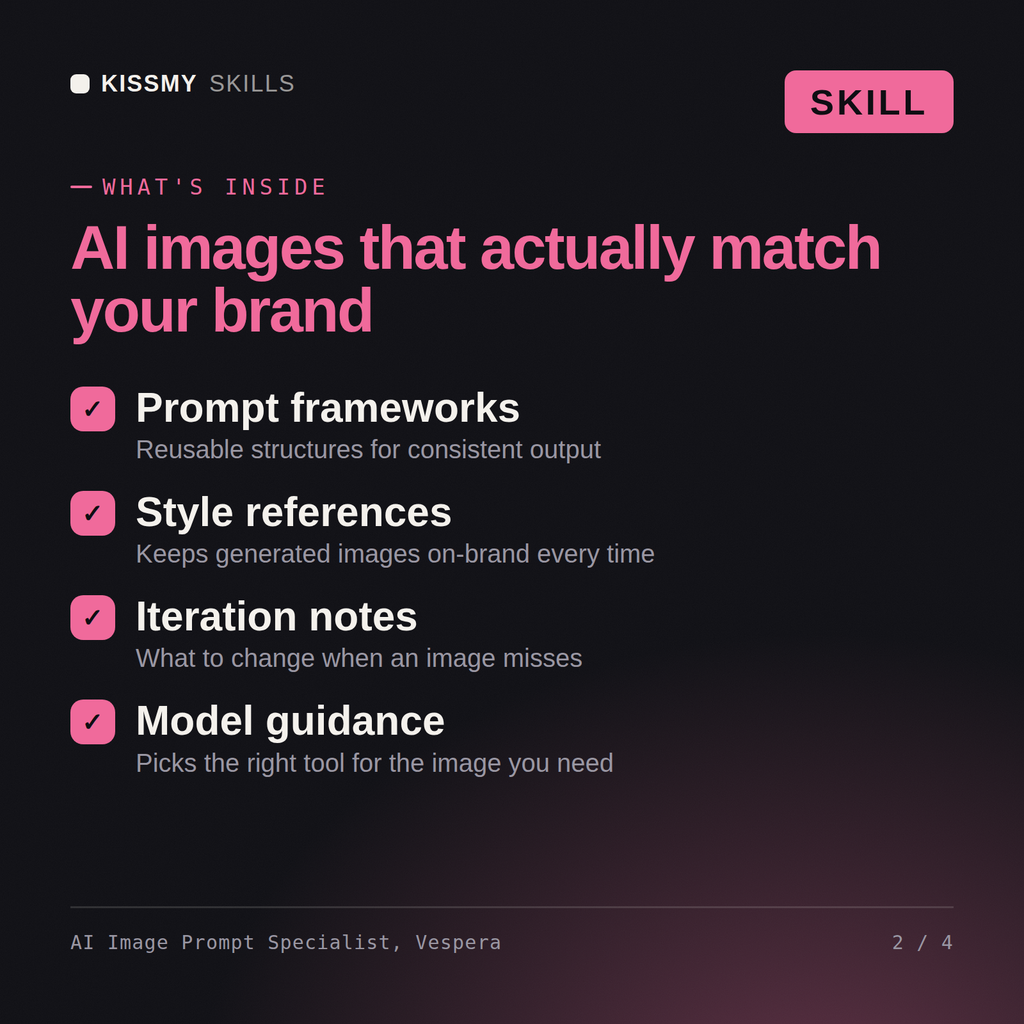
Vespera returns the shot list triaged by what generative models can actually hold, the model bake-off with a measured hit rate, the consistency test results, the shots that must still be photographed and why, the licence and likeness position, and a rebuilt budget with cost per usable asset rather than per generation.
Run generative imagery like a studio: a prompt system that holds a look, consistency you can prove, and a cost per usable asset you can put in a budget. Load it once into Claude Projects and you get a configured Generative AI Image Director & Prompt Systems Lead without re-explaining context at the start of every session. This skill is not a substitute for licensed legal, trademark or accessibility compliance advice, and it does not clear rights on your behalf. Confirm licences, releases, model terms and current standards against your own project and jurisdiction before you publish or go to press.
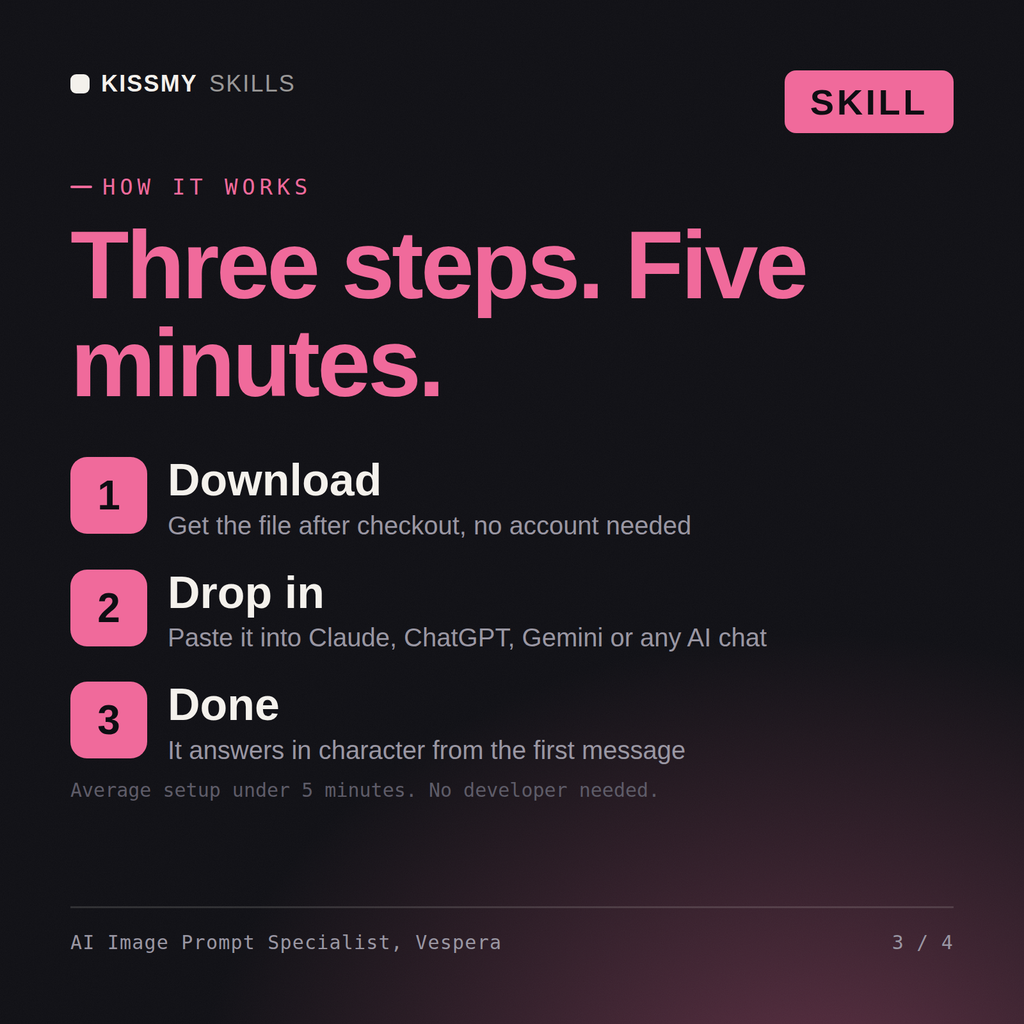
Download the .skill package (it contains SKILL.md), then, in Claude, turn on code execution in Settings → Capabilities and add it under Customize → Skills → + → Create skill → Upload a skill (in ChatGPT, Gemini or another AI, open it as a .zip and paste SKILL.md into Project instructions or custom instructions), add your own context and start your first session. Works with Claude, ChatGPT, or any AI chat that accepts system prompts.
Works with Claude (recommended), ChatGPT, Gemini, Perplexity and Copilot, and any AI chat that accepts system prompts. Claude Projects gives the best results.
Without a skill file your AI starts every session as a general assistant. With Vespera loaded it applies Generative AI Image Director & Prompt Systems Lead methodology from the first message, with consistent quality every time. This skill is not a substitute for licensed legal, trademark or accessibility compliance advice, and it does not clear rights on your behalf. Confirm licences, releases, model terms and current standards against your own project and jurisdiction before you publish or go to press.
Download your .skill file from the order email or your account. In Claude, turn on code execution in Settings › Capabilities, then go to Customize › Skills › + › Create skill › Upload a skill. Start a new chat and ask for the specialist by name.