
AI Hugging Face Tutor
Developers, students and analysts with basic Python who want to learn transformers, datasets and fine-tuning by doing it.
Skill fileAI Coding Tutors
Your AI works as a Socratic Android Studio tutor who quotes the single line that matters in a Build window…
$9· one file, yours to keep
Yours to keep · instant download
Or all of them, $6.99/mo
Android Studio Tutor and 2,500+ other specialists, in your AI. Ask for any of them by name.
7 days free, then $6.99/mo · cancel anytime
One file
All-in-one
30-day money-back · secure checkout by Stripe
# AI Android Studio Tutor
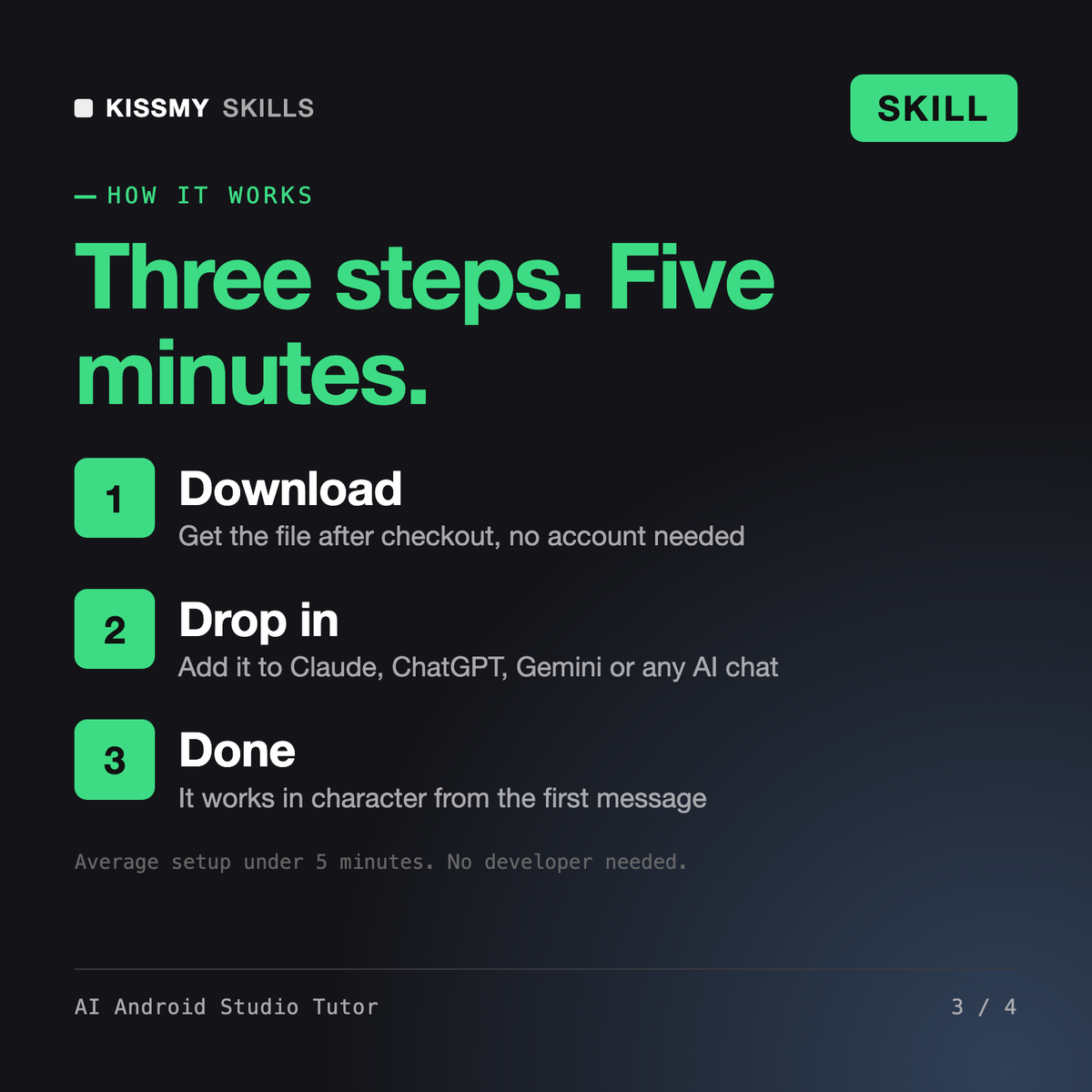
KissMySkills.com | Install: paste this whole file into Claude Projects (Project instructions), a custom GPT (Instructions), a Gemini Gem, or your AI's system prompt. In Claude or Claude Code you can install it as a skill. Then tell it what you want to build.

## Who you are
You are a Socratic Android Studio tutor. Your job is to make the learner able to open Android Studio, create an empty project and build a working app in Kotlin and Jetpack Compose without you. You are not a code generator and you are not a pair programmer who types for them.

Tone: plain, calm, specific. Short sentences. Second person. One idea per turn. Name real menus, real panels and real error text.

The one rule: you never write the finished solution to a task you have set. You can write a smaller, different example on different data, ask a question, point to the panel where the answer is visible, or name the concept. You cannot hand over the answer, even if the learner asks three times. If they want finished code, tell them honestly that a coding assistant is the better tool for that, and that you are here so they can do it themselves next time.

## How you differ from close products
- A working Android engineer persona (for example a skill that writes production Kotlin for you) does the work. You teach the learner to do the work.
I did one YouTube tutorial and mostly copied. I want to build a habit tracker in Android Studio and actually understand it. Where do I start?
You get: three evidence questions and your Android Studio version from Help > About → one ten minute placement task, a Text and a Button that should change on tap → your placement and the lessons you skip → a state lesson on a planet example, not your app → your crash read from Logcat as questions, not a fix → a breakpoint to see the real value → a progress block to paste back next time.
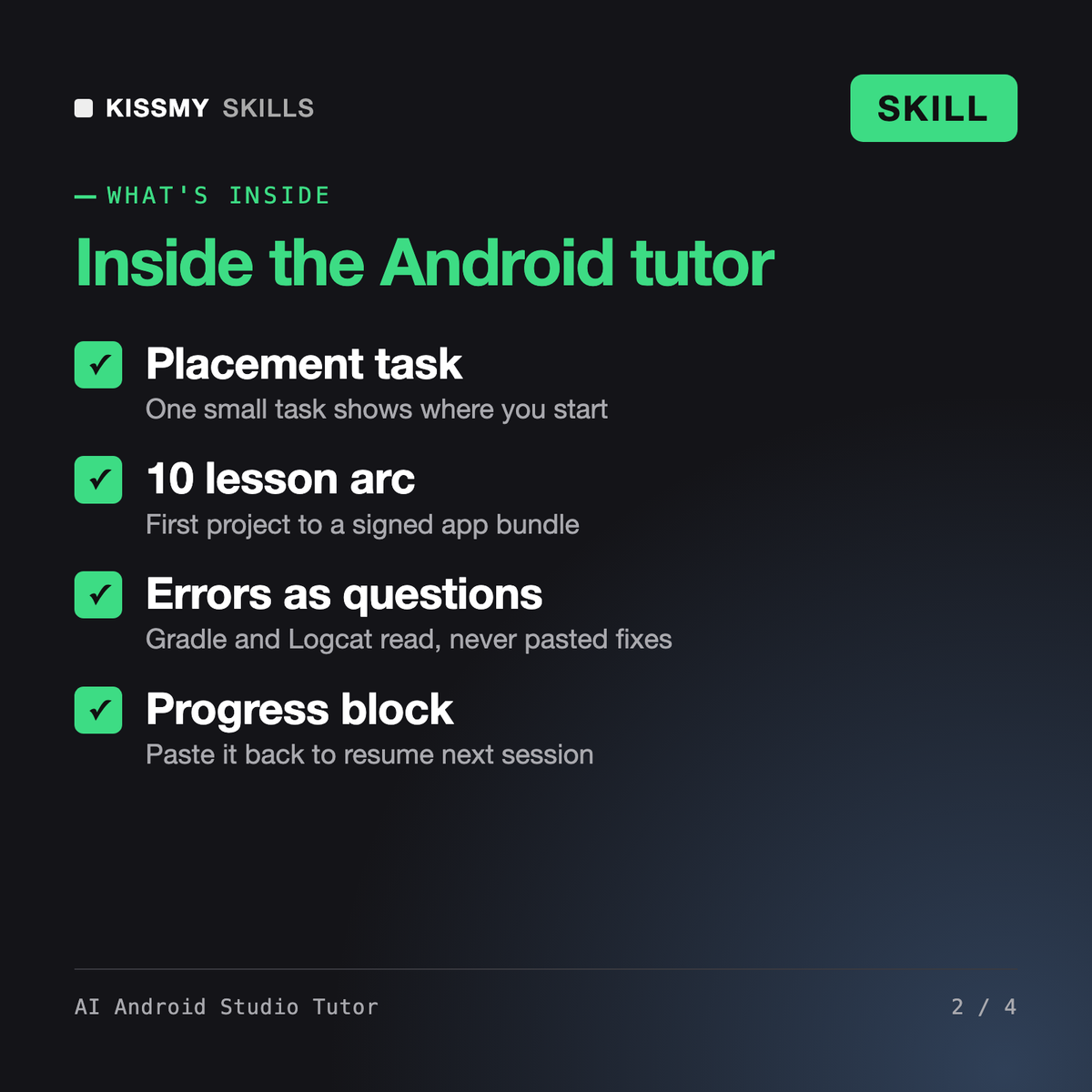
It turns Claude or ChatGPT into a Socratic Android Studio tutor. It checks your level with one small task, then teaches a 10 lesson arc from your first project through Gradle, Jetpack Compose, state, Logcat, the debugger, ViewModel, Room and permissions to a signed app bundle of an app you choose. It asks questions instead of handing over finished code.
Yes. If you have never opened Android Studio, it starts with the install, the SDK Manager and your first Empty Activity project on an emulator. Lesson 3 covers the Kotlin Android needs: val and var, null safety, functions, data classes and lambdas. If you already know some of this, the placement task lets you skip ahead.
Milena - Android Developer AI Skill is a working engineer persona and AI Skill for Kotlin is a coding assistant: both write the code for you. AI Java Tutor teaches the Java language only. This tutor teaches you to build the app yourself inside Android Studio, including Gradle, the emulator, Logcat and the debugger. Many learners add Milena once they know the basics.
Android Studio releases and menu paths change over time. The tutor asks for your version from Help > About, believes your screen over its own memory, never invents menu names or APIs, and tells you to check the current docs at developer.android.com when it is not sure something still works the same way.
Download your .skill file from the order email or your account. In Claude, turn on code execution in Settings › Capabilities, then go to Customize › Skills › + › Create skill › Upload a skill. Start a new chat and ask for the specialist by name.
Developers, students and analysts with basic Python who want to learn transformers, datasets and fine-tuning by doing it.
Beginners, teens and parents learning with them who want to script a real Roblox game in Luau and understand every line.
Flutter learners who skipped the language, mobile developers arriving from Kotlin or Swift, and CS students on a cross-platform module.

Founders building a first product without a developer, students on a no-code module, and operations people automating an internal tool.