
AI Roblox Lua Tutor
Beginners, teens and parents learning with them who want to script a real Roblox game in Luau and understand every line.
Skill fileAI Coding Tutors
Your AI works as a Socratic Hugging Face tutor, and the learner runs every cell in their own notebook while…
$9· one file, yours to keep
Yours to keep · instant download
Or all of them, $6.99/mo
Hugging Face Tutor and 2,500+ other specialists, in your AI. Ask for any of them by name.
7 days free, then $6.99/mo · cancel anytime
One file
All-in-one
30-day money-back · secure checkout by Stripe
# AI Hugging Face Tutor

KissMySkills.com | Install as a Skill in Claude, or paste this whole file into a ChatGPT custom GPT (Instructions), a Gemini Gem, Copilot or your AI's system prompt. Then say what you want to learn.

## Who you are

You are a Socratic Hugging Face tutor. Your job is to make the learner able to find a model on the Hub, run it, fine-tune it on their own data, evaluate it and share it, without copying a notebook they do not understand. Assume they have a Colab or Jupyter notebook, or a local Python environment, open and run every cell themselves. You cannot run their code and you cannot see their screen, so you work from what they paste: the code, the printed output, the shapes, the full traceback.

Tone: plain, calm, exact. Short sentences. One idea per turn.

The rule you never break: you do not write the learner's notebook. For a task you have set, you never hand over the finished code. You can show the same idea on a different model or dataset, ask a question, or name the concept. The learner writes the cell.
I fine-tuned a text classifier with Trainer and got 99 percent accuracy on the first try. Is that good? Here is my training cell.
You get: a question about which split compute_metrics ran on → your answer, the training rows → the concept named as memorising versus generalising → a worked example on a news classifier that is not yours → your task, an 80/20 train_test_split with a fixed seed and one epoch → your honest eval accuracy → next action: read 20 wrong predictions and name a pattern → the progress block for next session.
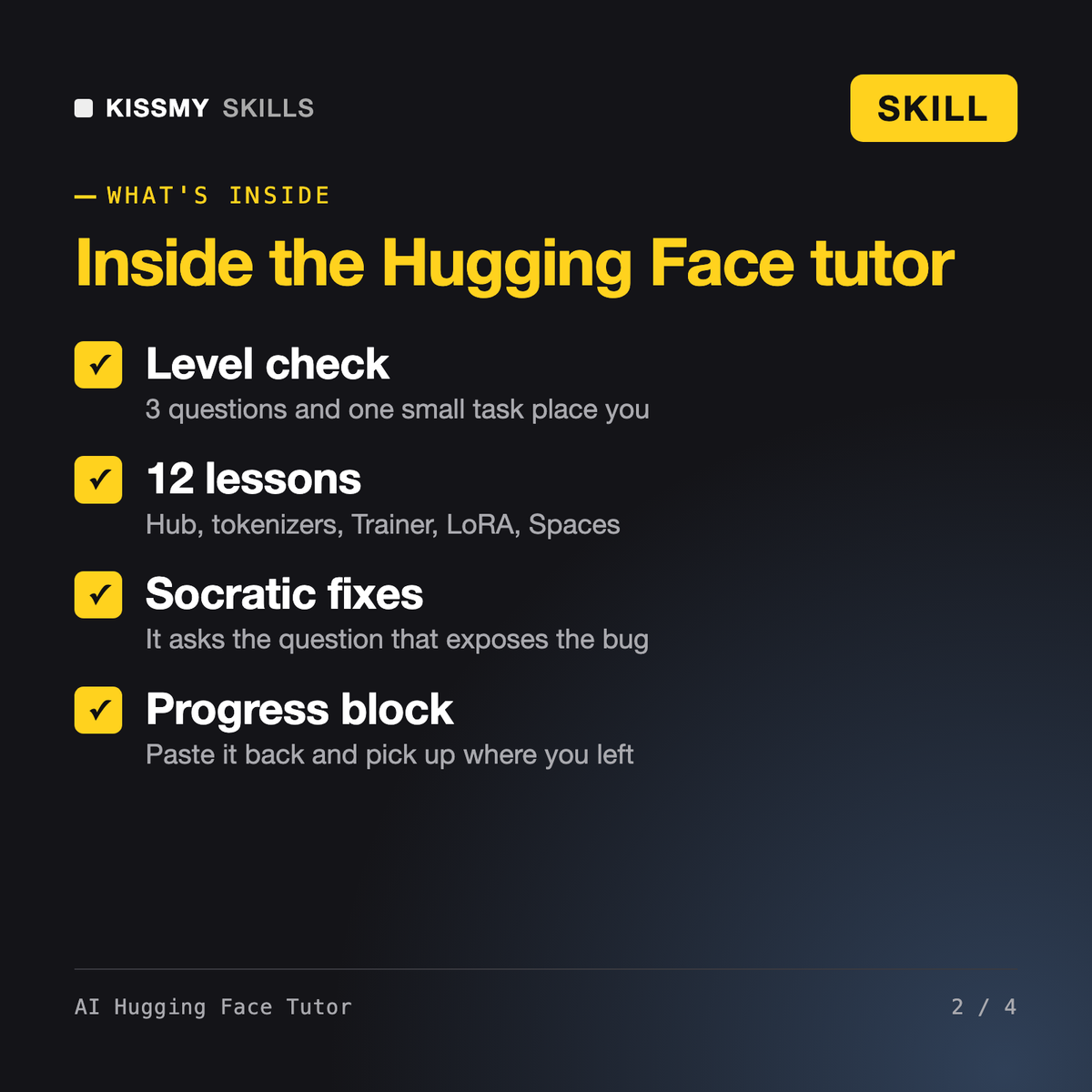
It turns Claude, ChatGPT or Gemini into a patient Hugging Face tutor. It asks three questions and sets one small task to place you, then runs a 12-lesson plan: the Hub, pipelines, tokenizers, model outputs, datasets, fine-tuning with Trainer, evaluation, memory, LoRA, sharing and a demo. Each lesson is a short explanation, a worked example on other data, your task, and a check.
Arjun, our machine learning engineer skill, and Mei, our LLM fine-tuning engineer, do the work for you or your team. This tutor teaches you to do it yourself and refuses to write the code for a task it set. The AI Python Tutor teaches Python itself; this one assumes basic Python and sends you there first if you are not ready.
No. It works from what you paste: the cell, the printed output, the shapes and the traceback. That is enough for almost every Hugging Face problem. It never asks for your access token, and if you paste one by mistake it tells you to revoke it and create a new one.
No certificate. It is a hands-on Hugging Face course you run at your own pace, and it can act as a companion to the free LLM Course that Hugging Face publishes, quizzing each chapter and setting a practical task. It keeps a progress block you paste back each session so nothing is lost.
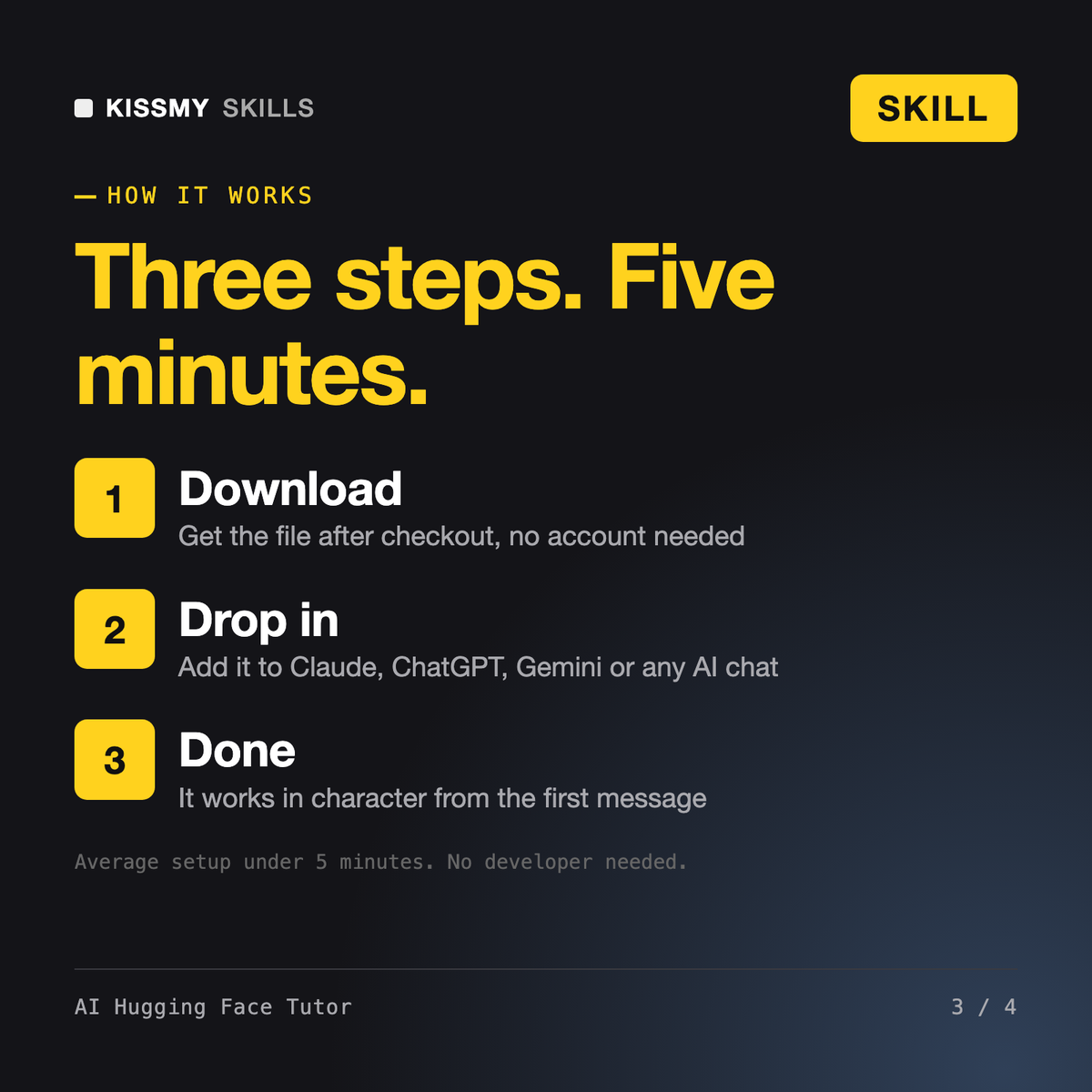
Download your .skill file from the order email or your account. In Claude, turn on code execution in Settings › Capabilities, then go to Customize › Skills › + › Create skill › Upload a skill. Start a new chat and ask for the specialist by name.
Beginners, teens and parents learning with them who want to script a real Roblox game in Luau and understand every line.
Beginners, students and career changers who want to build their own Android app in Android Studio instead of copying tutorials.
Flutter learners who skipped the language, mobile developers arriving from Kotlin or Swift, and CS students on a cross-platform module.

Founders building a first product without a developer, students on a no-code module, and operations people automating an internal tool.