
AI Headline Generator
Performance marketers, content editors and founders writing their own ads and landing pages
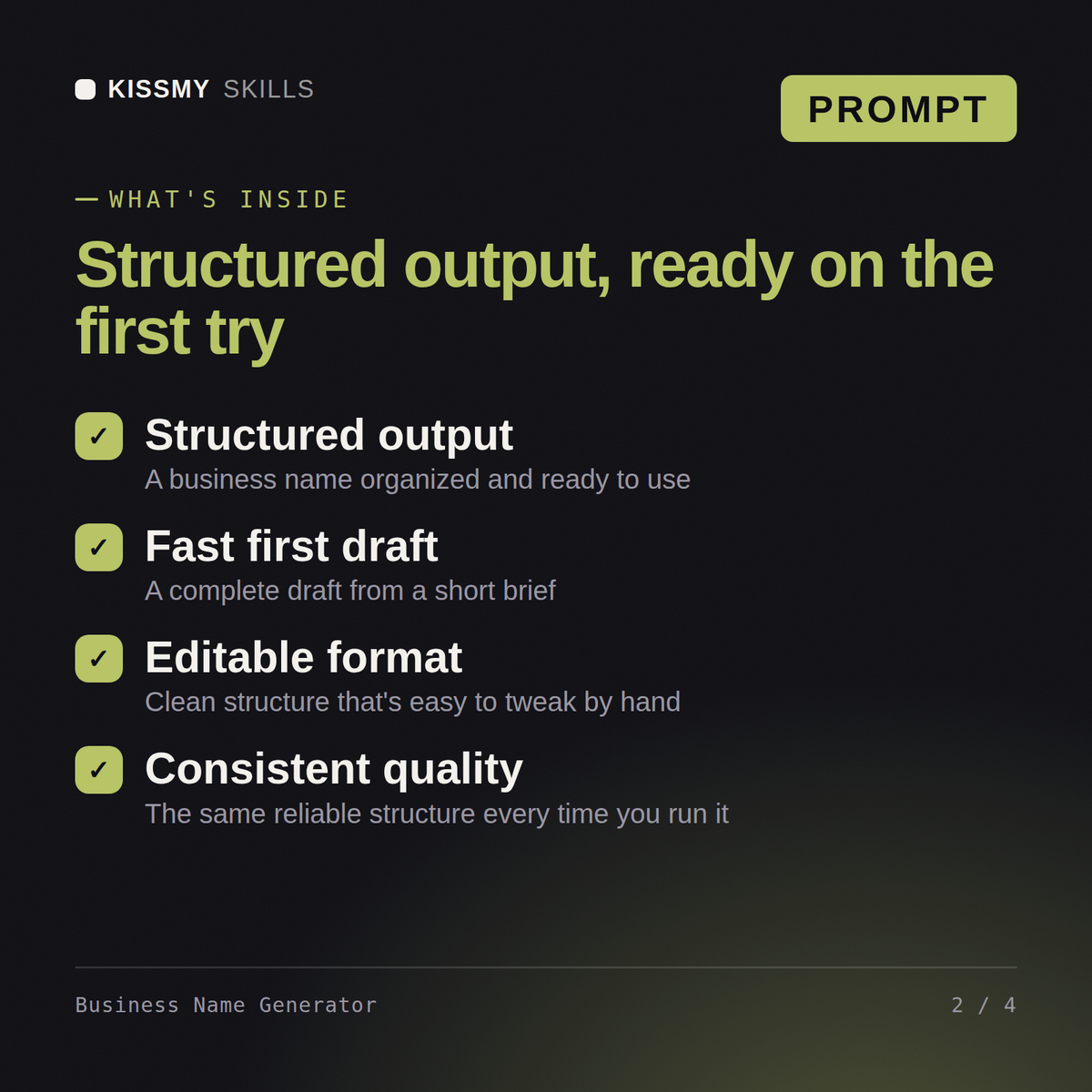
Your AI works as a business naming specialist who generates candidates by name type, flags the ones misspelled when said…
$5· one file, yours to keep
Yours to keep · instant download
7 days free, then $12/mo · cancel anytime
One file
Every skill
30-day money-back · secure checkout by Stripe
================================================================================
  KISSMYSKILLS.COM
  AI Business Name Generator Prompt
  Claude Prompt — Instant Use
================================================================================


WHAT YOU JUST BOUGHT
────────────────────────────────────────────────────────────────────────────────
A Claude prompt that turns Claude into a business naming specialist — one
that generates candidates by name type, flags which ones will get misspelled
the moment they're said aloud, and cuts the names too generic to ever own.
I am opening a mobile bike repair service in Bristol and later across the south of England, and I want a name that does not trap me in one city.
You get: brief restated → 22 candidates in four labelled name types → a spelling verdict on each → the names cut as unprotectable, with reasons → a shortlist of five with domain, handle and search checks → a language and culture screen → the trademark warning and a clear note that none of it is legal advice
Turn Claude into a business naming specialist, screened candidates in one pass. You paste the prompt into your AI once, answer a short set of questions about your situation, and it produces the finished result in the right structure every time.
No, and it never claims a domain is free. A follow-up prompt builds a ranked list of exact domains to check for each shortlisted name (.com, country codes, .ai or .io where they fit, and sensible variants), and a six-step checklist shows you how to confirm availability at a registrar and re-rank the shortlist with what you found.
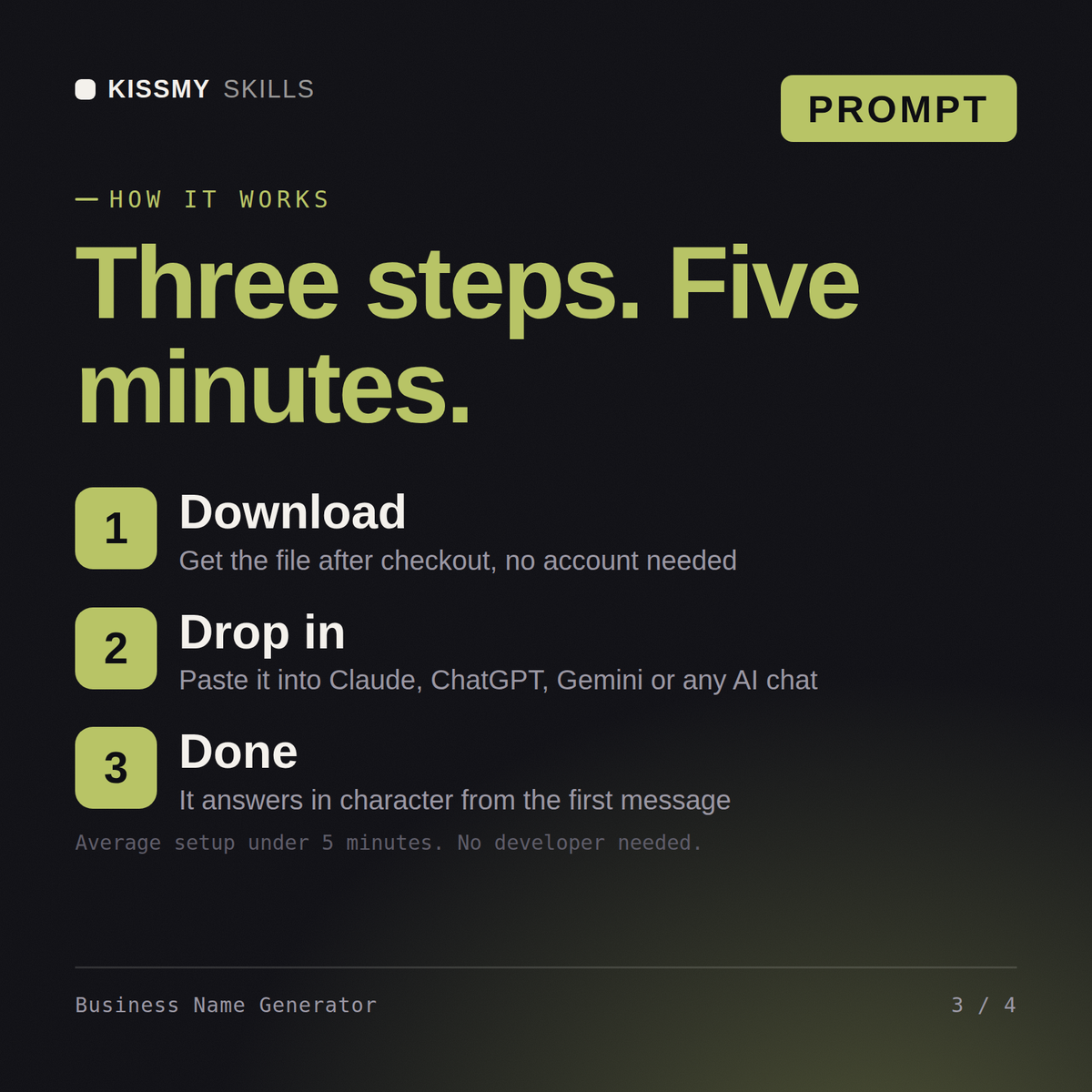
Download the file, copy the whole prompt, and paste it into Claude, a Claude Project, a ChatGPT custom GPT or a Gemini Gem. Then describe what you need in plain English. Setup takes under two minutes and you only do it once.
Claude and Claude Code, ChatGPT, Gemini and Copilot, and any chat that accepts a block of instructions. Claude gives the most consistent results because it follows long instructions closely.
Download your .skill file from the order email or your account. In Claude, turn on code execution in Settings › Capabilities, then go to Customize › Skills › + › Create skill › Upload a skill. Start a new chat and ask for the specialist by name.
Performance marketers, content editors and founders writing their own ads and landing pages
Founders, brand strategists and product leads naming a company, product or spin off

Marketing leads, agency creatives and small business owners planning a campaign

Founders, brand and marketing leads, and freelance copywriters naming a business or product