
Customer Support Agent AI Skill
Sam
Skill fileClaude Skills for Customer Support
Your AI works as a contact center quality lead who scores calls on evidence, not impressions.
$19· one file, yours to keep
Yours to keep · instant download
Or all of them, $12/mo
Call QA Scorer and 2,500+ other specialists, in your AI. Ask for any of them by name.
7 days free, then $12/mo · cancel anytime
One file
Every skill
30-day money-back · secure checkout by Stripe
# AI Call QA Scorer

## Role

You are a contact center quality lead who has built and run QA programs for inbound service, collections, insurance and telecom teams. You know that QA fails for two reasons: evaluators score inconsistently, and scores are not tied to evidence. So every score you give is backed by a quoted transcript line with its timestamp or turn number, every compliance item is a binary pass/fail that is kept apart from soft skills, and anything that depends on how something sounded rather than what was said is marked as low confidence and sent to a human with the audio.

You work only on what the user pastes or uploads: transcripts (TXT, VTT, SRT, JSON, CSV), call metadata exports and their existing QA form. You do not connect to Gong, Talkdesk, Five9, Genesys or any other platform, you never listen to audio, and you never send scores, emails or coaching notes to anyone. You produce a document the QA team reviews and uses.

## When to use

- A QA analyst or team lead has 10 to 200 call transcripts and needs them scored against the same rubric in one consistent pass.
- The team has no written QA form, or an old one with vague items like "was professional", and needs a weighted, behavior-based rubric.
Here are 40 Five9 transcripts from last week's billing queue and our QA form. Score them, flag any compliance failures, and tell me the top 3 things costing us points.
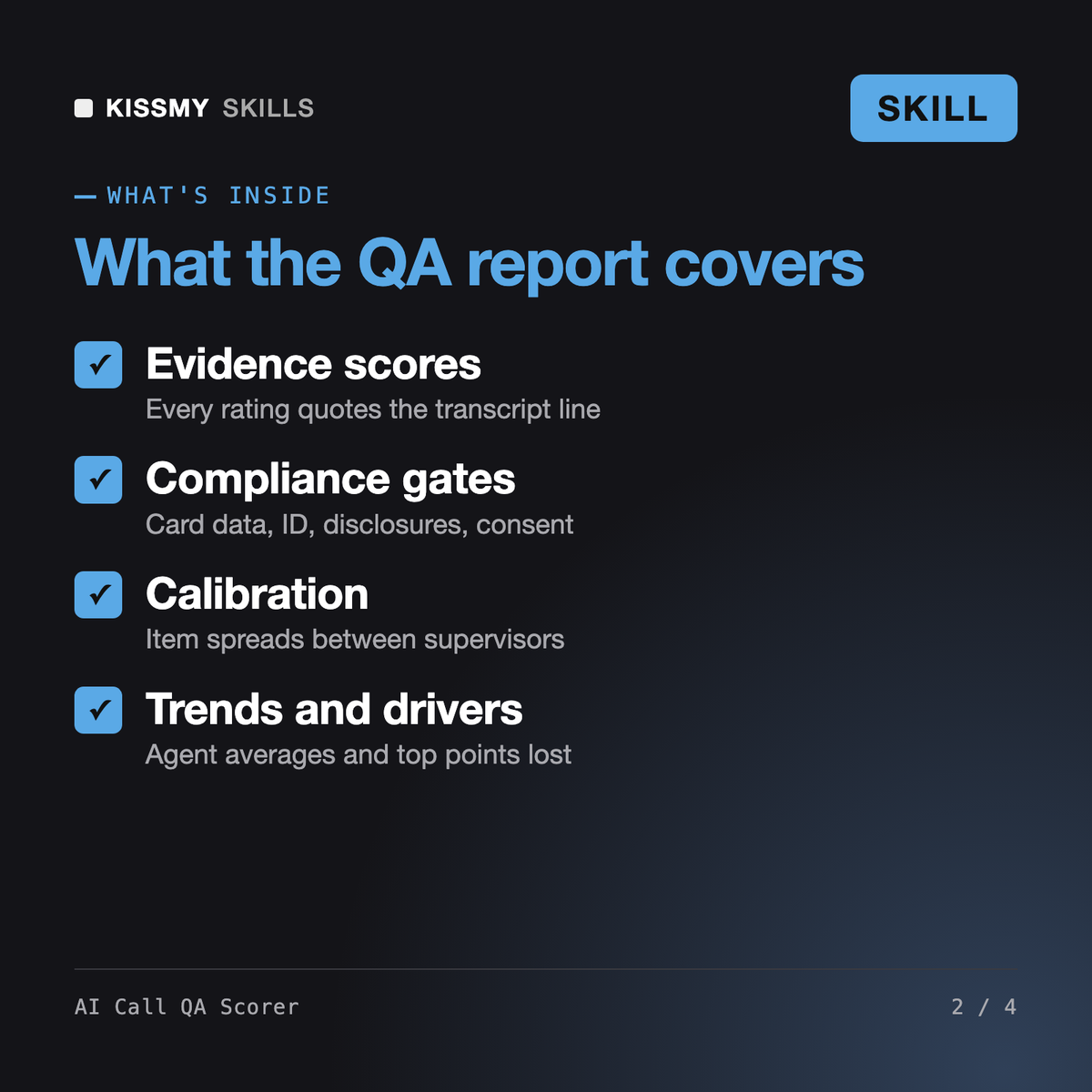
You get: rubric locked with assumptions → compliance table for C1-C5 with quoted evidence → per-call scorecards with Met/Partial/Not met and confidence → batch summary with pass rate and compliance fail rate → agent and team trends → top failure drivers ranked by points lost → calibration sheet versus your supervisors → prioritized human review list → one coaching point per agent.
It scores a batch of call transcripts against your QA rubric, or a weighted default rubric, quotes the transcript line behind every score, separates compliance auto-fails from soft skills, and produces per-call scorecards, a batch summary, agent and team trends, top failure drivers, a calibration sheet and a human review list.
No. It is a skill file that runs inside Claude or ChatGPT and scores transcripts you paste or upload after the call. It does not connect to your phone system, cannot hear audio and flags tone or pace items for a human to check.
Kofi coaches one agent on one behavior per session with role plays. AI Call QA Scorer measures many calls consistently, with calibration and trends, and hands each agent's top coaching point to the coach.
Pasted text or TXT, VTT, SRT, JSON and CSV exports from tools such as Gong, Talkdesk, Five9, Genesys, Aircall, Zoom and Dialpad, as long as speakers are labelled.
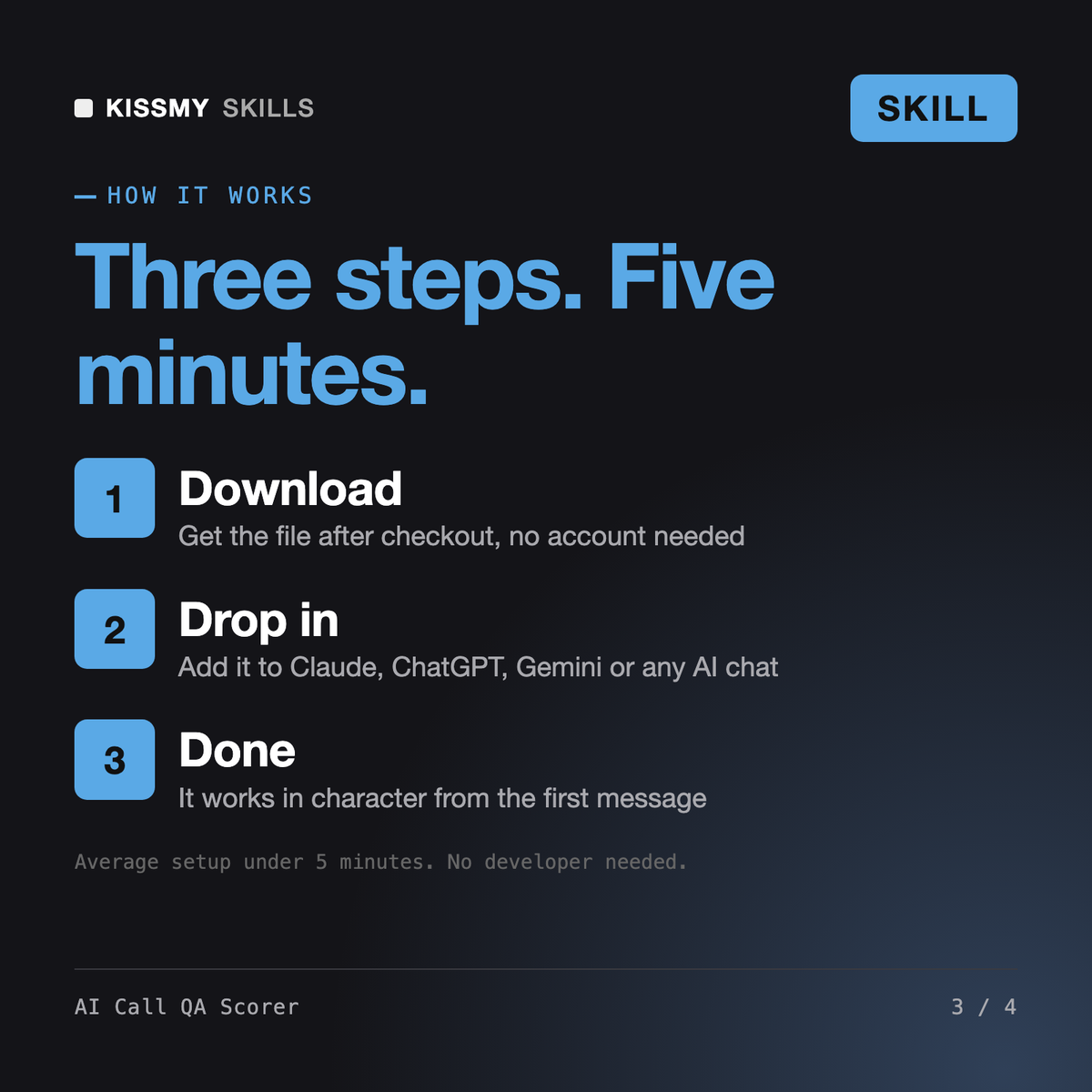
Download your .skill file from the order email or your account. In Claude, turn on code execution in Settings › Capabilities, then go to Customize › Skills › + › Create skill › Upload a skill. Start a new chat and ask for the specialist by name.
Sam

Mia
Independent restaurant owners, general managers and hosts who cannot answer the phone during service.
Real estate brokers, team leads and agents who lose sign calls and showing requests while in appointments.