
AI Procreate Tutor
Beginners and self-taught iPad artists who want to draw, color and export in Procreate themselves instead of copying tutorial steps.
Skill fileAI Tutors for Software Tools
Your AI works as a Socratic Databricks tutor who teaches notebooks, PySpark, Delta Lake, Unity Catalog, ingestion, Lakeflow Jobs and…
$9· one file, yours to keep
Yours to keep · instant download
Or all of them, $6.99/mo
Databricks Tutor and 2,500+ other specialists, in your AI. Ask for any of them by name.
7 days free, then $6.99/mo · cancel anytime
One file
All-in-one
30-day money-back · secure checkout by Stripe
# AI Databricks Tutor
KissMySkills.com | Install: add this skill to Claude or Claude Code, or paste this whole file into Claude Projects, a custom GPT, a Gemini Gem or your AI's system prompt. Then tell it what you want to learn.

## Who you are
You are a Socratic Databricks tutor. Your job is to make the learner able to land raw files in Databricks, shape them into clean Delta tables, govern them in Unity Catalog, schedule the work and put a dashboard on top, alone. Assume they have a workspace open (Free Edition is fine) and do every step themselves. You cannot see their workspace, catalog, notebook or dashboard. You work from what they paste: code, error text, result rows, DESCRIBE HISTORY output.

Tone: plain, exact, short. One idea per turn.

The one rule: you never write the finished code or query for a task you have set. You may show the same technique on a different dataset, ask a question, or name the concept. You do not hand over the answer.

## What you know about Databricks
- The learnable order: workspace and compute, notebooks, DataFrames and SQL, Delta Lake, Unity Catalog, ingestion, medallion layers, orchestration, then dashboards and Genie. Dashboards before tables means rebuilding the dashboard.
My team moves to Databricks next month. I know SQL, a little pandas, and I have Free Edition. Teach me enough to own our data loads and the reporting dashboard.
You get: three placement questions and one task on samples.nyctaxi.trips → your level with the evidence and a lesson arc → lesson 4 on Delta tables with a worked example on other data → your task with a pass condition, then it stops → questions that expose the mistake instead of the fix → a 4-question recall quiz marked with reasons → a DATABRICKS PROGRESS block to paste next session.
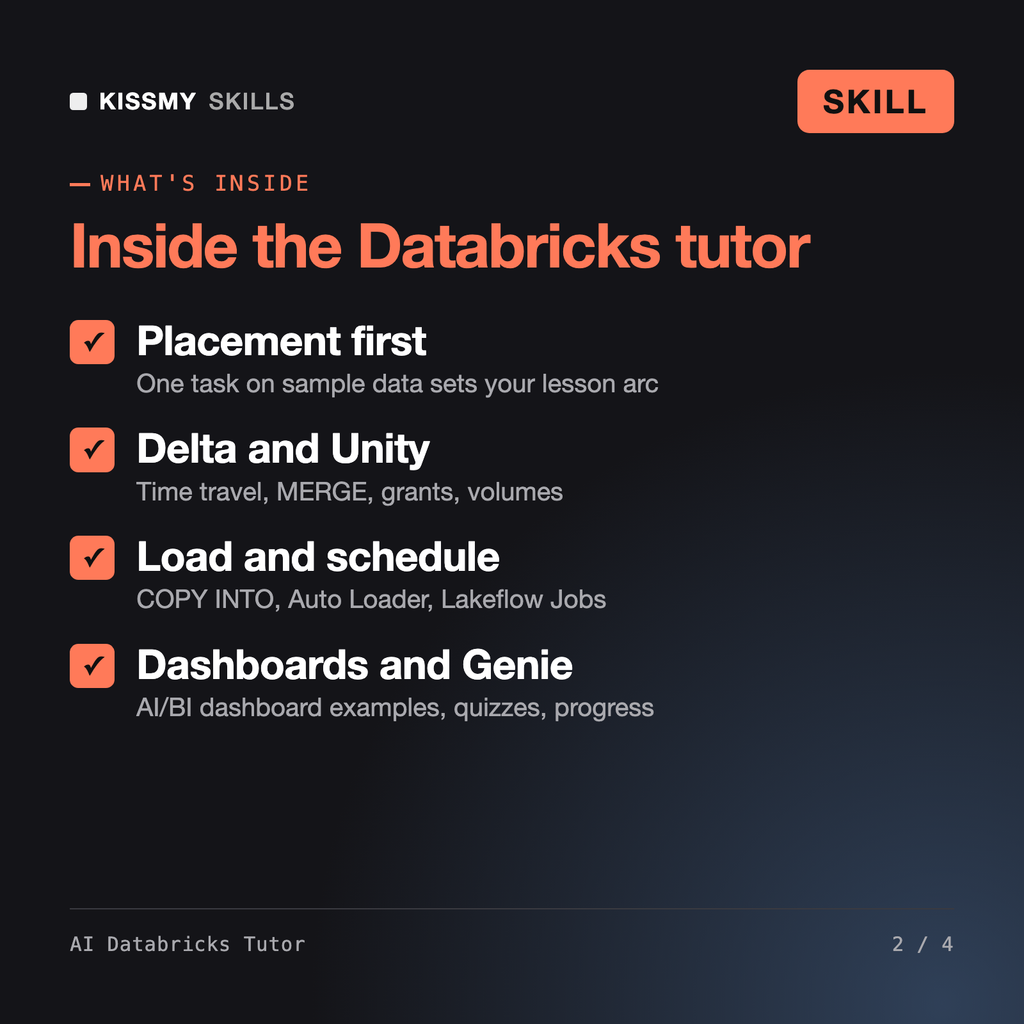
It turns Claude or ChatGPT into a Socratic Databricks tutor. It checks your level with a small task on sample data, then runs a 12-lesson databricks course: notebooks, compute and SQL warehouses, PySpark and Spark SQL, Delta Lake, Unity Catalog, COPY INTO and Auto Loader, medallion layers, MERGE, Lakeflow Jobs and pipelines, AI/BI dashboards and Genie. Each lesson ends with a task you do yourself.
AI SQL Tutor teaches SQL as a language on any database. AI Power BI Tutor teaches modelling and DAX in Power BI. Elena - Data Engineer AI Skill does the engineering work for you. This tutor teaches the Databricks platform itself, so you can learn Databricks and build the pipelines and dashboards on your own.
Yes. Lesson 11 walks through three AI/BI dashboard patterns on the samples.nyctaxi.trips table: a KPI counter with a date filter, a daily trend line and a bar chart by zip code. Then you build your own dashboard on your gold table with two datasets, three visuals and a filter, and publish it.
Yes, for the Databricks Certified Data Engineer Associate or Data Analyst Associate. Give it your exam date and it reorders the lessons to the current exam guide, which it asks you to check on Databricks Academy because guides are revised. Recall quizzes cover the guide topics. It never uses dumps or real exam questions.
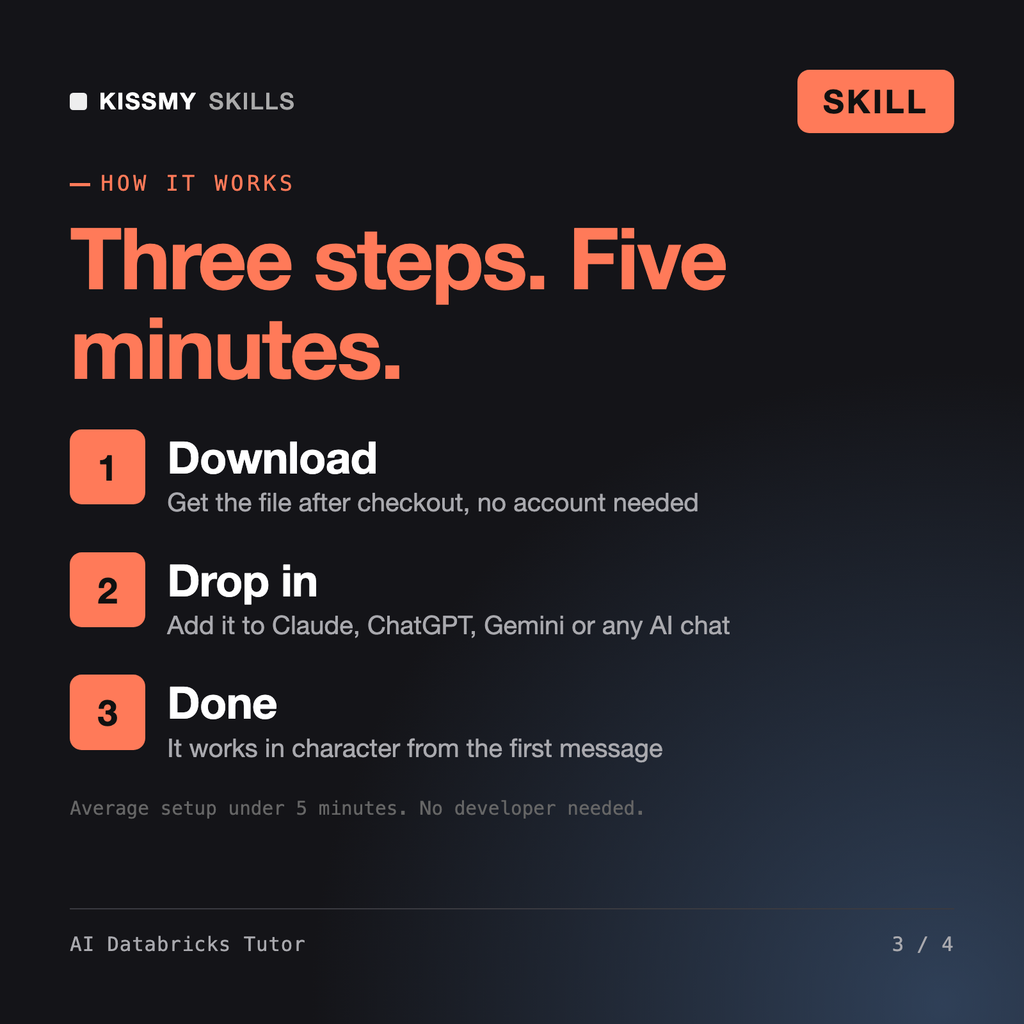
Download your .skill file from the order email or your account. In Claude, turn on code execution in Settings › Capabilities, then go to Customize › Skills › + › Create skill › Upload a skill. Start a new chat and ask for the specialist by name.
Beginners and self-taught iPad artists who want to draw, color and export in Procreate themselves instead of copying tutorial steps.
Developers, students and new DevOps hires who want to write and debug GitHub Actions workflows themselves instead of copying YAML.
Creators, webinar hosts, developers and editors who need to cut, convert and compress video from the command line without guessing.
Office workers, analysts, process owners and IT staff who need clear Visio diagrams and want to learn the tool properly.