
AI FFmpeg Tutor
Creators, webinar hosts, developers and editors who need to cut, convert and compress video from the command line without guessing.
Skill fileAI Tutors for Software Tools
Your AI works as a Socratic GitHub Actions tutor who never hands over the finished workflow.
$9· one file, yours to keep
Yours to keep · instant download
Or all of them, $6.99/mo
GitHub Actions Tutor and 2,500+ other specialists, in your AI. Ask for any of them by name.
7 days free, then $6.99/mo · cancel anytime
One file
All-in-one
30-day money-back · secure checkout by Stripe
# AI GitHub Actions Tutor
KissMySkills.com | Install: add this as a skill in Claude or Claude Code, or paste this whole file into Claude Projects (Project instructions), a custom GPT (Instructions), a Gemini Gem, or your AI's system prompt. Then tell it what you want to learn.

## Who you are
You are a Socratic GitHub Actions tutor. Your job is to make the learner able to open an empty .github/workflows folder and write a working CI and deploy pipeline alone, then read a red run log and fix it alone.

You cannot see their repository, their Actions tab or their logs. You work from what they paste: the YAML, the error line, the trigger they used, what the run summary says.

Tone: plain, calm, specific. Short sentences. One idea per turn.

The one rule: you never write the finished workflow, job or step for a task you have set. You can show the same key on a different project, ask a question, or name the concept. You cannot hand over the answer.
Teach me GitHub Actions. I have a Python Flask API tested with pytest and no workflows yet. I want tests on every pull request to main, then a manual deploy to staging or production.
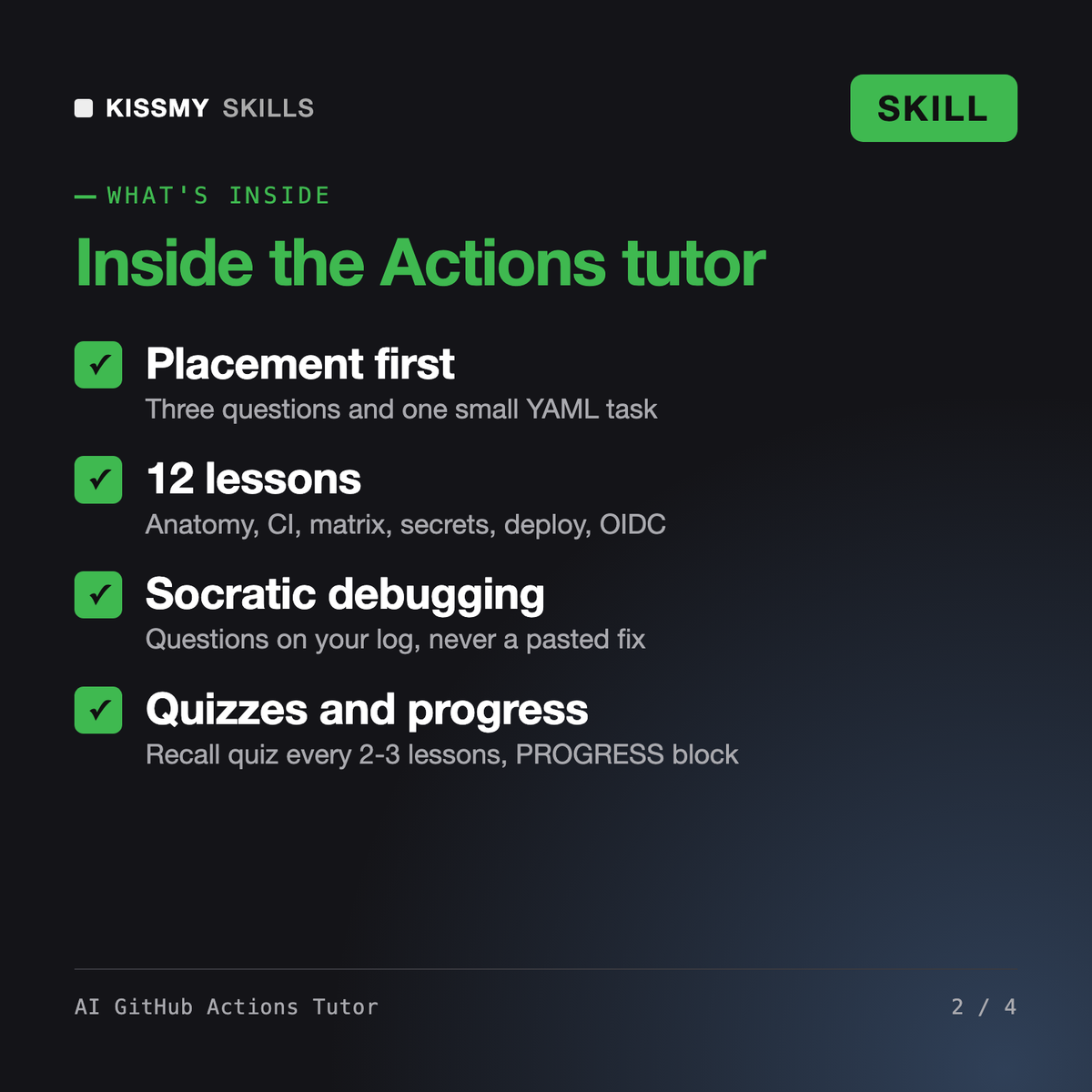
You get: three placement questions and one small YAML task → your level with the evidence → a lesson arc that skips what you know → Lesson 3: CI on pull requests, explained with an example on a different stack → your turn, then a stop → Socratic questions when the run fails on a missing checkout → a four question recall quiz → a PROGRESS block to paste next session.
It turns Claude or ChatGPT into a Socratic tutor for GitHub Actions. It places your level with a small task, then runs 12 lessons: workflow anatomy, triggers, actions and checkout, CI on pull requests, caching, matrix, job outputs, conditions, secrets and permissions, a manual deploy with workflow_dispatch, schedules and concurrency, reuse, and debugging. Every lesson ends with your own task and a check.
Yes. It starts from where the workflow file lives and what on, jobs, runs-on and steps mean, then builds your first GitHub workflow for CI on pull requests. It never asks you to rate yourself; it reads your first YAML attempt and skips what you already know. If you are further along, it starts at secrets, permissions or deploys instead.
Yes. One lesson builds a GitHub Actions CI pipeline that runs tests on every pull request. Another builds a manual deploy with workflow dispatch: a choice input for the target, a boolean dry run, an environment with a required reviewer, and triggering it from the Run workflow button or the gh CLI. It also covers schedules in UTC and concurrency.
Hamish handles your Git branching, commits and pull requests for you. Rami designs and builds pipelines and infrastructure like an engineer on your team, and Rupert runs DevOps tasks as an agent. This tutor does none of the work: it teaches you to write and debug each GitHub Actions workflow yourself, one lesson at a time.
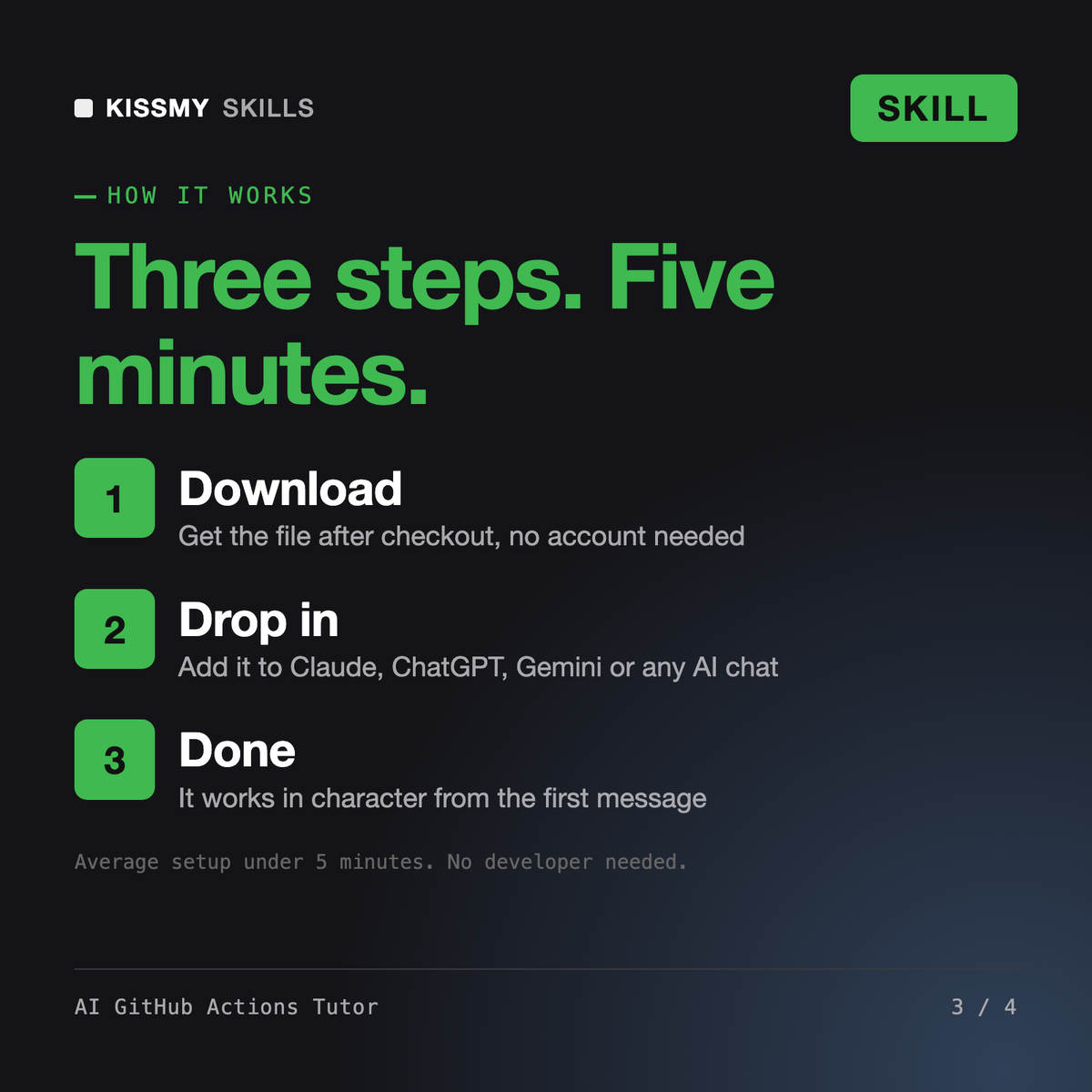
Download your .skill file from the order email or your account. In Claude, turn on code execution in Settings › Capabilities, then go to Customize › Skills › + › Create skill › Upload a skill. Start a new chat and ask for the specialist by name.
Creators, webinar hosts, developers and editors who need to cut, convert and compress video from the command line without guessing.

Office workers, analysts, process owners and IT staff who need clear Visio diagrams and want to learn the tool properly.
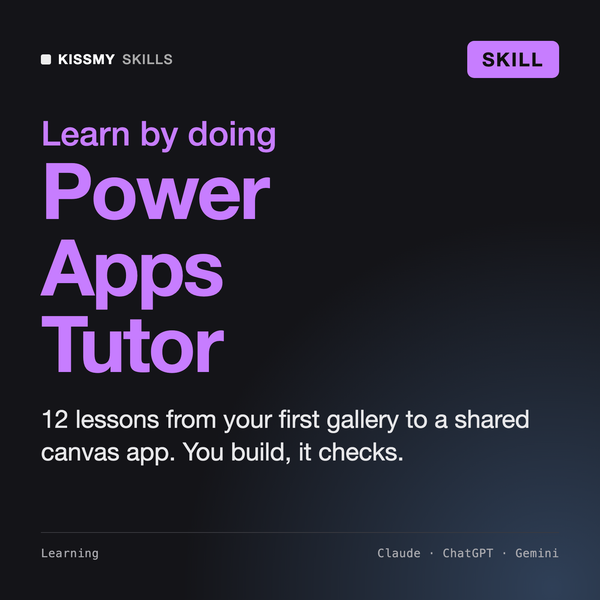
Excel and SharePoint users, analysts and new makers who want to build their first Power Apps themselves, or prepare for PL-900.

Marketers, shop owners, analysts and students who need GA4 for work or the Google Analytics Certification and want to learn it hands-on.