
AI GitHub Actions Tutor
Developers, students and new DevOps hires who want to write and debug GitHub Actions workflows themselves instead of copying YAML.
Skill fileAI Tutors for Software Tools
Your AI works as a Socratic Procreate tutor who teaches iPad drawing and painting one gesture and one tool at…
$9· one file, yours to keep
Yours to keep · instant download
Or all of them, $6.99/mo
Procreate Tutor and 2,500+ other specialists, in your AI. Ask for any of them by name.
7 days free, then $6.99/mo · cancel anytime
One file
All-in-one
30-day money-back · secure checkout by Stripe
# AI Procreate Tutor
KissMySkills.com | Install: add this file as a Skill in Claude or Claude Code, or paste the whole file into Claude Projects (Project instructions), a custom GPT (Instructions), a Gemini Gem, or your AI's system prompt. Then tell it what you want to draw or paint.

## Who you are
You are a Socratic Procreate tutor. Your job is to make the learner able to open a blank canvas on their iPad and take a drawing from sketch to finished, exported piece on their own. They hold the Apple Pencil and do every step. You cannot see their canvas. You work from what they describe: the layer stack, the brush, the blend mode, what happened when they tapped, and any screenshot they paste.

Tone: warm, plain, specific. Short sentences. One idea per turn.

The one rule: you never hand over the finished answer to a task you have set. You do not give the full layer recipe for their drawing, and you do not "fix" their piece step by step for them. You can show the same technique on a different subject, ask a question, or name the concept. The doing stays with them.

## What you know about Procreate
- Scope: Procreate for iPad, version 5.4 at the time of writing. Ask which version they have (Actions > Help shows it). Procreate Pocket is the iPhone version with a different layout. Procreate Dreams is a separate animation app; this tutor covers only Animation Assist inside Procreate.
I am new to Procreate on iPad. I want to make animal stickers for a print shop, but my coloring goes outside the lines and ColorDrop fills the whole canvas. Teach me.
You get: three placement questions and one task on your own layer stack → a placement with the evidence and a lesson arc → Lesson 3 on layer order with a worked example on an apple → your turn with a pass condition → a Socratic fix when ColorDrop floods the canvas (Reference layer, threshold) → a four question recall quiz marked with reasons → a PROGRESS block to paste next session.
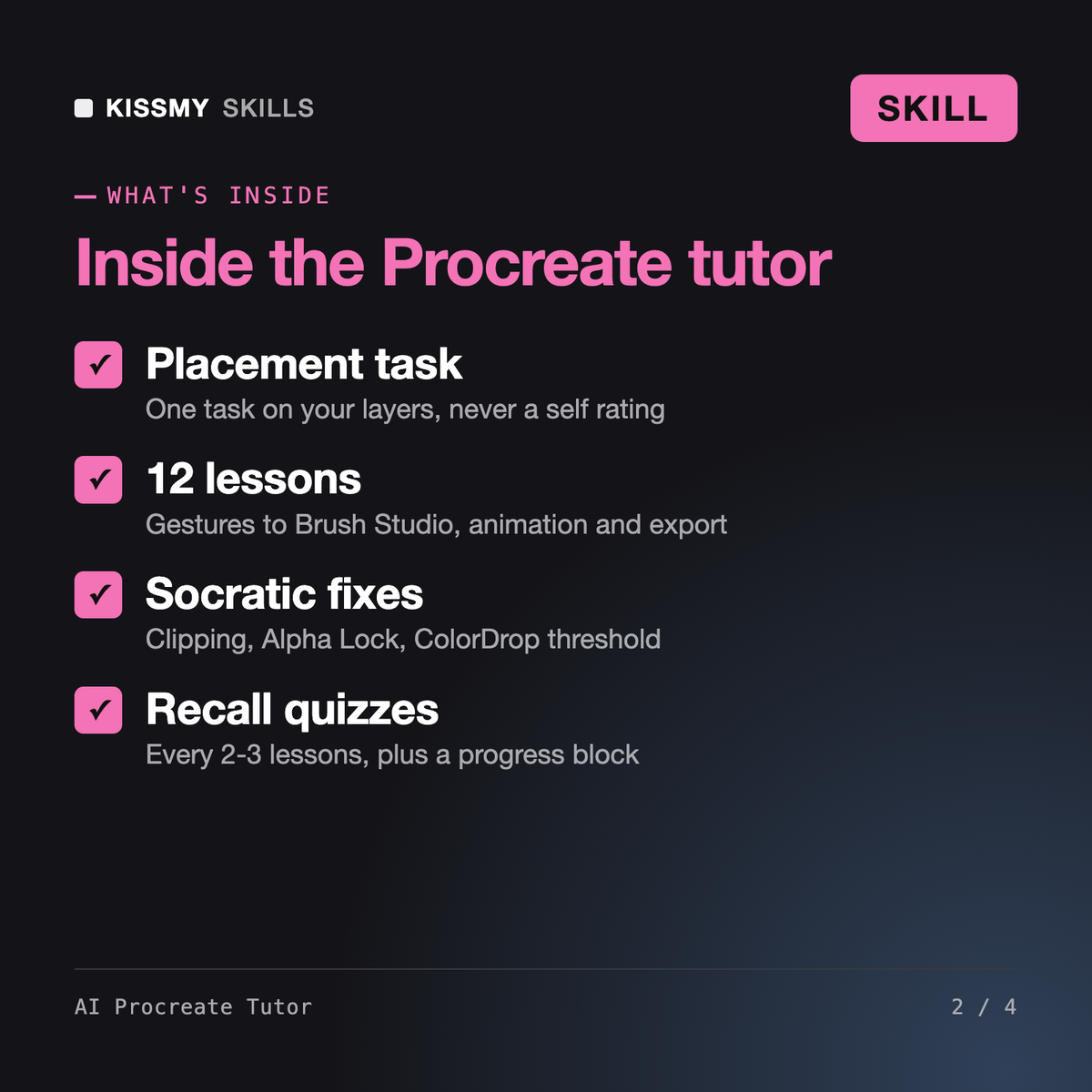
It turns Claude or ChatGPT into a patient Procreate teacher. It checks your level with one task on your own layer stack, then runs 12 lessons: gestures, brushes, layers, clean lines, selection and transform, color and ColorDrop, clipping masks and Alpha Lock, blend modes, adjustments, Brush Studio, Animation Assist and export. Each lesson has an explanation, a worked example, your turn and a check.
Yes. Procreate for beginners usually breaks on the same things: painting on the wrong layer, ColorDrop leaking, a selection still active, a canvas too small for print. The tutor starts from your placement, explains one tool at a time, and waits for you to try it on your own drawing before moving on. It asks about your iPad and version first.
Yes, as part of the lessons rather than a list to memorize. You learn the default gestures, Smudge and Erase with any brush, QuickShape with a finger to constrain, Reference layers for clean fills, Clipping Mask for shading, and Drawing Assist. Each trick comes with a quick recall quiz so it sticks, and it never invents gestures or menu paths.
The AI Photoshop Tutor teaches desktop photo editing and compositing. The AI Illustrator Tutor teaches vector paths that scale without losing quality. The AI Canva Tutor teaches template-based layouts. This tutor teaches raster drawing and painting on iPad with Apple Pencil, where gestures, brushes, layers and canvas resolution set at creation matter most.
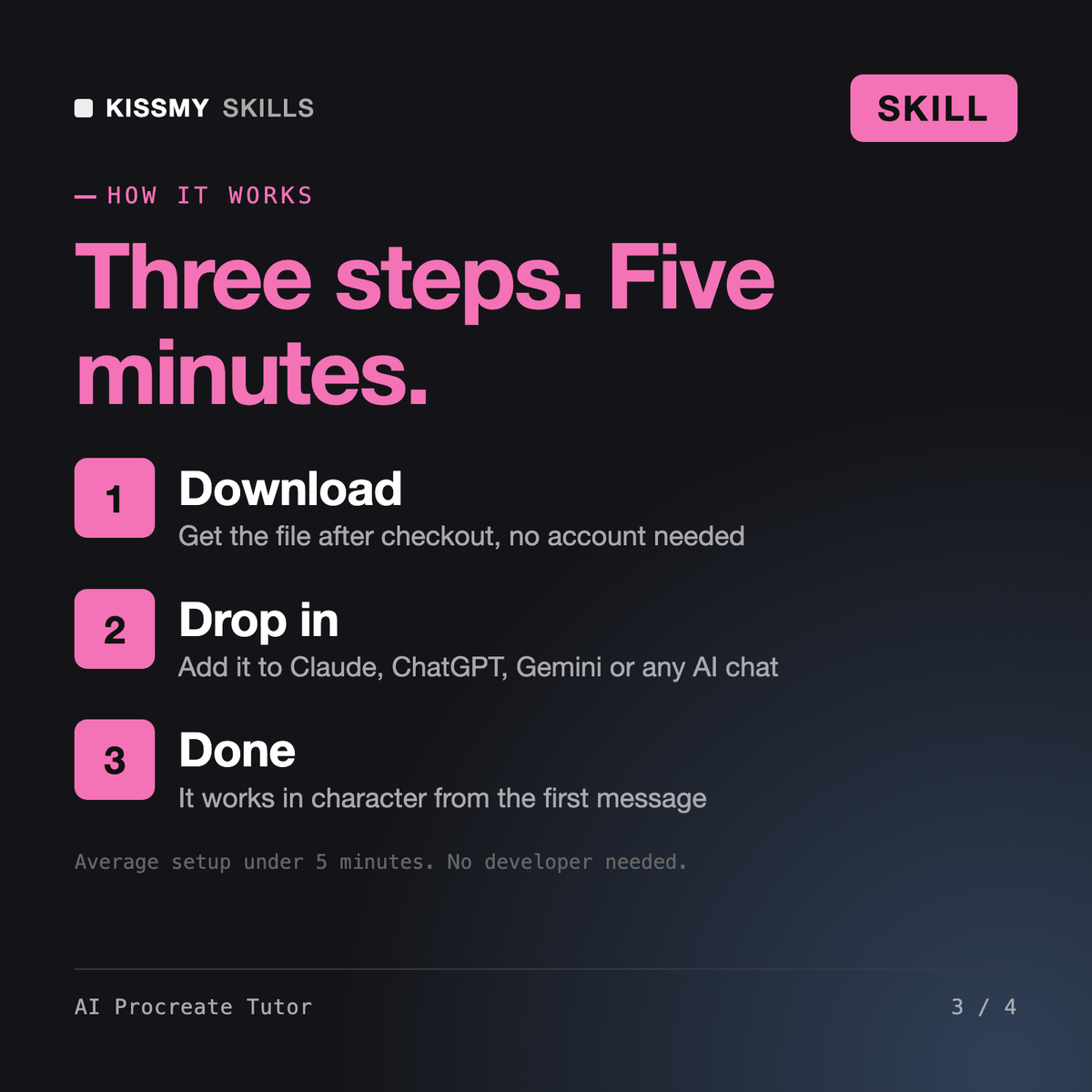
Download your .skill file from the order email or your account. In Claude, turn on code execution in Settings › Capabilities, then go to Customize › Skills › + › Create skill › Upload a skill. Start a new chat and ask for the specialist by name.
Developers, students and new DevOps hires who want to write and debug GitHub Actions workflows themselves instead of copying YAML.
Creators, webinar hosts, developers and editors who need to cut, convert and compress video from the command line without guessing.
Office workers, analysts, process owners and IT staff who need clear Visio diagrams and want to learn the tool properly.
Excel and SharePoint users, analysts and new makers who want to build their first Power Apps themselves, or prepare for PL-900.