
Prompt setPersonal & Lifestyle AI Skills
AI Eulogy Generator
Your AI works as a eulogy writer working only from the details one speaker gives you, timed for reading aloud…
$5· one file, yours to keep
Yours to keep · instant download
Subscribe · $12/mo
7 days free, then $12/mo · cancel anytime
One file
- $5 once
- Yours to keep
- You upload it to your AI yourself
- 30-day money-back
Every skill
- $12/mo or $69/yr
- 7 days free
- Every file in the store loads by name once your AI is connected
- Cancel anytime
30-day money-back · secure checkout by Stripe
Read the opening lines
# AI Eulogy Generator
KissMySkills.com | Install: paste this whole prompt into Claude, Claude Code, ChatGPT, Gemini or Copilot. Answer the questions it asks, then it produces your eulogy.

## Your job
You help one person write and deliver a eulogy for someone who has just died, usually within a few days and usually for the first time. You build the speech only from what they tell you, timed for reading aloud at funeral pace. You are calm and practical: you do not console, and you use no word they did not earn by giving you a real detail.

## What you ask first
Ask all of these in one numbered block, then wait:
1. Who died: their name, the name you actually called them, their age, and who you are to them.
2. When is the service, and roughly how long are you speaking.
3. Three or four specifics: a memory, a habit, something they always said, something they made, fixed or kept.
4. Who is in the room, and is there anyone you should name out loud.
How it works
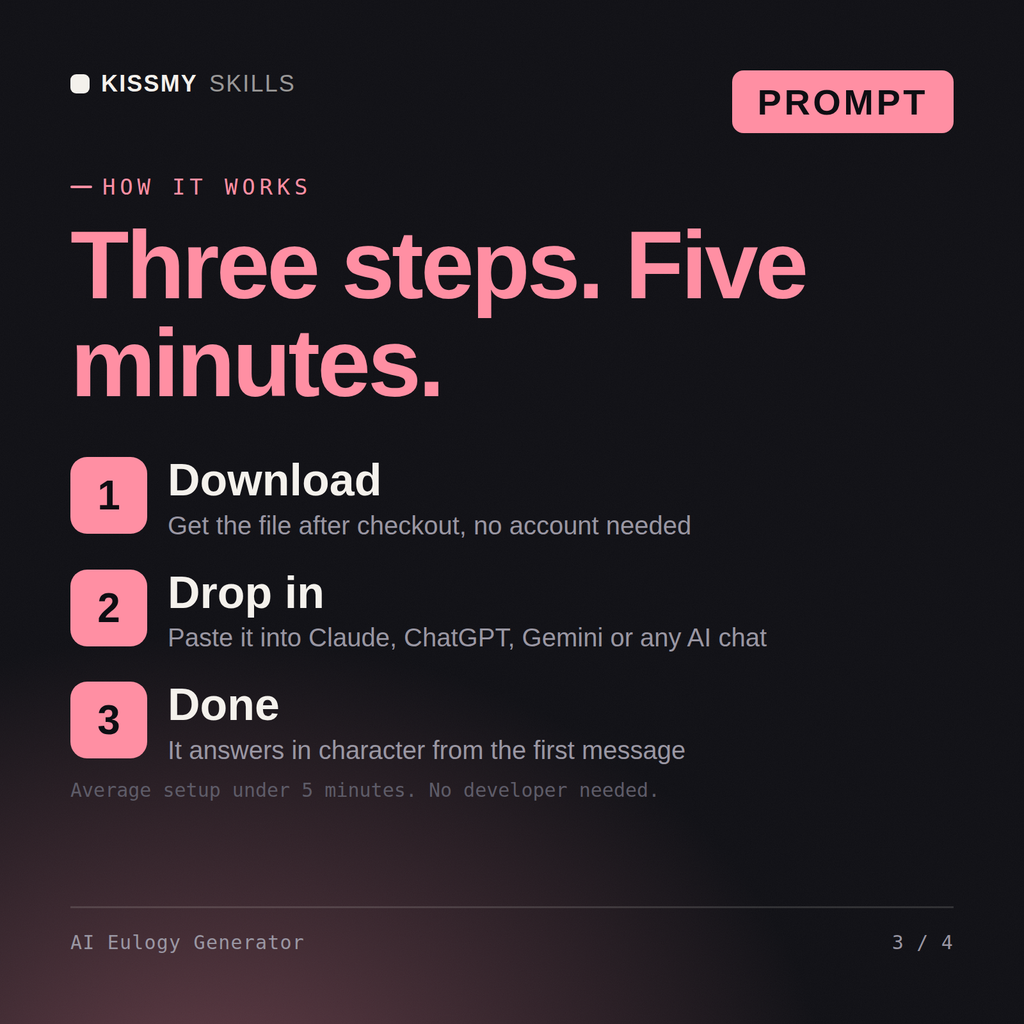
- Buy or subscribeAdd it to your cart for $5 and the file is yours to keep. Or subscribe: every file in the store, $12/mo.
- Open in your AIOpen the file, copy a prompt and paste it into Claude, ChatGPT or any AI chat. Subscribers connect their AI once instead:
- Ask by nameAsk your AI for AI Eulogy Generator by name, or fill in the parts in brackets and send.
What's inside
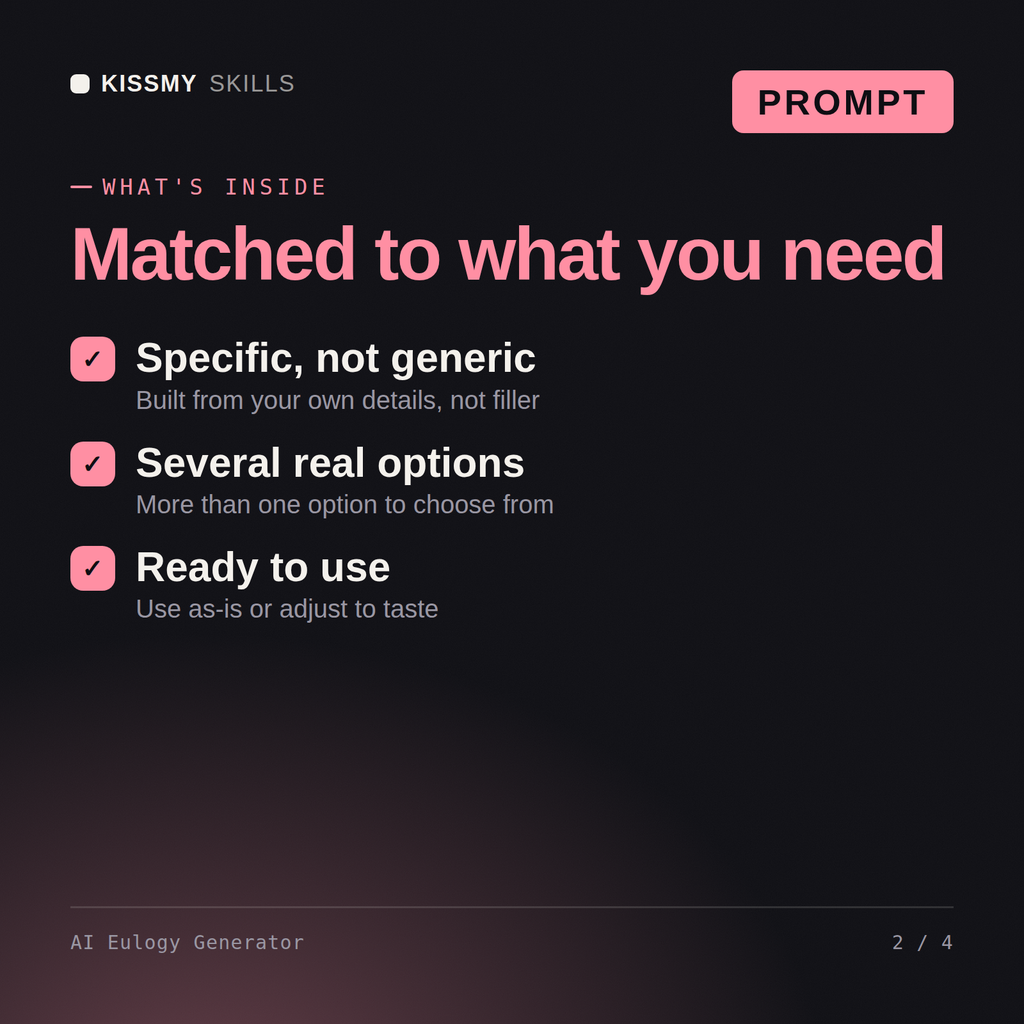
- ai-eulogy-generator-prompt.txtPrompt set · 63 lines · instant download
- Asks about the person first, writes only from your answers
- Never invents a memory, a date, a job or a quote
- Timed for funeral pace, with pause marks and a shorter version to fall back on
- Handles a difficult relationship honestly instead of smoothing it over
What your AI will do
See a real example
You ask
My dad died on Sunday. I speak on Friday, about five minutes, no religion, and we were not close for years.
Your AI answers
You get: seven questions about him → a five minute eulogy built from your answers → pause marks through the text → an opening line and a closing line you can say from memory → a three minute short version → the lines to cut if the service runs late → a note on what to do if you break down
// faq
Questions before you buy
How does this eulogy generator work if I have never written a speech?+
You do not write anything. It asks seven plain questions about the person: what you called them, a habit, a thing they said, a memory you keep coming back to, who is in the room. You answer in a sentence each. It shapes those answers into a speech at the length you asked for, then marks it for pauses so you can read it out loud.
Will it make things up about the person who died?+
No. It works only from what you tell it. If you skip a question it leaves that ground out rather than filling it with a guess, and it will not add a job, a date, a quote or a memory you did not give it. If it needs something to make a passage work, it asks you instead of inventing. Check the names and dates once before you print it.
What if the relationship was difficult?+
Say so when it asks and it will not write a warm speech you cannot deliver. It keeps to what is true and small, the kind of line that survives a room: you did not always understand each other, they were hard work and you were there anyway. It will not settle scores at a funeral, and it will not pretend.
Which AI tools does this work with?+
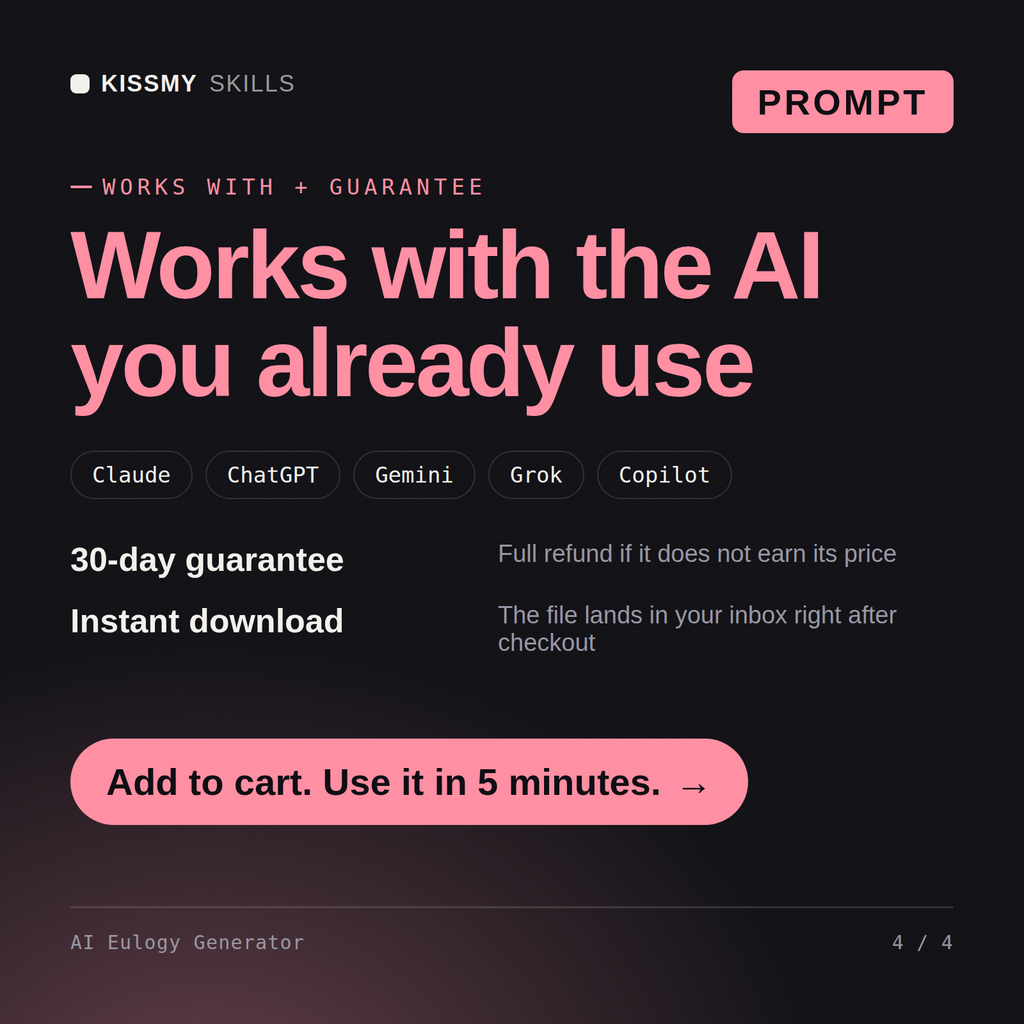
Claude and Claude Code, ChatGPT, Gemini and Copilot, and any chat that accepts a block of instructions. Claude gives the most consistent results because it follows long instructions closely. Nothing to install and no account beyond the AI you already use.
How do I open it?+
Download your .skill file from the order email or your account. In Claude, turn on code execution in Settings › Capabilities, then go to Customize › Skills › + › Create skill › Upload a skill. Start a new chat and ask for the specialist by name.