
AI Invoice Generator Skill
Freelancers, consultants and agencies billing clients without accounting software
Skill fileAI Business Document Generators
Your AI works as an executive summary writer who reads the source, cuts the background a decision maker skips, and…
$19· one file, yours to keep
Yours to keep · instant download
Or all of them, $12/mo
Executive Summary Generator and 2,500+ other specialists, in your AI. Ask for any of them by name.
7 days free, then $12/mo · cancel anytime
One file
Every skill
30-day money-back · secure checkout by Stripe
# AI Executive Summary Generator

## What this skill does

This skill condenses a longer document, report, plan, or raw set of notes into a tight executive summary that gives a busy reader the key facts, decisions, and recommendations in under a page, without requiring them to read the source material.

## When to use this skill

Use this skill when the user provides a longer piece of content (a business plan, report, meeting notes, project update, research findings) and wants a condensed summary for leadership or stakeholders, including:
- A business plan that needs a one page summary for investors
- A quarterly report that needs a summary for the board
- Project notes that need to become a status update for executives
Condense this 30-page market entry report into a one-pager the board will actually read.
Recommendation goes in line one - enter via partnership, not greenfield - then the three findings that carry it, each with its number: TAM $410M, 14-month payback, two entrenched incumbents. Risks stated plainly with a mitigation each, no hedging language - boards smell hedging. Bottom third is the ask: the decision you need and the date you need it by. Everything else becomes a lettered appendix reference. A board reads one page, top down, once - the ask cannot live on page two.
Yes, identically in both. Paste in your long report, plan, or document and get back a tight summary that leads with findings and decisions, not background.
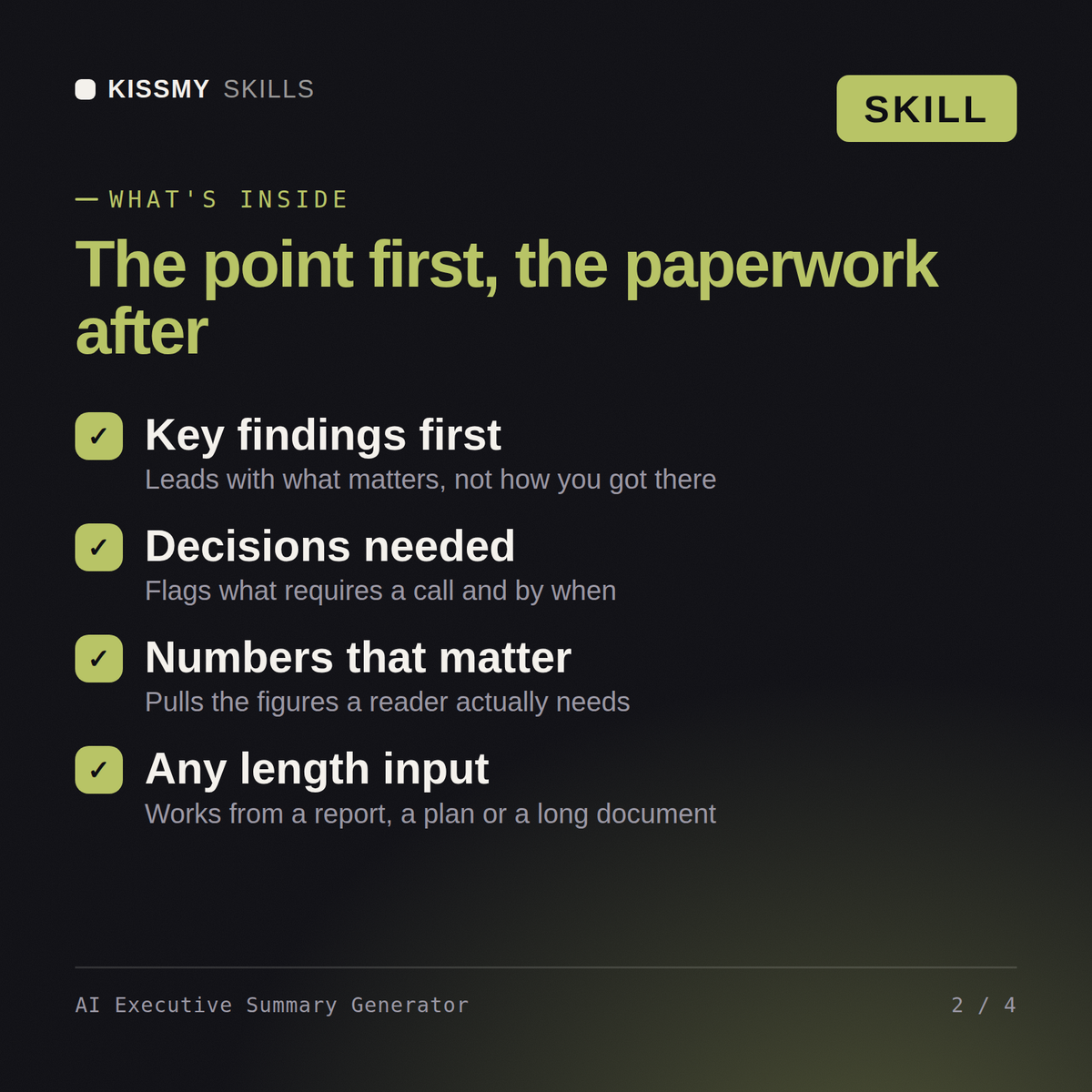
The full document you want summarized: a report, business plan, research paper, or proposal. The skill pulls out key findings, decisions needed, and numbers that matter.
It's built to fit on a screen or a page, cutting throat-clearing and background so a busy reader, an executive, board, or client, gets the point in under a minute.
No, it summarizes only what's in the source document. If key figures are missing from the original, the summary reflects that gap rather than guessing.
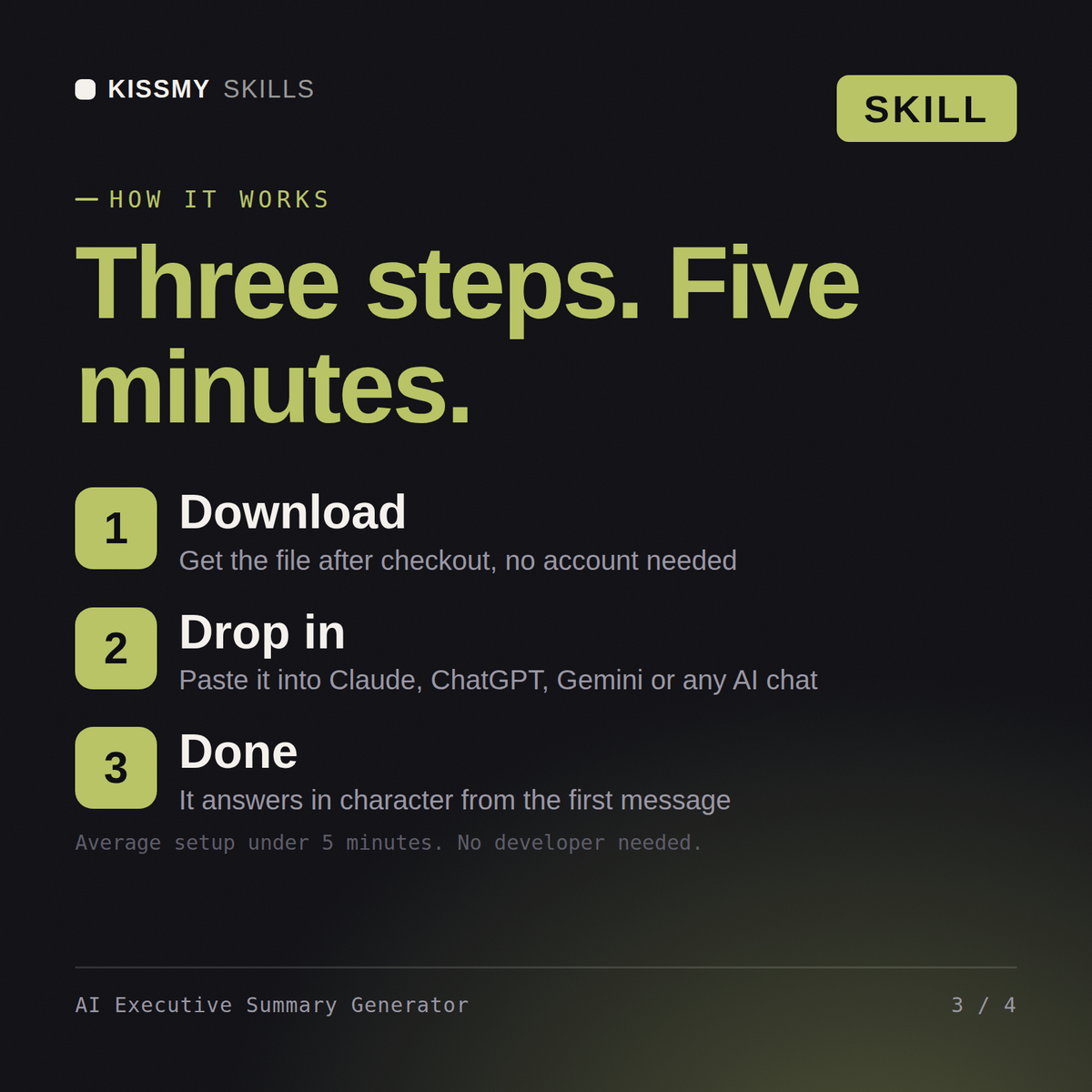
Download your .skill file from the order email or your account. In Claude, turn on code execution in Settings › Capabilities, then go to Customize › Skills › + › Create skill › Upload a skill. Start a new chat and ask for the specialist by name.
Freelancers, consultants and agencies billing clients without accounting software
Hiring managers, recruiters and founders writing roles without an HR department
Consultants, founders and bookkeepers producing a cash flow statement quarterly
Managers, project leads, finance partners and founders who need budget approval for software, automation, hires or equipment.