
AI Job Description Generator Skill
Hiring managers, recruiters and founders writing roles without an HR department

Skill fileAI Business Document Generators
Your AI works as an invoice writer who turns a billing note into line items, subtotal, tax and the total…
$9· one file, yours to keep
Yours to keep · instant download
Or all of them, $6.99/mo
Invoice Generator and 2,500+ other specialists, in your AI. Ask for any of them by name.
7 days free, then $6.99/mo · cancel anytime
One file
All-in-one
30-day money-back · secure checkout by Stripe
# AI Invoice Generator

## What this skill does

This skill turns raw, unstructured billing information (pasted text, a list of services, a quick note about what a client owes) into a complete, professional invoice in clean markdown or plain text that is ready to send or convert to PDF. It handles single line item invoices and multi line item invoices, applies tax and discount logic when mentioned, and fills in every standard invoice field even when the user only gives a fraction of the needed information.

## When to use this skill

Use this skill whenever the user provides any of the following and wants a formatted invoice back:
- A client name plus a list of work done or products sold
- An hourly rate and hours worked
- A flat project fee
Make an invoice for my web design client: 14 hours at $85, plus a $300 hosting setup fee.
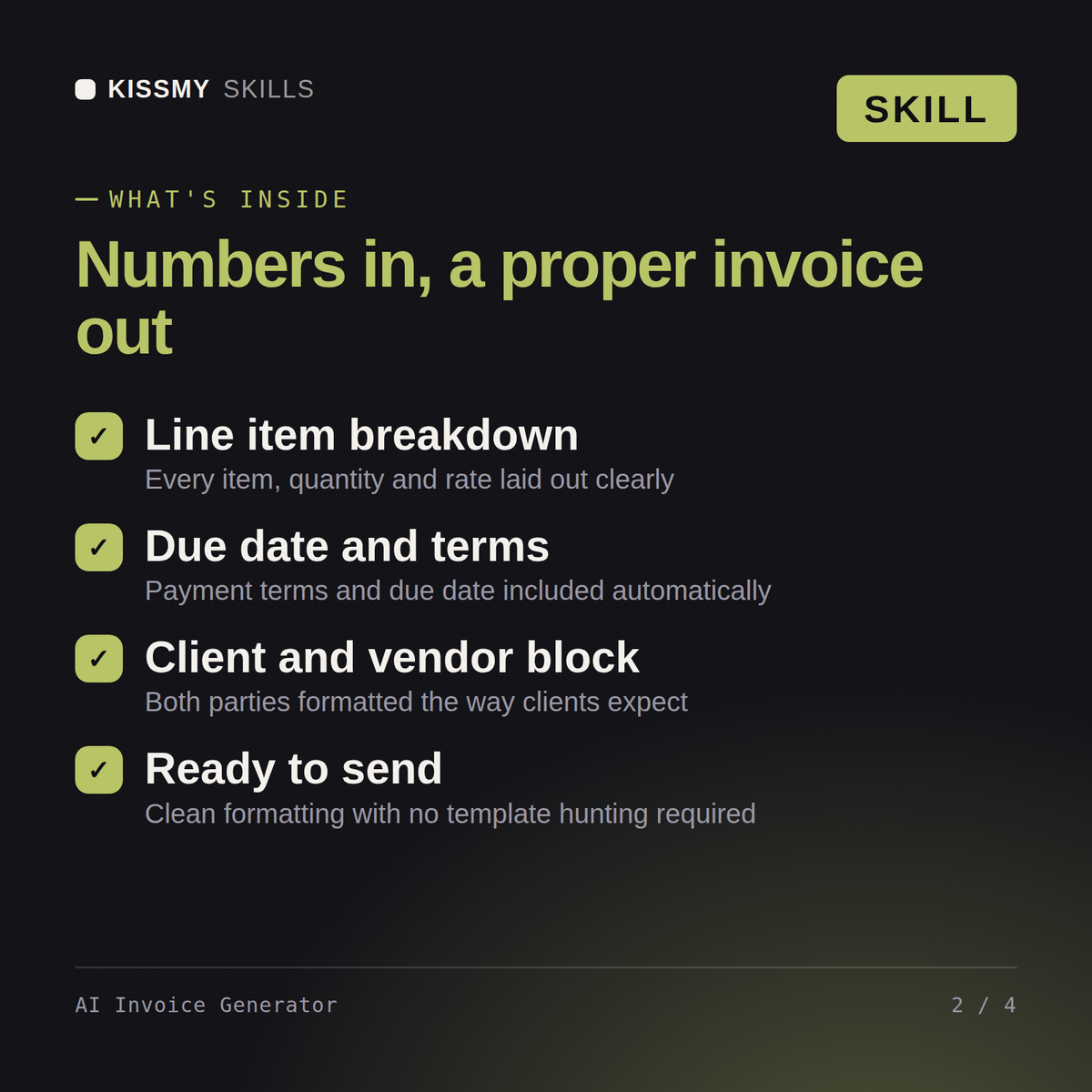
You get: a formatted invoice with numbered line items and totals → client and issuer detail blocks → tax, discount and subtotal math applied → payment terms, due date and an invoice number ready to send.
Yes. The skill file works the same way in both. Paste the full contents into Claude Projects Instructions or a ChatGPT custom GPT, add your business details once, and it is ready for every invoice after that.
Client name and address, the line items with rates or quantities, your payment terms, and a due date. Paste it in plain English and the skill structures it into totals, tax lines, and a proper invoice layout.
Yes. Tell it your business name, logo text, tax rate, currency, and payment instructions once, and every invoice after that follows your format automatically without you repeating the details.
Yes. You pay once and download the skill file permanently. There is pay once, keep forever, and you can reuse it for unlimited clients and invoices going forward.
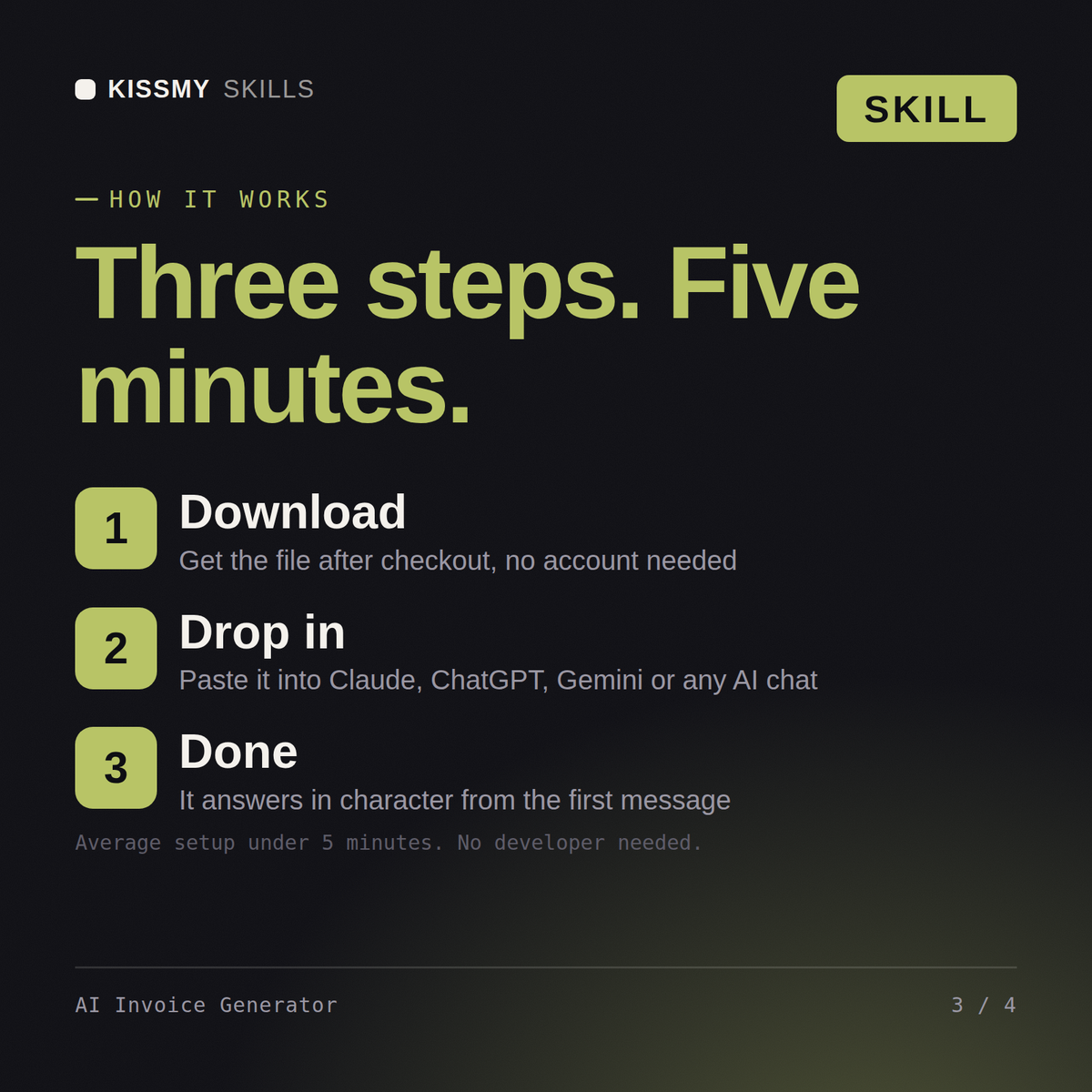
Download your .skill file from the order email or your account. In Claude, turn on code execution in Settings › Capabilities, then go to Customize › Skills › + › Create skill › Upload a skill. Start a new chat and ask for the specialist by name.
Hiring managers, recruiters and founders writing roles without an HR department
Consultants, founders and bookkeepers producing a cash flow statement quarterly
Managers, project leads, finance partners and founders who need budget approval for software, automation, hires or equipment.
Managers, analysts and founders turning raw numbers into a report for leadership