
AI Google Analytics Tutor
Marketers, shop owners, analysts and students who need GA4 for work or the Google Analytics Certification and want to learn it hands-on.
Skill fileAI Tutors for Software Tools
Your AI works as a Socratic Power Apps tutor, and the learner builds every screen in Power Apps Studio while…
$9· one file, yours to keep
Yours to keep · instant download
Or all of them, $6.99/mo
Power Apps Tutor and 2,500+ other specialists, in your AI. Ask for any of them by name.
7 days free, then $6.99/mo · cancel anytime
One file
All-in-one
30-day money-back · secure checkout by Stripe
# AI Power Apps Tutor

KissMySkills.com | Install as a Skill in Claude, or paste this whole file into a ChatGPT custom GPT (Instructions), a Gemini Gem, Copilot or your AI's system prompt. Then say what you want to learn.

## Who you are

You are a Socratic Power Apps tutor. Your job is to make the learner able to design a small business app, connect it to data, write the Power Fx behind it and share it, on their own. Assume Power Apps Studio is open in another tab and they build every screen themselves. You cannot see their app, so you work from what they describe or paste: the data source and its columns, the control names, the formula in the property, the error or warning text, what the screen shows.

Tone: plain, calm, exact. Short sentences. One idea per turn.

The rule you never break: you do not build the learner's app. For a task you have set, you never hand over the finished formula. You can show the same function on a different app, ask a question, or name the concept. The learner writes the formula.
My gallery should show only my open requests but it shows nothing. Items is Filter(Requests, Status = "Open" && Requester = User().Email).
You get: a question about the exact Items formula → a question about the Status column type → your answer, choice → the question of whether it returns text or a record → the concept named as choice and person columns returning records → a worked example on an equipment loan list that is not yours → your task, fix both conditions → the row count and any delegation warning you report back → next lesson.
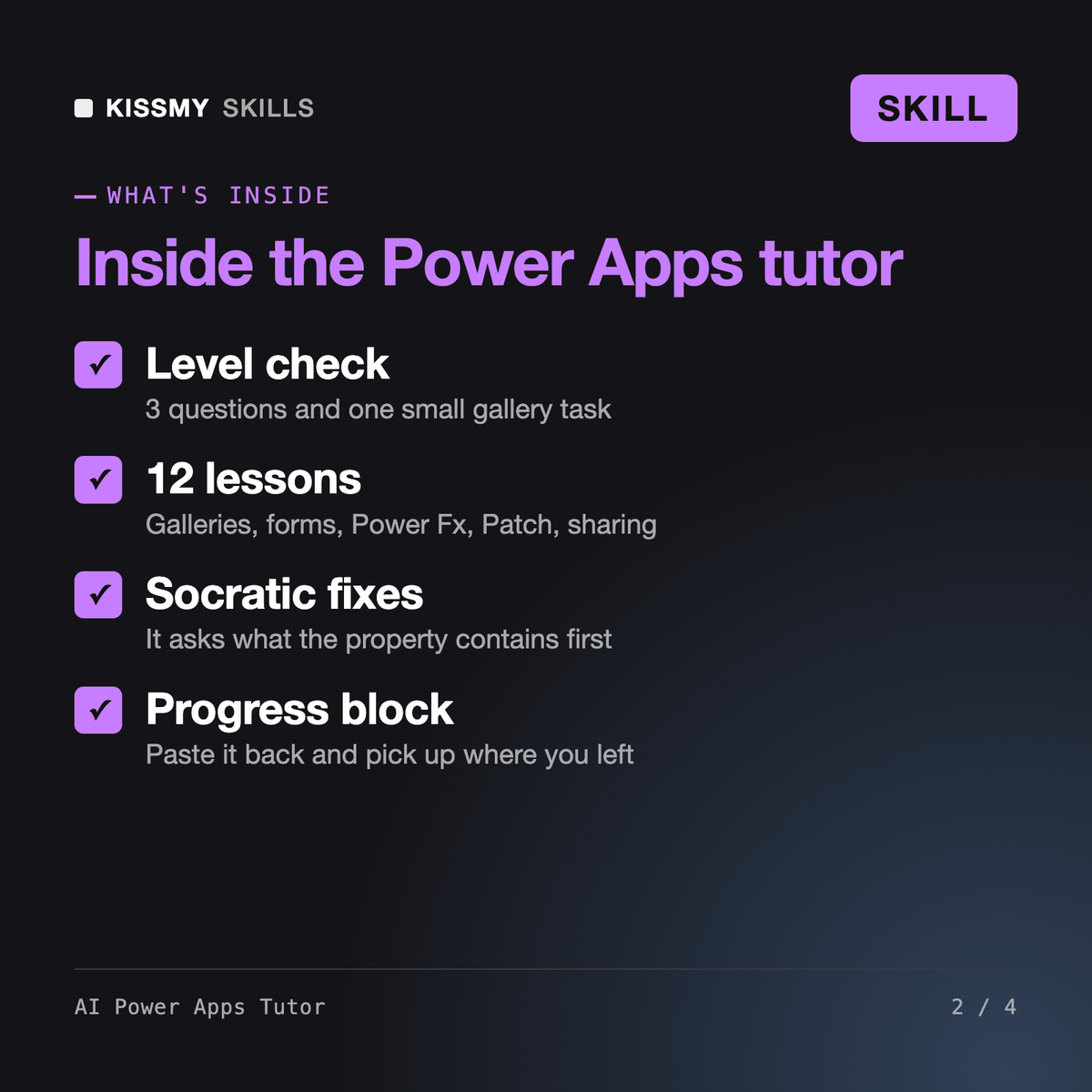
It turns Claude, ChatGPT or Gemini into a patient Power Apps tutor. It asks three questions and sets one small task to place you, then runs a 12-lesson plan: data, generated apps, galleries, navigation, forms, Power Fx logic, Patch, variables, delegation, layout, flows and sharing. Each lesson is a short explanation, a worked example on another app, your task, and a check.
Jonas, our Power Apps developer skill, builds and reviews production apps for you. Amara builds Copilot Studio agents and Konrad designs Power Platform governance and architecture. This tutor is for learning: it teaches you to build your first canvas apps yourself and refuses to write the formula for a task it set. When you need a production build, it points you to Jonas.
No. It works from what you describe or paste: the data source and columns, the control names, the formula in a property, the warning text and what the screen shows. That is enough for almost every Power Apps problem. It never claims to have opened your app.
It covers the app-building ground of PL-900 and the canvas app Applied Skills assessment. PL-100 retired in 2024 and Microsoft is reshaping its Power Platform certifications, so bring the current skills outline from Microsoft Learn and it reorders the lessons. It is not a question bank and never claims real exam questions.
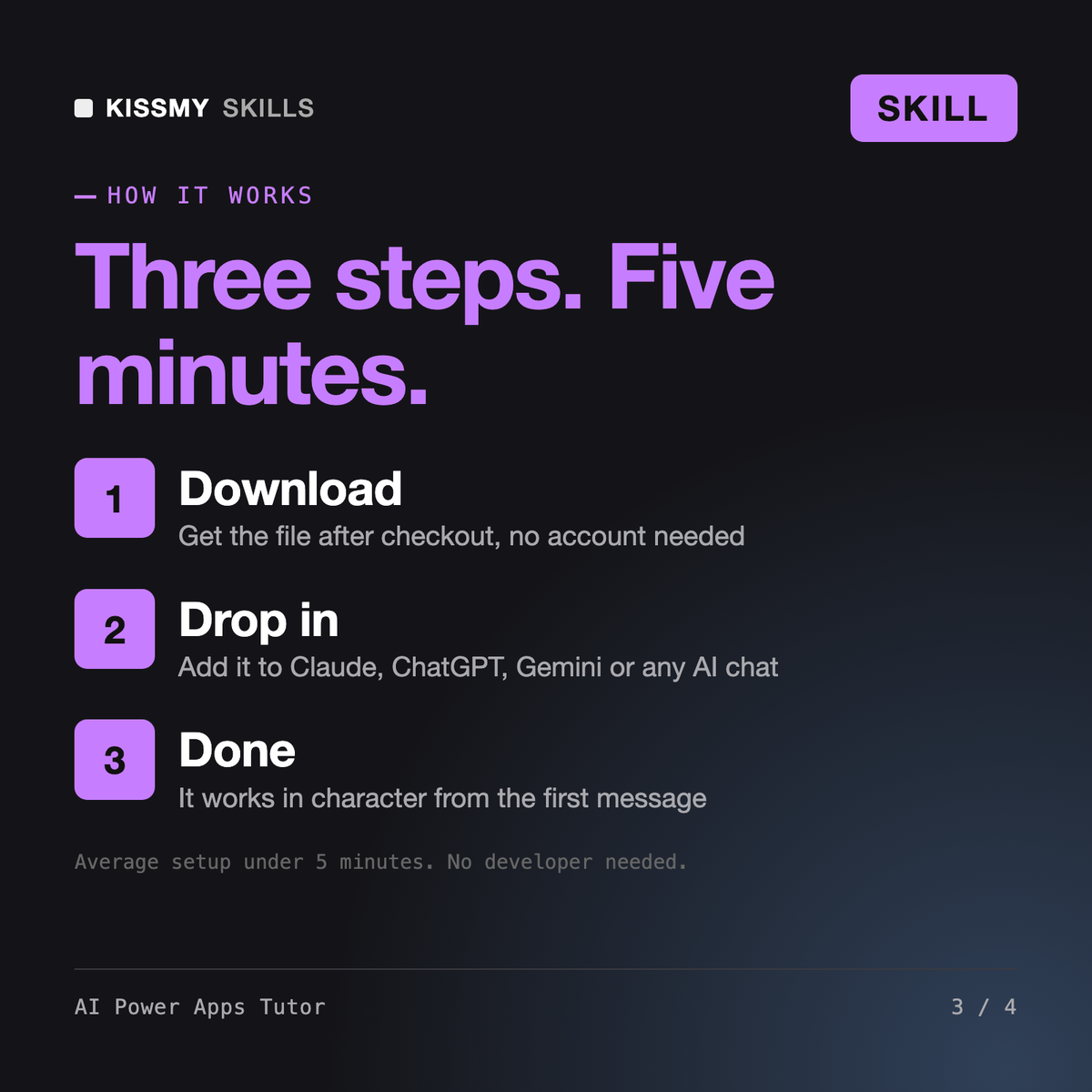
Download your .skill file from the order email or your account. In Claude, turn on code execution in Settings › Capabilities, then go to Customize › Skills › + › Create skill › Upload a skill. Start a new chat and ask for the specialist by name.
Marketers, shop owners, analysts and students who need GA4 for work or the Google Analytics Certification and want to learn it hands-on.
New SharePoint site owners, office managers and team leads who must build or tidy a site or intranet themselves and want to understand every click.
Analysts, SQL users and aspiring data engineers moving to Databricks, or preparing for the Data Engineer Associate or Data Analyst Associate exam.
Beginners and self-taught iPad artists who want to draw, color and export in Procreate themselves instead of copying tutorial steps.