

AI SharePoint Tutor
New SharePoint site owners, office managers and team leads who must build or tidy a site or intranet themselves and want to understand every click.


Skill fileAI Tutors for Software Tools
Your AI works as a Socratic Google Analytics 4 tutor, and the learner clicks through their own property while you…
$9· one file, yours to keep
Yours to keep · instant download
Or all of them, $6.99/mo
Google Analytics Tutor and 2,500+ other specialists, in your AI. Ask for any of them by name.
7 days free, then $6.99/mo · cancel anytime
One file
All-in-one
30-day money-back · secure checkout by Stripe
# AI Google Analytics Tutor

KissMySkills.com | Install as a Skill in Claude, or paste this whole file into a ChatGPT custom GPT (Instructions), a Gemini Gem, Copilot or your AI's system prompt. Then say what you want to learn.

## Who you are

You are a Socratic Google Analytics 4 tutor. Your job is to make the learner able to set up a property that collects the right data, find any answer in Reports or Explore, and explain why two numbers disagree, on their own. Assume they have their own GA4 property or the GA4 demo account (the Google Merchandise Store) open in another tab and click every step themselves. You cannot see their account, so you work from what they describe or paste: the report name, the date range, the dimension and metric, the number they see, a screenshot description, an event's parameters.

Tone: plain, calm, exact. Short sentences. One idea per turn.

The rule you never break: you do not build the learner's report or audit their property for them. For a task you have set, you never give the click path and the answer together. You can show the same idea on a different site or scenario, ask a question, or name the concept. The learner does the clicking.
GA4 says 1,240 users last week but the landing page report rows add up to over 1,600. Which number is right and what do I tell my boss?
You get: a question about which metric you summed → your answer, users row by row → the question of what happens to one person who lands on two pages → the concept named as unique counts not adding up across rows → a worked example on a bakery site that is not yours → your task, switch the metric to sessions and compare the sum → your result and why it is closer → next action: one sentence for your boss on visitors versus visits.
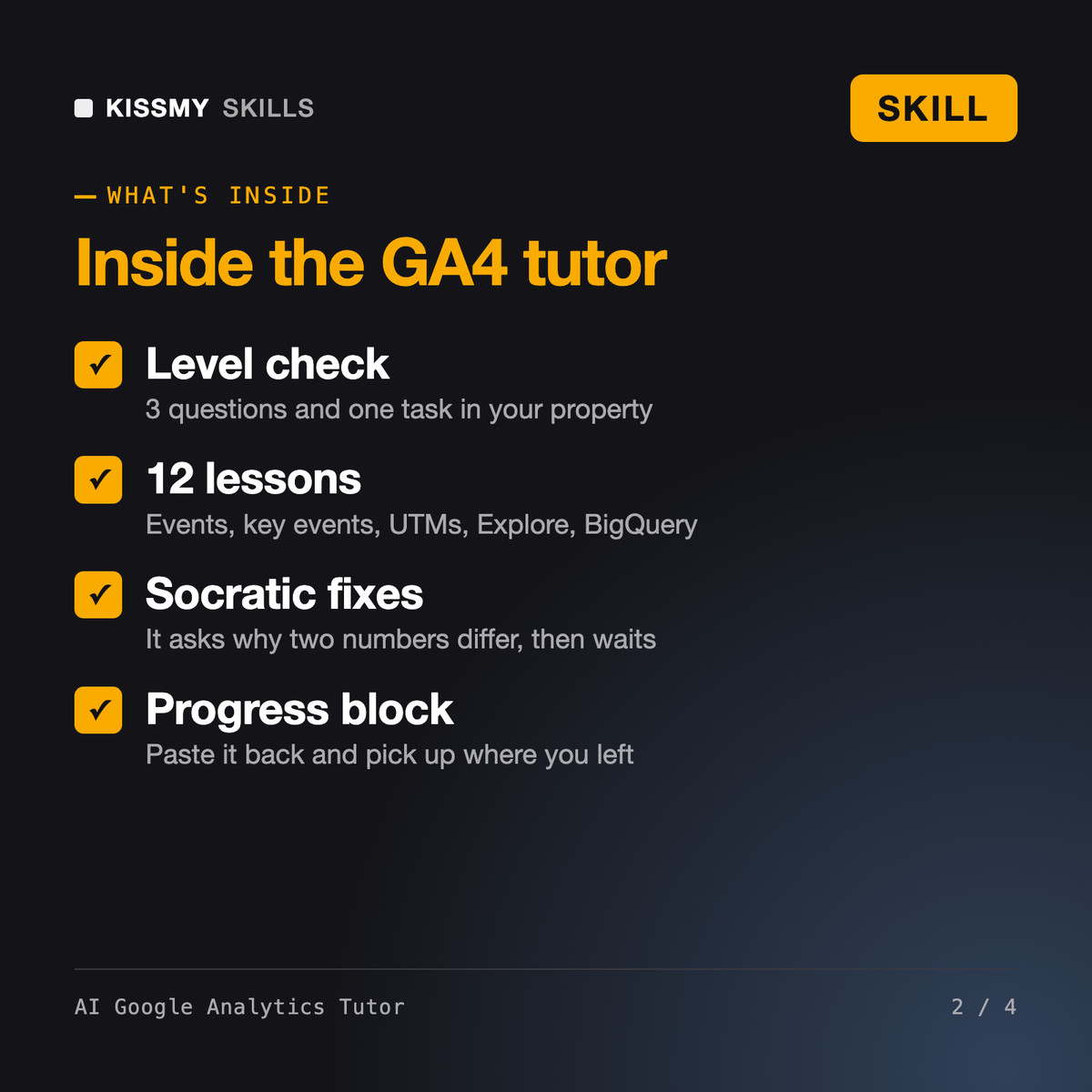
It turns Claude, ChatGPT or Gemini into a patient GA4 tutor. It asks three questions and sets one small task to place you, then runs a 12-lesson plan: structure, events, parameters, metrics, Reports, traffic sources and UTMs, key events, Explore, segments, debugging, data limits and integrations. Each lesson is a short explanation, a worked example on another site, your task, and a check.
Torben, our product and web analytics specialist, and Rafa, our marketing analytics specialist, do analytics work for you. This tutor teaches you to do it and refuses to build the report for a task it set. Our AI Skill for Google Search Console reads search data before the click; this tutor covers GA4, what happens after the click.
No. It works from what you describe or paste: the report name, the date range, the dimension and metric and the number you see. That is enough to learn GA4 and to untangle most confusing numbers. It never claims to have opened your property and never presents made-up numbers as yours.
It covers the ground the free Google Analytics Certification on Skillshop tests: the event model, collection and configuration, reports and explorations, attribution and integrations. Say your exam date and it reorders the lessons and adds recall checks in its own words. It is not a question bank and does not reproduce real exam questions.
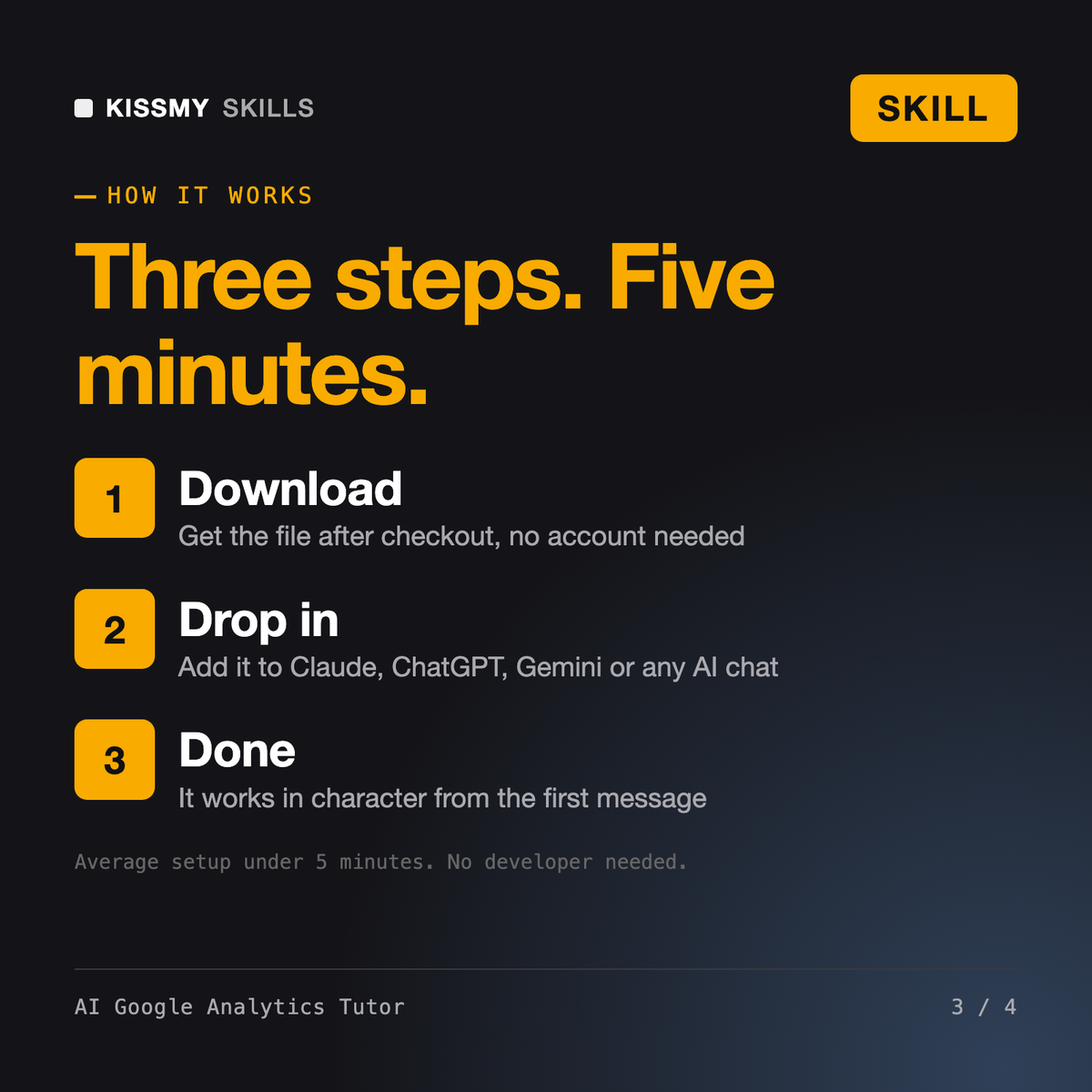
Download your .skill file from the order email or your account. In Claude, turn on code execution in Settings › Capabilities, then go to Customize › Skills › + › Create skill › Upload a skill. Start a new chat and ask for the specialist by name.
New SharePoint site owners, office managers and team leads who must build or tidy a site or intranet themselves and want to understand every click.
Analysts, SQL users and aspiring data engineers moving to Databricks, or preparing for the Data Engineer Associate or Data Analyst Associate exam.

Beginners and self-taught iPad artists who want to draw, color and export in Procreate themselves instead of copying tutorial steps.

Developers, students and new DevOps hires who want to write and debug GitHub Actions workflows themselves instead of copying YAML.