
AI Meme Generator
Social media managers, small brands and creators who want relatable meme posts that will not get the brand in trouble.
Prompt setAI Image & Design Prompt Packs
Gets game-ready pixel art sprites, tiles and icons from the image tool you already use, cleaned to a real grid.…
$9· one file, yours to keep
Yours to keep · instant download
Or all of them, $6.99/mo
Pixel Art Prompt Pack and 2,500+ other specialists, in your AI. Ask for any of them by name.
7 days free, then $6.99/mo · cancel anytime
One file
All-in-one
30-day money-back · secure checkout by Stripe
================================================================================
  KISSMYSKILLS.COM
  AI Pixel Art Prompt Pack: Sprites, Tilesets, 8/16/32-bit Styles
  Prompt Pack - Instant Use
================================================================================


WHAT YOU JUST BOUGHT
--------------------------------------------------------------------------------
A copy-paste library of AI pixel art prompts for game sprites, tilesets,
items, icons, UI and retro key art, plus the cleanup workflow that turns an
AI image into a real, game-ready pixel art asset.
I need a 32x32 side-view knight sprite for my platformer, PICO-8 palette, plus a 4-frame walk cycle that I can drop into Godot.
You get: a GPT Image / Nano Banana prompt that asks for a sprite that reads as 32x32 with crisp square pixels, 1-pixel outline and a flat magenta background → the PICO-8 hex list to paste in → a walk-cycle prompt that uses your cleaned frame as image 1 and keeps palette, outline and pixel size → the cleanup steps: measure block size, nearest-neighbour downscale to 32x32, index to PICO-8 with dithering off, delete the magenta → and the Godot 4 setting Default Texture Filter = Nearest so the sprite stays sharp.
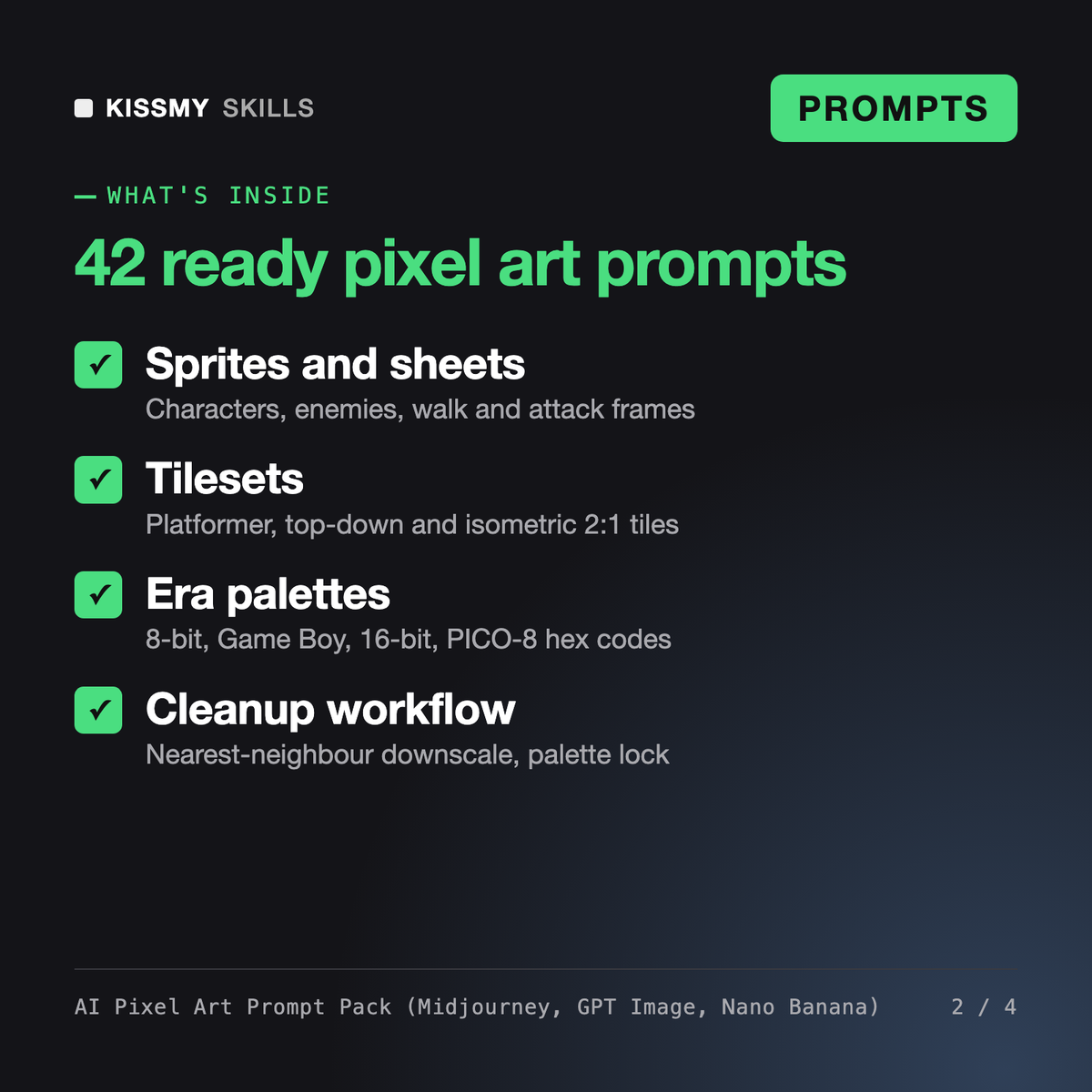
It gives you 42 ready pixel art prompts and 3 master formulas for characters, sprite sheets and animation frames, tilesets, item icons, UI, era styles and key art, plus a spec sheet of sprite sizes and era palettes. An 8-step cleanup workflow turns the AI output into a real sprite, and an assistant prompt writes new prompts and a cleanup spec for any asset.
The AI Anime Art Prompt Generator is a set of Midjourney prompts for anime illustration, and Vespera is an image director persona for teams running image production. This pack covers only pixel art for games: target grid sizes, limited palettes, tiles, animation frames and the cleanup that makes output usable in an engine.
Not directly. Current image models paint a high-resolution image that looks like pixel art, with uneven blocks, soft edges and too many colors. The pack prompts for even blocks and few colors, then shows how to downscale with nearest neighbour, index to your palette with dithering off and fix stray pixels in Aseprite, LibreSprite, Pixelorama, GIMP or Photoshop.
The prompts are written for GPT Image in ChatGPT, Nano Banana in Gemini and Midjourney, and the keyword versions can start a Stable Diffusion or Flux prompt. Cleanup settings are given for Aseprite, LibreSprite, Pixelorama, GIMP, Photoshop and ImageMagick, plus the Unity and Godot filter settings that keep sprites sharp.
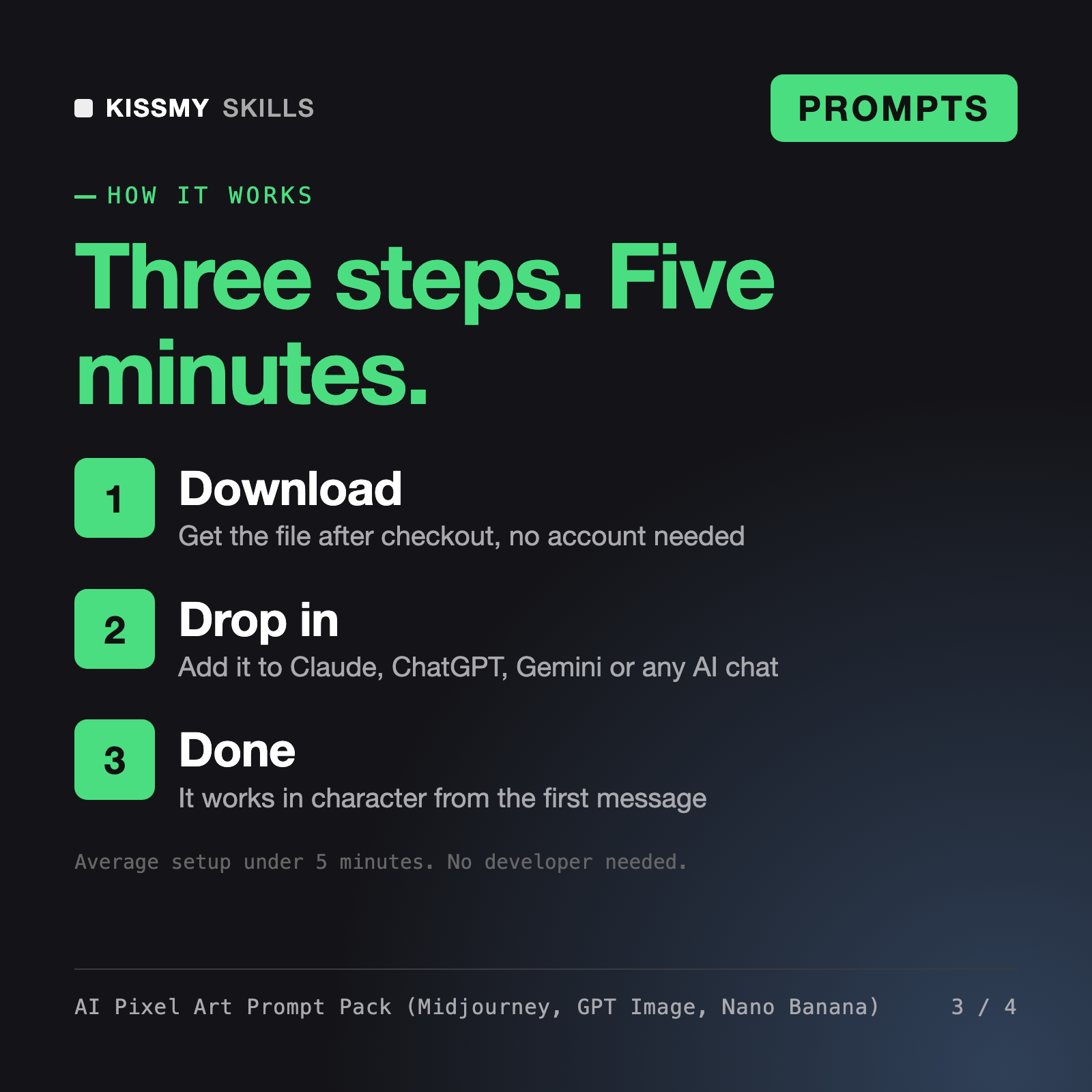
Download your .skill file from the order email or your account. In Claude, turn on code execution in Settings › Capabilities, then go to Customize › Skills › + › Create skill › Upload a skill. Start a new chat and ask for the specialist by name.
Social media managers, small brands and creators who want relatable meme posts that will not get the brand in trouble.

Founders, freelancers and developers who want an editable SVG logo, favicon or icon set from Claude or ChatGPT, not a flat AI picture.
Creators, marketers and store owners who use Veo 3, Sora, Kling, Seedance, Higgsfield, Runway or similar tools and want clips that match the plan without endless re-rolls.

Founders, marketers, designers and developers who need a brand or UI palette with readable text pairs and tokens ready for code or Figma.