
AI Video Prompt Pack (Veo 3, Sora, Kling, Seedance, Higgsfield)
Creators, marketers and store owners who use Veo 3, Sora, Kling, Seedance, Higgsfield, Runway or similar tools and want clips that match the plan without endless re-rolls.
Prompt setAI Image & Design Prompt Packs
Gets you clean, editable SVG logos, favicons and icon sets from the AI chat you already use.
$9· one file, yours to keep
Yours to keep · instant download
Or all of them, $12/mo
SVG Logo & Icon Generator and 2,500+ other specialists, in your AI. Ask for any of them by name.
7 days free, then $12/mo · cancel anytime
One file
Every skill
30-day money-back · secure checkout by Stripe
================================================================================
  KISSMYSKILLS.COM
  AI SVG Logo & Icon Generator: logos, favicons and icon sets as code
  Prompt Pack - Instant Use
================================================================================


WHAT YOU JUST BOUGHT
--------------------------------------------------------------------------------
A copy-paste prompt pack that turns Claude, ChatGPT, Gemini or Copilot into
an SVG logo creator. Instead of a blurry AI picture you get real vector code:
clean SVG files you can open in a browser, edit in Figma, Inkscape or
Make a lettermark for my coffee roaster Haldo: the H formed by two coffee beans, dark brown and cream, must still read as a 16 px favicon.
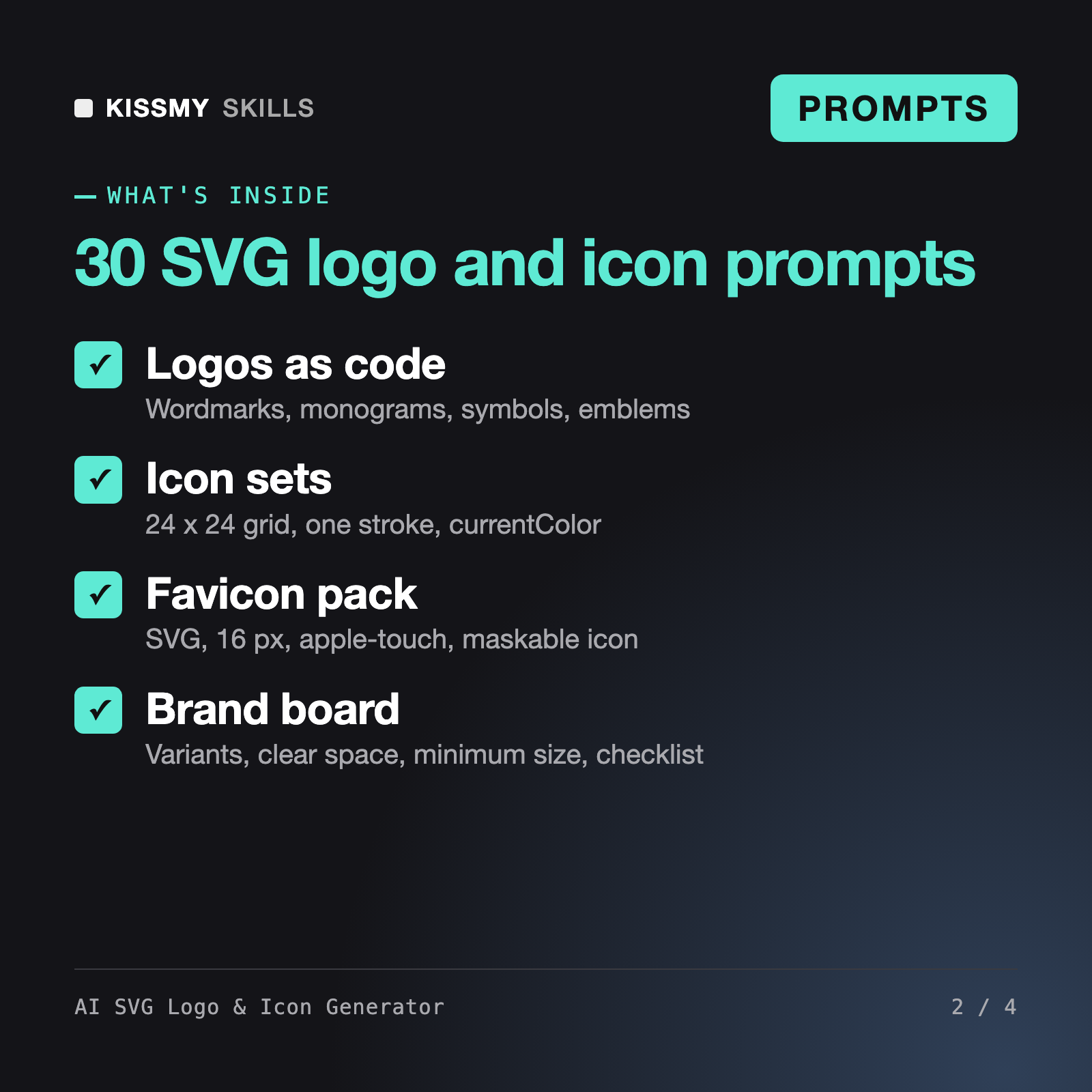
You get: 2 lettermark concepts as SVG code on an 8 x 8 grid in viewBox 0 0 512 512 → a one-line idea and risk note for each → a refined version after your one-change edits → color, dark, monochrome, reversed and currentColor variants → a favicon.svg plus apple-touch-icon source with the HTML link tags → a mini brand board with palette, clear space and minimum size → and a 16-point export checklist with the PNG sizes still to export.
It gives you 30 prompts, a master formula and an SVG rules block that make Claude, ChatGPT, Gemini or Copilot write logos and icons as real SVG code: wordmarks, monograms, abstract marks, emblems, consistent icon sets, a favicon pack, simple animations, variants and a mini brand board. You open the code in a browser or vector editor, refine it and export the files you need.
The AI Logo Design Coach reviews and critiques a logo you already have, and Ophira - Brand Identity Designer AI Skill works on brand strategy and identity direction. This pack is the production step: it gets an AI chat to output the actual SVG files for the logo, icons and favicons, with rules that keep the code clean and editable.
For geometric, typographic and simple flat marks, yes, usually after 2-5 rounds of refinement. It is not suited to photoreal or detailed illustrated logos. Every result needs a check at real sizes in a browser or vector editor, text must be converted to outlines before final use, and a trademark search is your responsibility.
An SVG favicon with optional dark mode colors, a 16 px pixel-snapped variant for the PNG or ICO fallback, an apple-touch-icon source at 180 x 180 with a solid background, maskable manifest icons at 192 and 512 px with content inside the 40 percent radius safe zone, and the HTML link tags. You export the PNG files yourself.
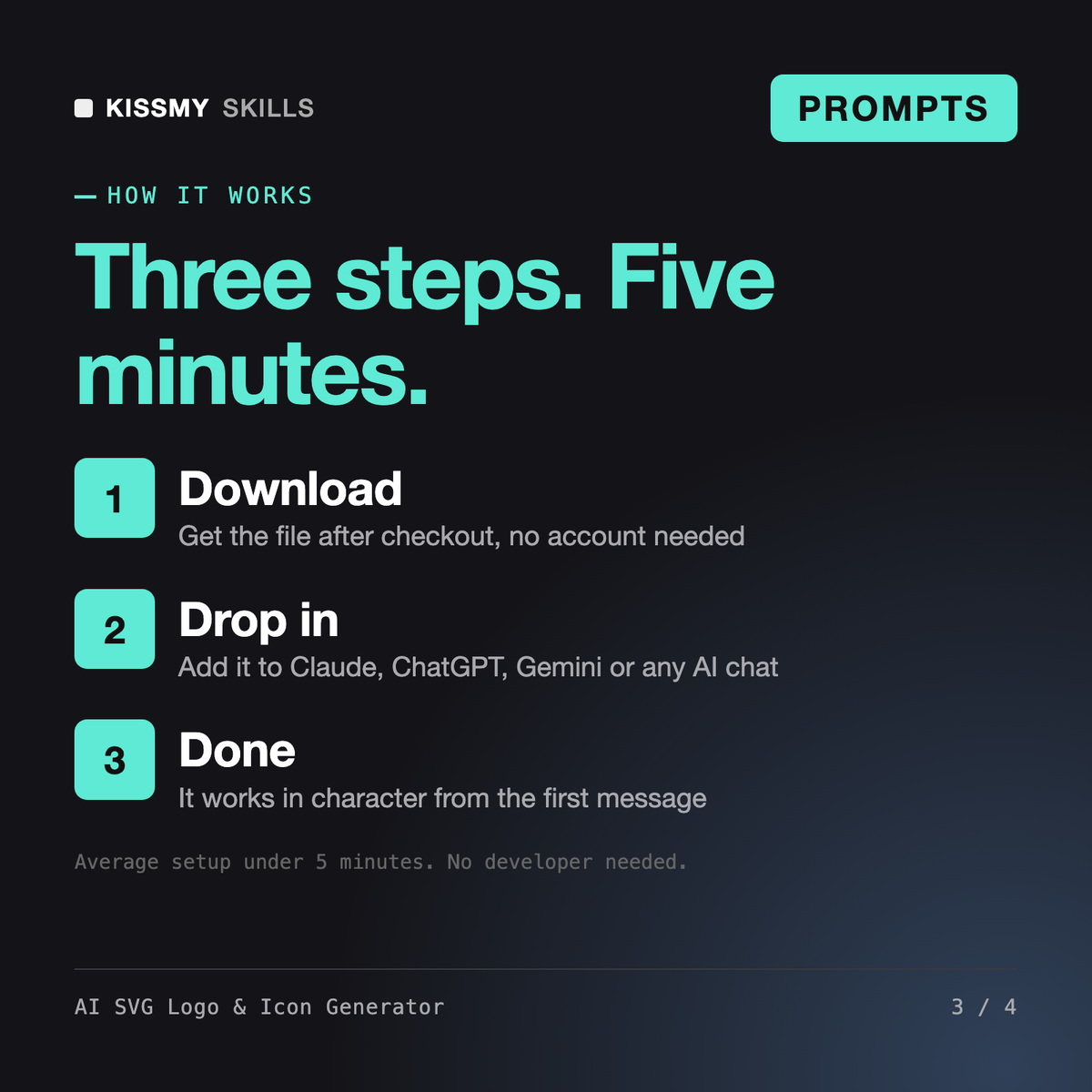
Download your .skill file from the order email or your account. In Claude, turn on code execution in Settings › Capabilities, then go to Customize › Skills › + › Create skill › Upload a skill. Start a new chat and ask for the specialist by name.
Creators, marketers and store owners who use Veo 3, Sora, Kling, Seedance, Higgsfield, Runway or similar tools and want clips that match the plan without endless re-rolls.

Founders, marketers, designers and developers who need a brand or UI palette with readable text pairs and tokens ready for code or Figma.
Store owners, marketers and creators who use Nano Banana, ChatGPT images, Midjourney, Ideogram, Leonardo or similar tools and want usable images on the first few tries.
Authors, editors and self-publishers who need prompts for drafting and revision.