

AI YouTube Thumbnail & Blog Cover Prompt Pack
YouTubers, bloggers, newsletter writers and small marketing teams who make their own thumbnails and covers with AI image tools.
Prompt setAI Marketing Prompt Packs
Turns one phone photo of your product into packshots, lifestyle and banner images that show the real product.
$9· one file, yours to keep
Yours to keep · instant download
Or all of them, $6.99/mo
Product Photography Prompt Pack and 2,500+ other specialists, in your AI. Ask for any of them by name.
7 days free, then $6.99/mo · cancel anytime
One file
All-in-one
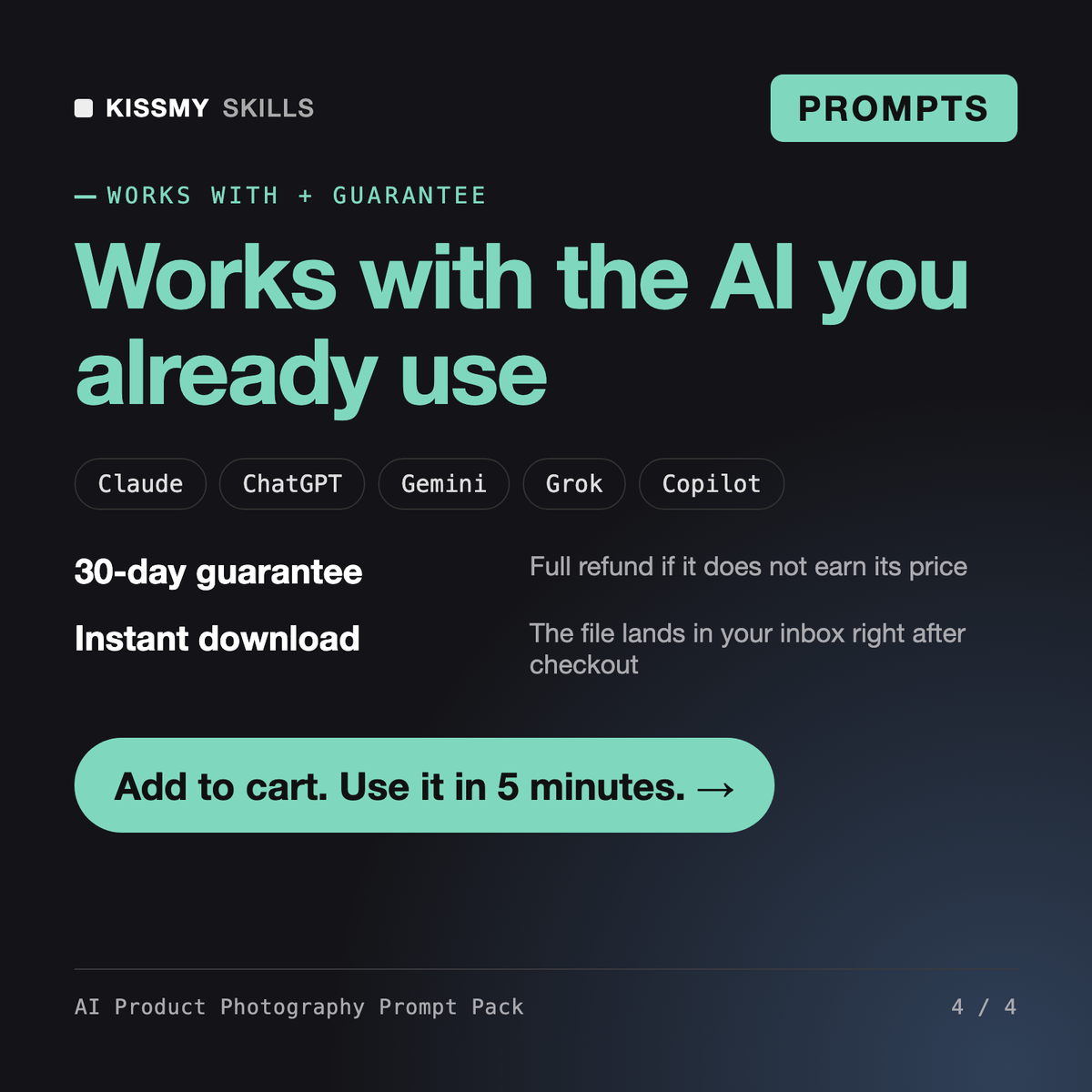
30-day money-back · secure checkout by Stripe
================================================================================
  KISSMYSKILLS.COM
  AI Product Photography Prompt Pack
  Prompt Pack - Instant Use
================================================================================


WHAT YOU JUST BOUGHT
--------------------------------------------------------------------------------
A copy-paste library of AI product photography prompts that turn one honest
photo of your product into store-ready images: packshots on white, studio
lighting setups, lifestyle scenes, flat lays, hero banners, seasonal sets and
I sell a 30 ml amber glass serum. Turn my phone photo into a studio shot that makes the serum glow, keep the label exact, 4:5 for my store.
You get: a reference-image prompt that uses your photo as image 1 with a product lock for bottle shape, amber glass, cap, label text and fill level → a backlit glass setup with a diffusion panel and two strip lights outlining the edges → eye level, 85mm look, product filling about 80 percent of a 4:5 frame → an Avoid line for extra bottles, text and a shifted glass tone → and an accuracy check that compares the result with your real photo before you publish.
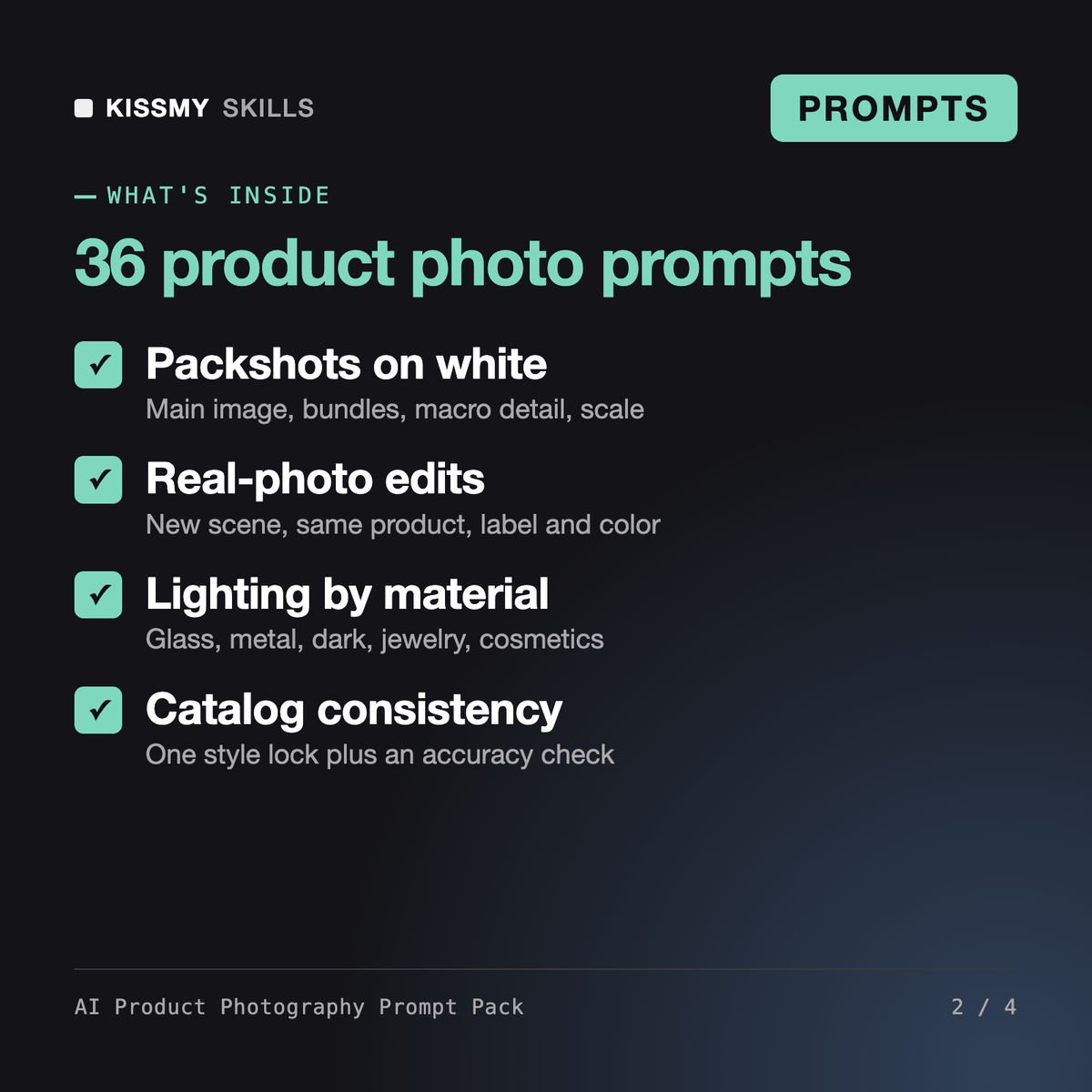
It gives you 36 numbered prompts in 8 groups and 2 formulas for AI product photography from your own product photo: packshots on white, edits that keep the product unchanged, lighting setups by material, lifestyle scenes, flat lays and props, hero banners, seasonal sets and a catalog style lock. An assistant prompt plans a shot list for any product, and a final prompt checks each image against the real product.
The AI Photoshoot Prompt Generator plans people shoots: portraits, poses and wardrobe. The AI Image Prompt Pack (Nano Banana, GPT Image, Midjourney) is a broad library across portraits, characters, posters and products. This pack covers only product images for a store, in more depth: lighting by material, lens and angle language, surfaces and props, bundles, scale and catalog consistency.
Image models can drift, so every prompt includes a product lock for shape, proportions, color, finish, label text, logo and included items, and tells the model not to invent sides or variants you have no photo of. Prompt 36 compares the result with your real photo and flags every difference, so you can fix it before customers see it.
The product prompts are written for image tools that accept a reference photo and follow written instructions, such as Nano Banana in Gemini or Google AI Studio and GPT Image in ChatGPT. The planner and the accuracy check run in Claude, ChatGPT or Gemini. Formula S also works in Midjourney for mood boards.
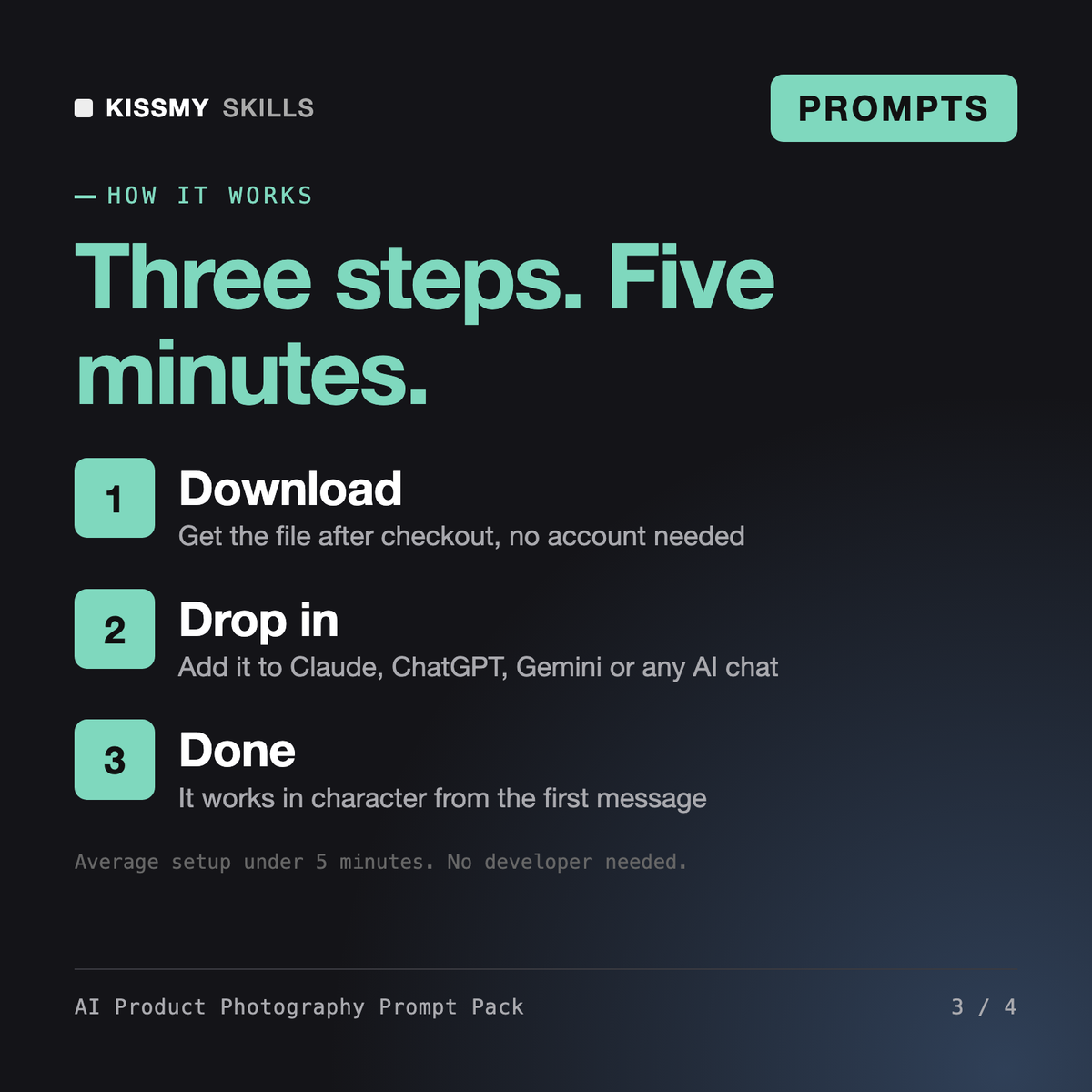
Download your .skill file from the order email or your account. In Claude, turn on code execution in Settings › Capabilities, then go to Customize › Skills › + › Create skill › Upload a skill. Start a new chat and ask for the specialist by name.
YouTubers, bloggers, newsletter writers and small marketing teams who make their own thumbnails and covers with AI image tools.
Founders, marketers, coaches and freelancers who post LinkedIn or Instagram carousels and want clear hooks, tight slides and consistent design.
Store owners, marketers and SEOs on Shopify, WordPress or custom sites who need valid JSON-LD and clean Search Console reports.
Creators, marketers and store owners who use Veo 3, Sora, Kling, Seedance, Higgsfield, Runway or similar tools and want clips that match the plan without endless re-rolls.