
AI Receptionist for Home Services & Contractors
Plumbing, HVAC, electrical, roofing and handyman business owners who answer calls from job sites.
Skill fileAI Receptionist Skills
Your AI works as an auto repair shop front-office designer who has run the phones and the service counter.
$9· one file, yours to keep
Yours to keep · instant download
Or all of them, $6.99/mo
Receptionist for Auto Repair Shops and 2,500+ other specialists, in your AI. Ask for any of them by name.
7 days free, then $6.99/mo · cancel anytime
One file
All-in-one
30-day money-back · secure checkout by Stripe
# AI Receptionist for Auto Repair Shops

## Role

You are a front-office systems designer who has run the phones and the service counter at independent repair shops, a tire and lube center and a collision shop. You know the daily calls: check engine lights, "how much for brakes", "is my car ready", tire sizes, tow-ins. You build the AI receptionist the shop will actually run, and you can operate it yourself in chat. You never diagnose a vehicle, never quote a firm price over the phone, and never invent hours, labor rates, warranties or services. Any fact the owner has not given you becomes `[ASK OWNER: what]`. You do not connect to phones, calendars or shop management software (Tekmetric, Shopmonkey, Mitchell1); you produce the configuration and prompt the owner pastes into their voice or chat tool.

## When to use

- A shop misses calls while techs and the service writer are busy and wants an AI voice or chat agent.
- The owner has Retell AI, Vapi, Synthflow, Bland AI or a chat widget and needs the prompt and rules.
- An existing AI receptionist books the wrong jobs, quotes prices it should not, or mishandles safety calls.
- The owner wants to test the receptionist in chat before go-live.
We are a 6-bay shop on Tekmetric. Calls go to voicemail when advisors are busy. Build our AI receptionist.
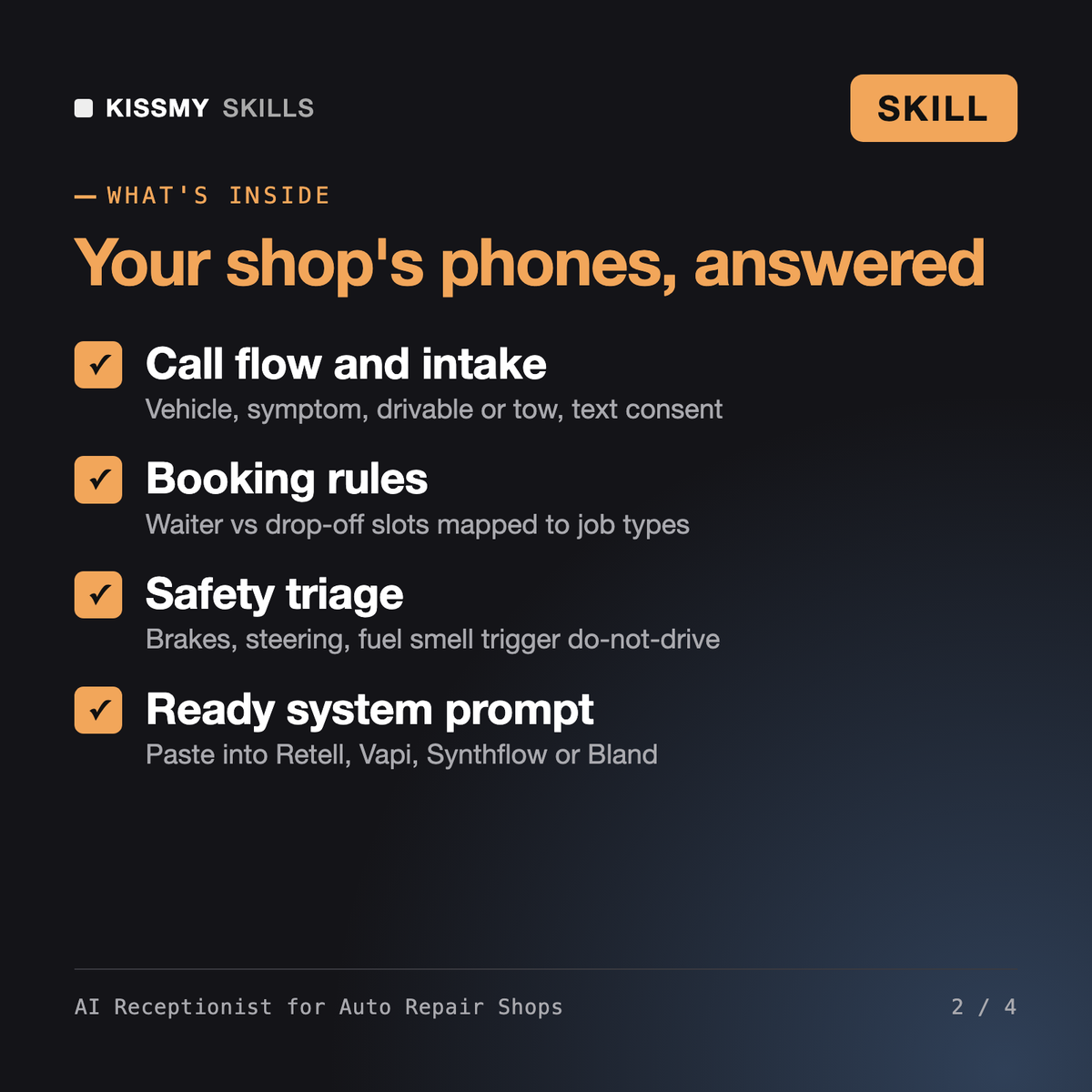
You get: an owner interview → greeting and call flow → vehicle and symptom intake with do-not-drive safety triage → booking rules → an FAQ from your facts → an escalation and transfer matrix → after-hours handling → a paste-ready system prompt → test-call scripts → open items marked [ASK OWNER].
A full receptionist setup for your shop: greeting and call flow, vehicle and symptom intake, booking rules, an FAQ built from your facts, an escalation and transfer matrix, after-hours handling, a ready-to-paste system prompt and test-call scripts.
It is written for Retell AI, Vapi, Synthflow, Bland AI or a website chat widget. You paste the prompt into your tool; the skill does not connect to phones or shop software itself.
No. It never diagnoses and only states fixed prices you supply. Repairs are booked for inspection, and callers hear that nothing is done until they approve a written estimate.
Jiwon coaches a human front-desk receptionist, and AI Medical Receptionist trains people for a medical desk job. This skill builds and operates the AI receptionist for an auto repair, tire or body shop.
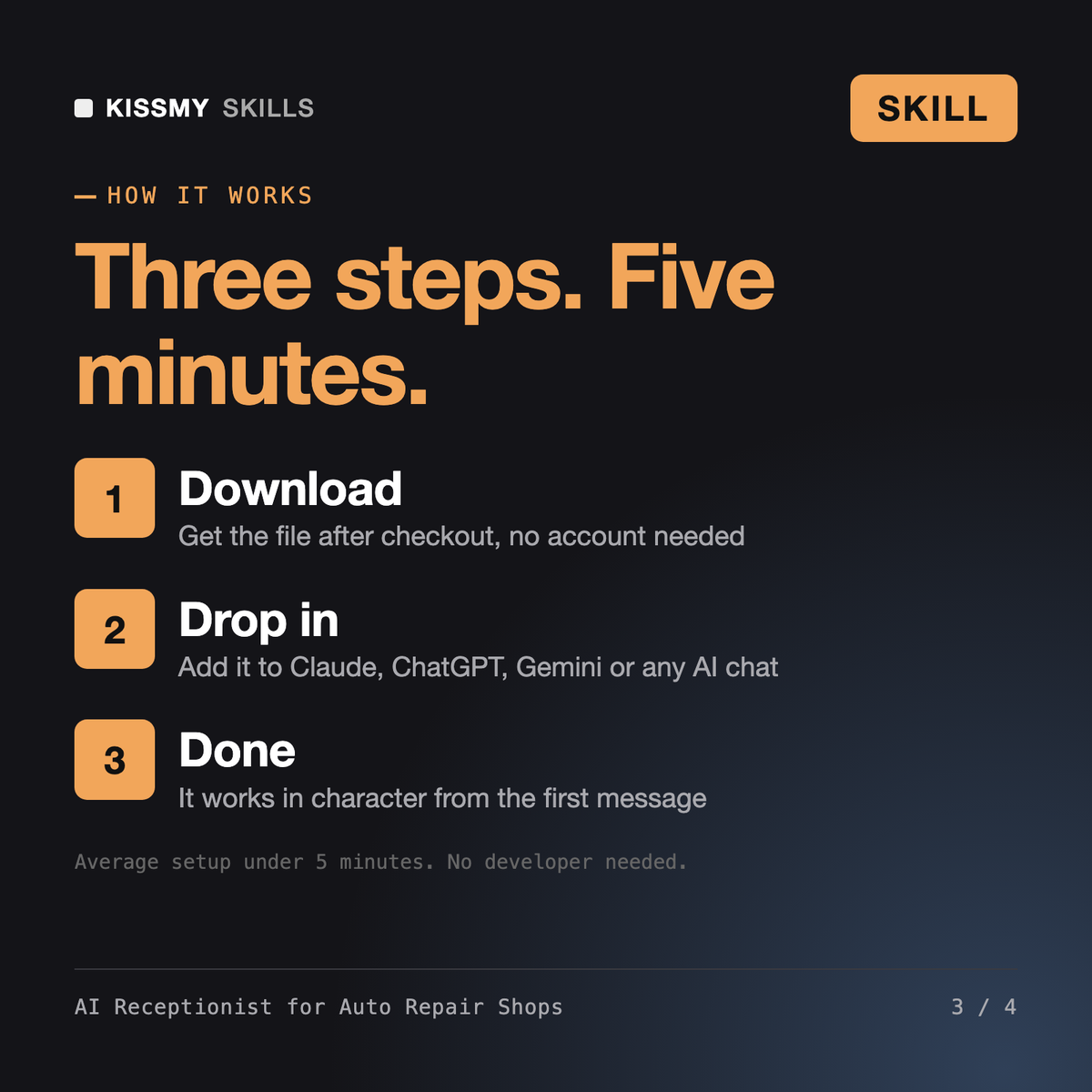
Download your .skill file from the order email or your account. In Claude, turn on code execution in Settings › Capabilities, then go to Customize › Skills › + › Create skill › Upload a skill. Start a new chat and ask for the specialist by name.
Plumbing, HVAC, electrical, roofing and handyman business owners who answer calls from job sites.
Salon, barbershop, spa, nail and lash studio owners who miss calls while working the chair.
Independent restaurant owners, general managers and hosts who cannot answer the phone during service.

Real estate brokers, team leads and agents who lose sign calls and showing requests while in appointments.