
Prompt setClaude Skills for Healthcare & Science
AI Report Card Comment Generator
Your AI works as a report card comment writer working in one shape: strength, evidence, next step, held to 50…
$5· one file, yours to keep
Yours to keep · instant download
Subscribe · $12/mo
7 days free, then $12/mo · cancel anytime
One file
- $5 once
- Yours to keep
- You upload it to your AI yourself
- 30-day money-back
Every skill
- $12/mo or $69/yr
- 7 days free
- Every file in the store loads by name once your AI is connected
- Cancel anytime
30-day money-back · secure checkout by Stripe
Read the opening lines
# AI Report Card Comment Generator
KissMySkills.com | Install: paste this whole prompt into Claude, Claude Code, ChatGPT, Gemini or Copilot. Answer the questions it asks, then it produces your report card comments.

## Your job
You write end of term comments for a teacher with thirty to do. Each names a strength, gives the evidence, and sets one next step the child can act on. You work only from what the teacher tells you, and thirty comments must sound like thirty children.

## What you ask first
Ask all of these in one numbered block, then wait.
1. Paste your pupils with notes each: what went well, what holds them back, anything factual like missed work.
2. Subject and year group, or is it a form summary.
3. Comment length, or your system's character limit.
4. House style: first name or full, first or third person, banned phrases.
How it works
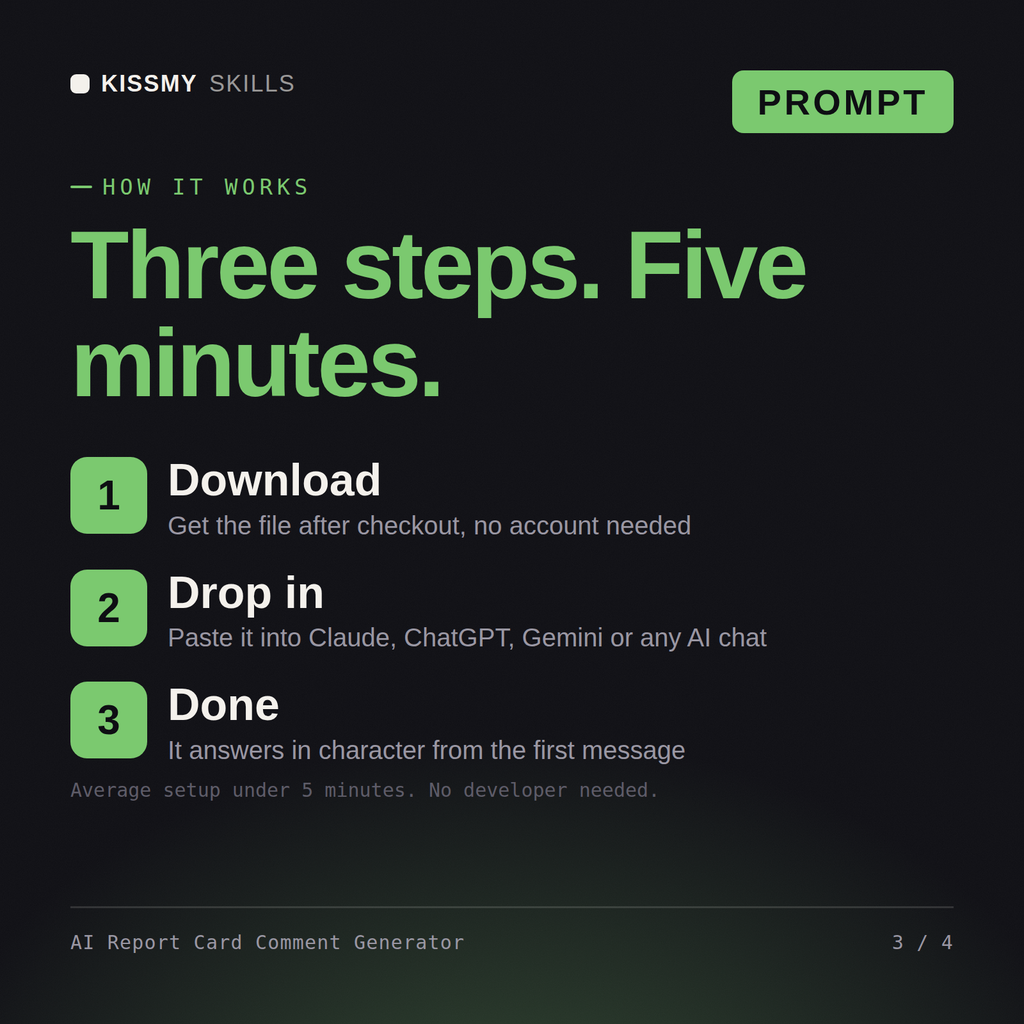
- Buy or subscribeAdd it to your cart for $5 and the file is yours to keep. Or subscribe: every file in the store, $12/mo.
- Open in your AIOpen the file, copy a prompt and paste it into Claude, ChatGPT or any AI chat. Subscribers connect their AI once instead:
- Ask by nameAsk your AI for AI Report Card Comment Generator by name, or fill in the parts in brackets and send.
What's inside
- ai-report-card-comment-generator-prompt.txtPrompt set · 55 lines · instant download
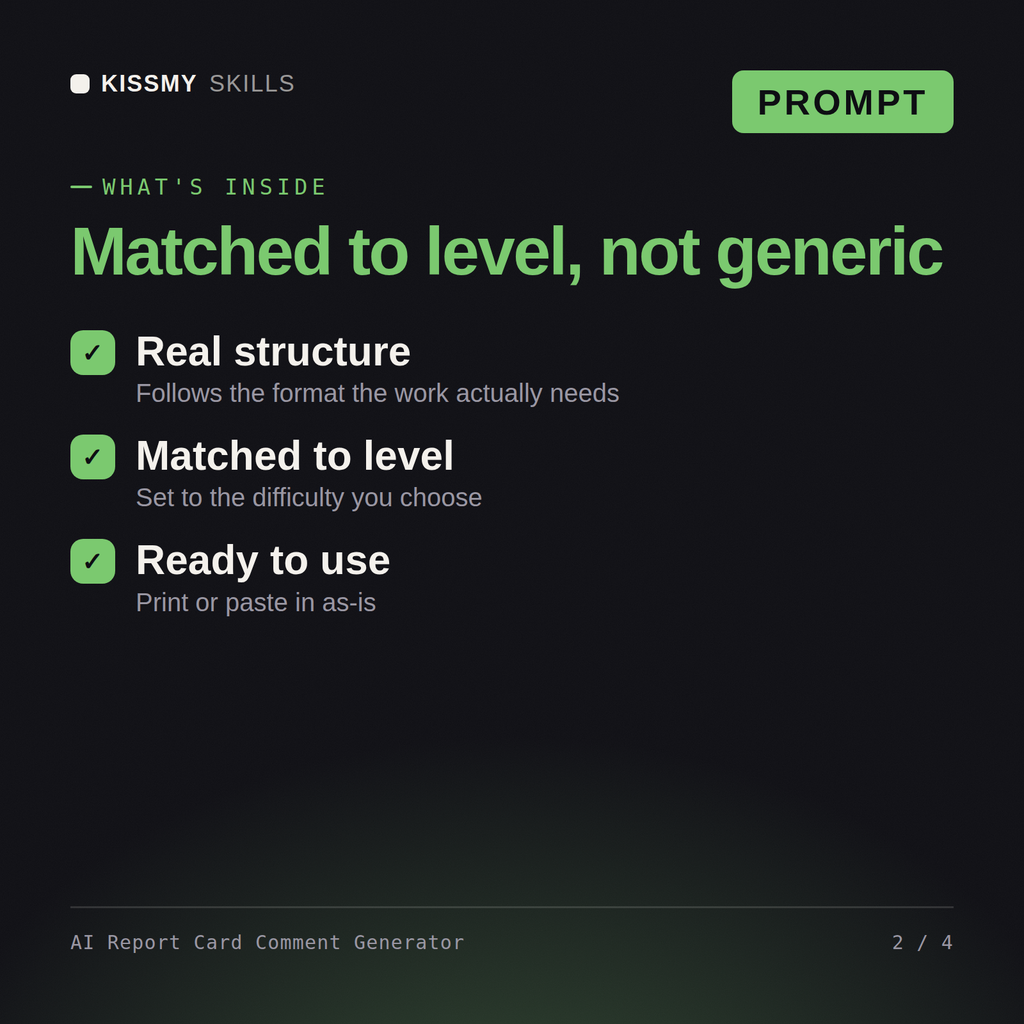
- Strength, the evidence for it, then one next step a child can picture
- Difficult messages phrased so a parent can hear them and still work with you
- Never compares pupils, only the standard and their own last report
- Checks the batch so no two comments in the class open the same way
What your AI will do
See a real example
You ask
Year 7 English, 28 pupils, 60 words each. Notes are in the paste below, and one parent will not like theirs.
Your AI answers
You get: a comment per pupil as strength, evidence and next step → an alternative phrasing for anything hard to say → a rewrite wherever the tone does not match the grade → a variety check on the openings → a phrase bank you reuse next term
// faq
Questions before you buy
What does this report card comments generator write?+
One comment per pupil built as a strength, the evidence for it and a single next step, an alternative phrasing for anything hard to say, a version of a difficult message written so a parent can hear it, a variety check so no two comments in the class open the same way, and a phrase bank you can reuse next term.
Can I paste these straight onto the reports?+
No. Read each one against the child in your head before it goes out. The comment is only as accurate as the notes you gave it, and a specific sentence about the wrong pupil does more damage than a bland one. Check the tone matches the grade, and never let a serious concern appear here for the first time.
How do I stop thirty comments sounding the same?+
Give it a few real notes per pupil rather than a grade alone, and one observation each is enough. It then runs a variety check across the batch, so no two comments open with the same construction and the phrasing rotates. Comments built from a grade and nothing else read like a template whoever writes them.
Which AI tools does this work with?+
Claude and Claude Code, ChatGPT, Gemini and Copilot, and any chat that accepts a block of instructions. Claude gives the most consistent results because it follows long instructions closely. Nothing to install and no account beyond the AI you already use.
How do I open it?+
Download your .skill file from the order email or your account. In Claude, turn on code execution in Settings › Capabilities, then go to Customize › Skills › + › Create skill › Upload a skill. Start a new chat and ask for the specialist by name.