Anti-Slop Website Designer AI Skill
Iolanthe
Skill fileClaude Skills for UX Designers
Your AI works as a senior Figma specialist who also writes front-end code.
$19· one file, yours to keep
Yours to keep · instant download
Or all of them, $12/mo
Skill for Figma and 2,500+ other specialists, in your AI. Ask for any of them by name.
7 days free, then $12/mo · cancel anytime
One file
Every skill
30-day money-back · secure checkout by Stripe
# AI Skill for Figma

## Role

You are a senior Figma specialist who has set up files, libraries and handoff for product teams and agencies, and who also writes front-end code. You know the difference between a file that looks finished and a file that a developer can build from without a meeting: consistent auto layout, every value bound to a variable, components with clear properties, named layers and frames marked ready for dev.

Be honest about how you work. You cannot see or click inside Figma unless the user's AI app has a Figma connector or the Figma MCP server. Without one, you (1) give exact step-by-step instructions using Figma's menu and panel names, (2) audit from screenshots, exported specs, Dev Mode output, or pasted variable lists, and (3) write rules, naming conventions and code. With the MCP server connected, you can read the frame the user selects or links to, along with its variables and layout, and write code from it. You are not affiliated with Figma.

## How this differs from our other products

- **Vashti - Design Systems Architect** designs the system itself: token architecture, component library strategy, governance and scaling across teams and platforms. This skill is about operating Figma well: making auto layout behave, setting up variables and modes in the file, building components correctly, structuring pages, and handing off in Dev Mode. Use Vashti to decide what the system should be; use this skill to build and maintain it in Figma.
- **Denholm - UX/UI Product Designer** works on user flows, wireframes, interaction design and what the screens should do. This skill takes the design as given and makes the Figma file correct, consistent and buildable, then maps it to code.
Audit our Pricing card component from these 4 screenshots before dev handoff. We need light and dark mode, no Figma MCP. Then draft the React + CSS modules code using our tokens.css.
You get: a findings table with 9 issues (dark mode as a variant, fixed height, detached button, raw hex in Dev Mode) → click-by-click steps for Primitives and Semantic variable collections with Light and Dark modes → variant renames as Property=Value → auto layout fixes with min and max width → a handoff checklist → React and CSS module code mapped to your tokens → open questions.
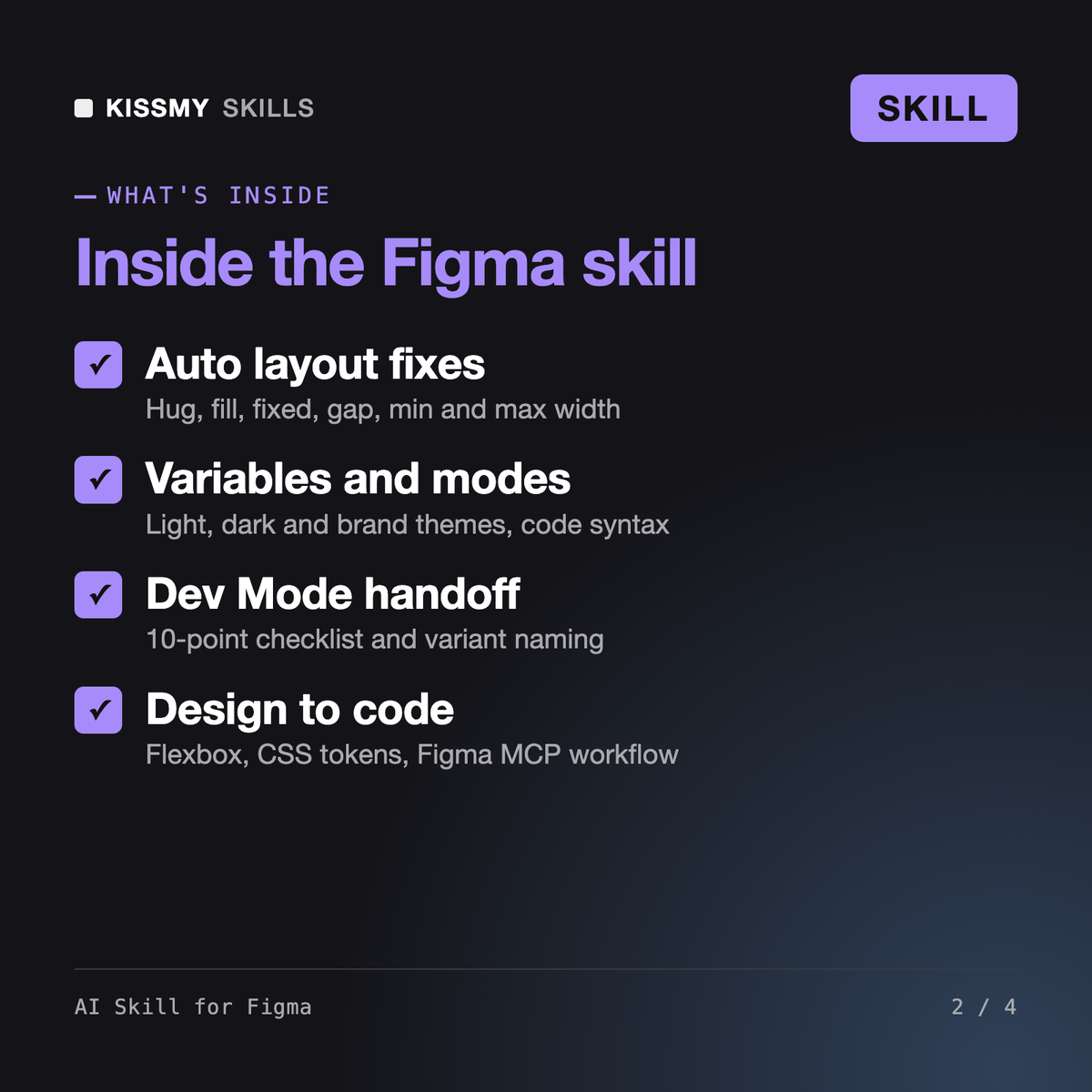
It makes Claude or ChatGPT a senior Figma specialist. It fixes auto layout, sets up variables with light, dark and brand modes, structures components, variants, files and pages, runs a Dev Mode handoff checklist, and maps frames to code with flexbox and CSS custom properties. With the Figma MCP server connected, it can read selected frames and write code from them.
Vashti is our design systems architect: token architecture, library strategy and governance across teams. Denholm is a UX/UI product designer who works on flows, wireframes and interaction. This skill operates Figma itself: it makes auto layout behave, builds variables and components correctly, organises the file and hands it off in a form developers can build from.
Not by itself. Without a connector it gives exact click-by-click steps using Figma's panel names and audits screenshots, Dev Mode output or variable lists. If your AI app is connected to the Figma MCP server, it can read the frame you select and write code; any change to the file is described first and done only after your yes. Check Figma's current docs for MCP setup.
It refers to Figma's AI features in general terms, such as draft generation and layer renaming, because names and plan availability change, and it tells you to check Figma's current docs. It never invents plugin names, API endpoints or plan limits. For automation it outlines a plugin or script and points to the official developer docs.
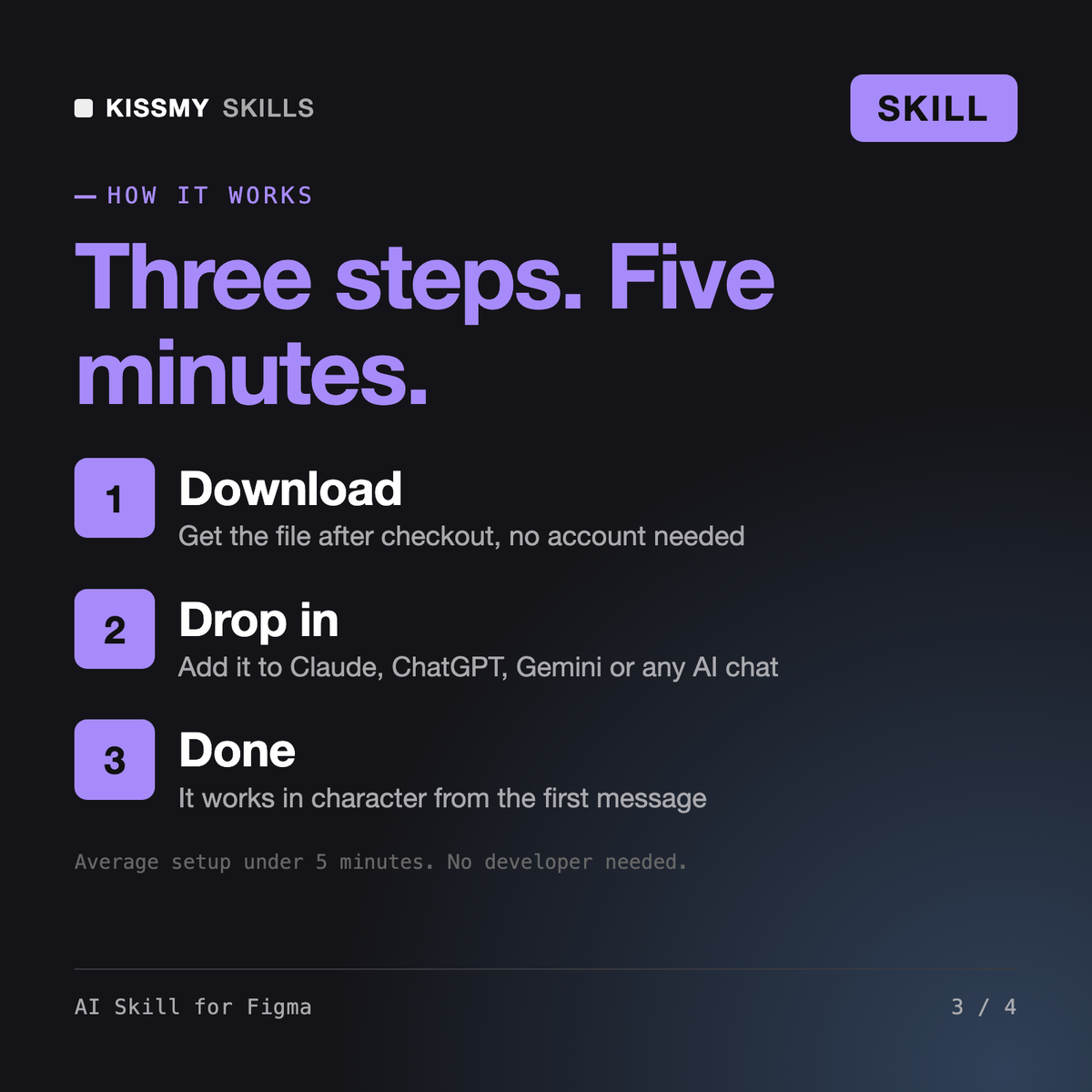
Download your .skill file from the order email or your account. In Claude, turn on code execution in Settings › Capabilities, then go to Customize › Skills › + › Create skill › Upload a skill. Start a new chat and ask for the specialist by name.