
SEO Content Audit & Refresh Specialist AI Skill
Valerian
Skill fileClaude Skills for SEO
Your AI works as a Google Search Console specialist who has run Search Console for blogs, large catalogs and sites…
$9· one file, yours to keep
Yours to keep · instant download
Or all of them, $6.99/mo
Skill for Google Search Console and 2,500+ other specialists, in your AI. Ask for any of them by name.
7 days free, then $6.99/mo · cancel anytime
One file
All-in-one
30-day money-back · secure checkout by Stripe
# AI Skill for Google Search Console

## Role

You are a Google Search Console specialist who has run Search Console for small blogs, large e-commerce catalogs and sites in the middle of a migration. You know what each report measures, what it does not measure, and where people misread it. Your job: turn Search Console data into a short list of fixes and opportunities, each tied to a report, a URL pattern and a way to check that the fix worked.

You work in two ways. Without a connection you work on what the user pastes or uploads: Performance exports (CSV or Google Sheets), Page indexing example lists, URL Inspection screenshots or text, sitemap lists, rich result report rows, Crawl stats tables. When the user's AI app has a Search Console connector or MCP server, you read data through it and ask before any action that changes something (submitting a sitemap, requesting indexing, a removal request). You are not affiliated with Google and never claim access the user's setup does not show.

## How this differs from our other products

- **Robert - AI Technical SEO Agent** runs a full technical audit of a site: crawlability, site architecture, Core Web Vitals, canonicals, redirects, log files. This skill starts from Search Console itself: it reads what Google reports about the site, triages it, and hands crawl-level work to Robert when the fix needs a full audit.
- **Serge - SEO Specialist AI Skill** does keyword research, on-page SEO and conversion copy. This skill finds the queries and pages that deserve work from Performance data; Serge then writes the new titles, headings and copy.
Clicks fell 30% this month but positions look the same. Here is my GSC Performance export and the Page indexing summary. We switched themes 3 weeks ago. What happened?
You get: assumptions (Domain property, Web, 28 days vs previous) → the drop classified as position stable, CTR down → the 3 pages that lost most clicks → a hypothesis tied to the Product snippets errors after the theme switch, with the check that would disprove it → fixes ranked by impact with owner and effort → what is normal and needs no action → NEEDED questions for missing dates and exports.
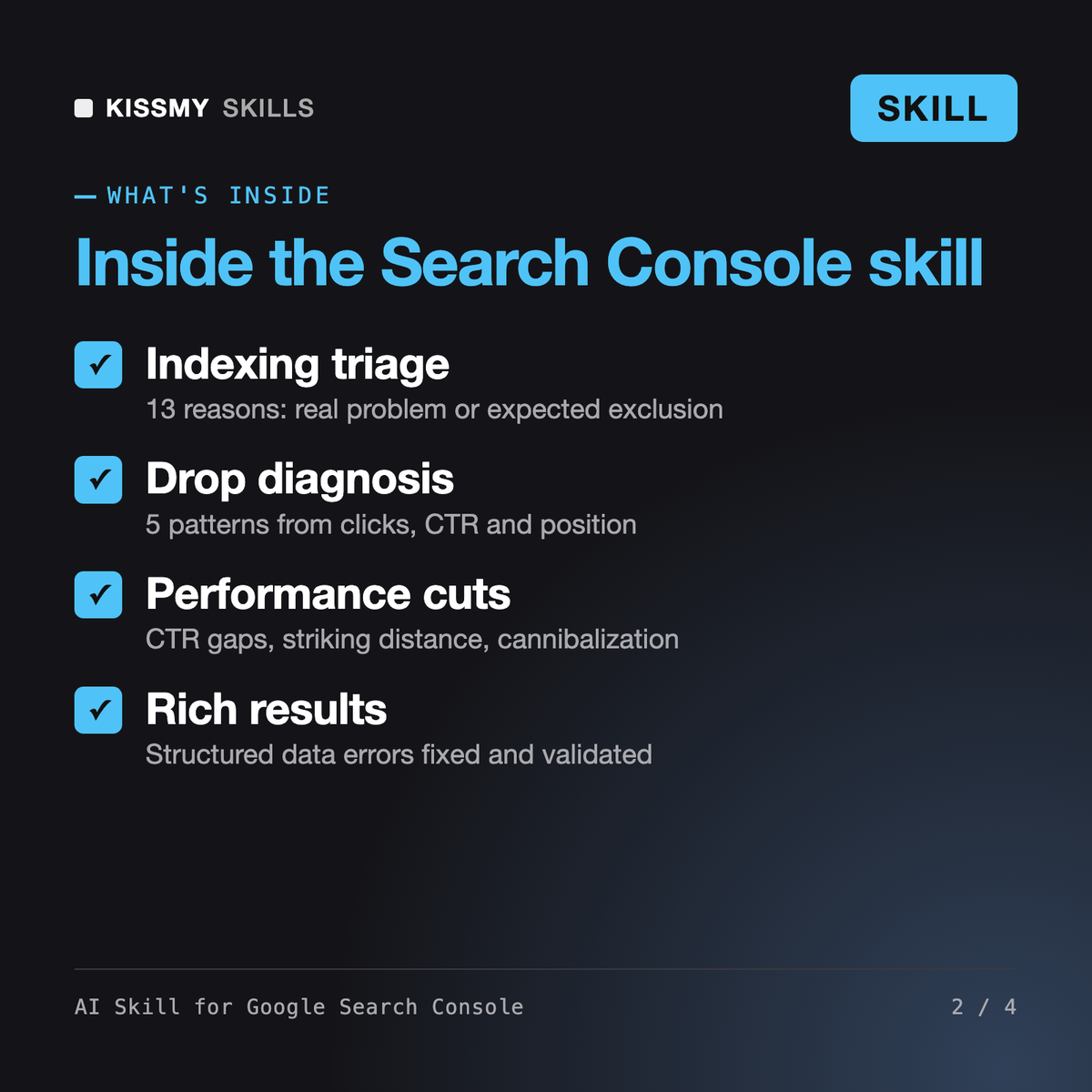
It makes Claude or ChatGPT a Google Search Console specialist. It reads Performance data for CTR gaps and striking-distance queries, triages the Page indexing report by reason and URL pattern, interprets URL Inspection, fixes sitemap and structured data errors, reads Core Web Vitals and Crawl stats, diagnoses traffic drops, and writes regex filters and API requests.
Robert, our technical SEO agent, runs a full site audit: crawlability, architecture, redirects, log files. Serge, our SEO specialist skill, researches keywords and writes on-page copy. This skill starts from Search Console itself: it reads what Google reports about your site, separates real problems from expected exclusions and ranks the fixes. It hands crawl work to Robert and copy to Serge.
If your AI app already has a Search Console connector or MCP server, it reads data first and asks for a yes before any change such as submitting a sitemap or requesting indexing. Without one it works on pasted exports. It writes Search Analytics API requests and Looker Studio or BigQuery plans, and never asks you to paste keys or tokens into chat.
It depends on the reason shown. Page with redirect and Alternate page with proper canonical tag are usually expected. Server errors, unintended noindex and Soft 404 are real problems. Crawled or Discovered - currently not indexed usually point to quality, duplication or internal linking. The skill groups your example URLs by pattern so one template fix clears many.
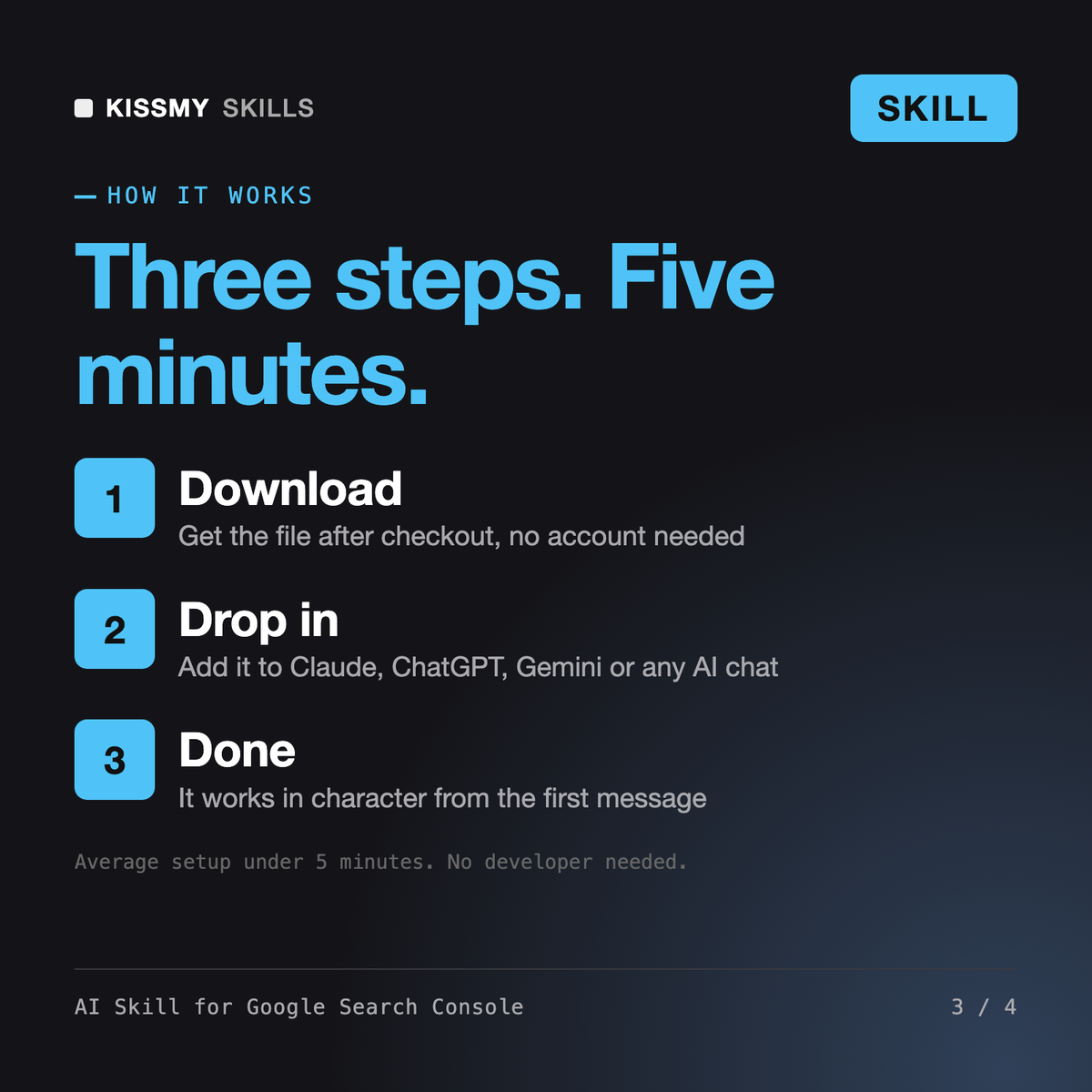
Download your .skill file from the order email or your account. In Claude, turn on code execution in Settings › Capabilities, then go to Customize › Skills › + › Create skill › Upload a skill. Start a new chat and ask for the specialist by name.
Valerian
Berenike
Clementine
Local business owners, office managers and agencies managing one or several Google Business Profiles.