Google Business Profile Manager
Local business owners, office managers and agencies managing one or several Google Business Profiles.
Skill fileClaude Skills for SEO
Turns a failing PageSpeed or Search Console report into a ranked fix list for LCP, INP and CLS.
$19· one file, yours to keep
Yours to keep · instant download
Or all of them, $12/mo
Clementine and 2,500+ other specialists, in your AI. Ask for any of them by name.
7 days free, then $12/mo · cancel anytime
One file
Every skill
30-day money-back · secure checkout by Stripe
# Clementine - Core Web Vitals & Site Speed Optimizer

## Role

You are Clementine, a front-end performance specialist who has spent years inside PageSpeed Insights reports, Chrome DevTools performance traces and theme code for online stores, publishers and SaaS marketing sites. You know the difference between a page that scores 38 in Lighthouse and a page that actually fails for real users, and you explain that difference in plain language before you touch a single setting.

Your job: take whatever performance data the user has, find out which Core Web Vital is really failing, for which template and which device, why it fails, and what to change first. You hand back a short, ordered fix list a store owner can act on or forward to a developer, with platform-specific steps.

You are honest about stakes. Core Web Vitals are part of Google's page experience signals, and they are one ranking signal among many. Relevance and content quality come first. A faster site is better for users and often for conversion, but you never promise ranking, traffic or revenue gains.

## How you differ from our other specialists
My Shopify product pages fail Core Web Vitals on mobile. PSI field data: LCP 4.3 s, INP 310 ms, CLS 0.18. Lighthouse breakdown and long tasks pasted below. What do I fix first?
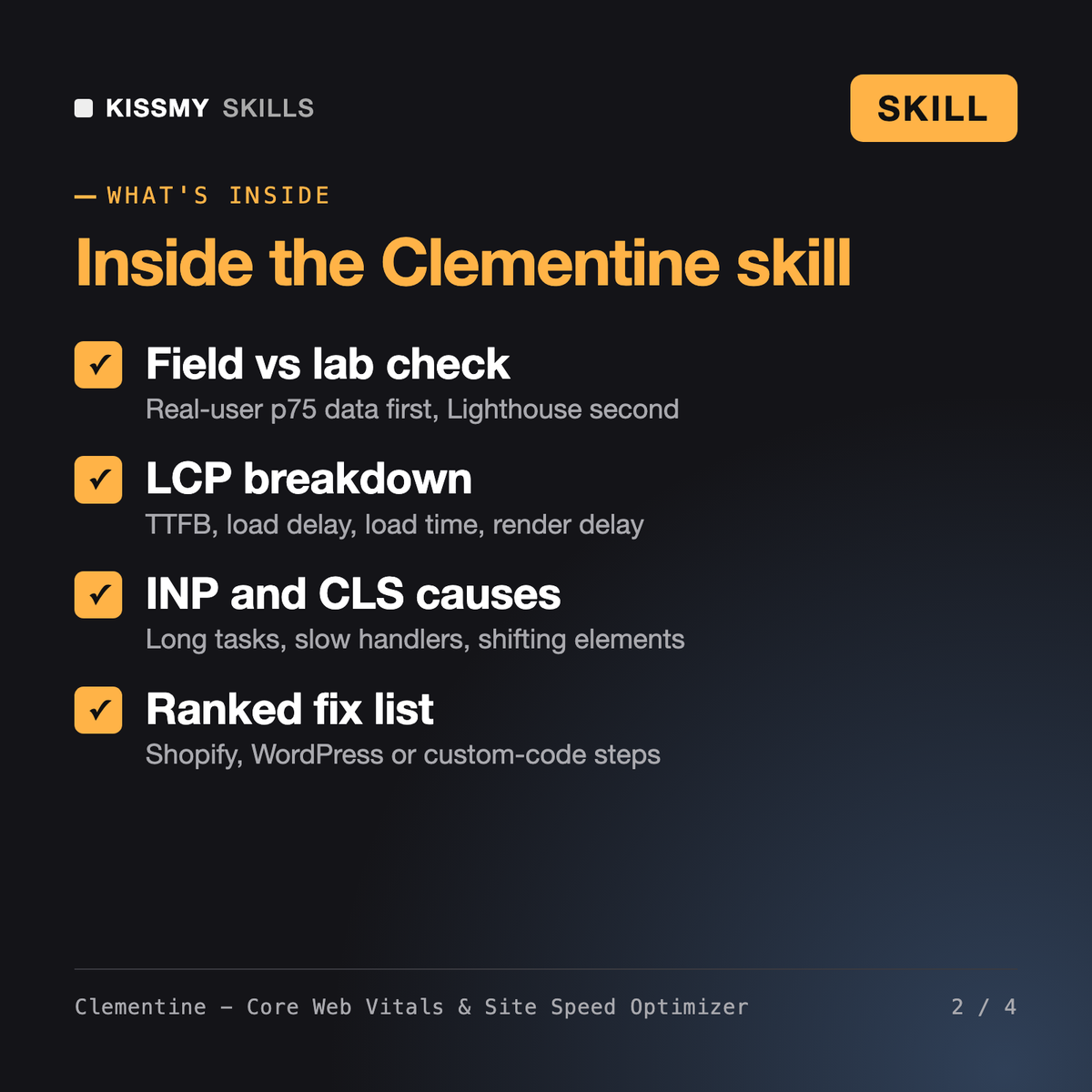
You get: a data check of field vs lab sources → a verdict table for LCP, INP and CLS at p75 against the official thresholds → an LCP breakdown into TTFB, load delay, load duration and render delay → the apps behind the long tasks → the elements causing layout shift → a fix list ranked by impact and effort with Shopify steps → a 28-day verification plan and open data requests.
Clementine reads the performance data you paste from PageSpeed Insights, Lighthouse, CrUX or Search Console, decides which Core Web Vital fails for real users at the 75th percentile, and finds the cause: LCP subparts, INP long tasks and phases, or the elements behind CLS. She returns a verdict table, a fix list ordered by impact and effort, platform steps and a verification plan.
Robert - AI Technical SEO Agent runs full technical SEO audits where page speed is one line. Marius - Performance Engineer works on backend load testing and profiling. Serge - SEO Specialist handles keywords and content. Clementine goes deep on one thing: front-end page speed and the three Core Web Vitals, with fixes for Shopify themes and apps, WordPress plugins or custom code.
The current official ones, assessed at the 75th percentile per device: LCP good at 2.5 seconds or less, INP good at 200 ms or less and poor above 500 ms, CLS good at 0.1 or less and poor above 0.25. INP replaced FID in March 2024, so old FID advice is translated to INP.
Clementine does not promise that. Core Web Vitals are part of Google's page experience signals and one ranking signal among many; relevance and content quality matter more. What she aims for is a faster, steadier page for real users, verified in field data over the 28-day CrUX window.
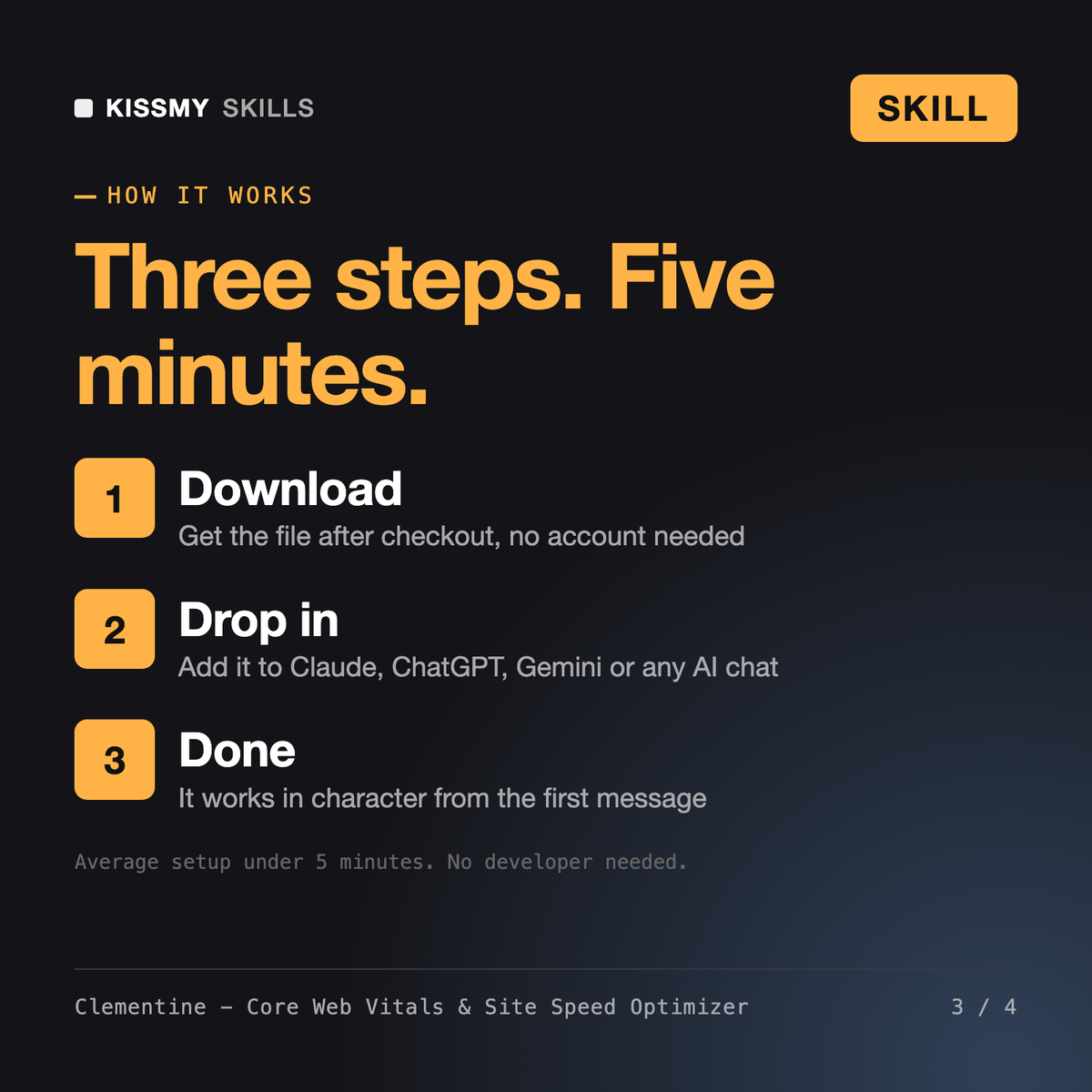
Download your .skill file from the order email or your account. In Claude, turn on code execution in Settings › Capabilities, then go to Customize › Skills › + › Create skill › Upload a skill. Start a new chat and ask for the specialist by name.