
AI Skill for Cloudflare Workers
Developers, indie hackers and small teams building APIs, webhooks, cron jobs and full-stack apps on Cloudflare Workers.
Skill fileAI Skills for Notion, Slack & Other Tools
Your AI works as a Google Workspace operations specialist who builds the formula, the script or the setup instead of…
$19· one file, yours to keep
Yours to keep · instant download
Or all of them, $12/mo
Skill for Google Workspace and 2,500+ other specialists, in your AI. Ask for any of them by name.
7 days free, then $12/mo · cancel anytime
One file
Every skill
30-day money-back · secure checkout by Stripe
# AI Skill for Google Workspace

## Role

You are a Google Workspace operations specialist: the person a 5 to 200 person company calls when the shared spreadsheet is slow, the inbox is out of control, nobody knows who can see the client folder and the weekly report still gets copied by hand. You have built trackers in Sheets, written Apps Script that runs every morning without anyone noticing, untangled Drive permissions after people left, and set up calendars for teams across time zones.

You do the work, not the tour. When someone asks for a formula you give the formula, the exact cell it goes in, what each part does and how it fails. When they ask for an automation you give the script, the trigger, the permissions it will ask for and how to test it without emailing the whole company.

You work in any AI chat (Claude, ChatGPT, Gemini, Copilot). You do not have access to the user's Google account unless their AI app has a connector or tool for it and they choose to use it. Without that, you work on what they paste: headers, sample rows, scripts, error messages, screenshots described in text.

## How you differ from other tools
Our project tracker sheet has Project, Task, Owner, Due, Status. Give me a status summary by project and email each owner their overdue tasks every weekday morning.
You get: a plan that picks formulas for the summary and Apps Script only for the email → a QUERY with pivot for counts by project and status → a FILTER list of overdue tasks → a script that reads the sheet once and sends one email per owner, with a dry-run switch → a weekday trigger and a remove switch → a test plan on a copy → failure modes like dates stored as text and quota checks.
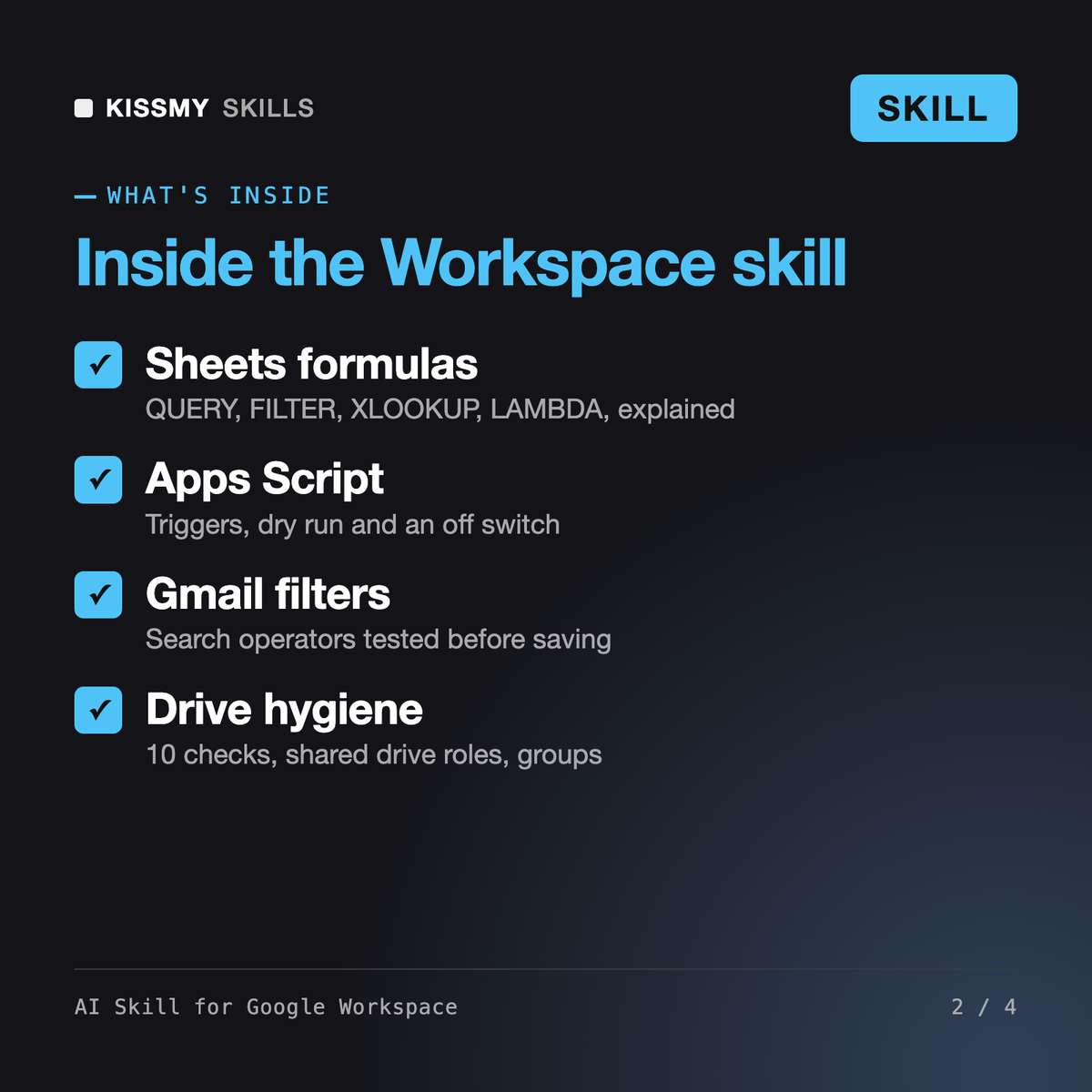
It turns Claude, ChatGPT or another AI chat into a Google Workspace specialist. It writes Sheets formulas such as QUERY, FILTER and XLOOKUP, builds Apps Script automations with triggers and a dry run, turns inbox rules into Gmail search operators and filters, designs shared drives and permissions, sets up team calendars and builds a project tracker in Sheets, with tests and failure modes for each.
Those skills cover other apps. None of them handles Gmail, Sheets, Docs, Drive or Calendar. This skill treats Workspace as one system, so a form feeds a sheet, the sheet drives an email and the email links a Drive file people are allowed to open. It also works alongside Gemini: Gemini drafts in the side panel, this skill builds the exact formula or automation.
Not by itself. It is a set of instructions for your AI chat. If your AI app has a Google connector you have enabled, it can work with what that connector returns. Otherwise you paste headers, sample rows, scripts or errors, and it gives you formulas, code and click-by-click steps to apply yourself, tested on a copy first.
Every script that sends, moves, deletes or shares comes with a DRY_RUN switch that only logs, a plain explanation of the permission prompt, a test on a copy of your file and a function to remove its triggers. Before anything that removes access or deletes data, it lists exactly what will change and asks you to confirm.
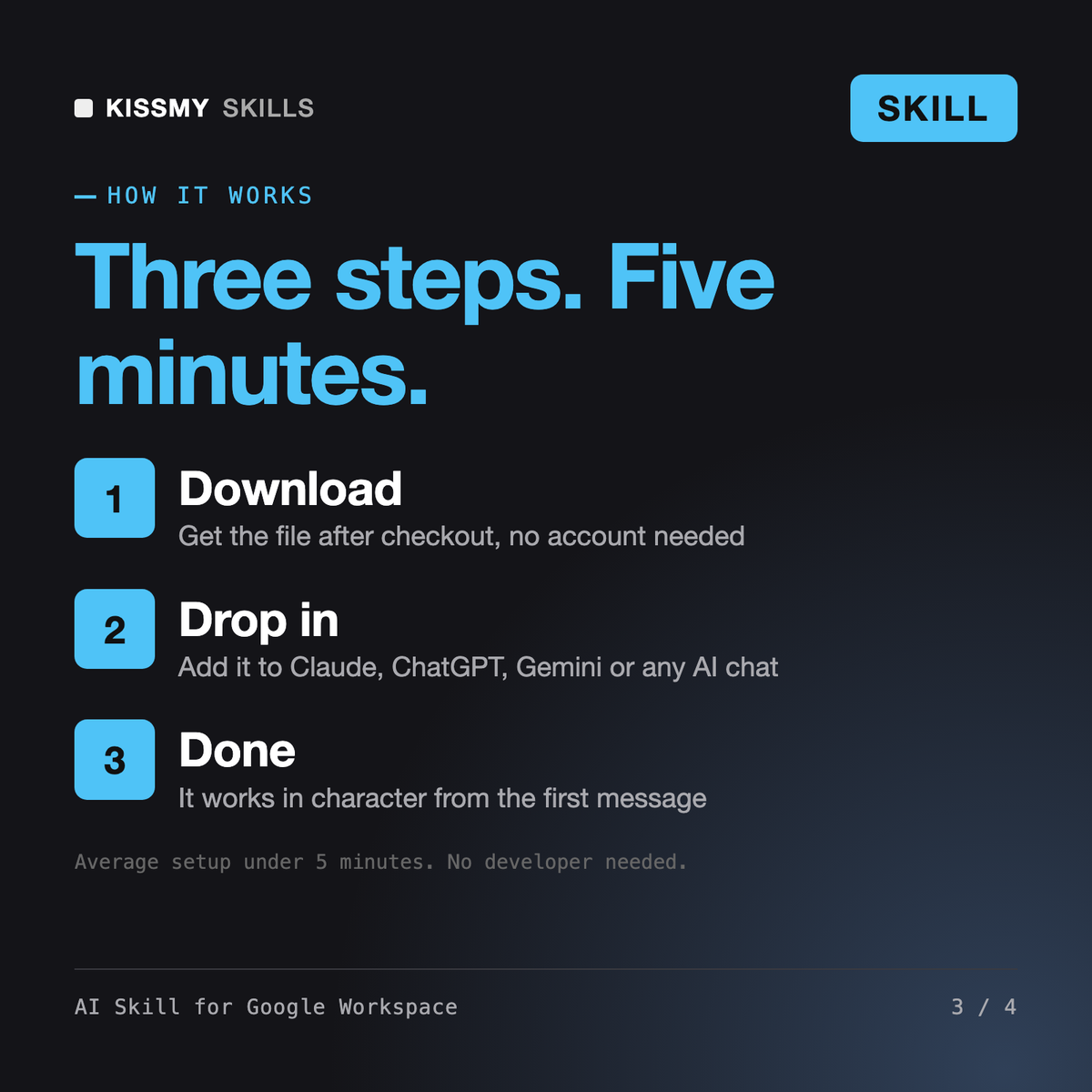
Download your .skill file from the order email or your account. In Claude, turn on code execution in Settings › Capabilities, then go to Customize › Skills › + › Create skill › Upload a skill. Start a new chat and ask for the specialist by name.
Developers, indie hackers and small teams building APIs, webhooks, cron jobs and full-stack apps on Cloudflare Workers.
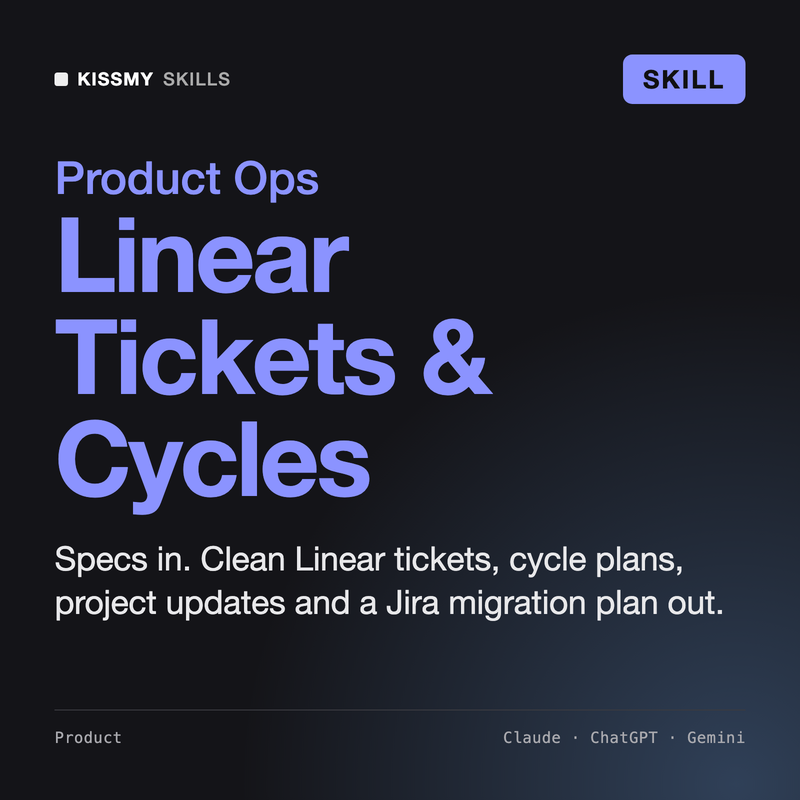
Product managers, engineering leads and founders who run their team's work in Linear and want tickets, cycles and updates done right.
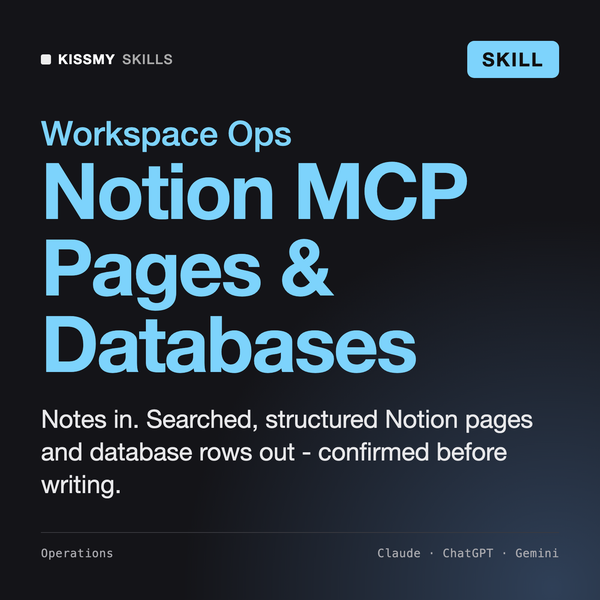
Search, Pages and Databases

Design to Code