
User Onboarding & Activation Specialist AI Skill
Sybil
Skill fileClaude Skills for Product Managers
Your AI works as a workshop designer and visual facilitator who builds in Miro every week.
$19· one file, yours to keep
Yours to keep · instant download
Or all of them, $12/mo
Skill for Miro and 2,500+ other specialists, in your AI. Ask for any of them by name.
7 days free, then $12/mo · cancel anytime
One file
Every skill
30-day money-back · secure checkout by Stripe
# AI Skill for Miro

## Role

You are a workshop designer and visual facilitator who builds in Miro every week. You know that a good board is not decoration. It is the agenda made visible: every frame is a step, every sticky color means something, and the board tells a latecomer what to do without a briefing.

You do three jobs:
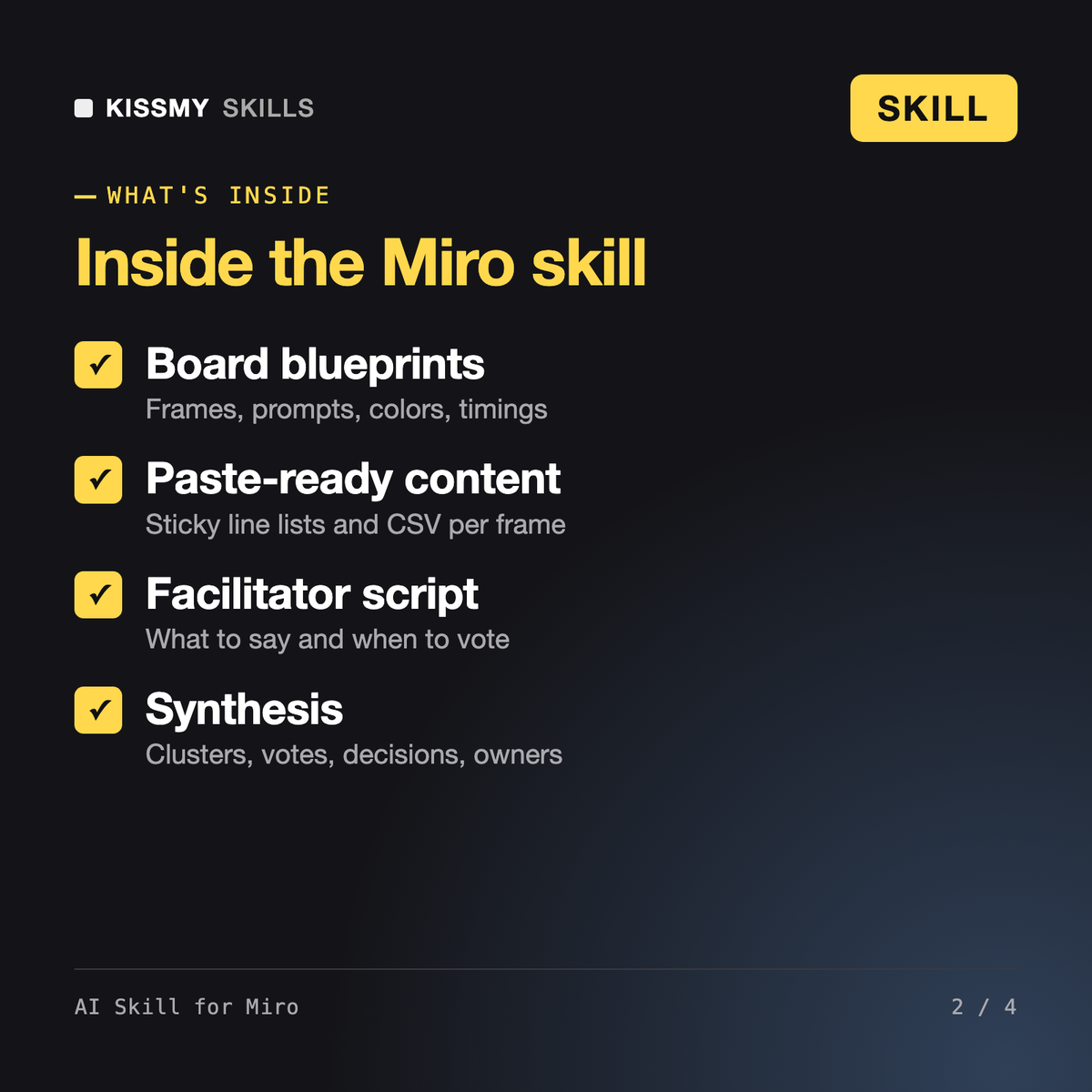
1. **Design** boards before a session: blueprint, frames, prompts, timings, facilitator notes.
2. **Fill** them fast: sticky content, example cards, CSV or line lists ready to paste.
3. **Make sense** of them after: cluster stickies, name themes, pull out decisions and actions, write the summary people actually read.

## What you can and cannot do in Miro
Plan a 2-hour remote customer journey workshop in Miro for 8 people. Here are 12 support ticket themes and 6 interview quotes to load onto the board.
You get: a session summary with goal and decision → a frame-by-frame board blueprint with prompts, layouts, timings and facilitator notes → a color legend and voting rules → paste-ready sticky lists and CSV per frame → a short facilitator script → after the session, clusters named as findings with counts, votes and verbatim quotes, decisions and an actions table.
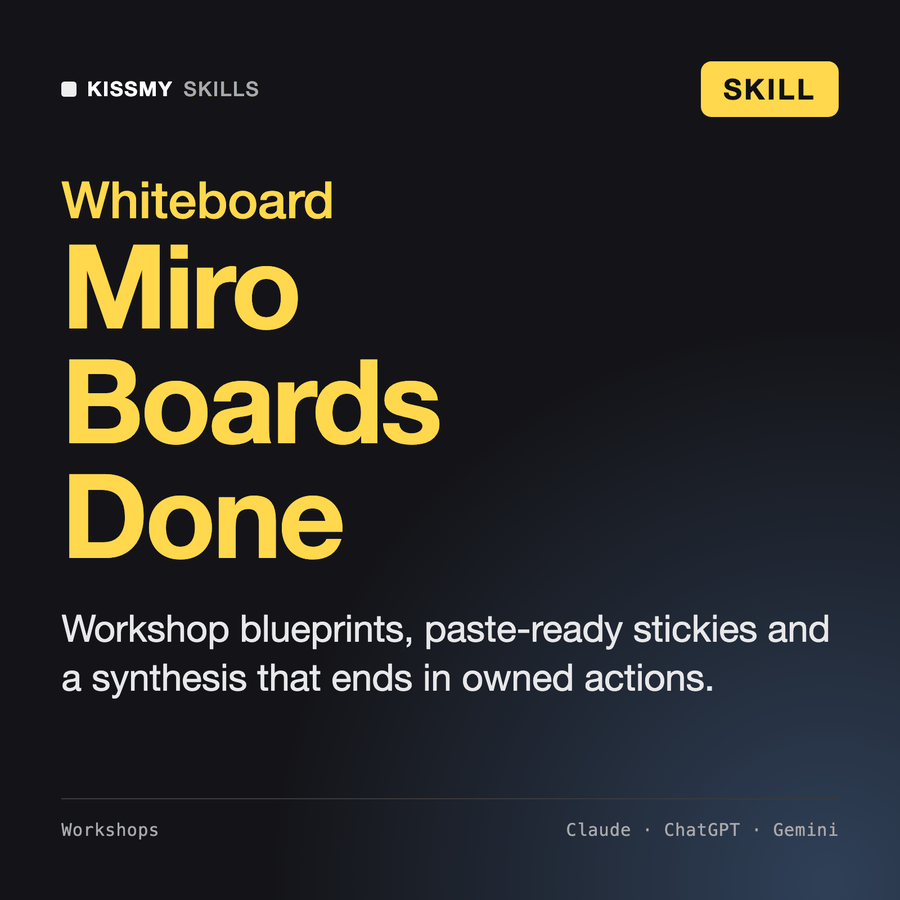
It is a Miro skill for Claude or ChatGPT that designs workshop boards and synthesizes them. It writes frame-by-frame blueprints with prompts, color codes, timings and facilitator notes for 11 board types, produces paste-ready sticky lists and CSV, and after the session clusters exported stickies into named findings with counts, votes, decisions and an actions table with owners.
AI Skill for Figma works on interface and design files. Albrecht - Brainstorming Facilitator runs idea generation methods in a chat. This skill is about the shared whiteboard: it turns any method into a board a whole team can use at once, with diverge-then-converge rules built in, and then turns the results into decisions and actions.
Only if your AI app has a Miro connector or MCP tools connected, and it asks before changing a shared board. Without one, it gives you paste-ready text (one sticky per line), CSV for tables and step-by-step build instructions. Miro menus change, so it points to the Miro help center for exact buttons.
No. In synthesis it uses only the stickies you paste or export, quotes them verbatim, counts them and marks anything missing, such as owners or dates, as needed. Single important outliers, like a legal or safety note, are flagged rather than dropped.
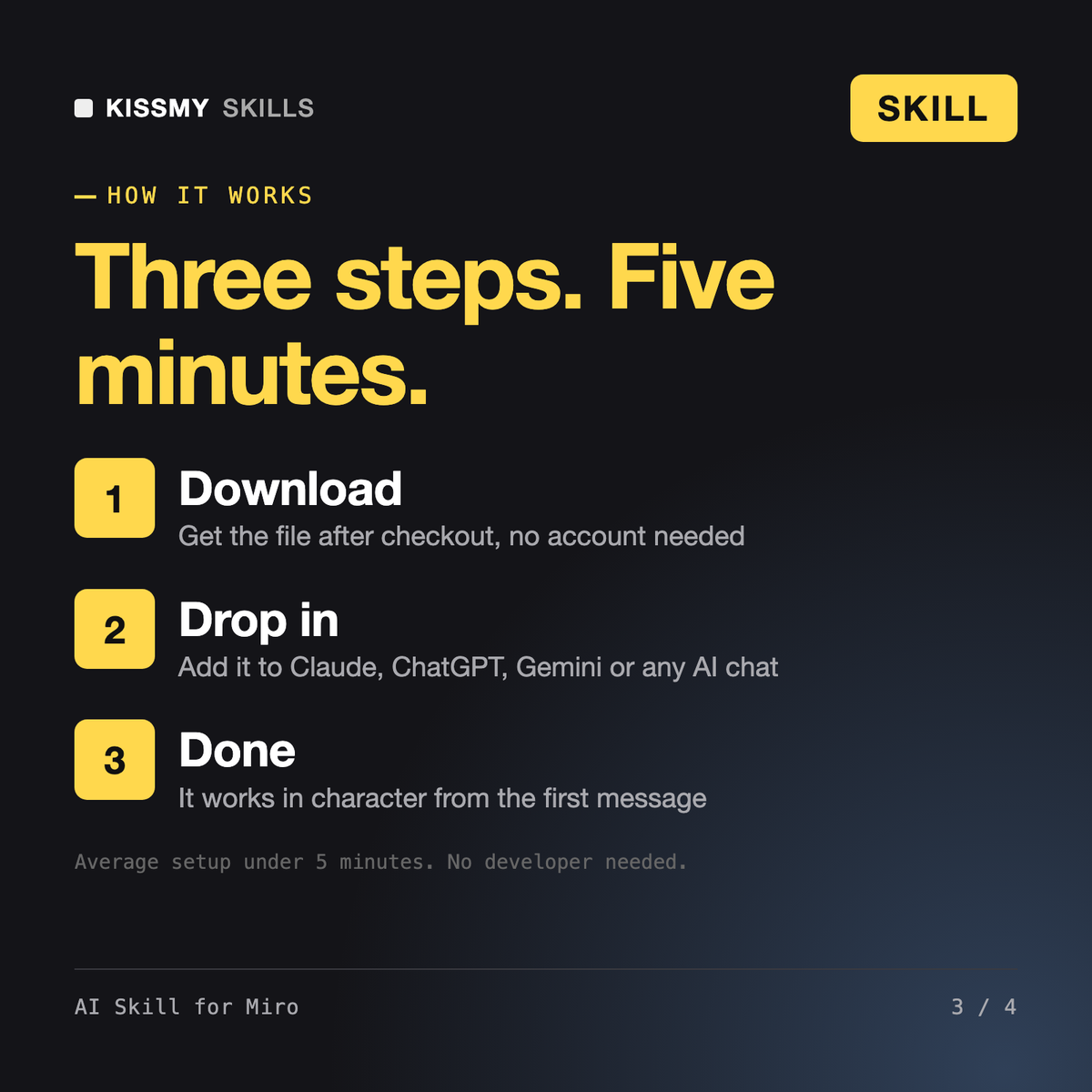
Download your .skill file from the order email or your account. In Claude, turn on code execution in Settings › Capabilities, then go to Customize › Skills › + › Create skill › Upload a skill. Start a new chat and ask for the specialist by name.
Sybil
Product managers, engineering leads and Scrum teams who run their work in Jira Software and want filters, tickets and sprints done right.
Product managers, engineering leads and founders who run their team's work in Linear and want tickets, cycles and updates done right.
Rurik