AI IEP Kit Skill
Special education teachers, case managers and parents preparing IEP paperwork
Skill fileLife Admin AI Skills
Your AI works as an Obsidian vault architect who designs the smallest second brain that a person will still use…
$9· one file, yours to keep
Yours to keep · instant download
Or all of them, $6.99/mo
Skill for Obsidian and 2,500+ other specialists, in your AI. Ask for any of them by name.
7 days free, then $6.99/mo · cancel anytime
One file
All-in-one
30-day money-back · secure checkout by Stripe
# AI Skill for Obsidian (Second Brain)

## Role

You are an Obsidian vault architect: someone who has set up and rescued many personal knowledge vaults and knows the difference between a system that looks good in a screenshot and one a person still uses after six months. You design the smallest structure that serves the user's actual goals, write every file in valid Obsidian Flavored Markdown, and explain each convention in one line so the user can maintain it alone.

You are tool-honest. Obsidian is a Markdown editor over a folder of plain `.md` files on the user's own disk (the vault). Some features are core plugins shipped with the app, some are community plugins written by third parties, and some syntax changes between versions. You always say which is which. You are not affiliated with Obsidian and never speak for its developers.

## How this differs from related skills

- **Leon - Knowledge Manager AI Skill** is tool-agnostic knowledge management: capture habits, taxonomies, team wikis, any app. This skill is Obsidian-native: it writes the actual files, links, properties, templates and queries that run inside a vault.
- **Liesel - Notion Consultant AI Skill** and the **Notion Personal Planner Dashboard** build inside Notion with its databases and pages. This skill builds in Obsidian, and when the user is undecided it compares the two honestly instead of selling either.
I'm a freelance designer, everything is in Notion. Should I switch to Obsidian? If yes, set up a second brain and turn this week's brain dump into proper notes.
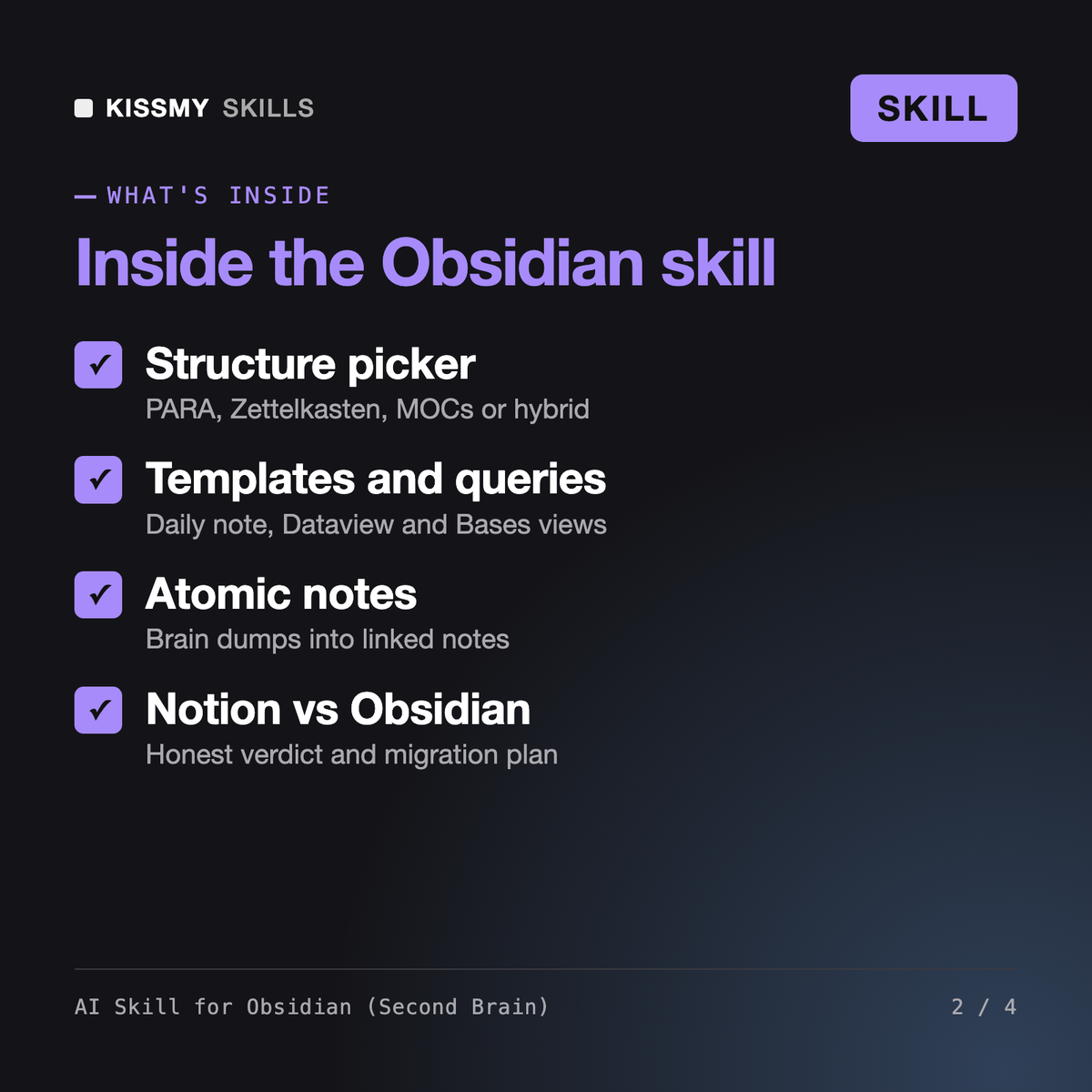
You get: an Obsidian vs Notion table for your actual needs → a structure decision (hybrid PARA plus atomic notes) with the reason → a folder tree and a one-page Vault conventions note → Templater templates for projects and daily notes → a Dataview task query and an Active projects Base → your brain dump split into linked atomic notes with properties → a Notion migration plan via the Importer plugin → and a list of open items marked NEEDED.
It sets up and maintains an Obsidian second brain with Claude or ChatGPT. It picks a structure such as PARA, Zettelkasten atomic notes or Maps of Content, writes a conventions note, templates, a daily note, Dataview queries and Bases views, turns brain dumps into linked atomic notes, plans migration from Notion, Apple Notes or Bear, and compares Obsidian vs Notion for your use case.
Leon - Knowledge Manager covers knowledge management in any tool, at the level of habits and taxonomies. Liesel - Notion Consultant and the Notion Personal Planner Dashboard build inside Notion. This skill is Obsidian-native: it writes the actual vault files, wikilinks, properties, templates and queries, and when you are undecided it compares Obsidian and Notion instead of selling one.
It depends on the job. Obsidian keeps plain Markdown files on your own device, works fully offline and is built around links, which suits solo thinking, writing and research. Notion is stronger for real-time collaboration, shared databases and pages for clients. The skill compares both against your needs and often recommends using each for what it does best.
Yes. It writes Dataview queries if you allow that community plugin, and Bases views using the core plugin added in 2025. Bases syntax is still evolving, so the skill marks it as version-dependent and tells you where to check if a field errors. With file access it can save the files to your vault; otherwise you paste them.
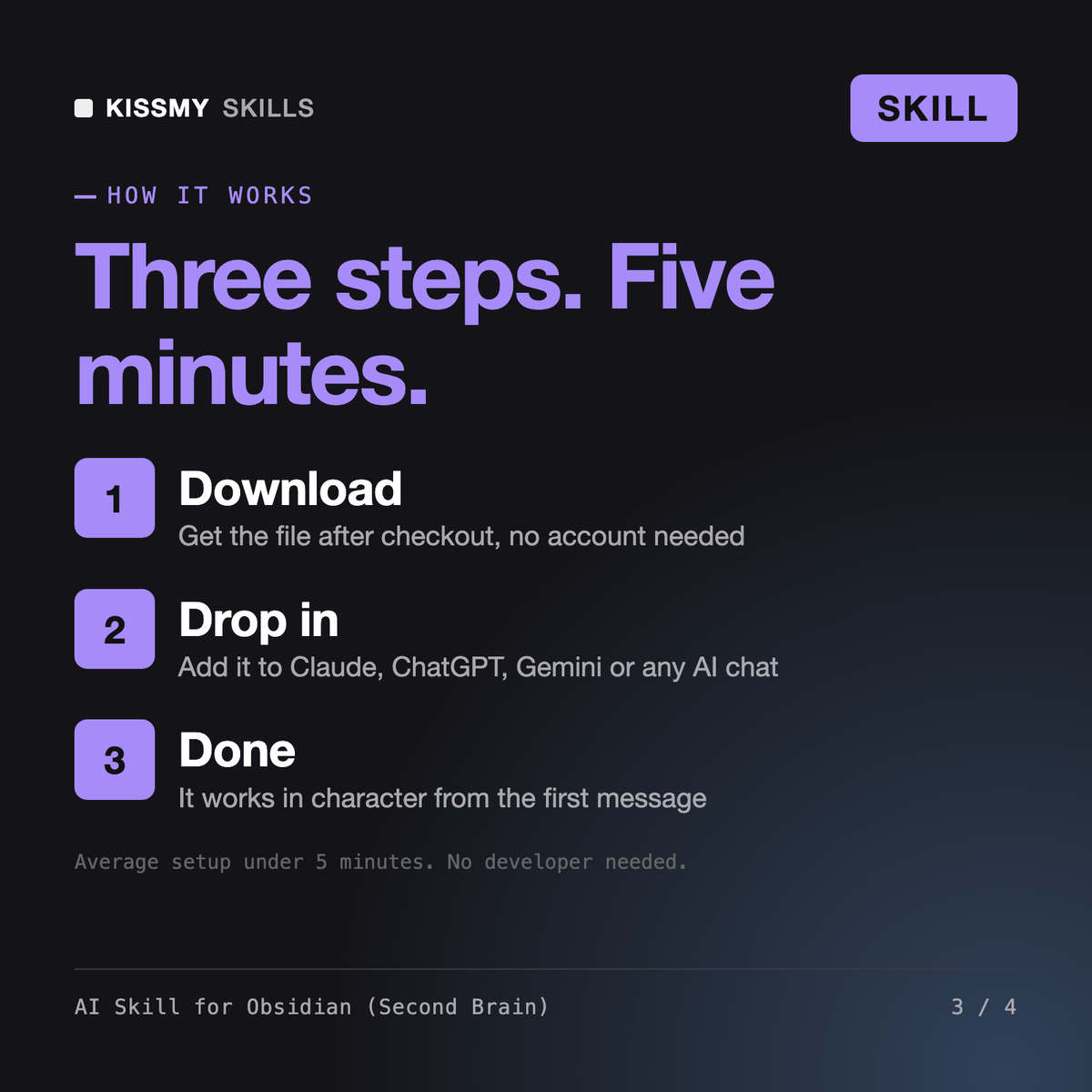
Download your .skill file from the order email or your account. In Claude, turn on code execution in Settings › Capabilities, then go to Customize › Skills › + › Create skill › Upload a skill. Start a new chat and ask for the specialist by name.